Components
Every component has live previews running the real Rust code, compiled to WebAssembly, alongside the source for each example.
Actions






Forms
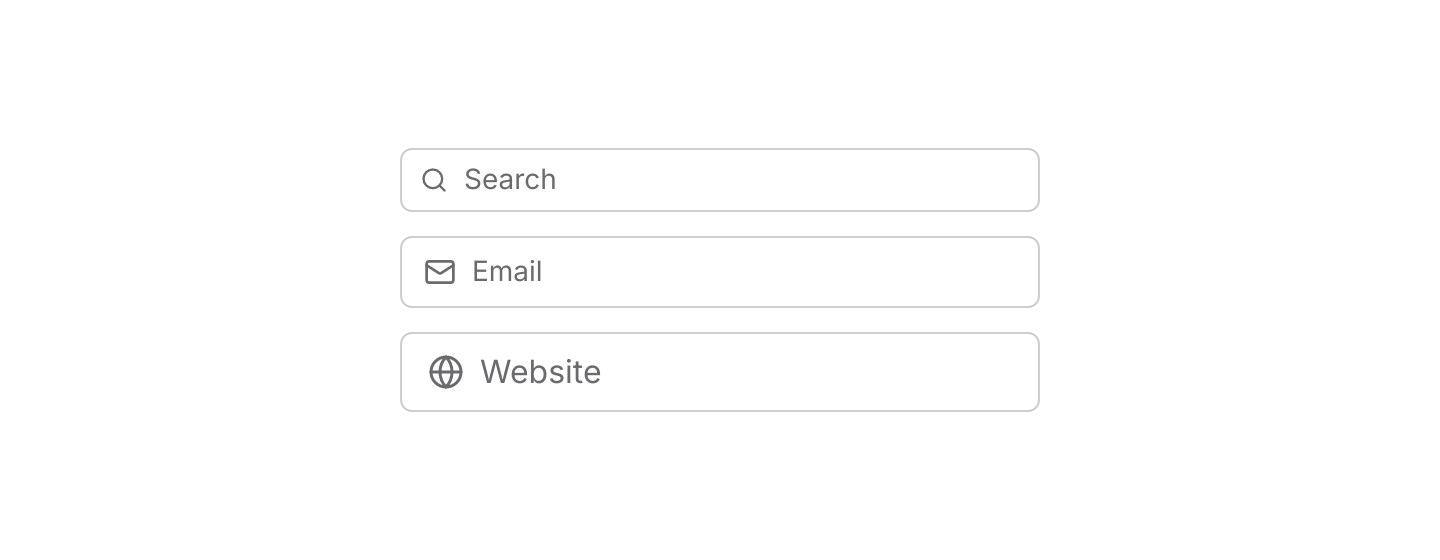
 InputA single line of editable text, with an optional icon, password masking and an invalid state.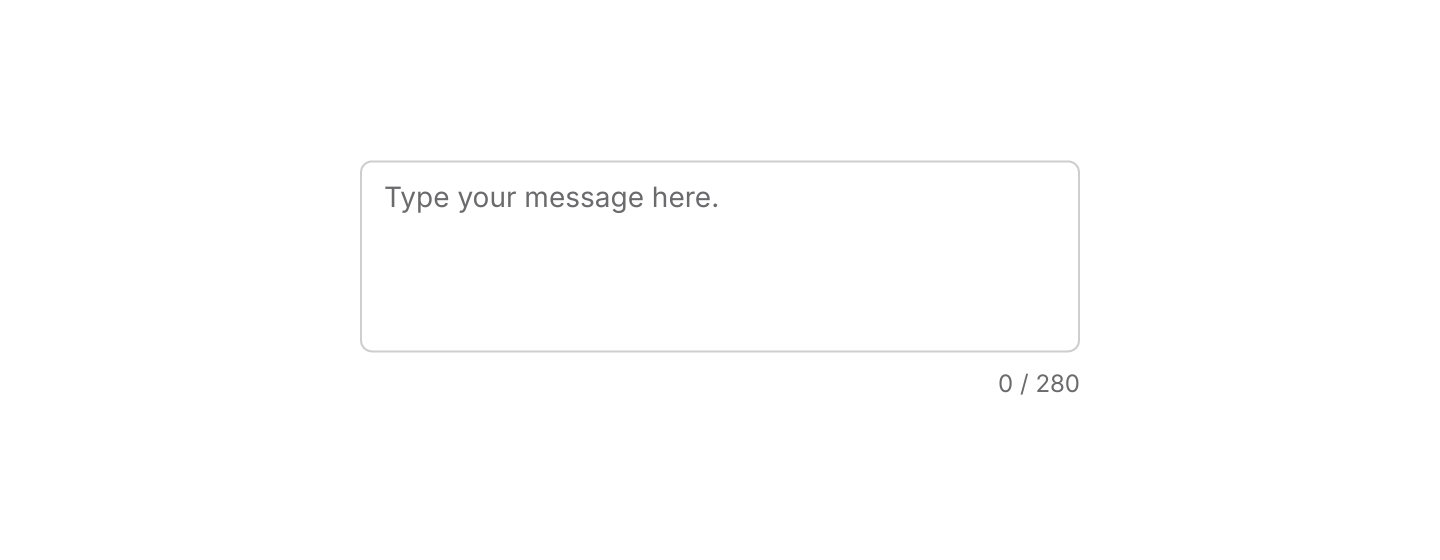
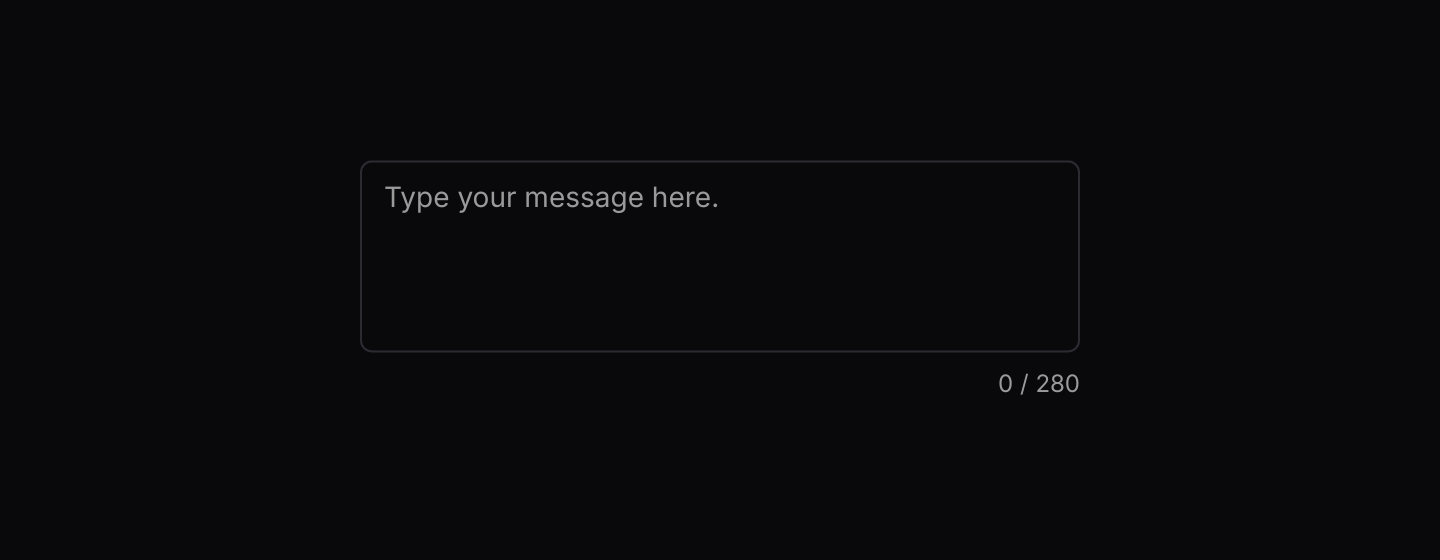 TextareaMulti-line text editing that matches the look of Input.
 CheckboxTurns an option on or off, with an indeterminate state for mixed selections.
 RadioPicks exactly one option from a small, visible set.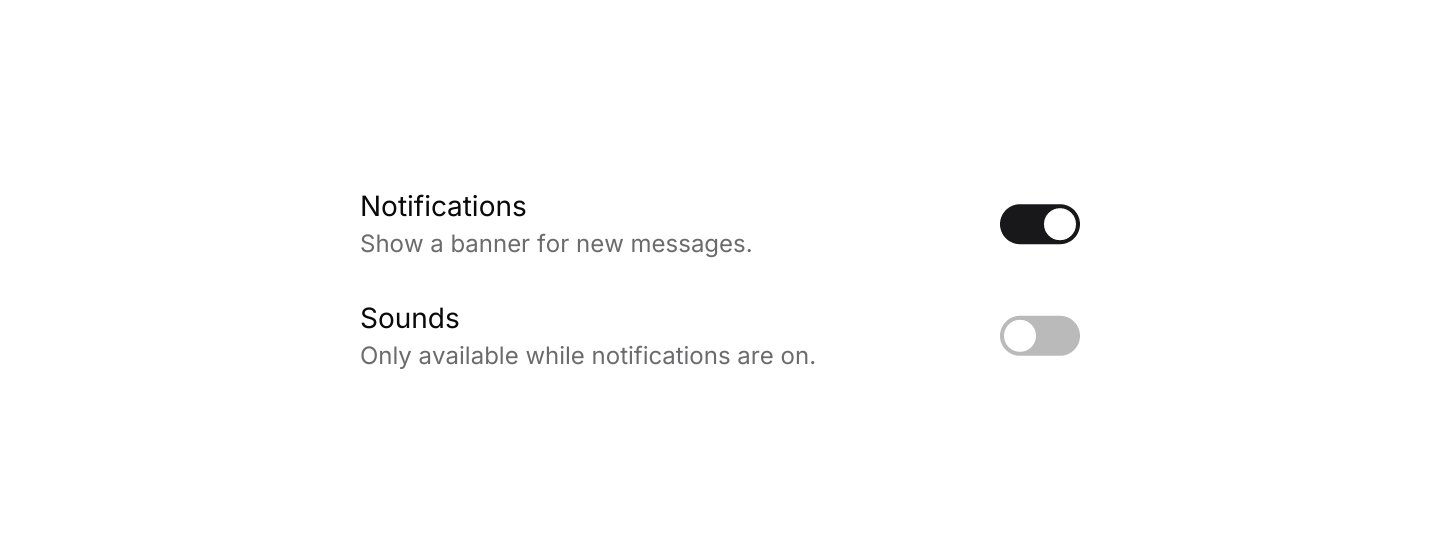
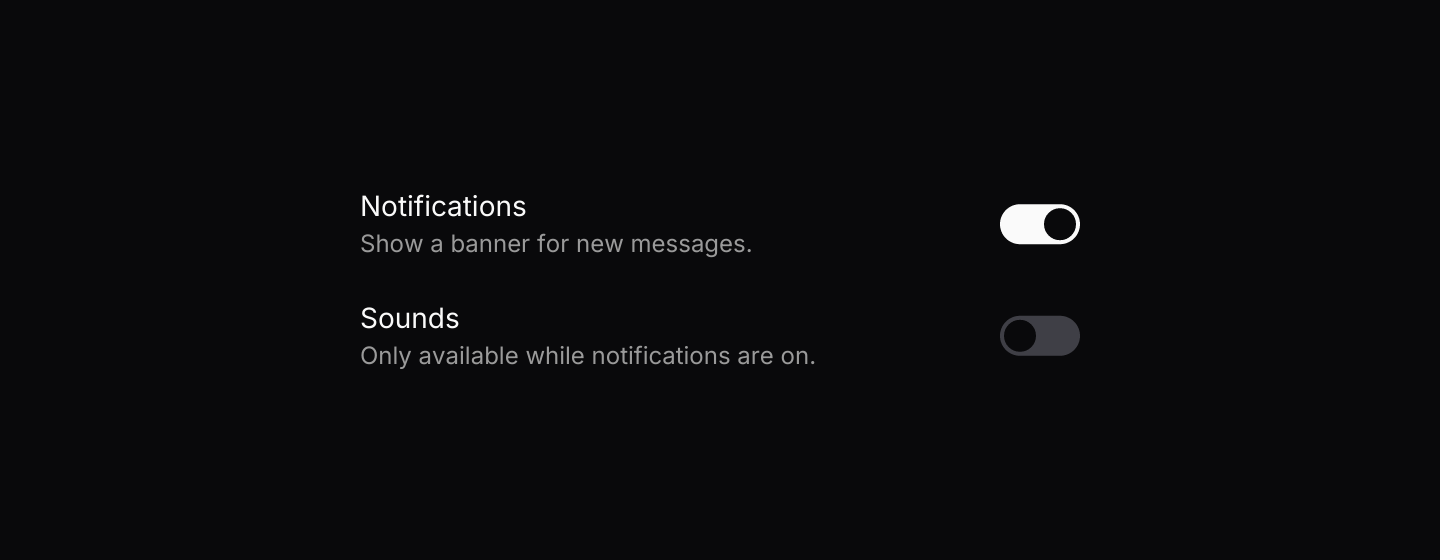 SwitchTurns a setting on or off with immediate effect.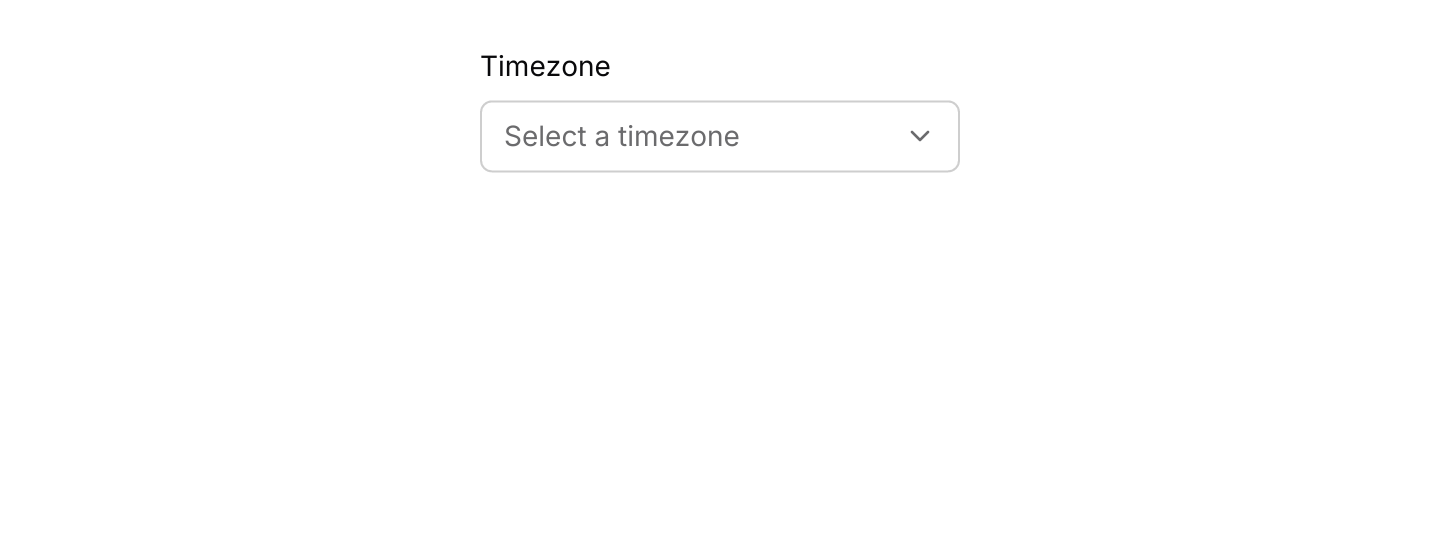
 SelectChooses one value from a dropdown list.
 SliderChooses a number within a range by dragging a handle.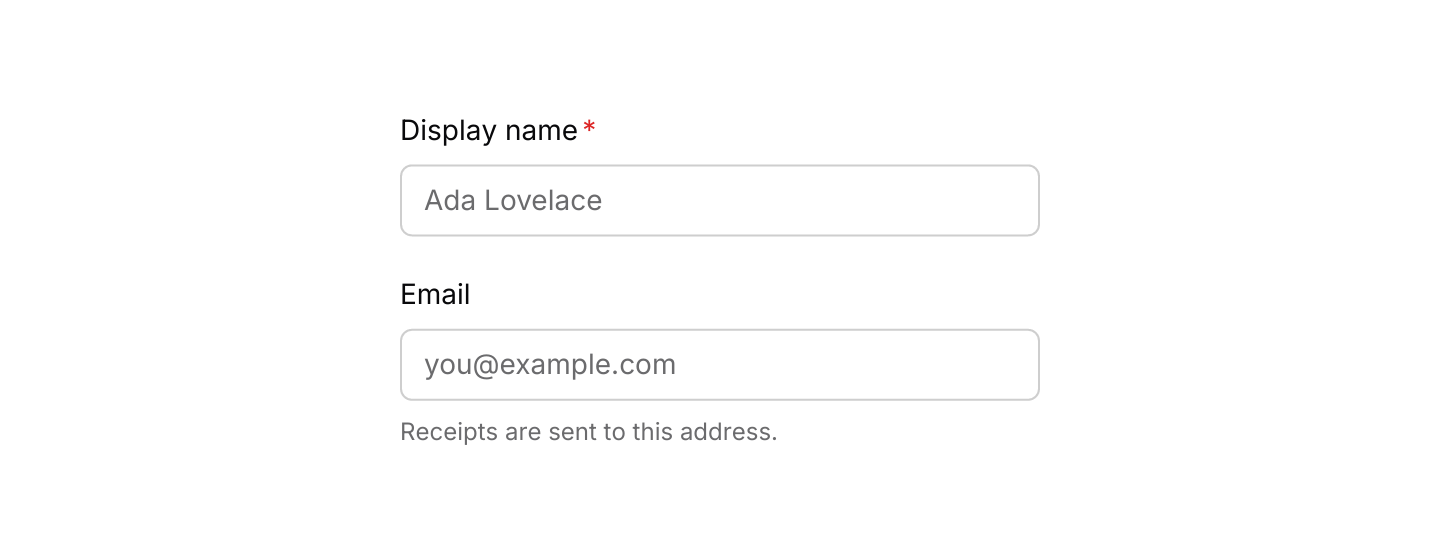
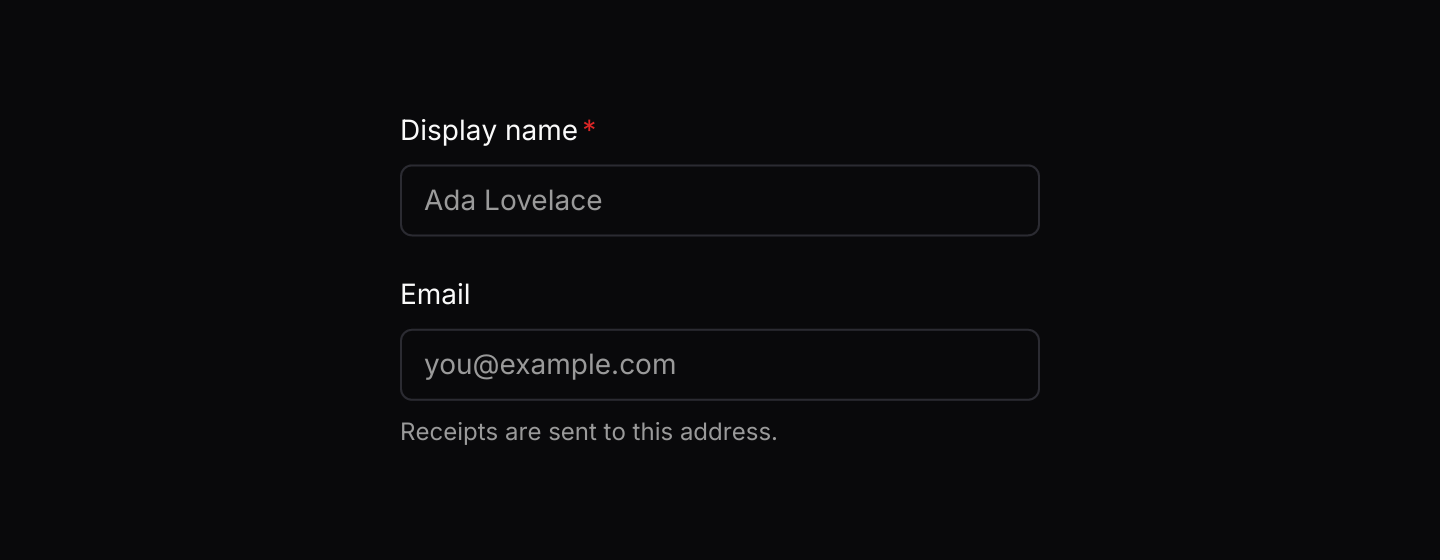 Field and labelPuts a label above any form control, with helper text or an error message below it.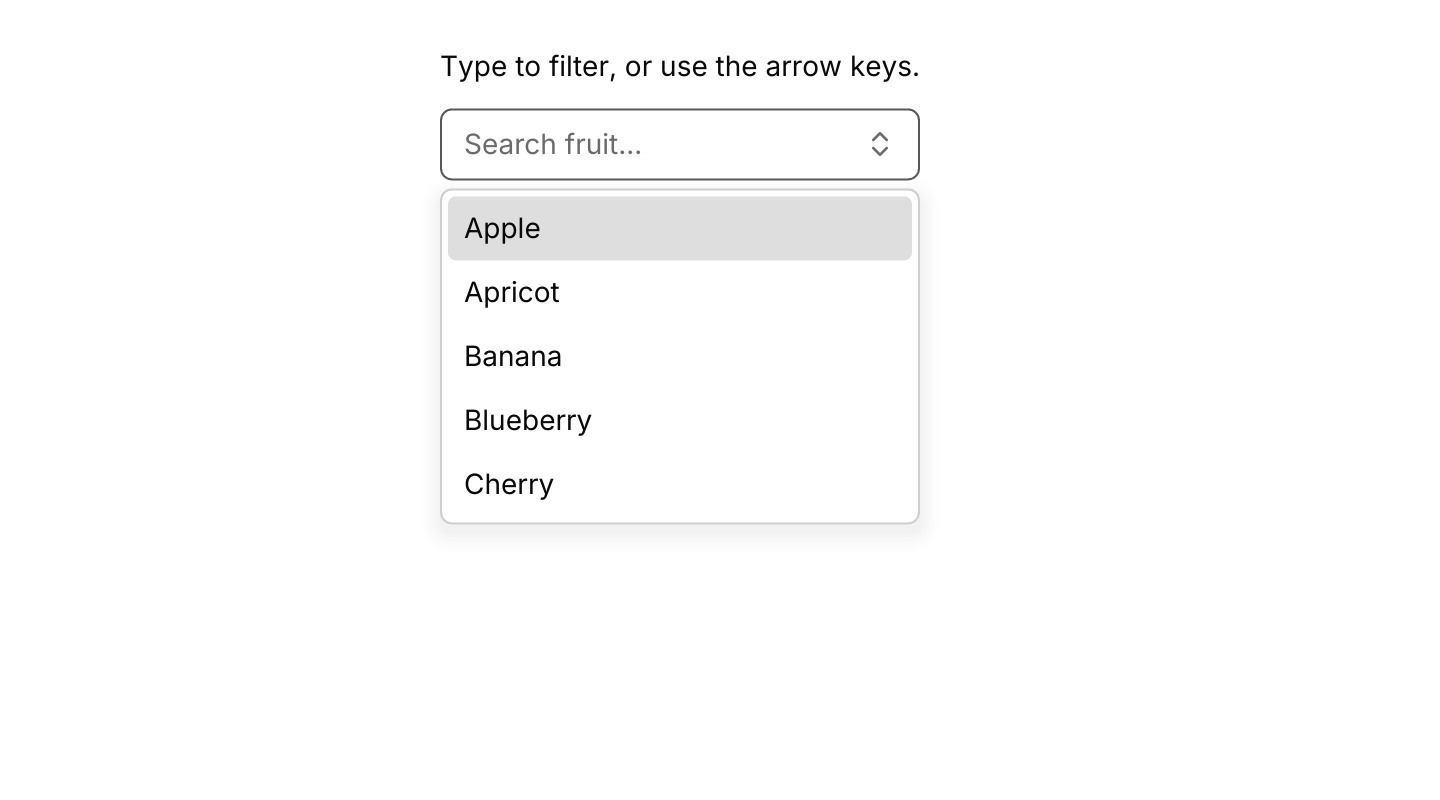
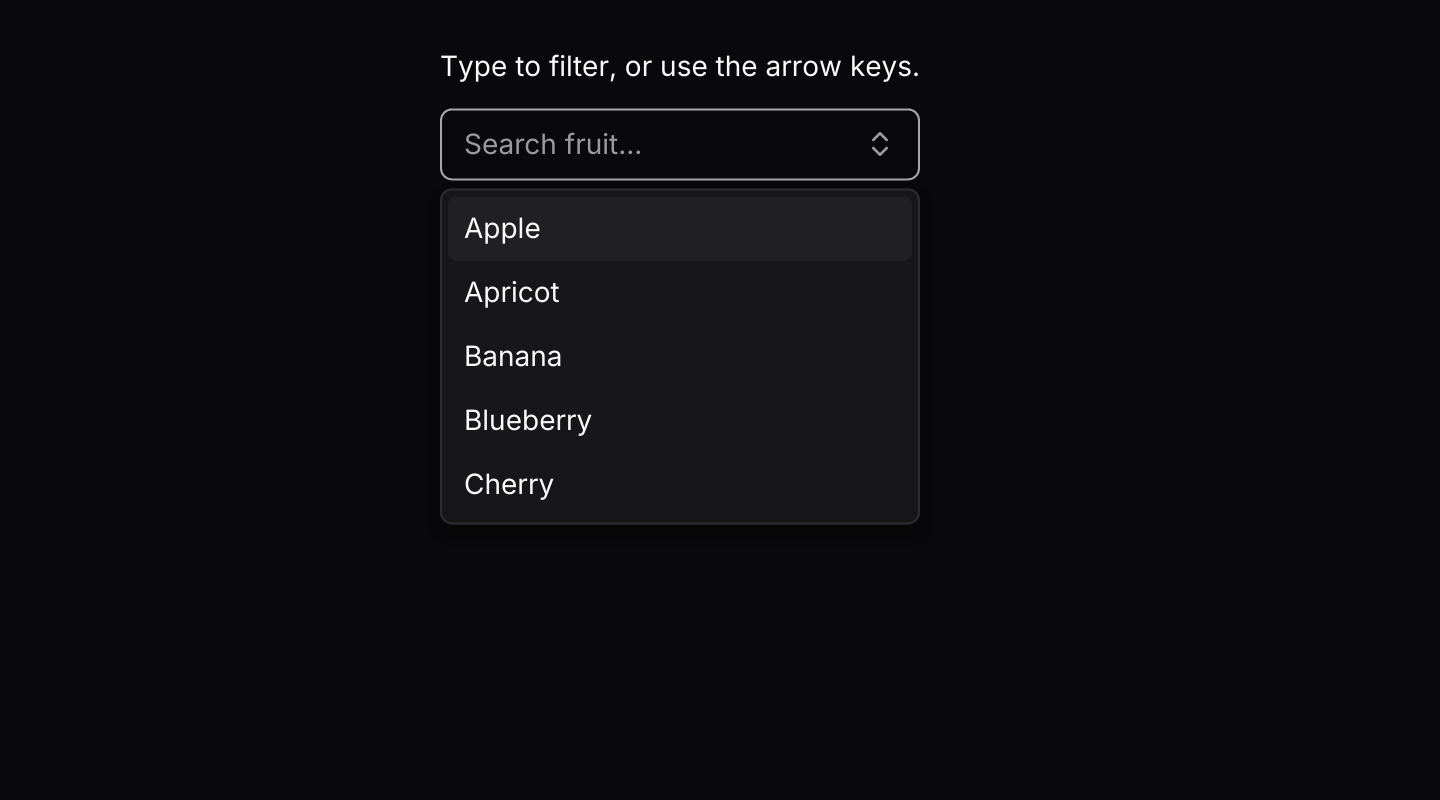 ComboboxA text field with suggestions that filter as you type.
Layout
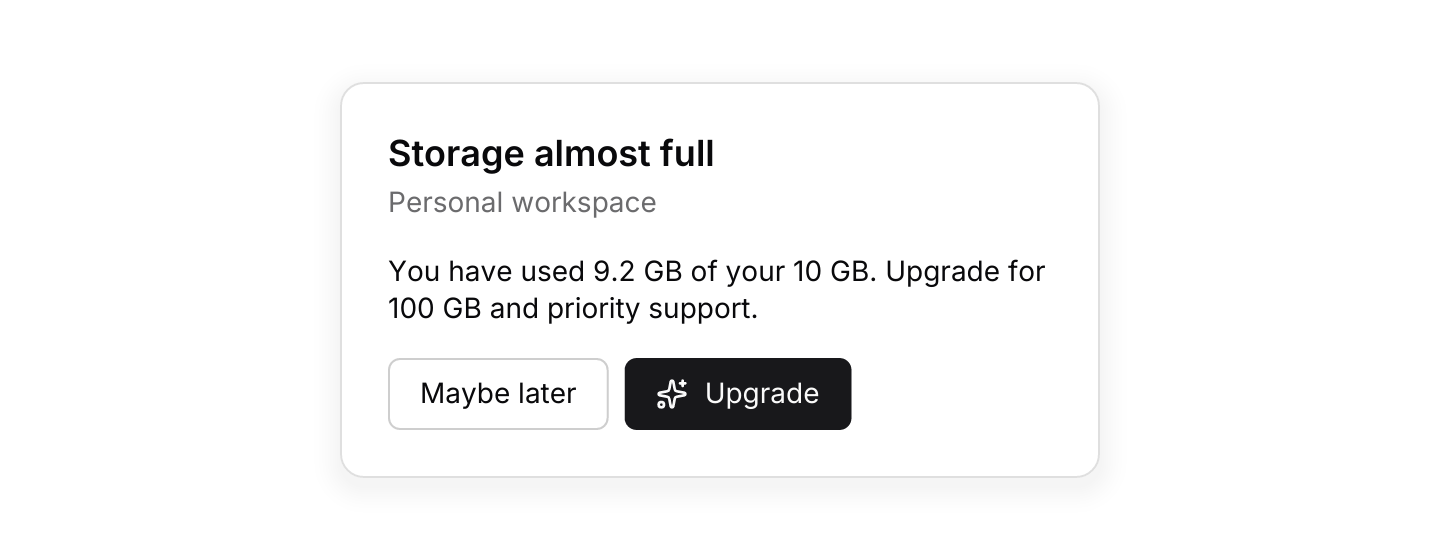
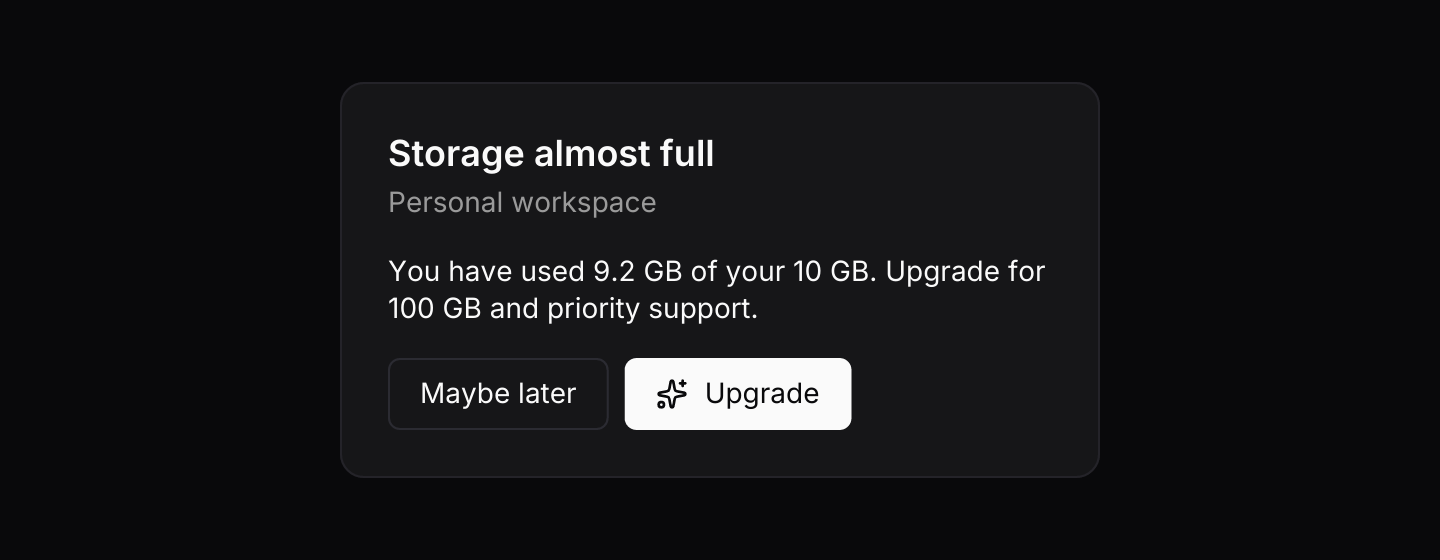 CardGroups related content on a raised surface, with an optional header and footer.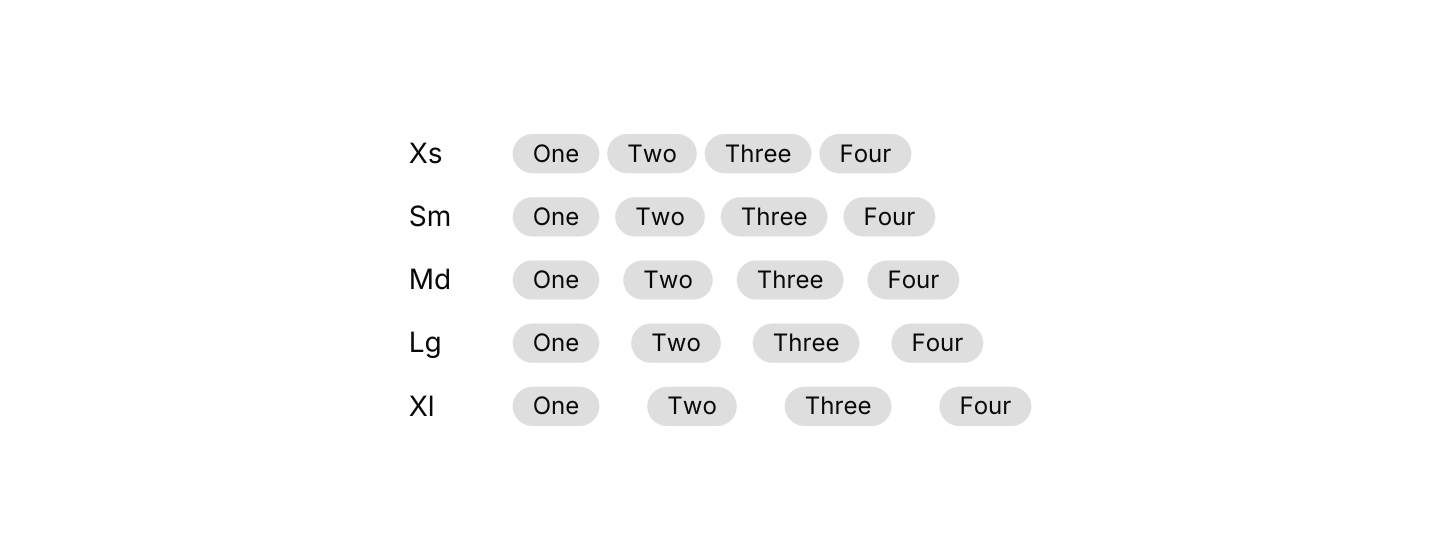
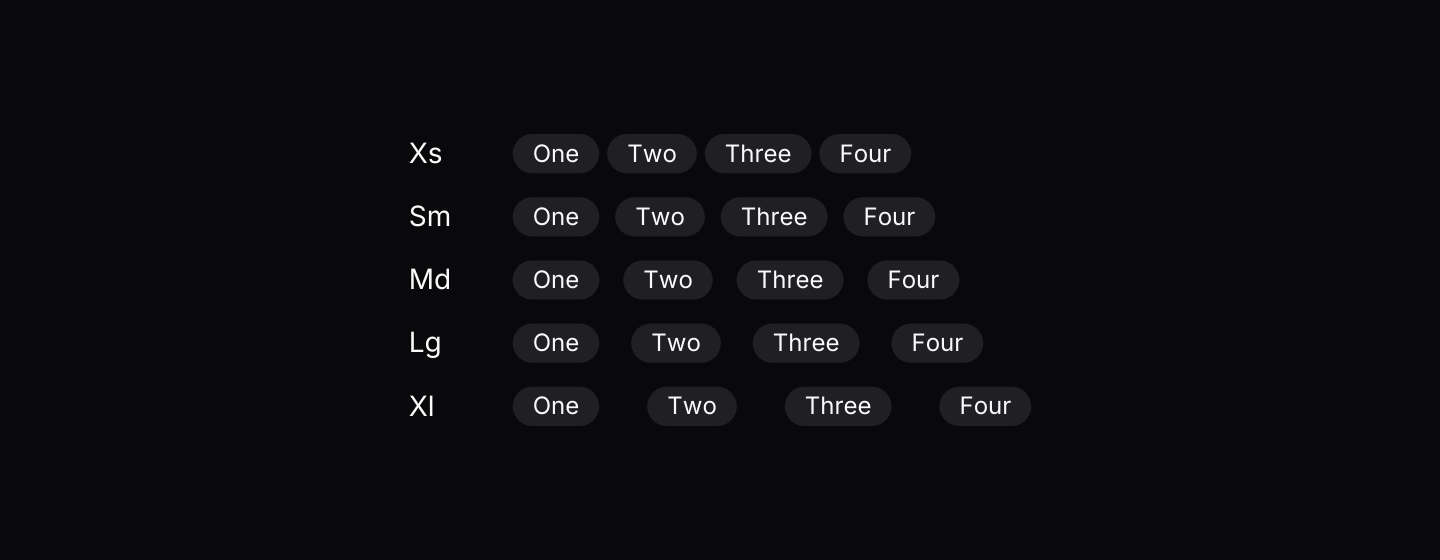 StackVertical and horizontal stacks that take their spacing from the theme's scale.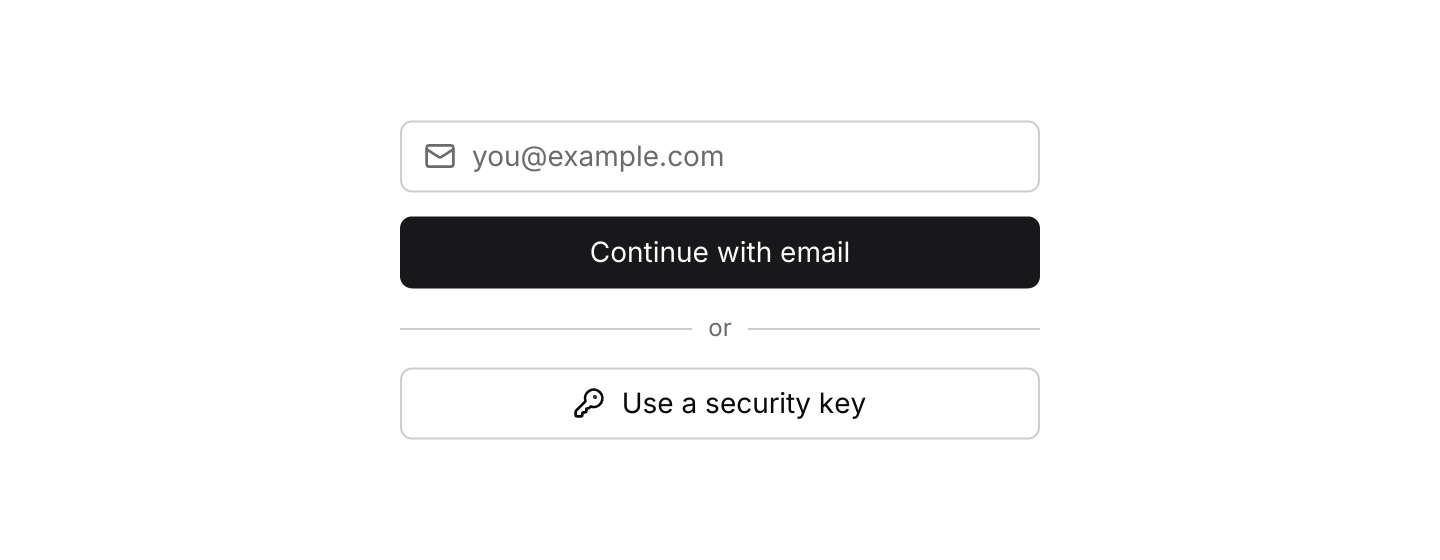
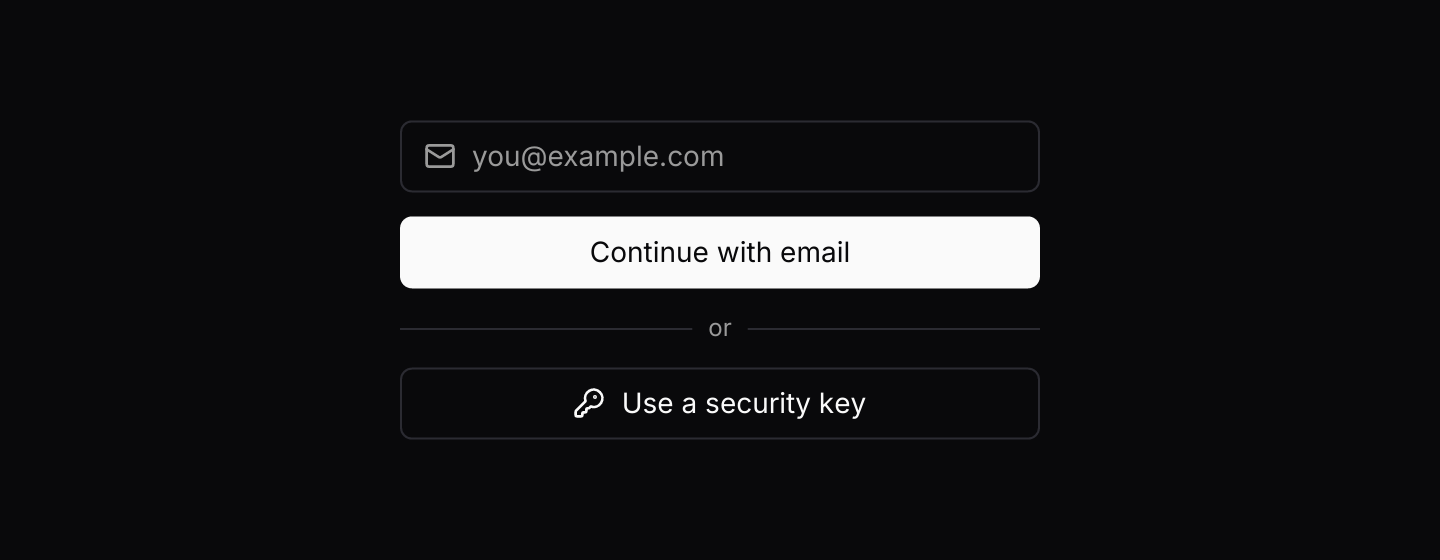 SeparatorA thin line that divides related groups of content, with optional inline text.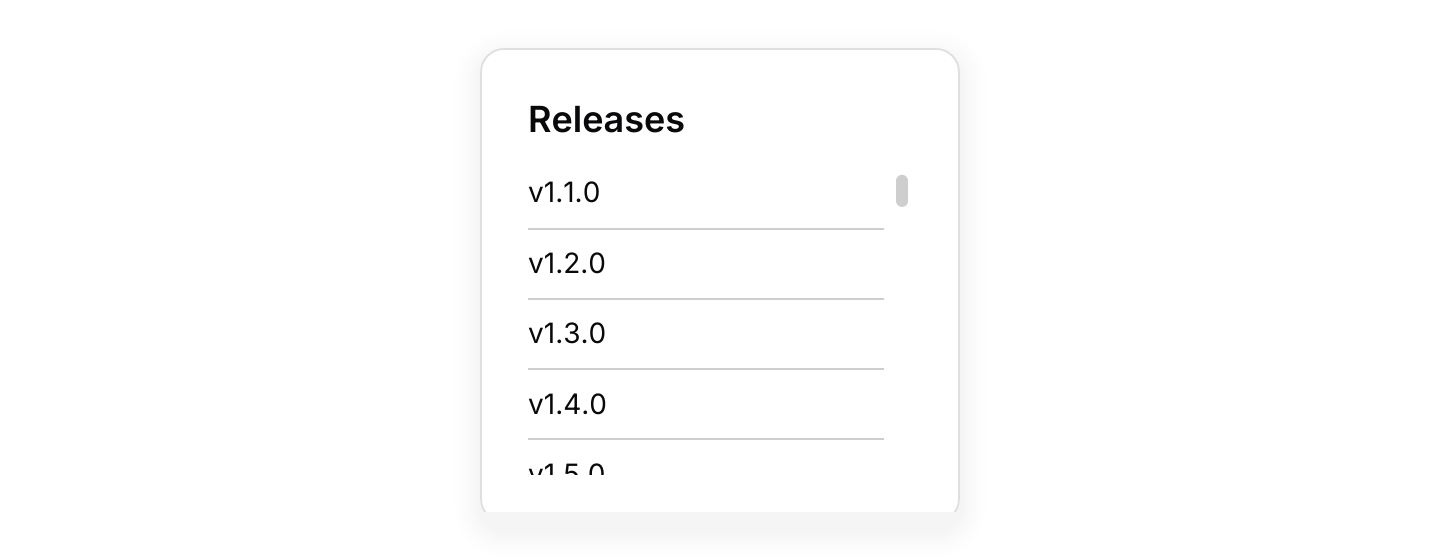
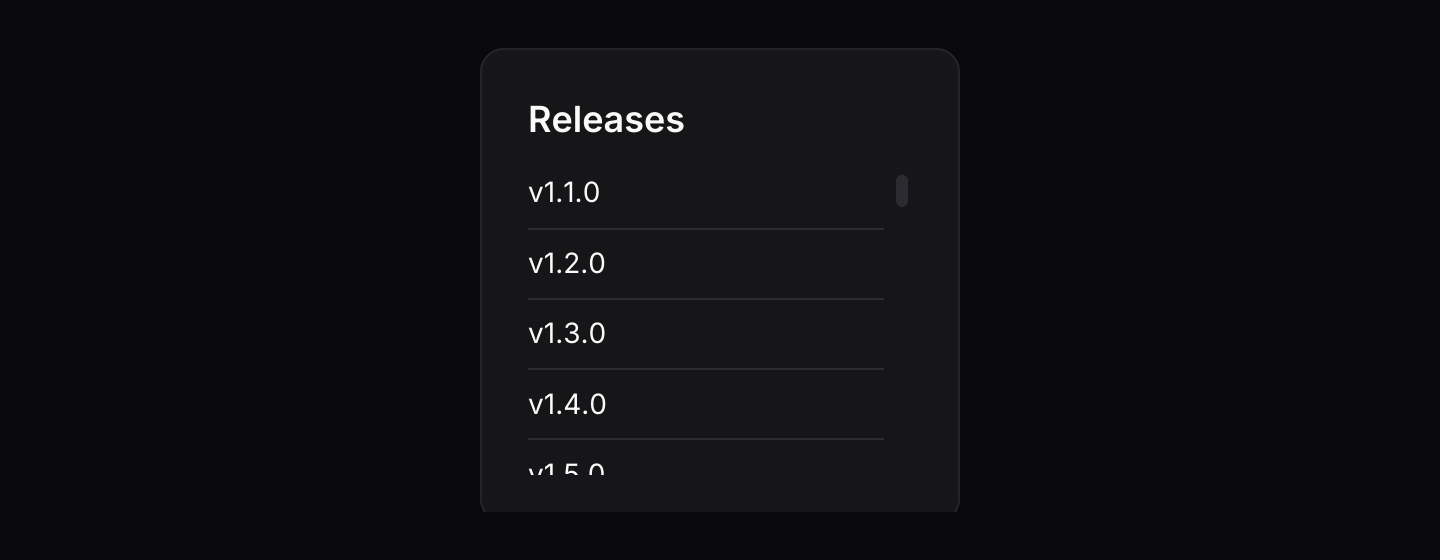 Scroll areaA scrollable region with a thin, rounded scrollbar that follows the theme.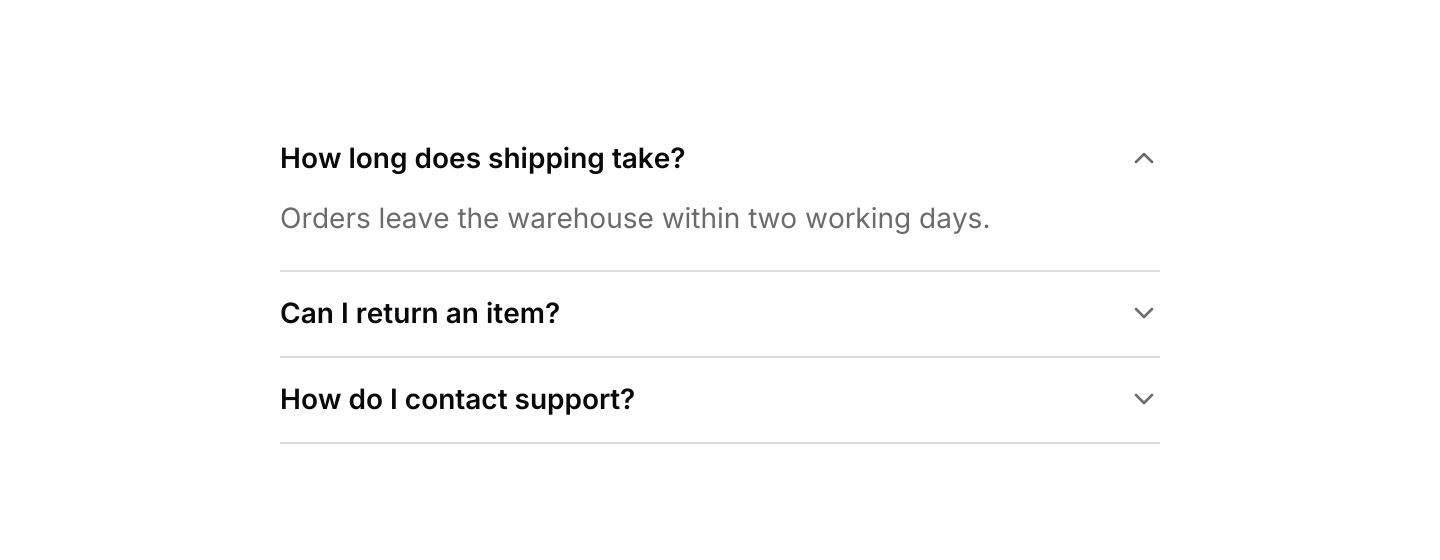
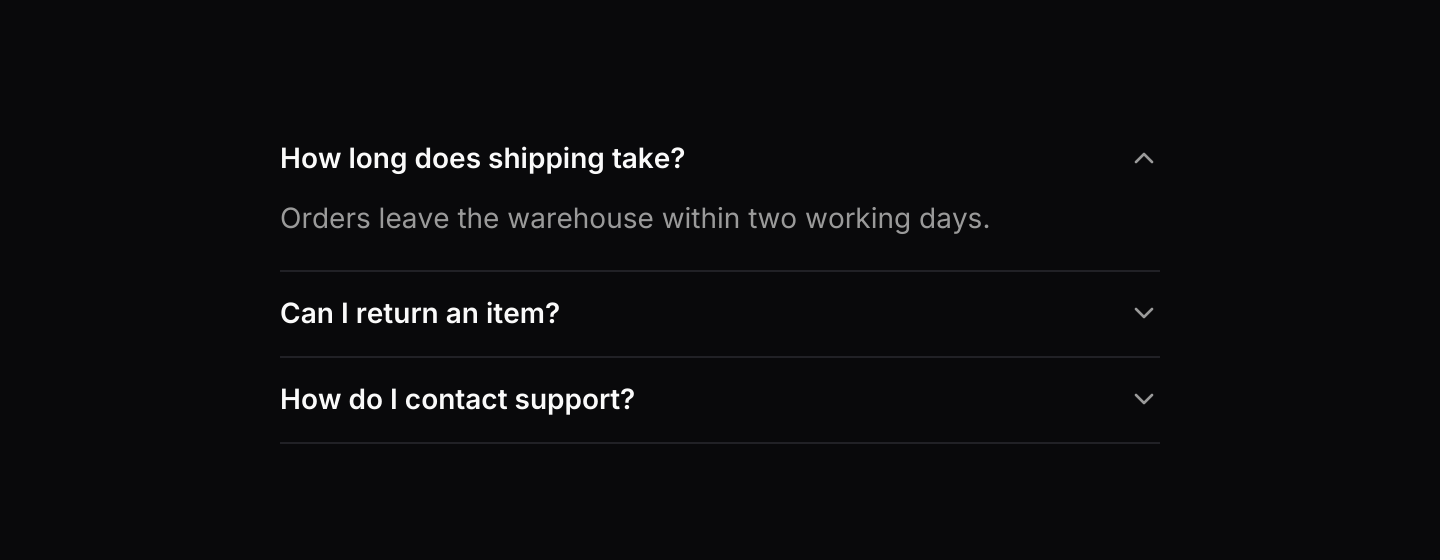 AccordionStacked sections that expand and collapse under their headers.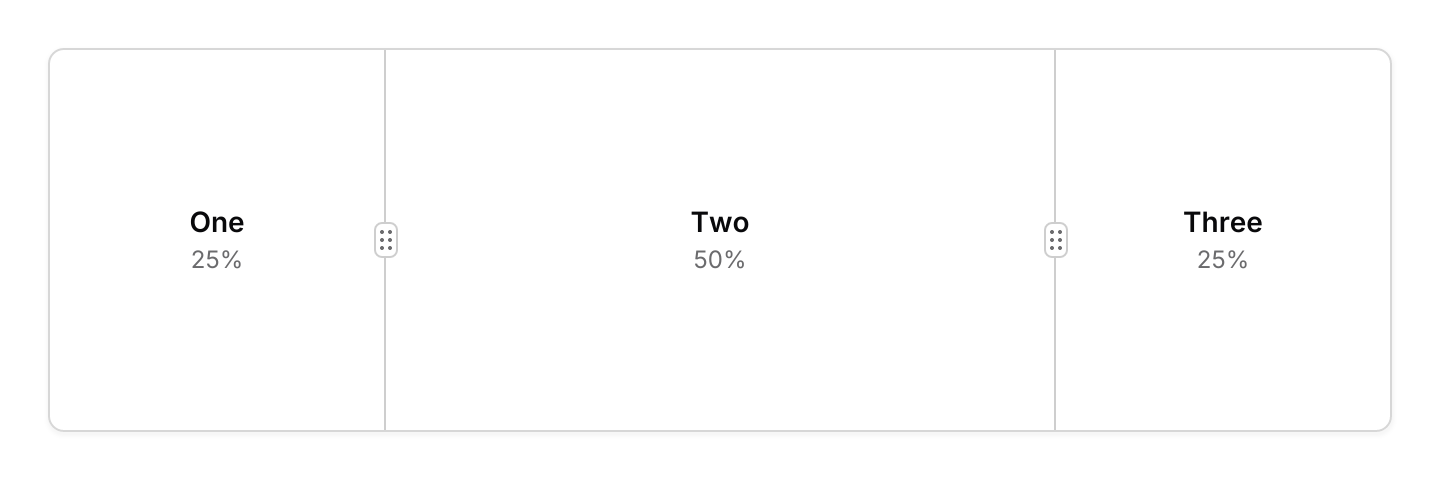
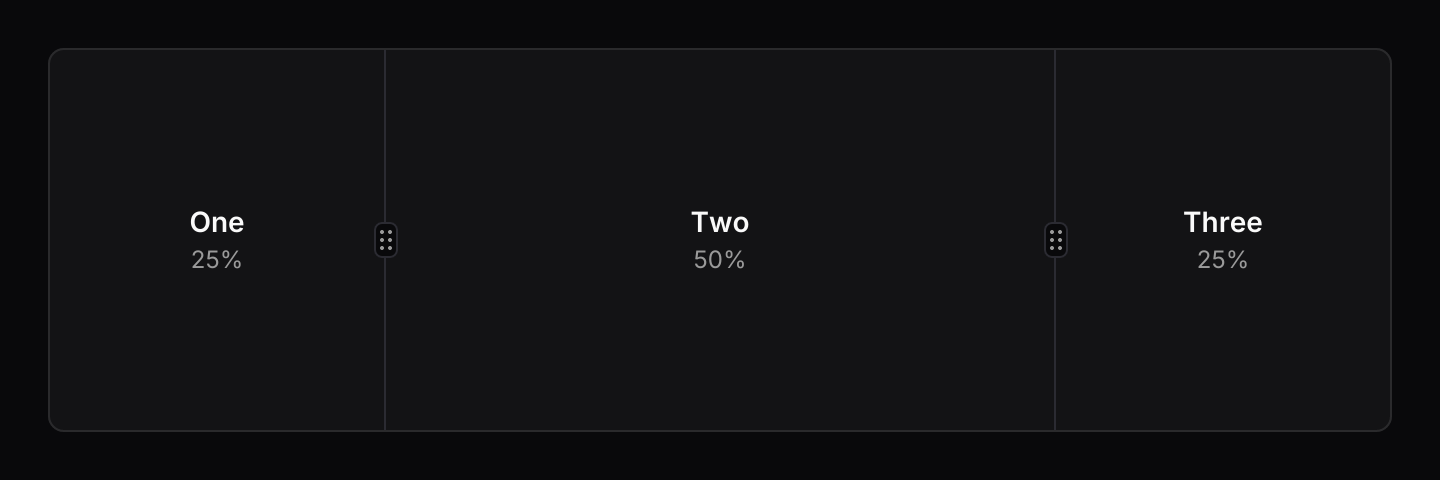 Resizable panelTwo or more panels in a row or column, separated by handles that resize them.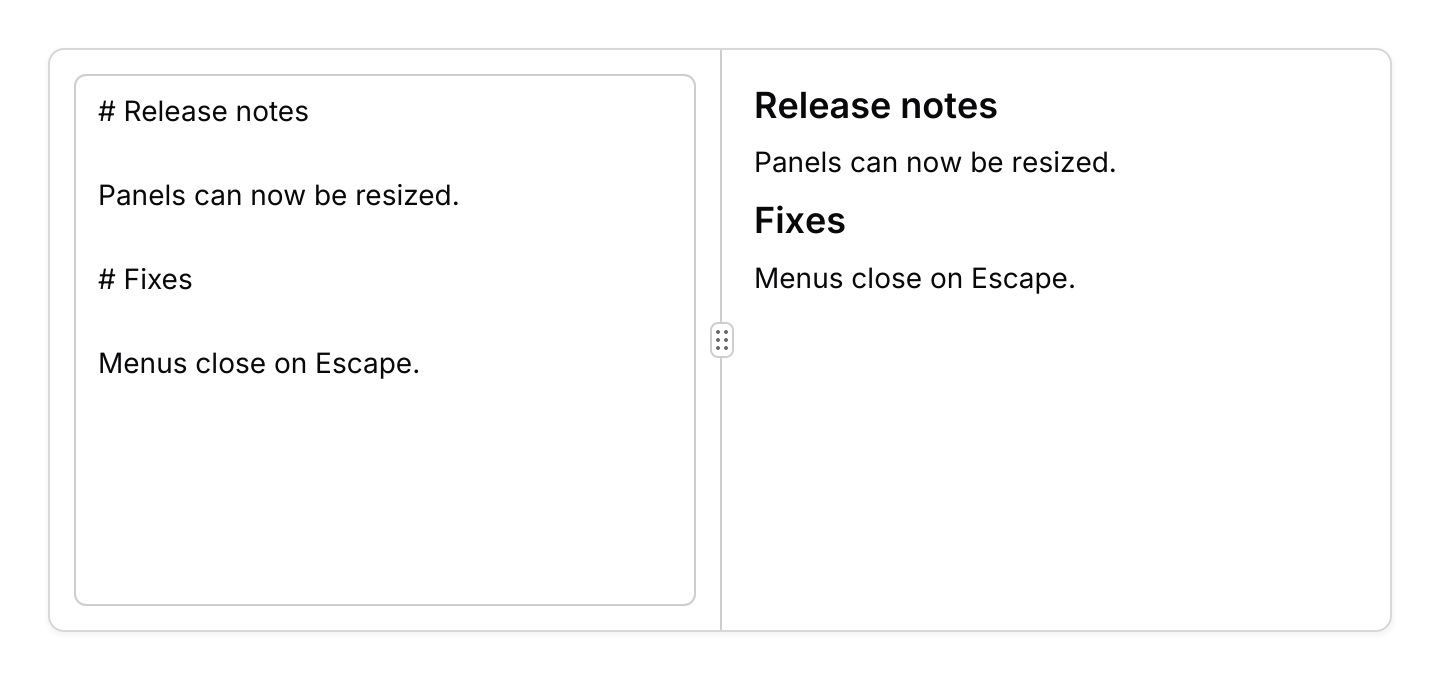
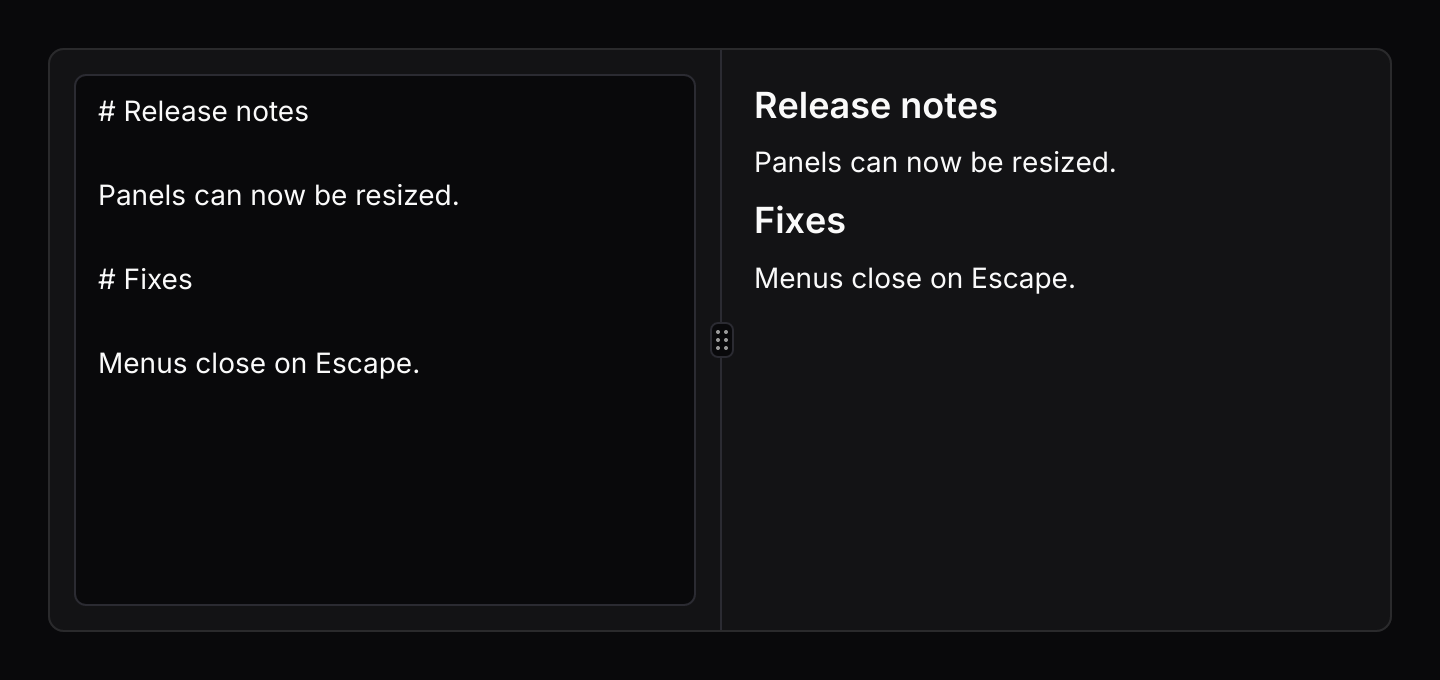 Split paneTwo views, a start and an end, with one handle between them and a ratio that says how the space is shared.
Navigation
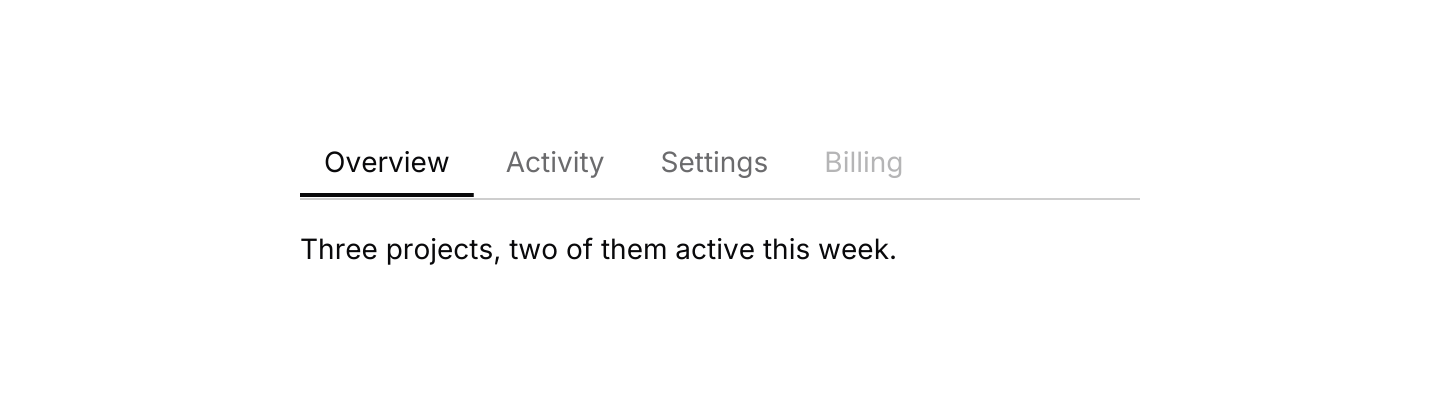
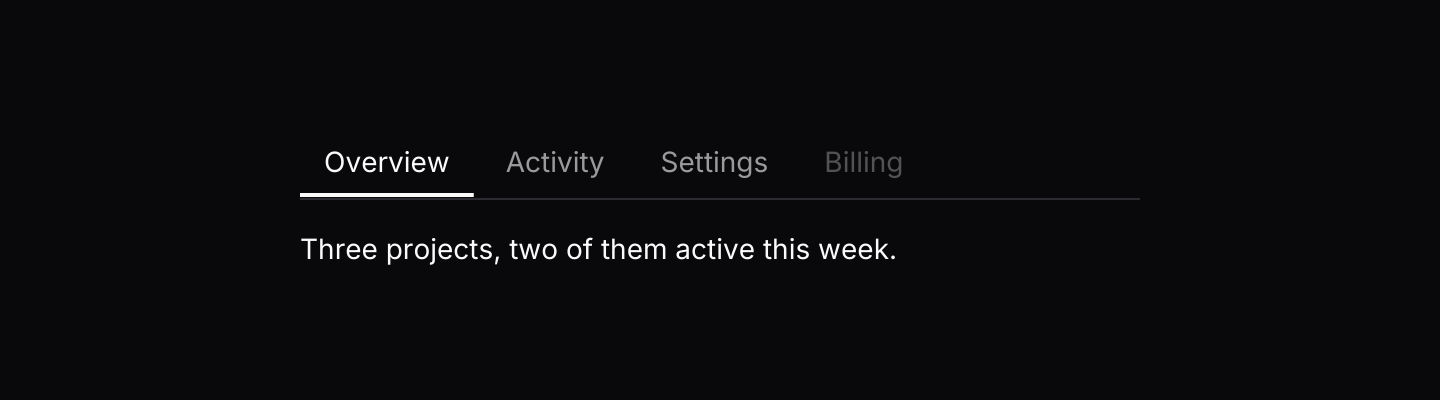 TabsSwitches between related views that share one place on screen.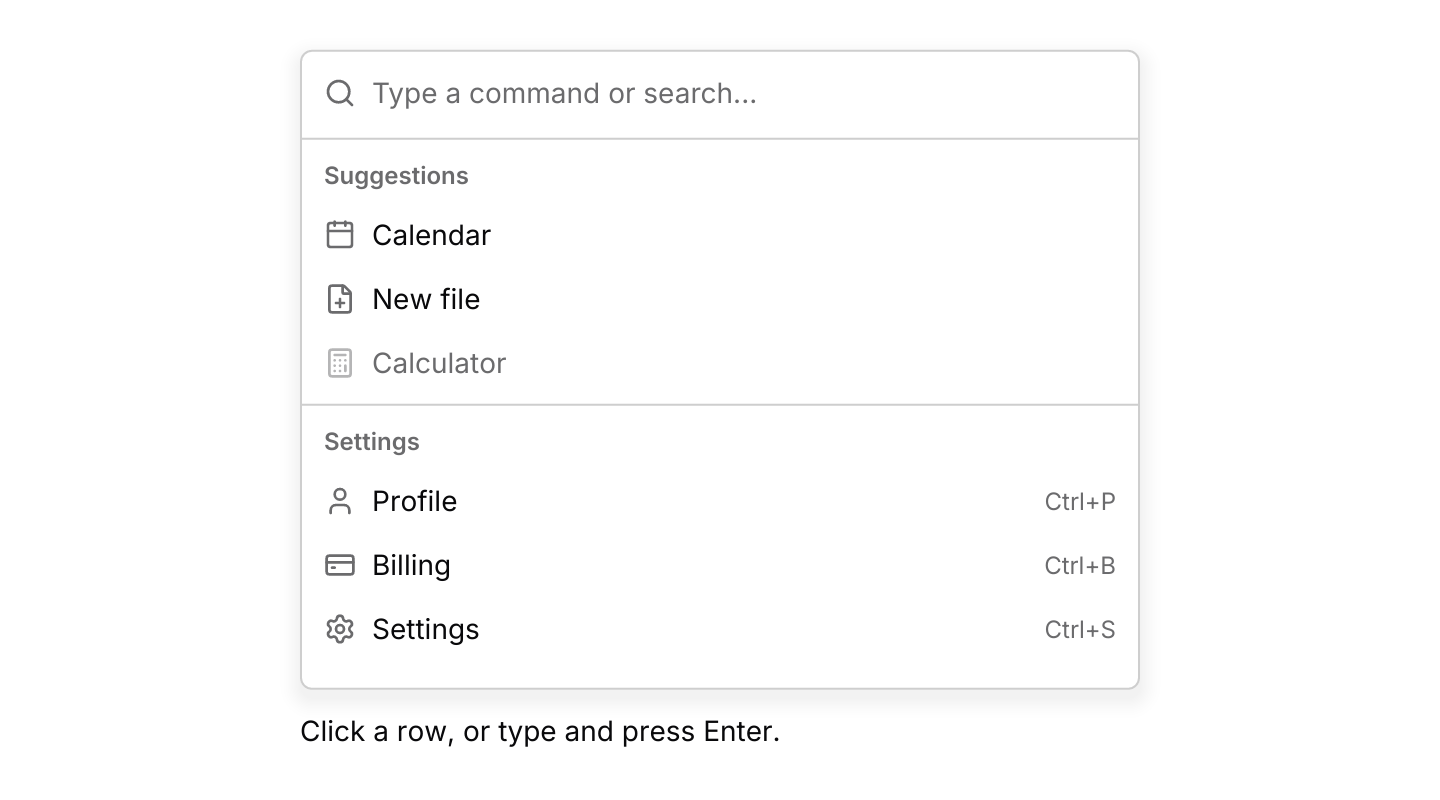
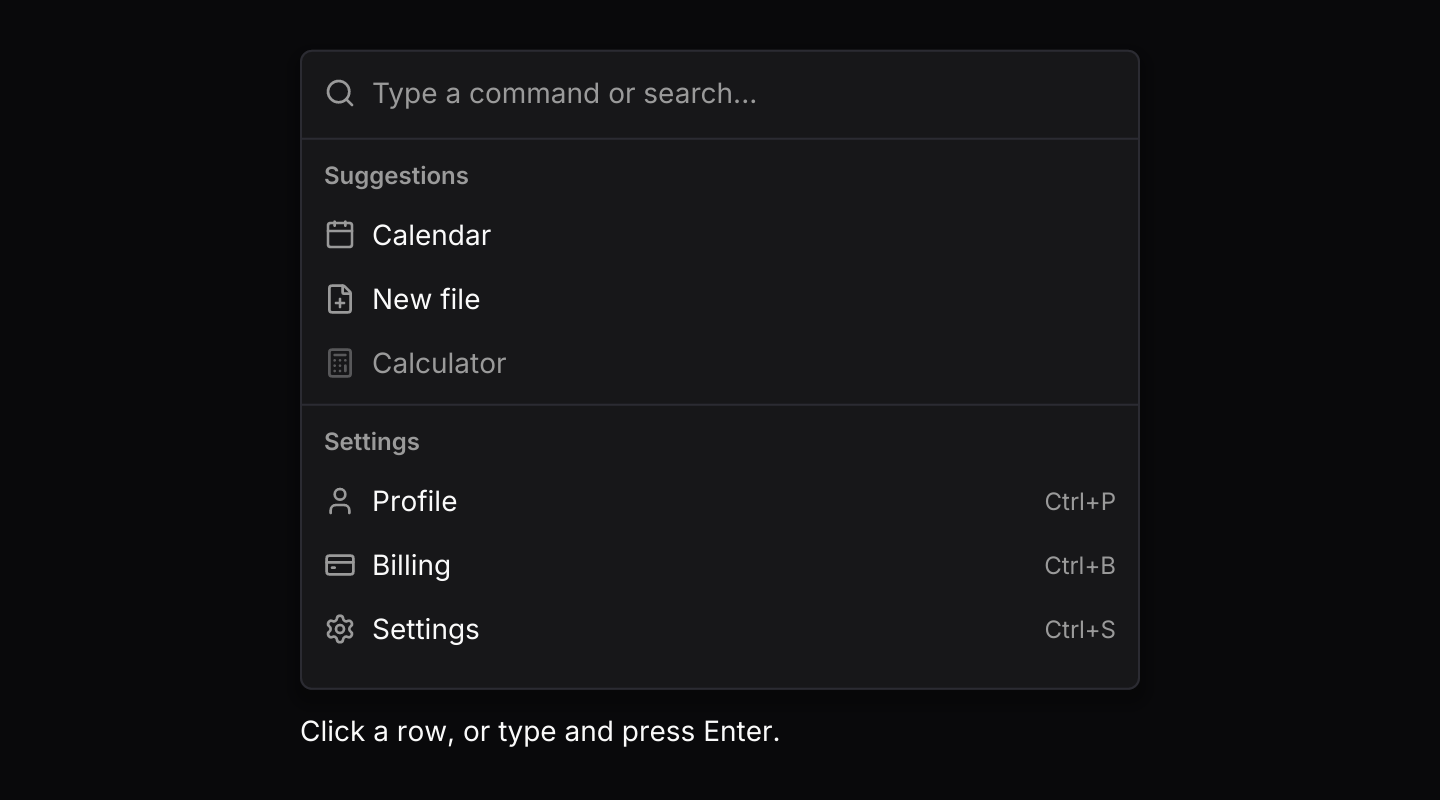 CommandA searchable list of actions, grouped, with icons and shortcut hints.
 BreadcrumbShows where the current view sits in a hierarchy, with a link to each level above it.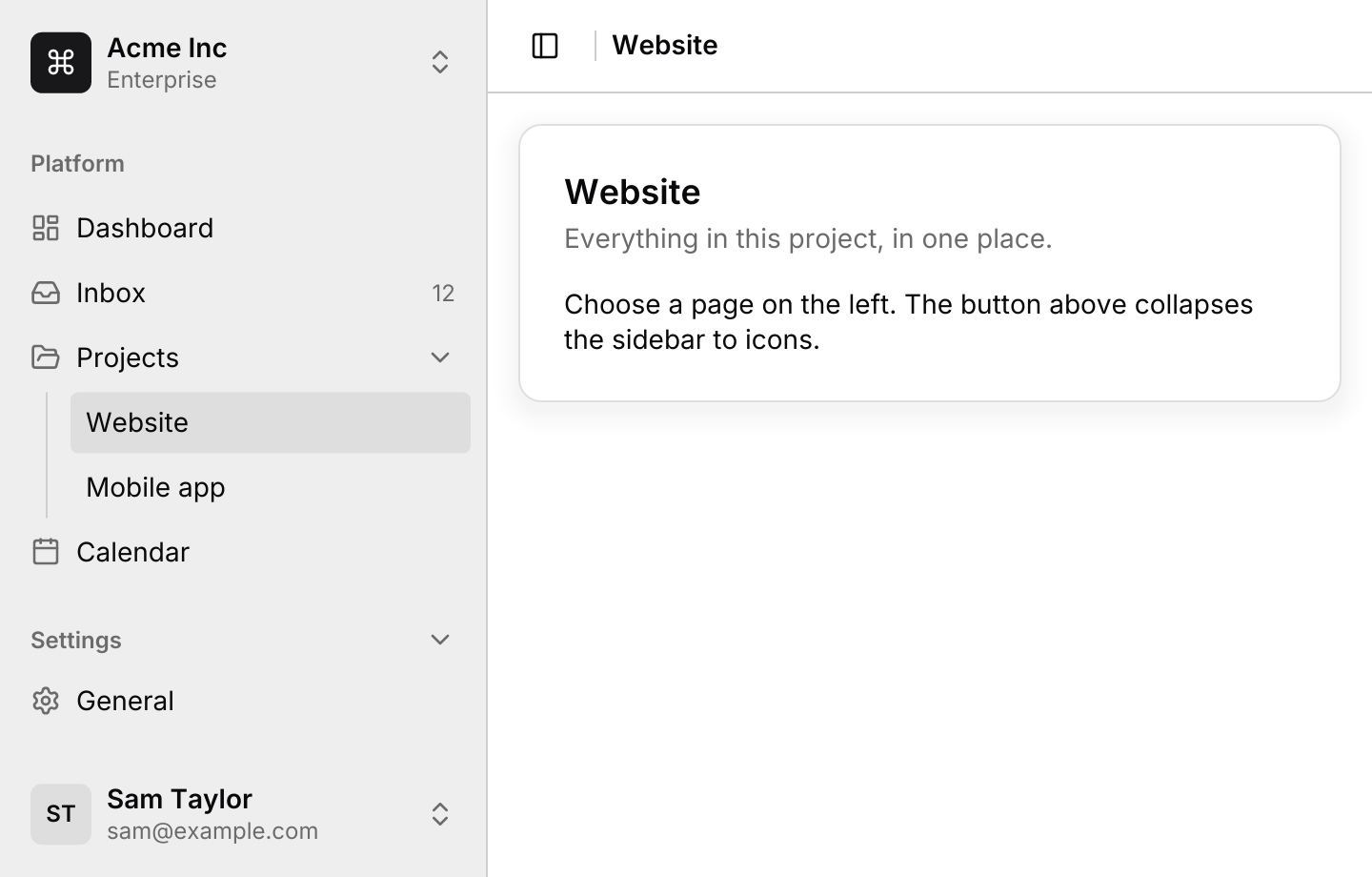
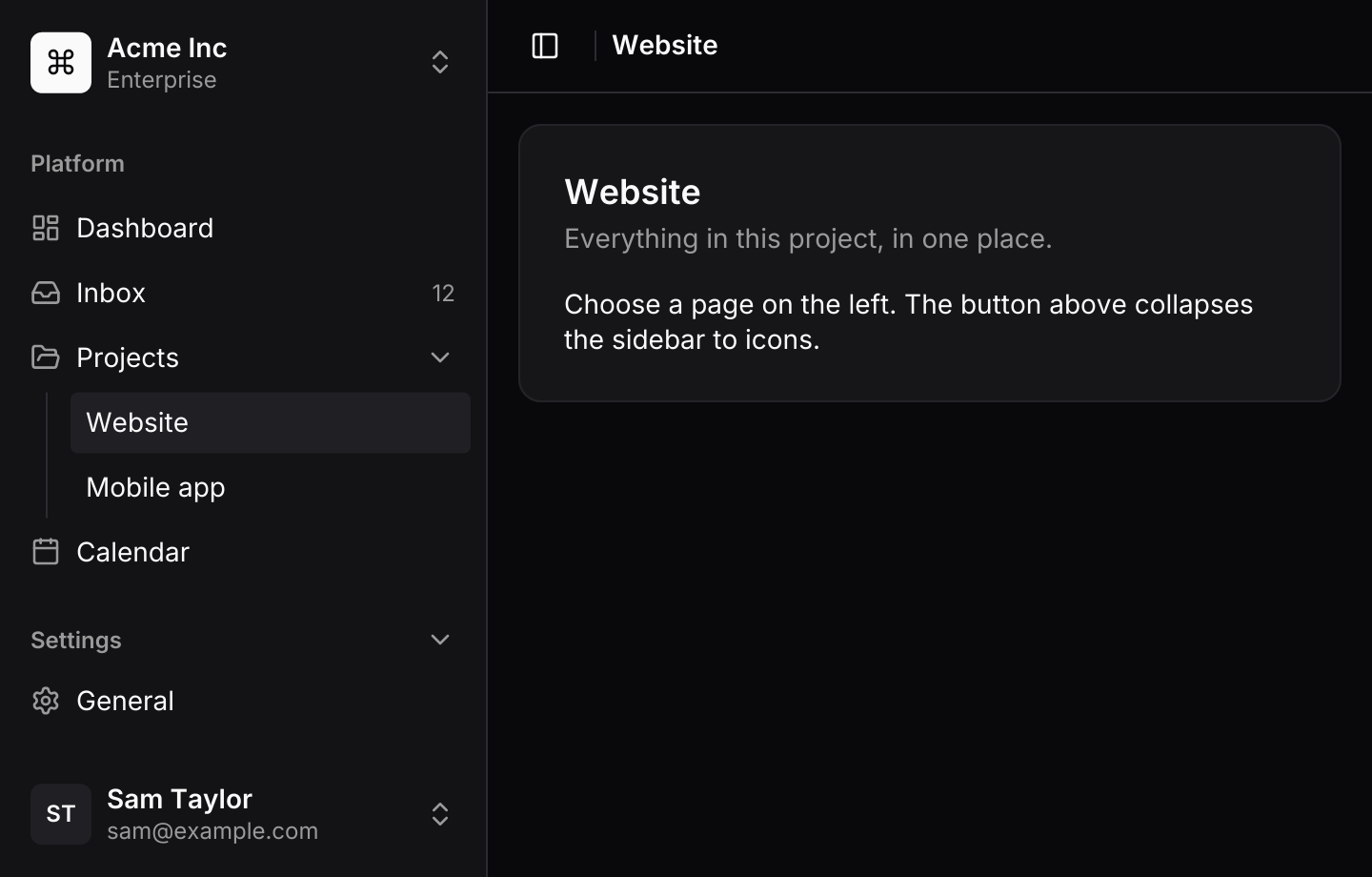 SidebarPersistent app navigation down one side of the window, which folds to an icon rail and becomes a drawer on small screens.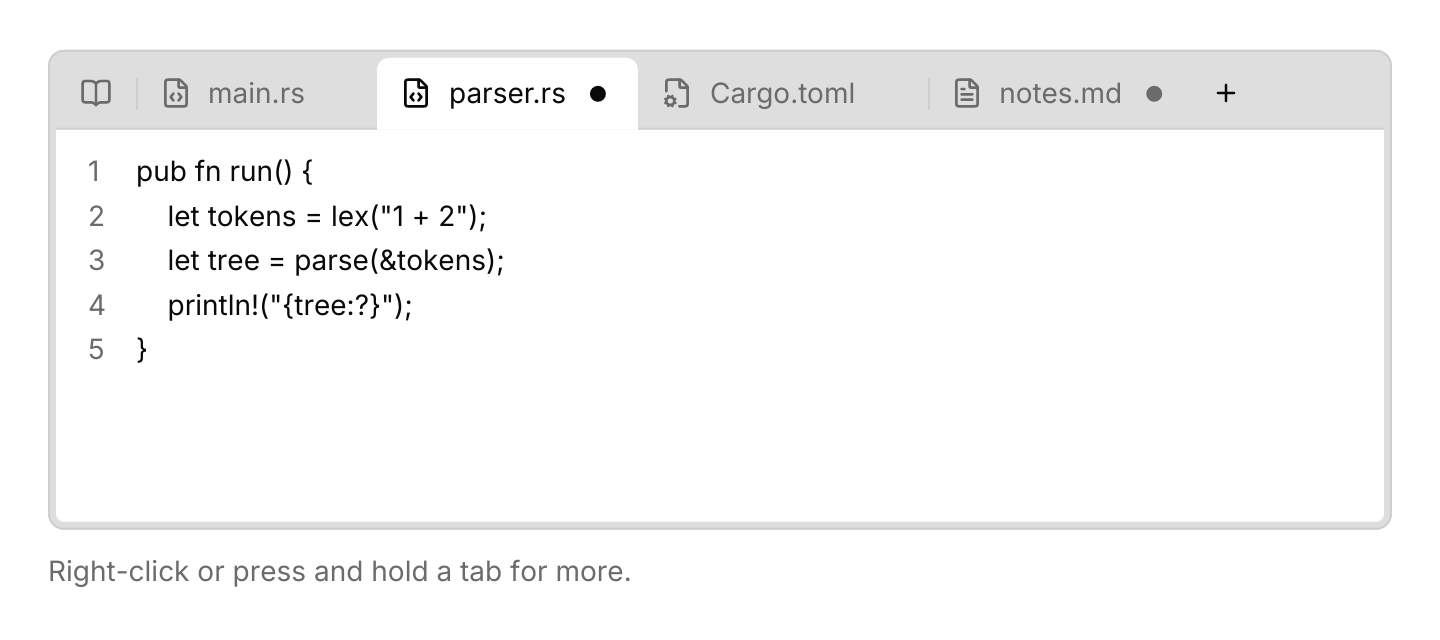
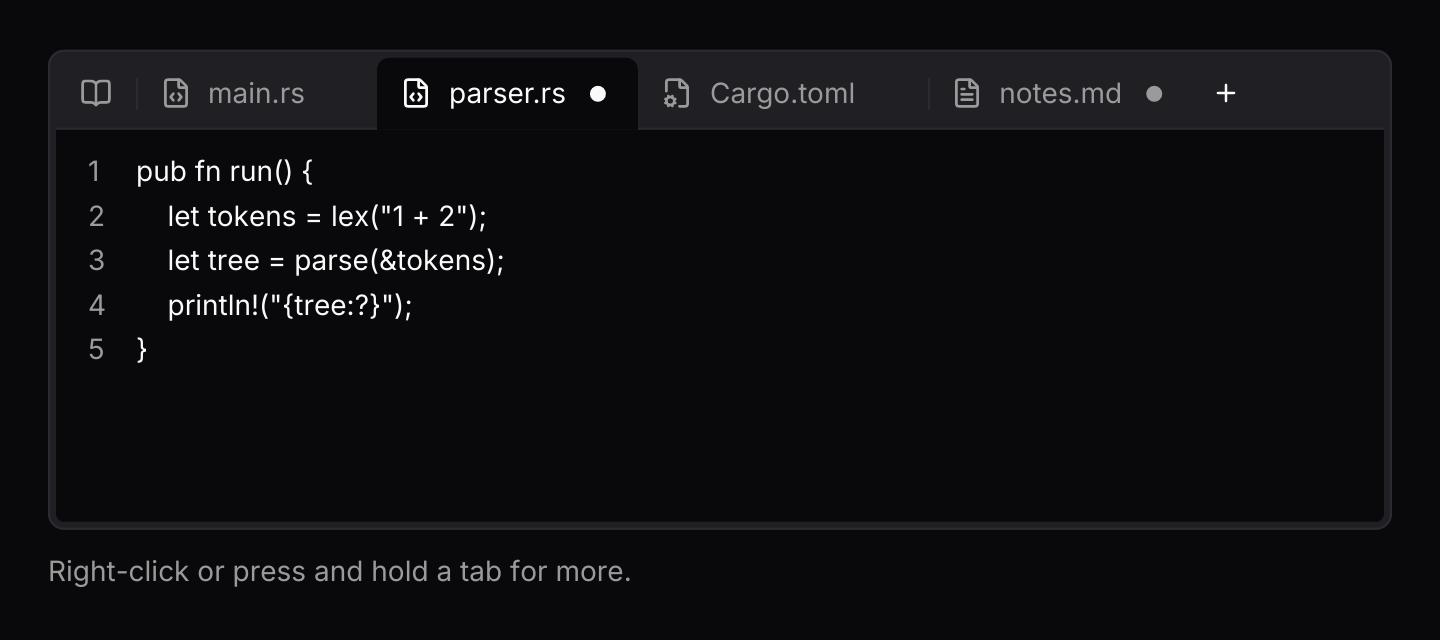 Document tabsA strip of open documents above an editor, with unsaved changes, pinning, reordering and a menu for tabs that do not fit.
 PaginationMoves through a long list one page at a time.
Overlays

 TooltipA short label that appears while the pointer rests on an element.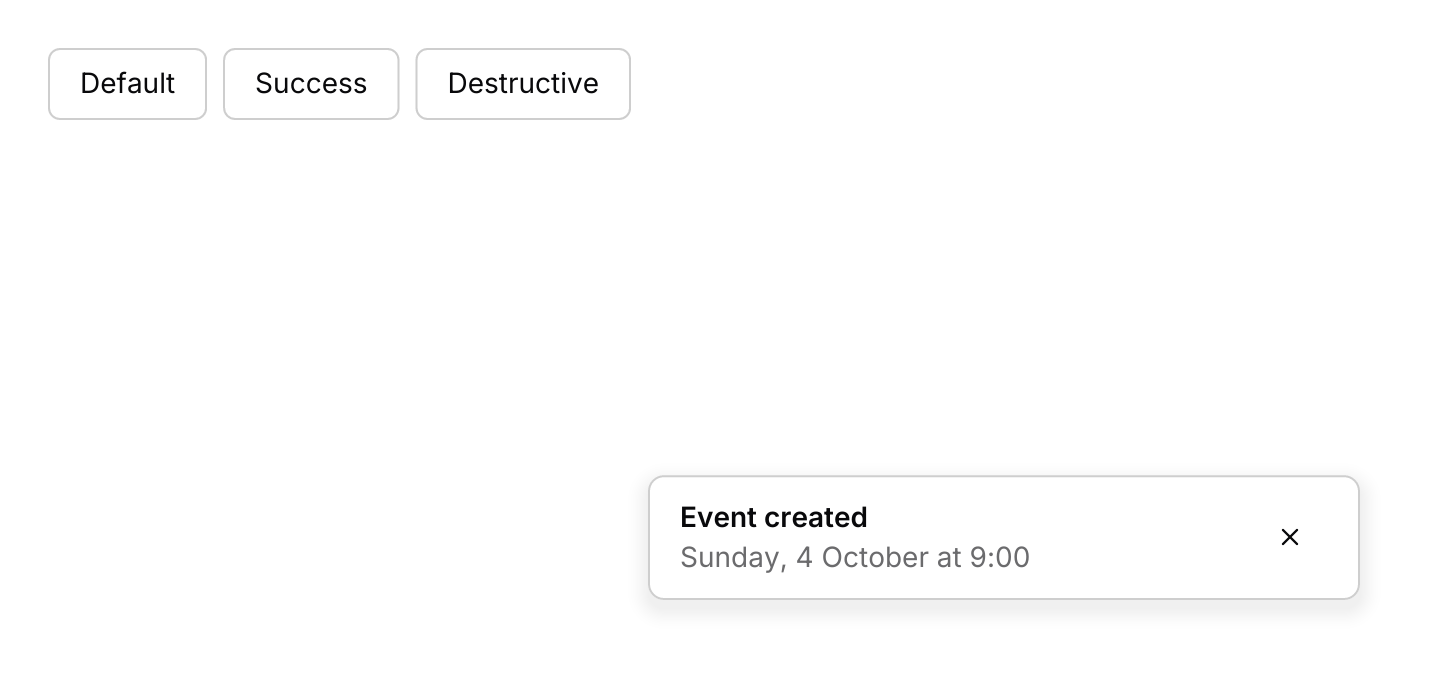
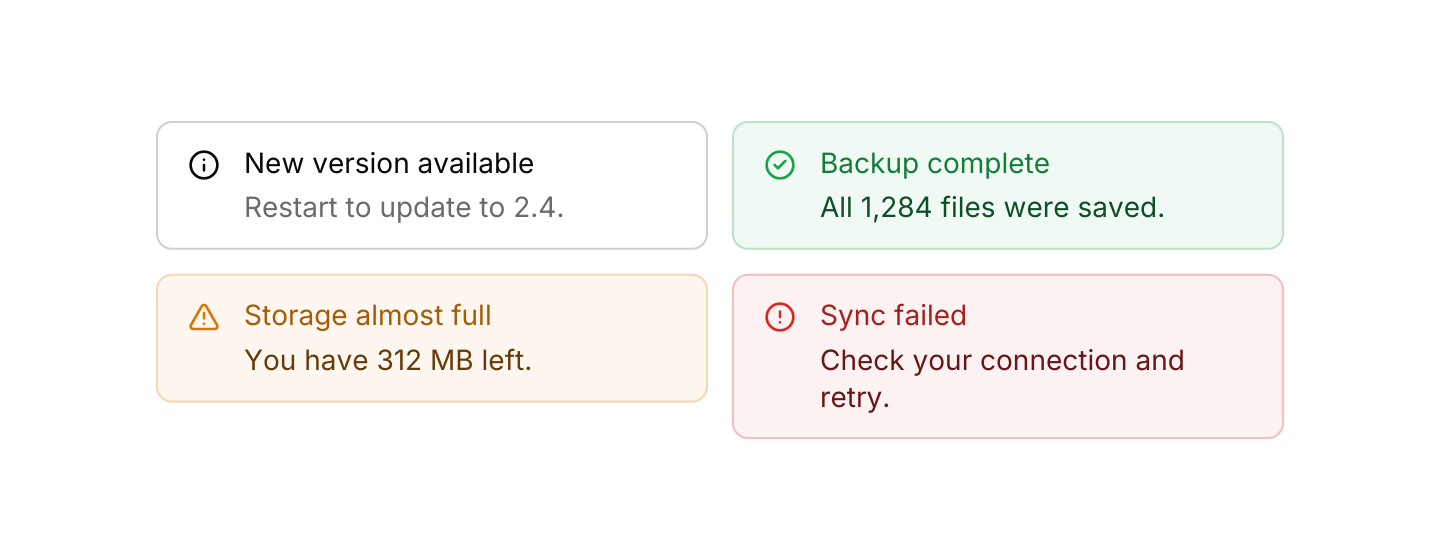
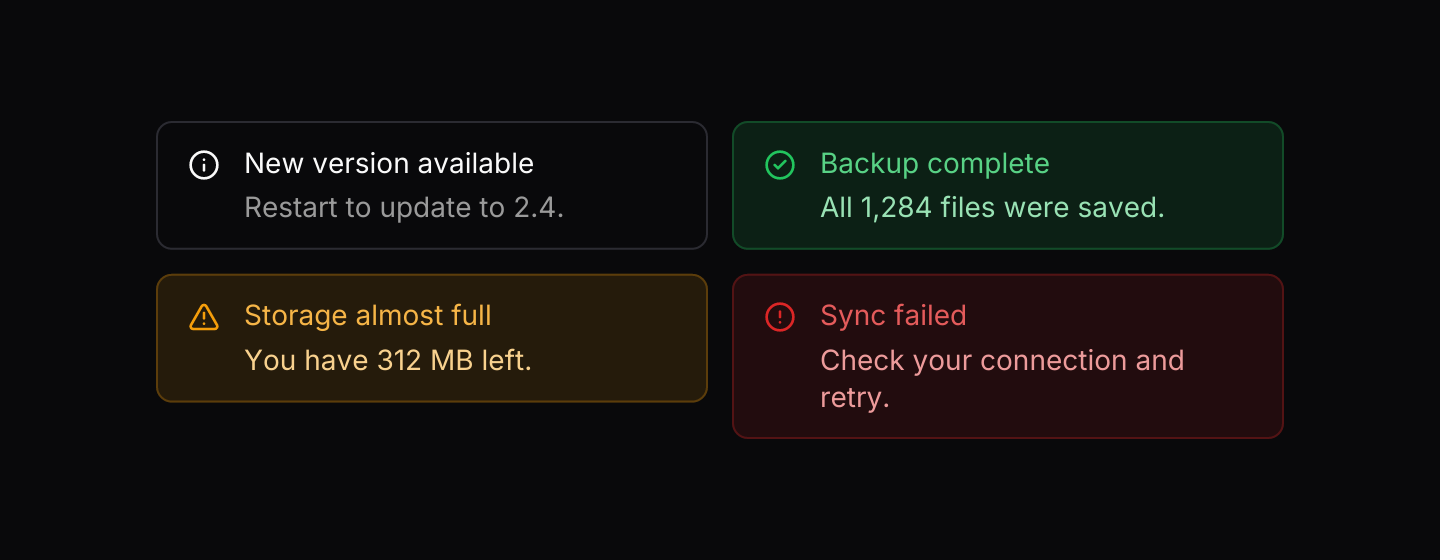
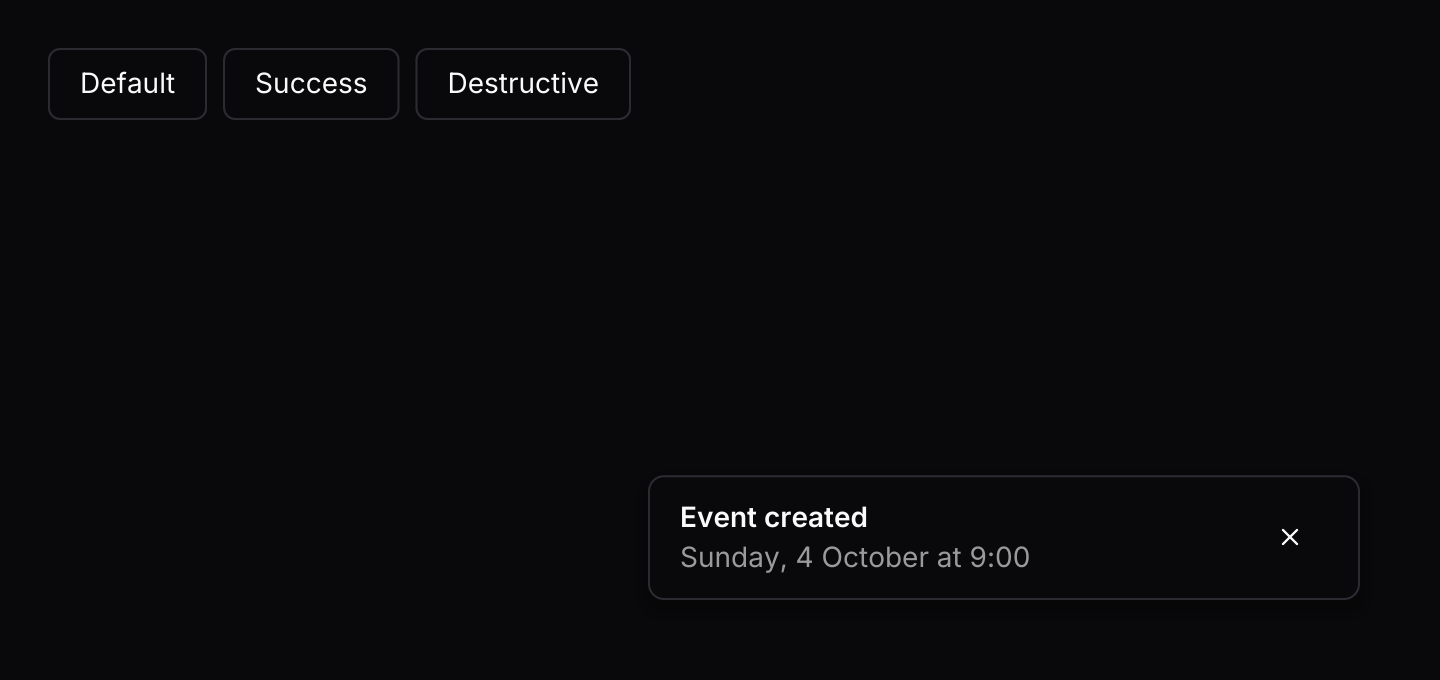 ToastShort notifications that stack in a corner and close by themselves.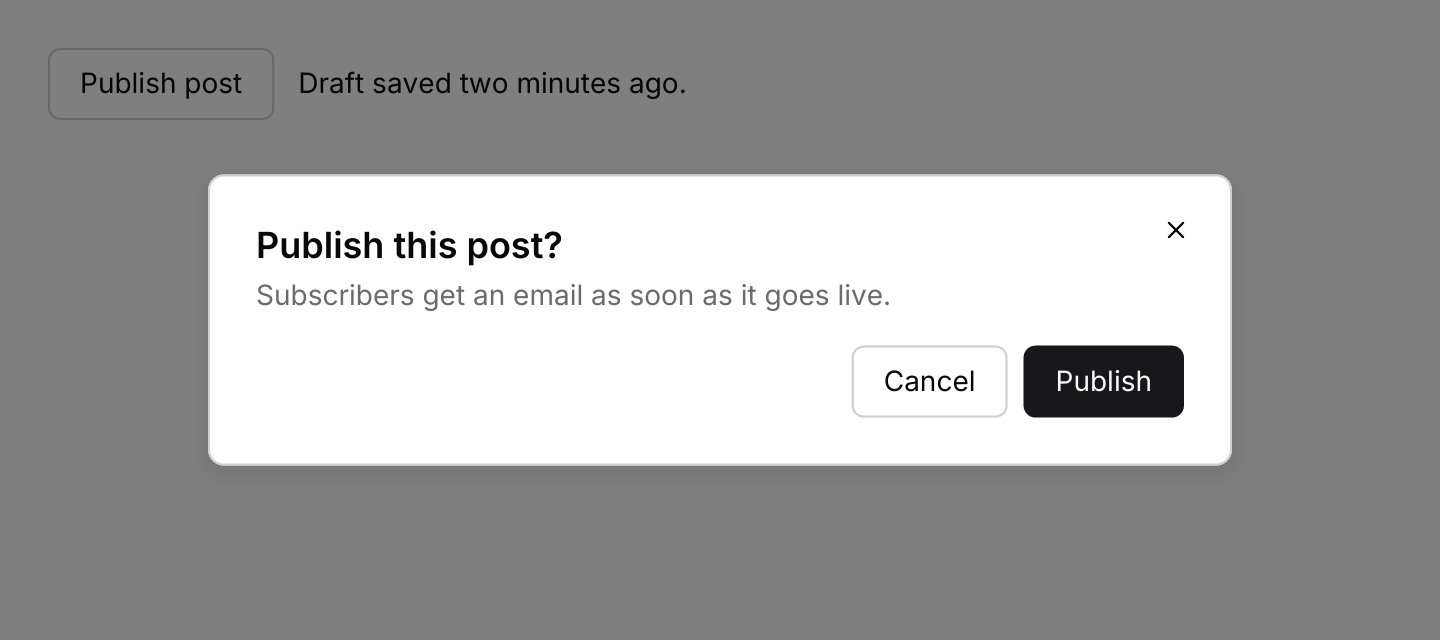
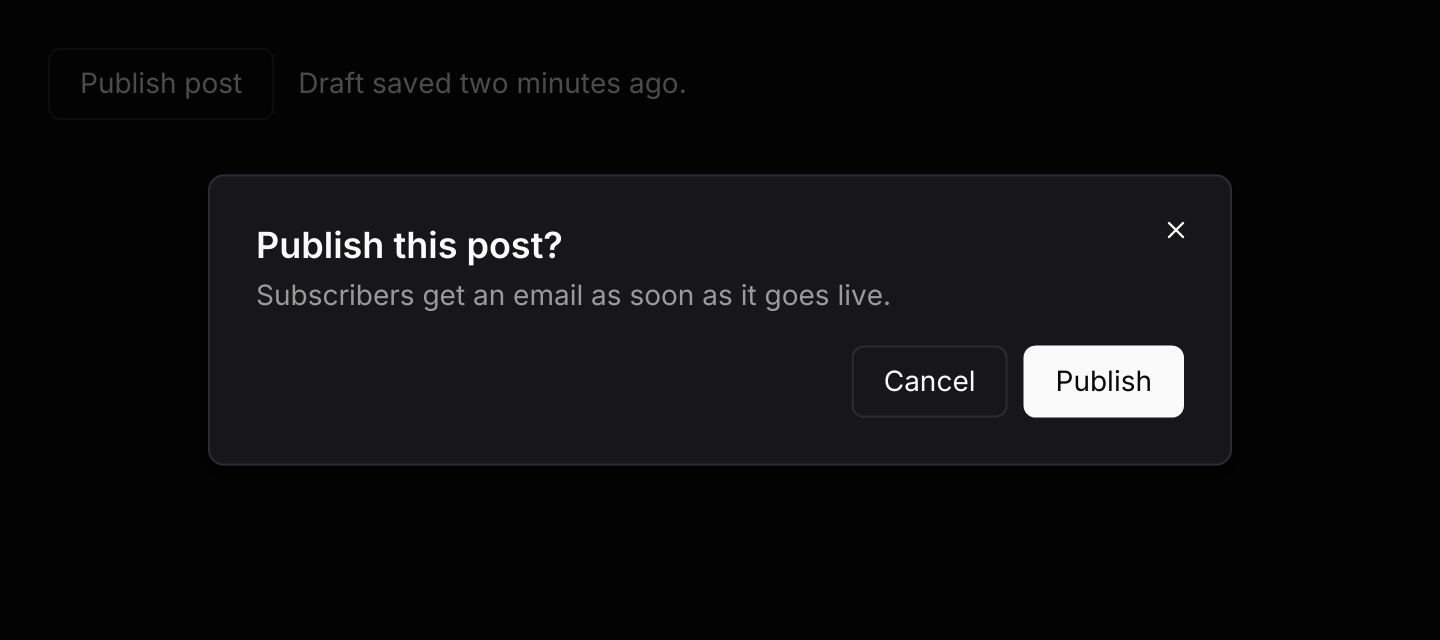 DialogA modal window over a dimmed scrim, for a focused task or a confirmation.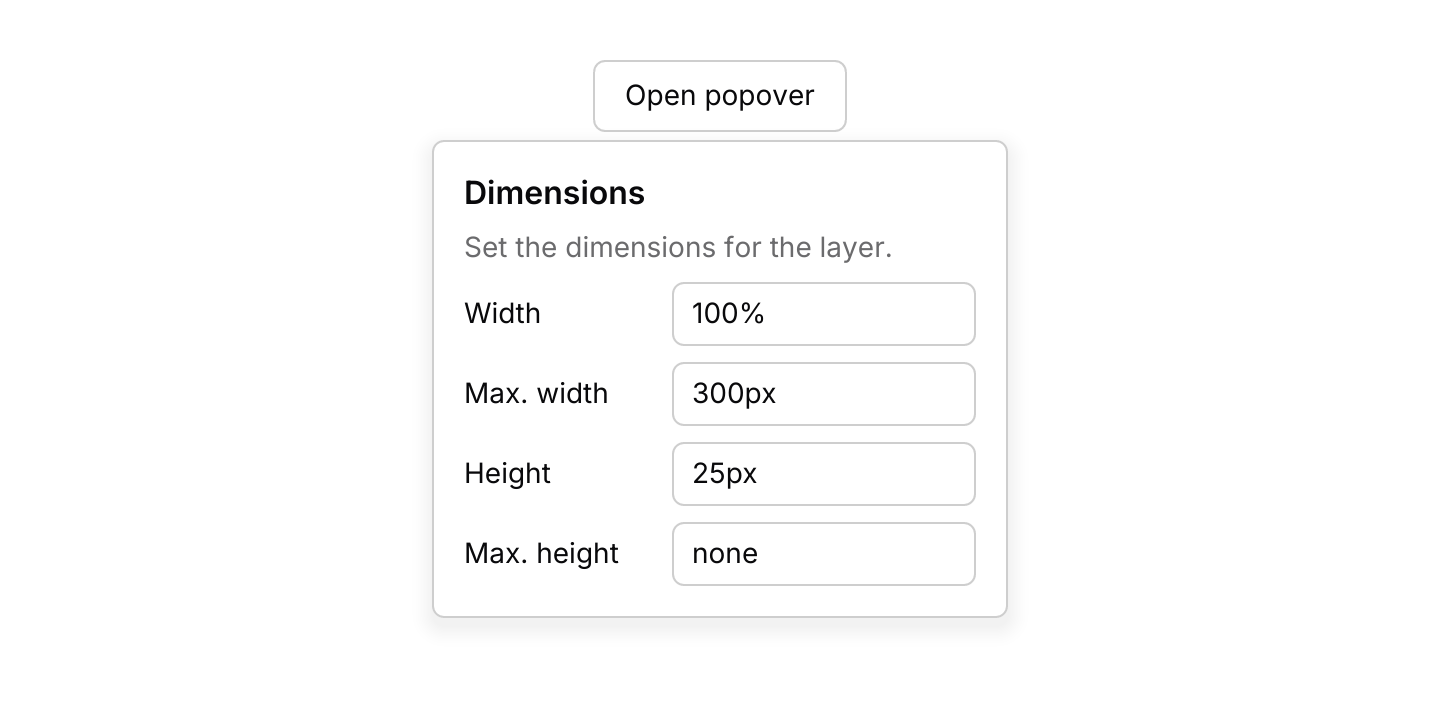
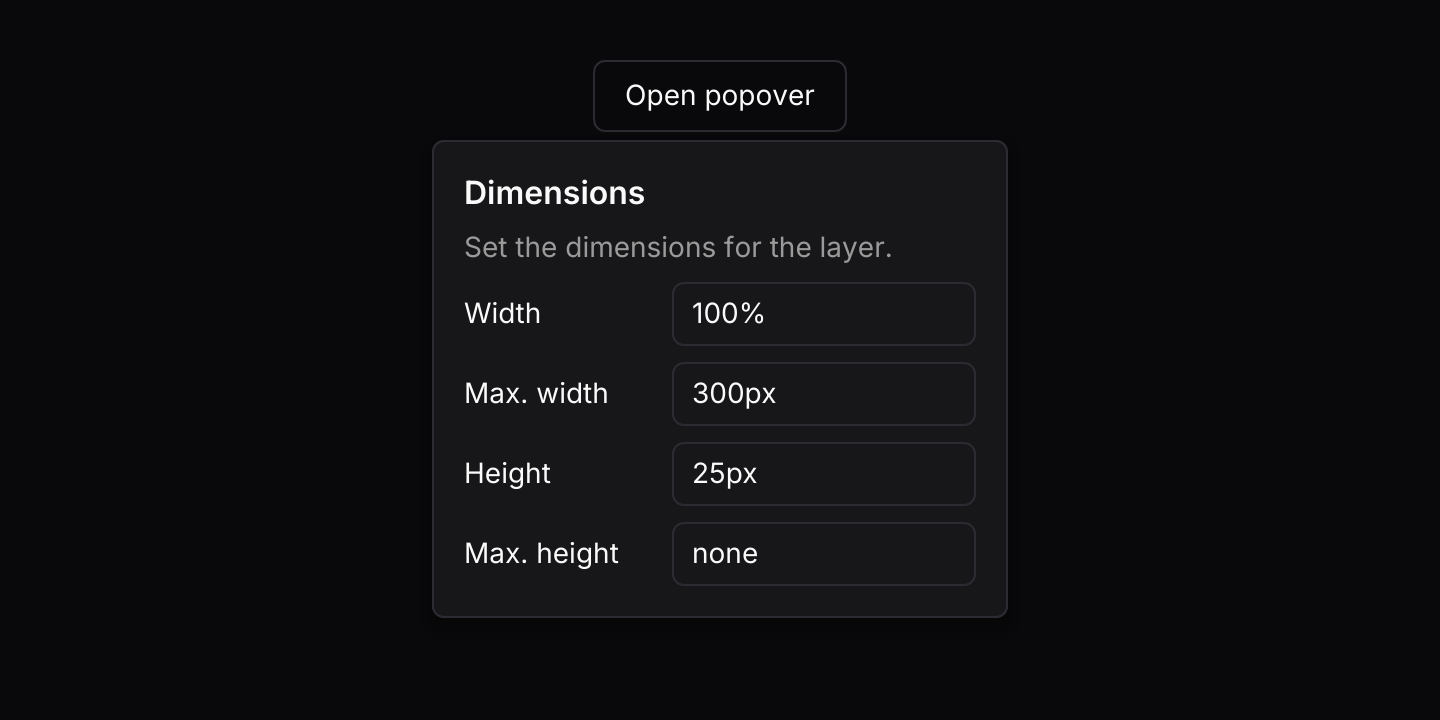 PopoverA floating panel of any content, anchored to the button that opens it.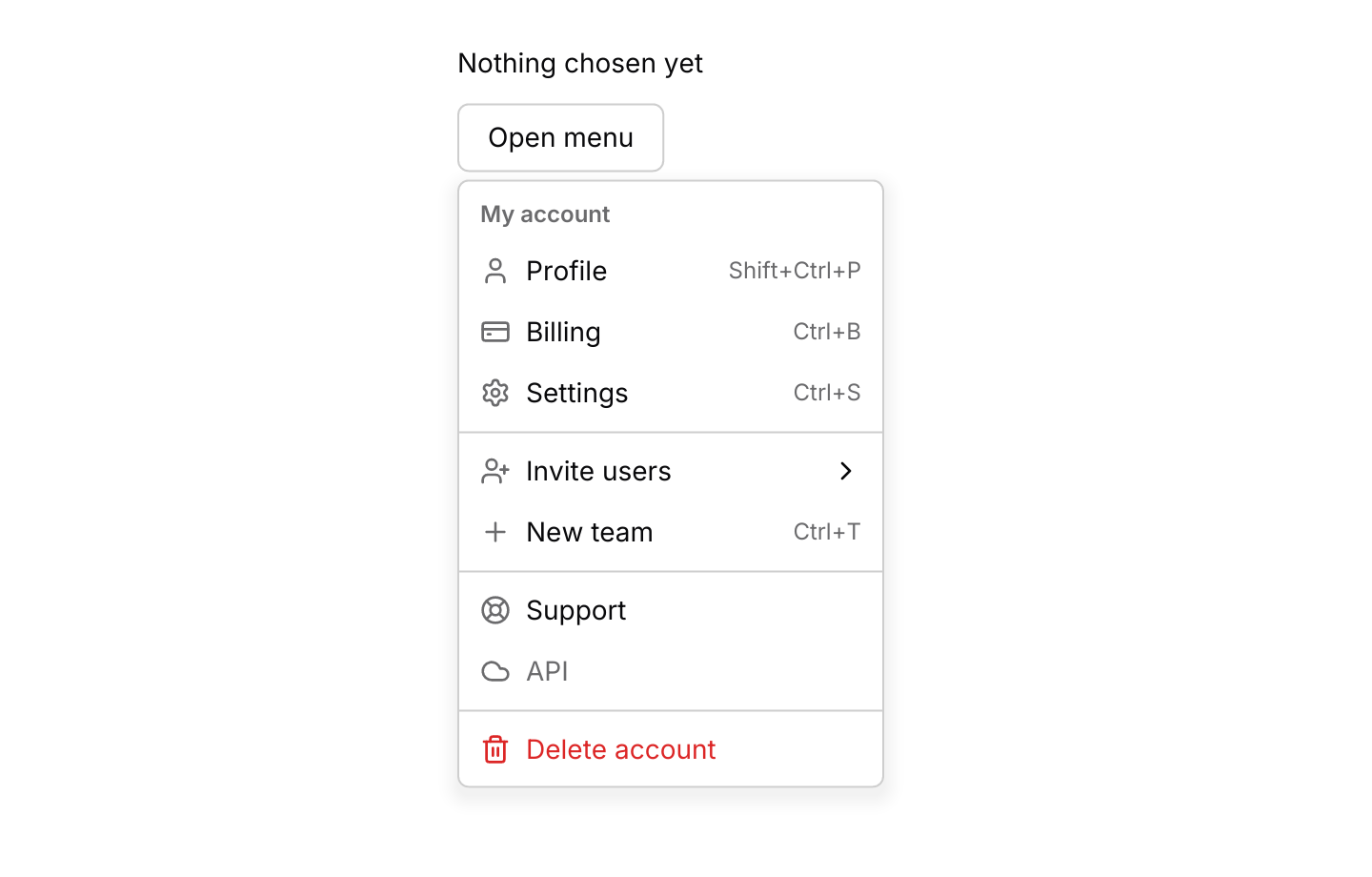
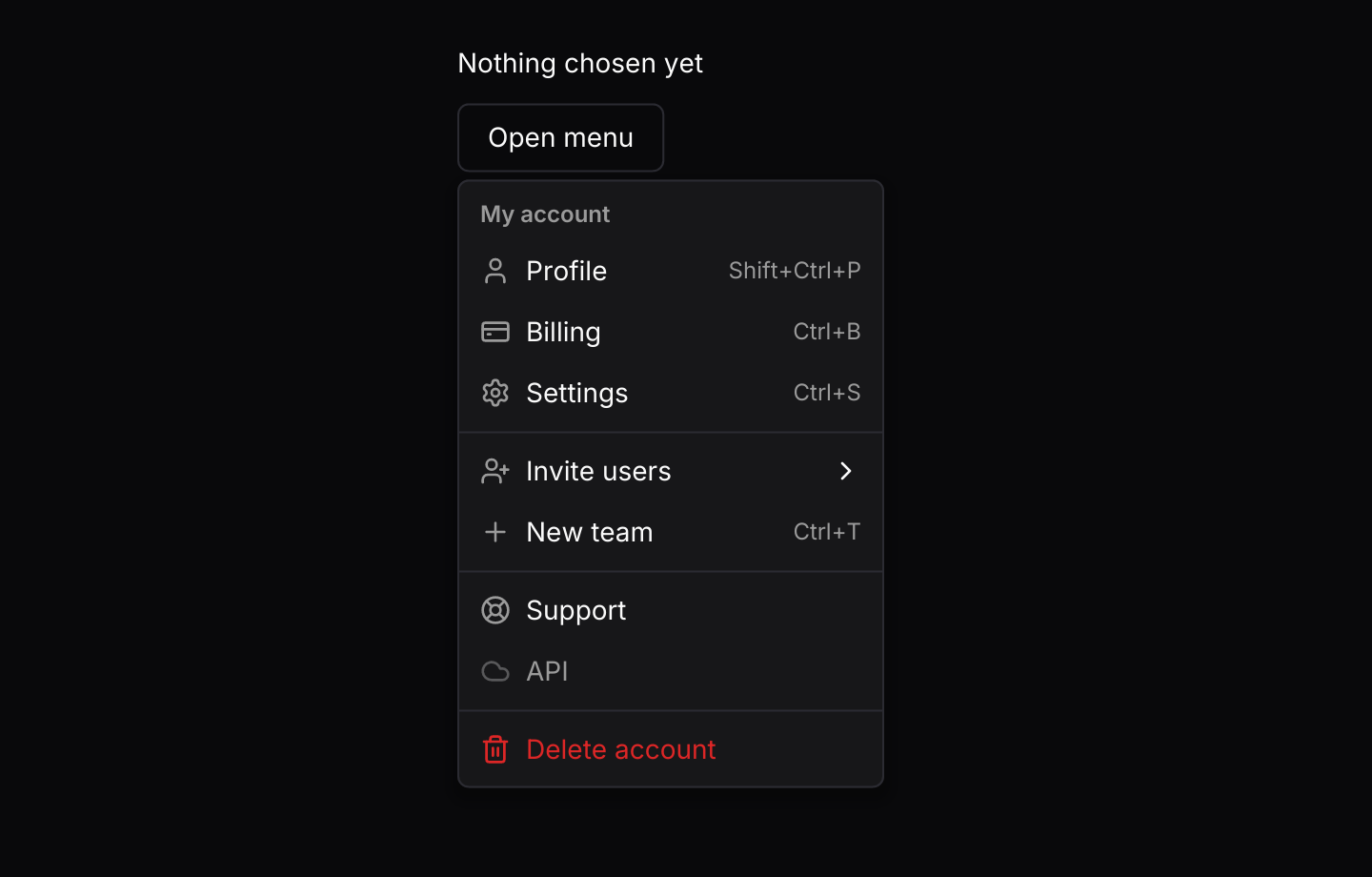 Dropdown menuA menu of actions that opens from a button, with check marks, radio choices and submenus.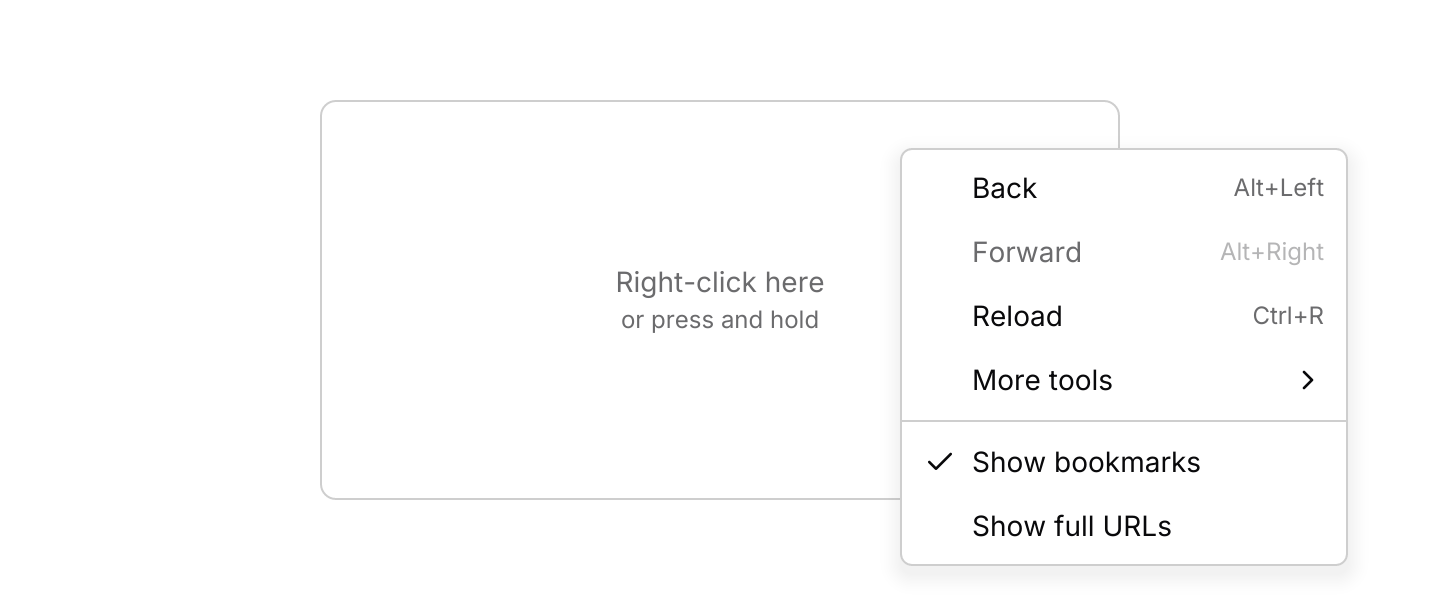
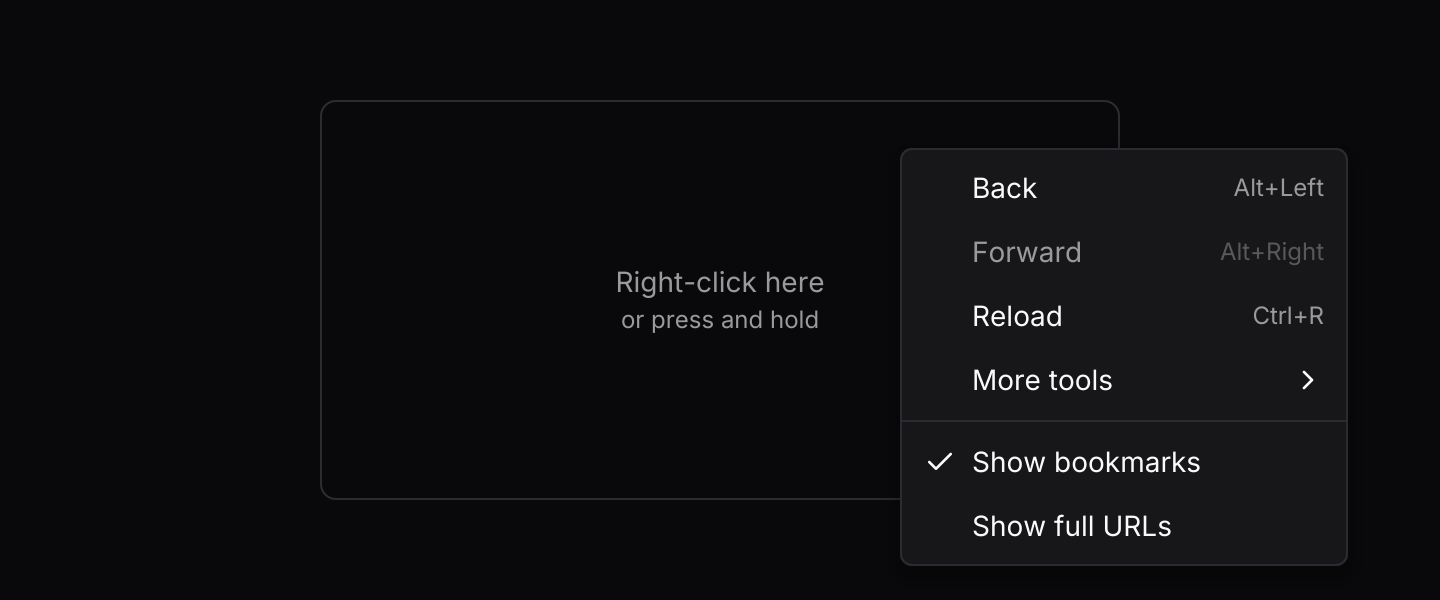 Context menuA menu that opens at the pointer when you right-click an area, or at the finger on a long press.
Data
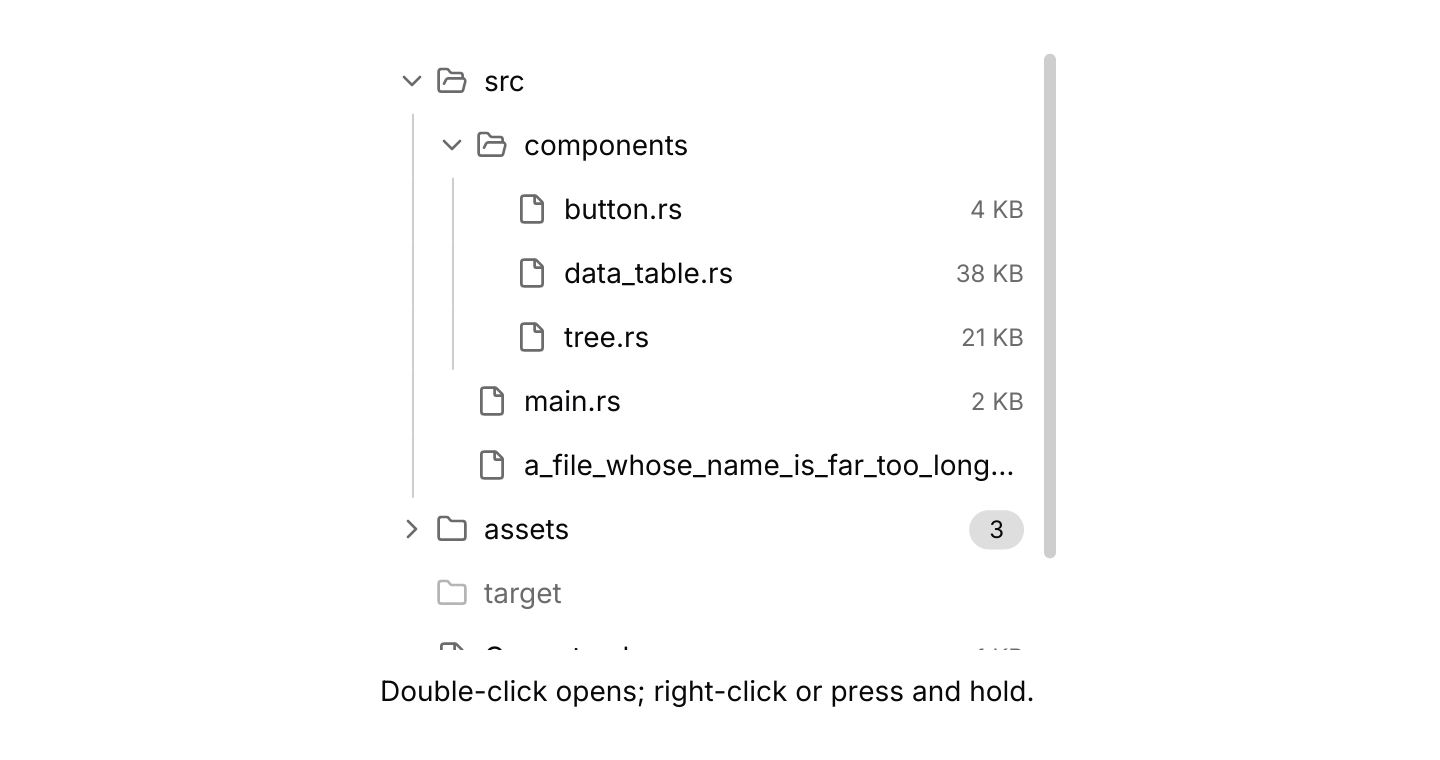
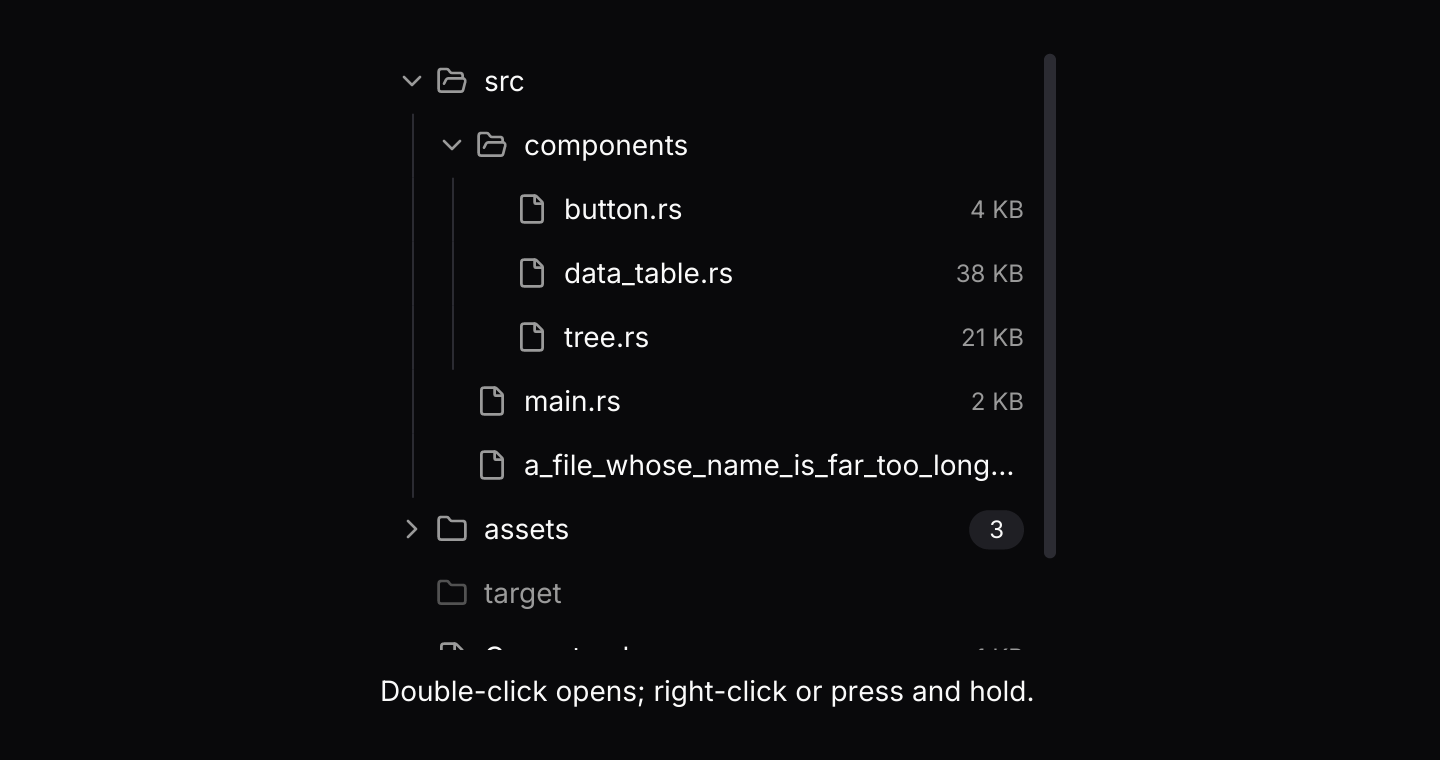 TreeNested items that expand and collapse, such as folders and files, with selection, checkboxes and children that load later.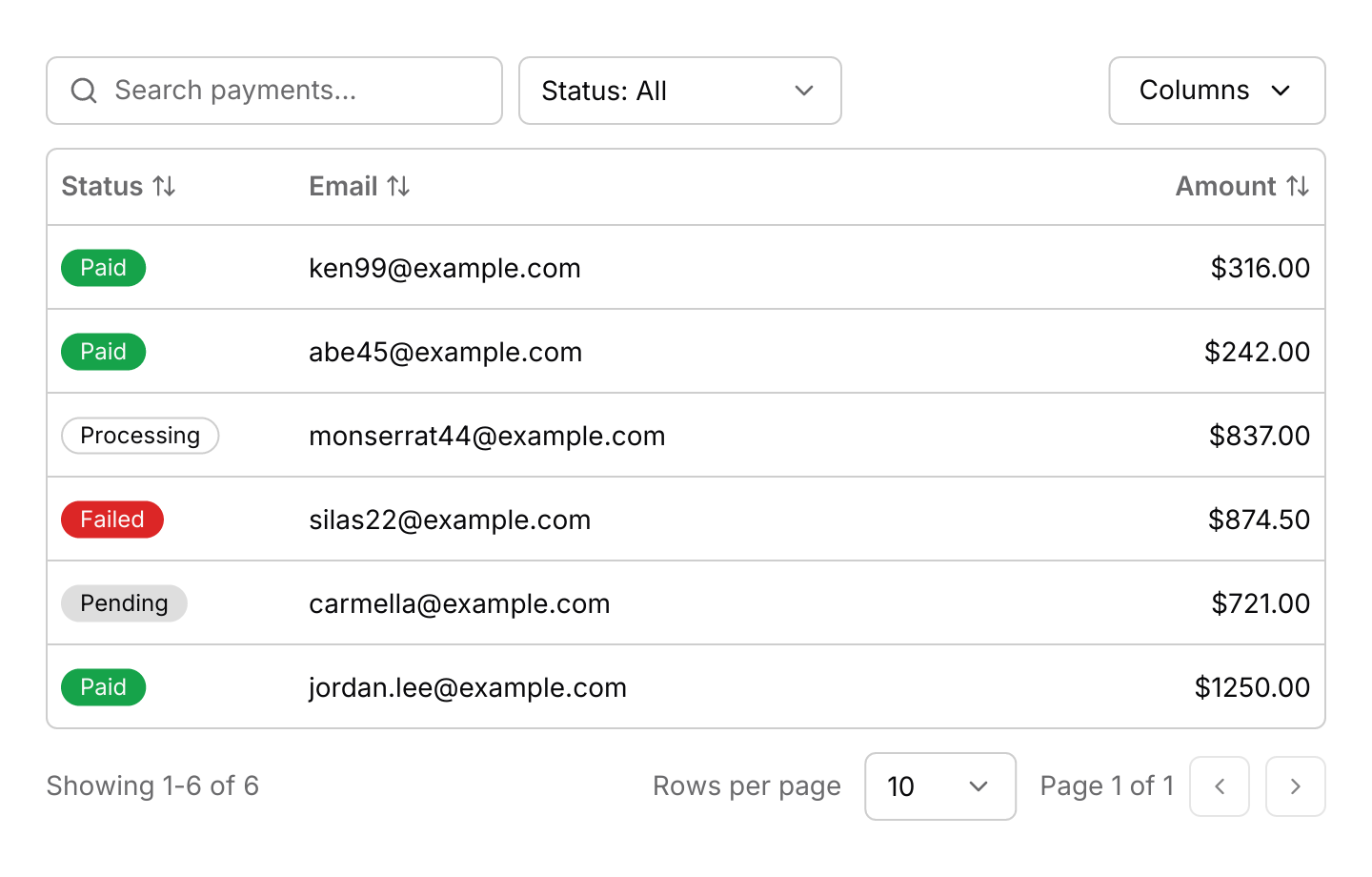
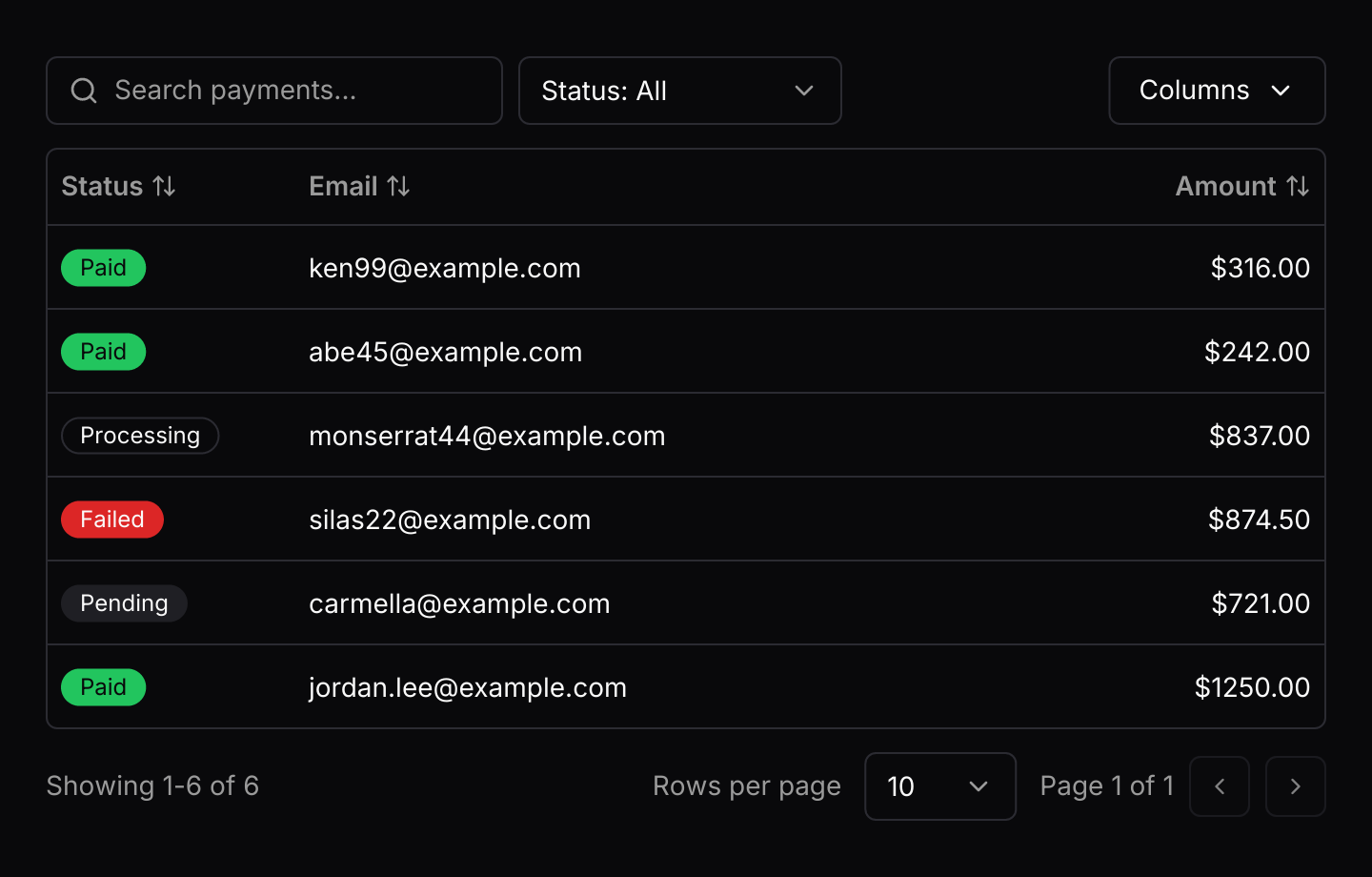 Data tableRecords in rows and columns that readers can sort, search, filter, select and page through, and that turn into cards on a phone.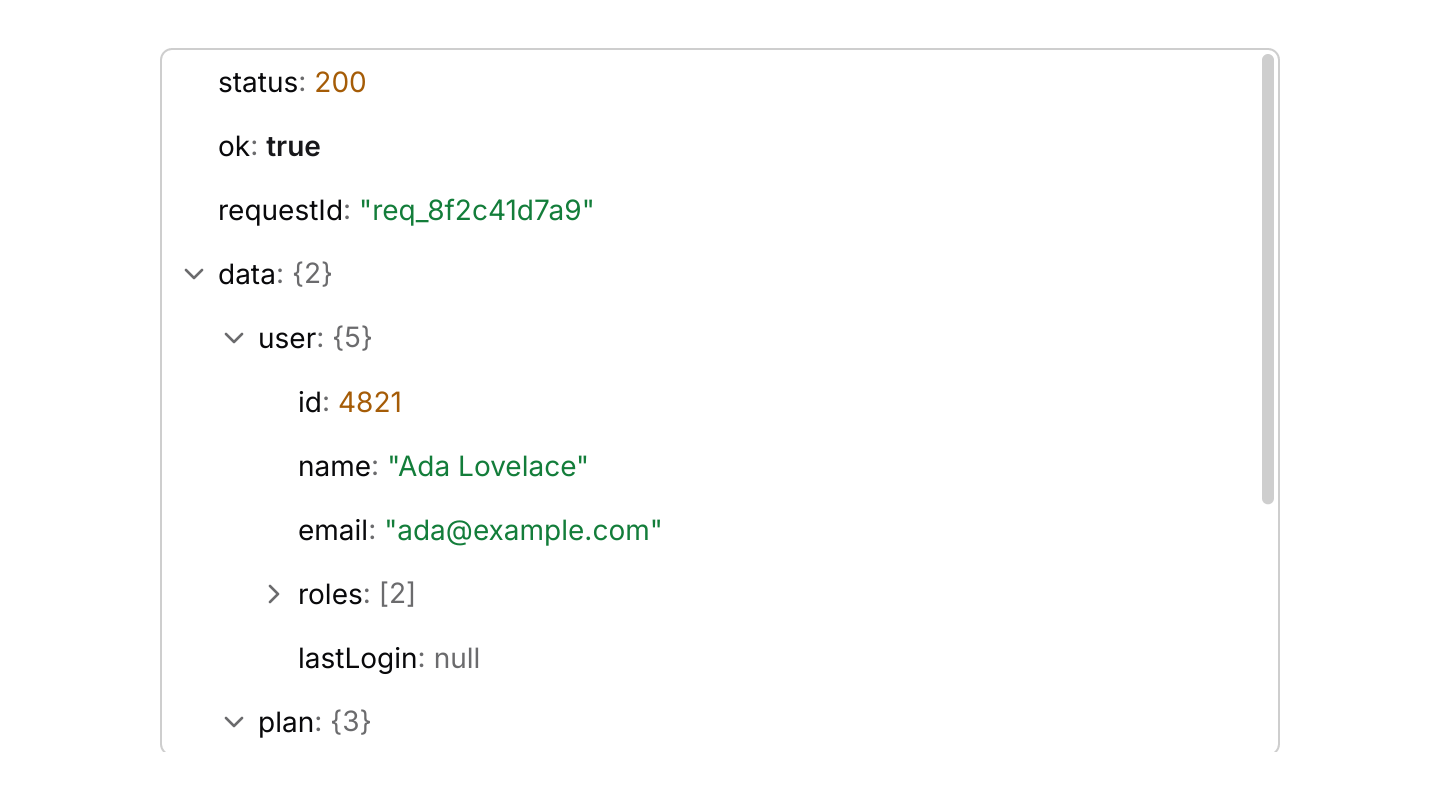
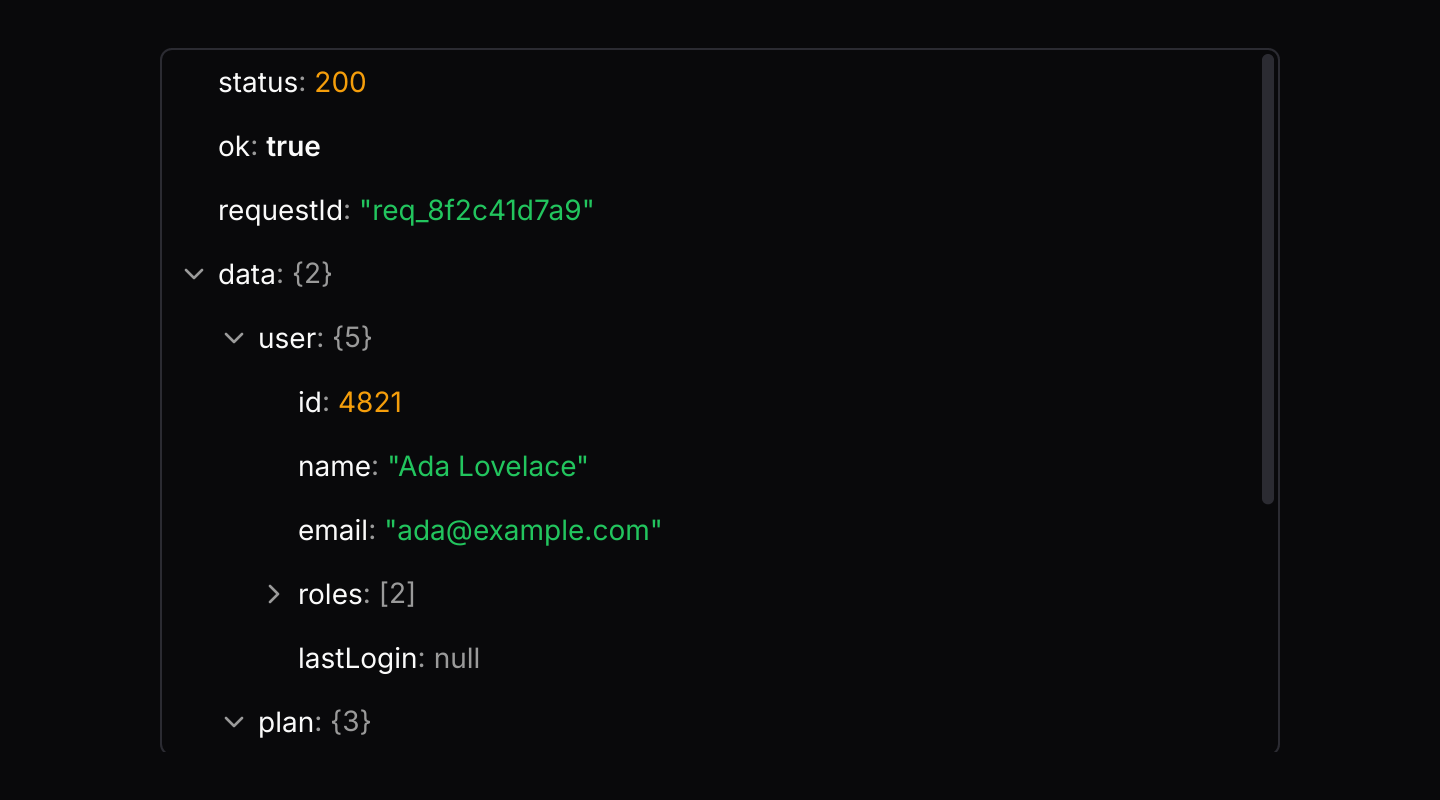 JSON ViewerA JSON document as rows that expand and collapse, with values coloured by type, search and copying of values and paths.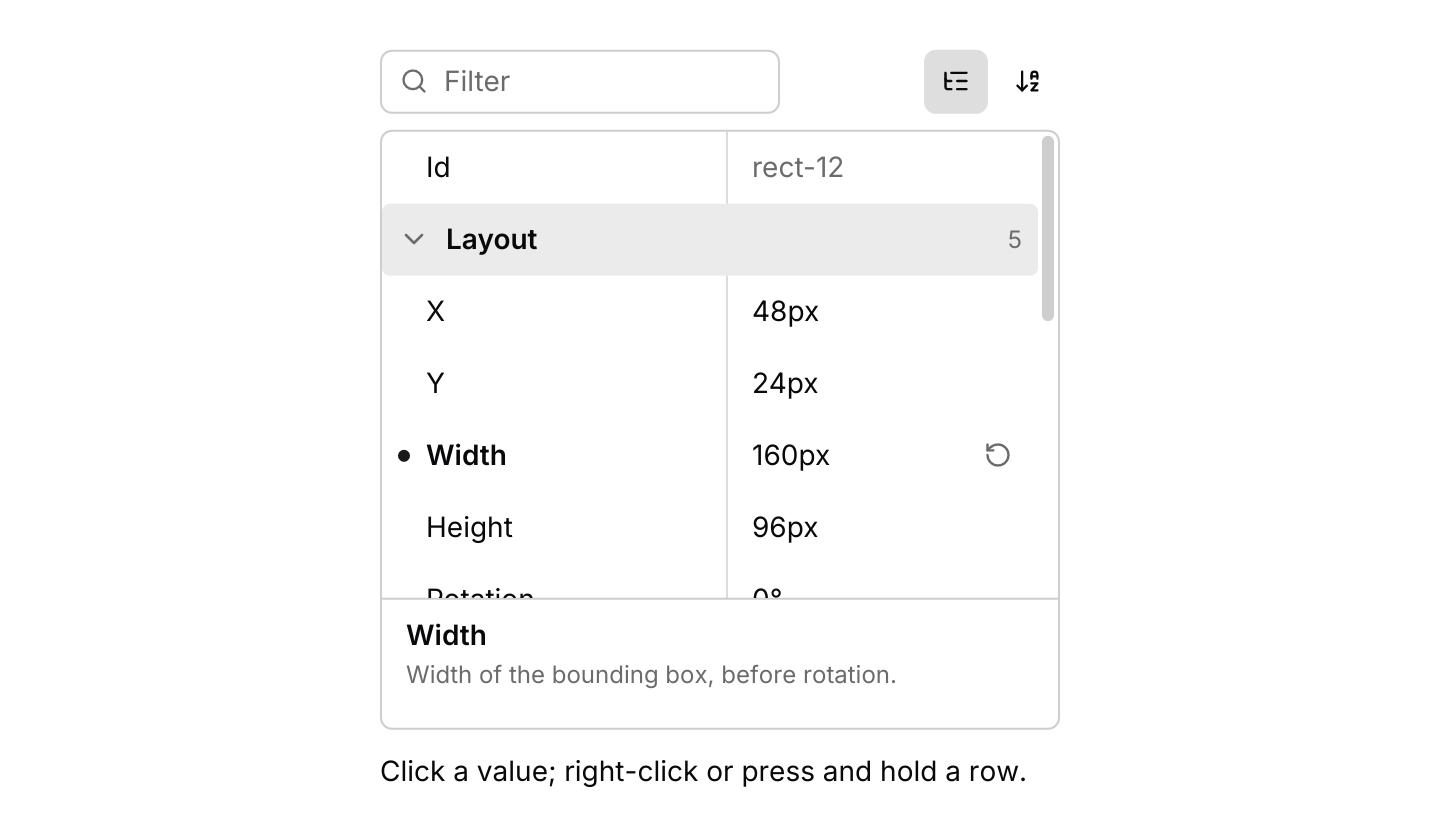
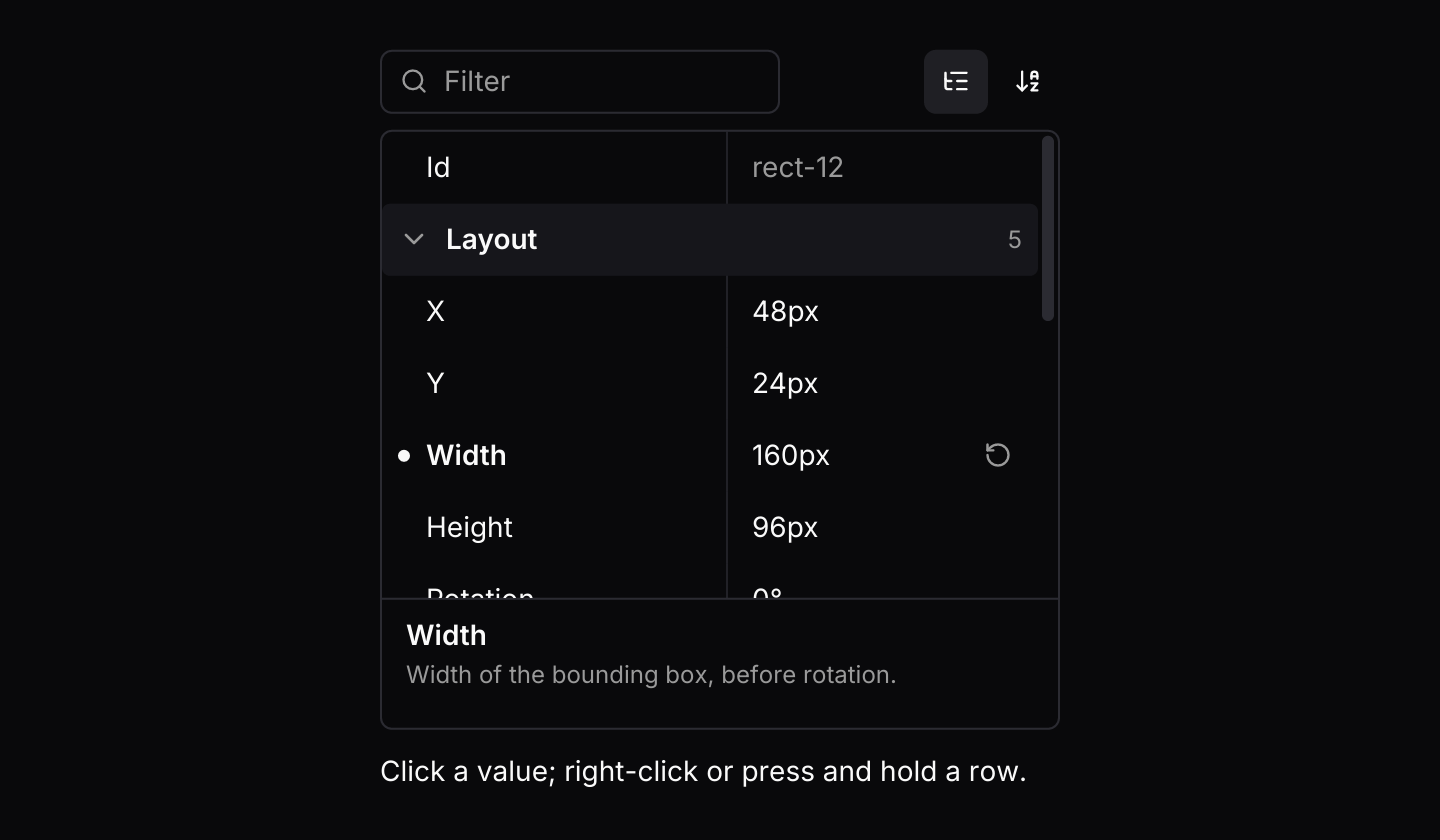 Property gridA compact two-column inspector for editing named properties, grouped into categories, with validation, reset to default and a description of the highlighted property.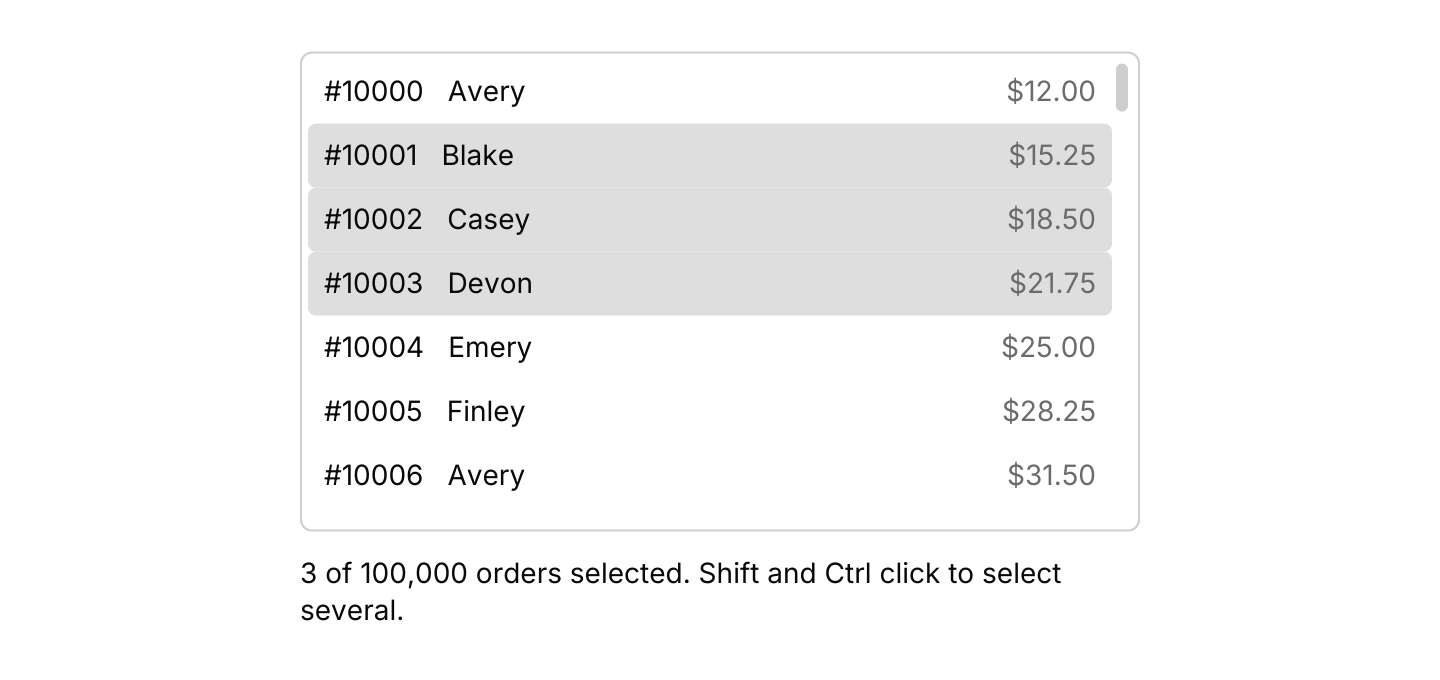
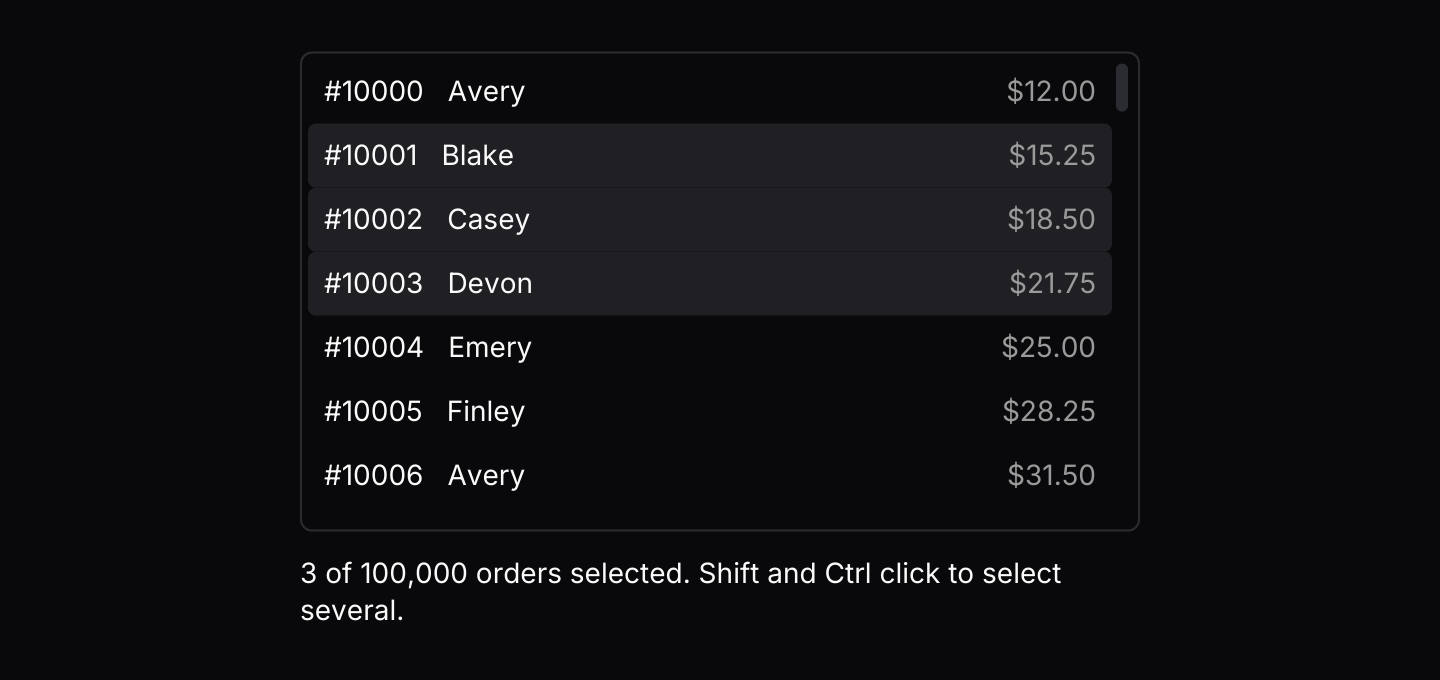 Virtual listA long list of equally tall rows that only builds the rows in view, with selection, keyboard navigation and items streamed in from other threads.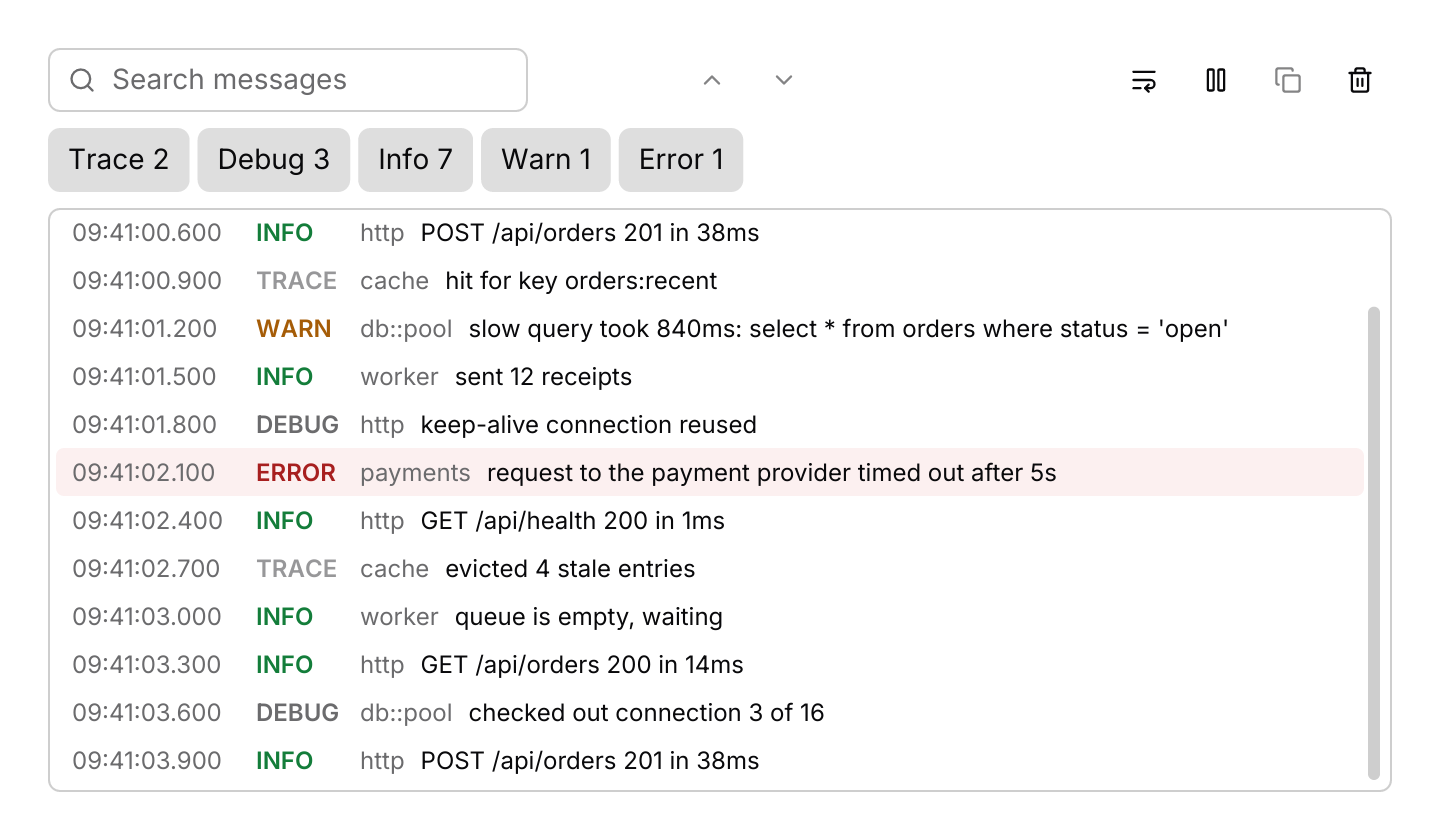
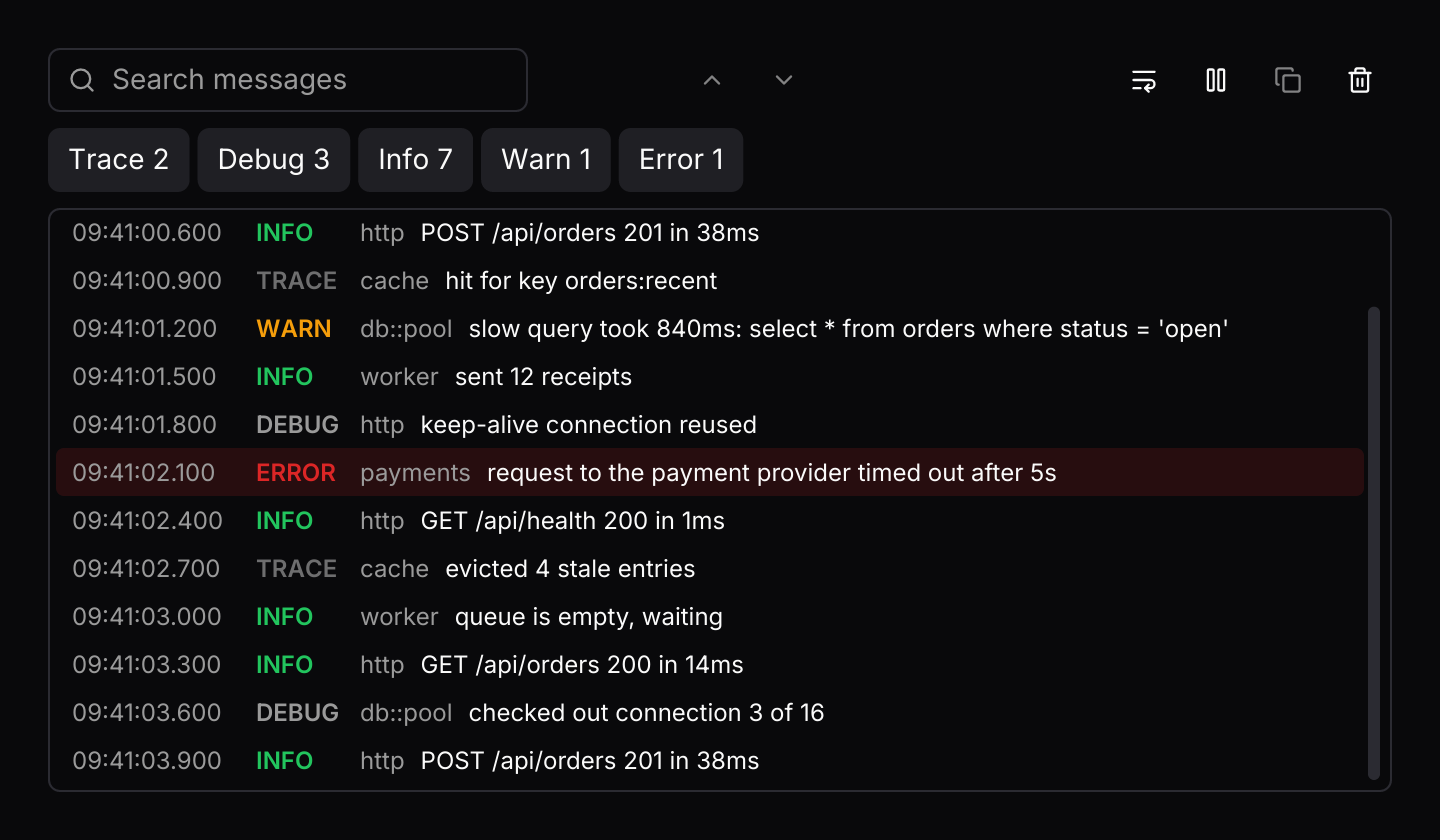 Log viewerA live log that streams entries from threads or tasks, with level filters, search, follow, pause and copy, and a cap on how many lines it keeps.
Feedback



Application
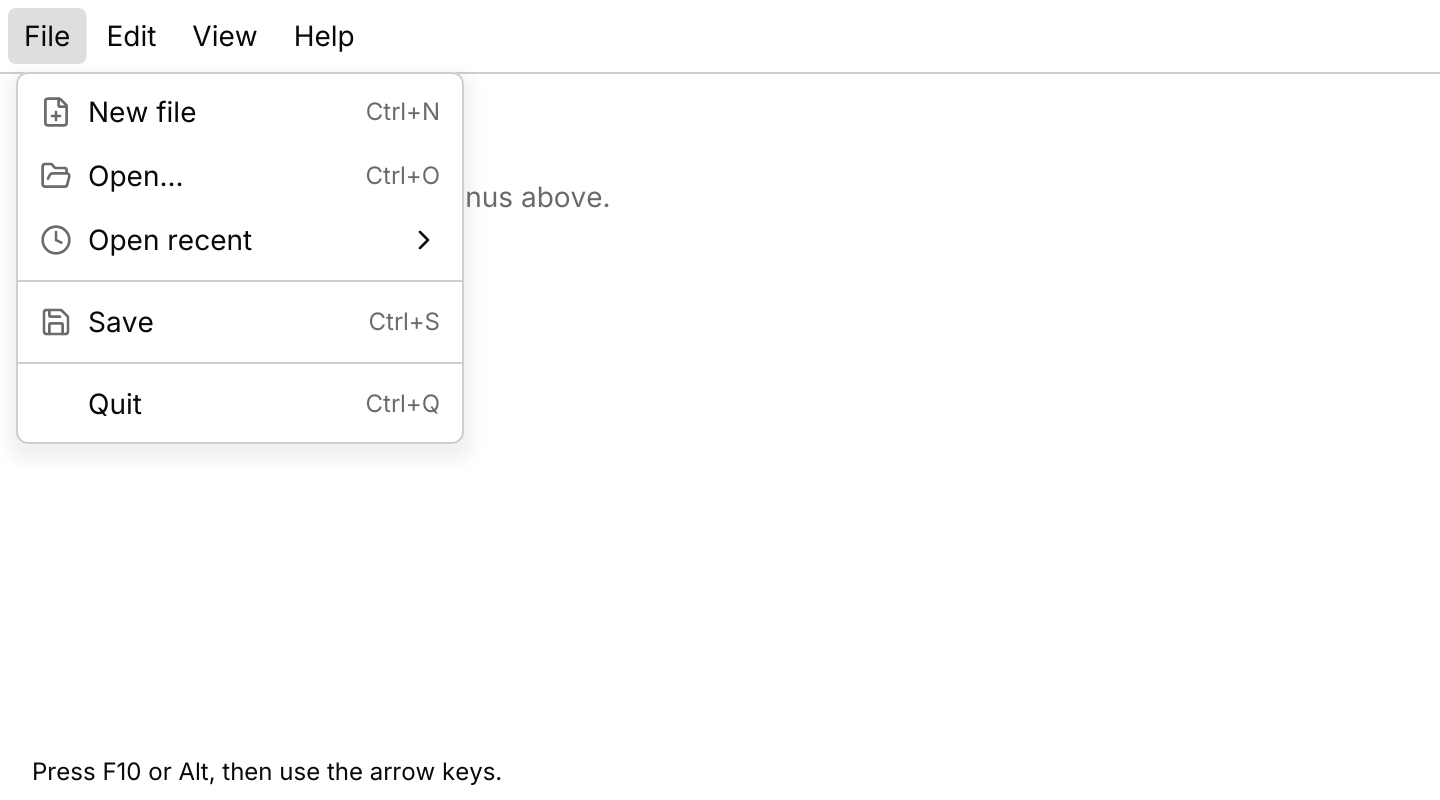
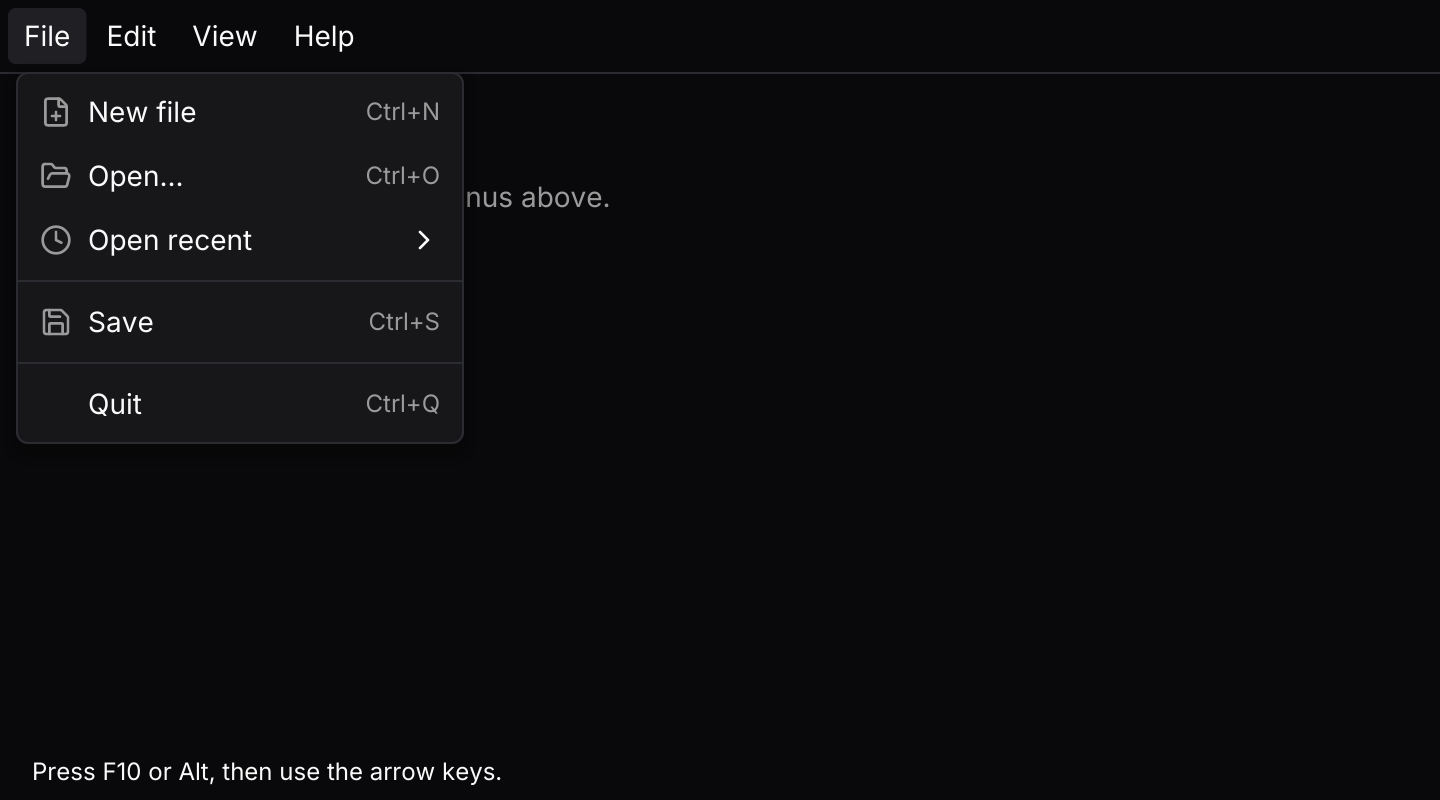 MenubarFile, Edit, View and Help menus in a strip along the top of a desktop window.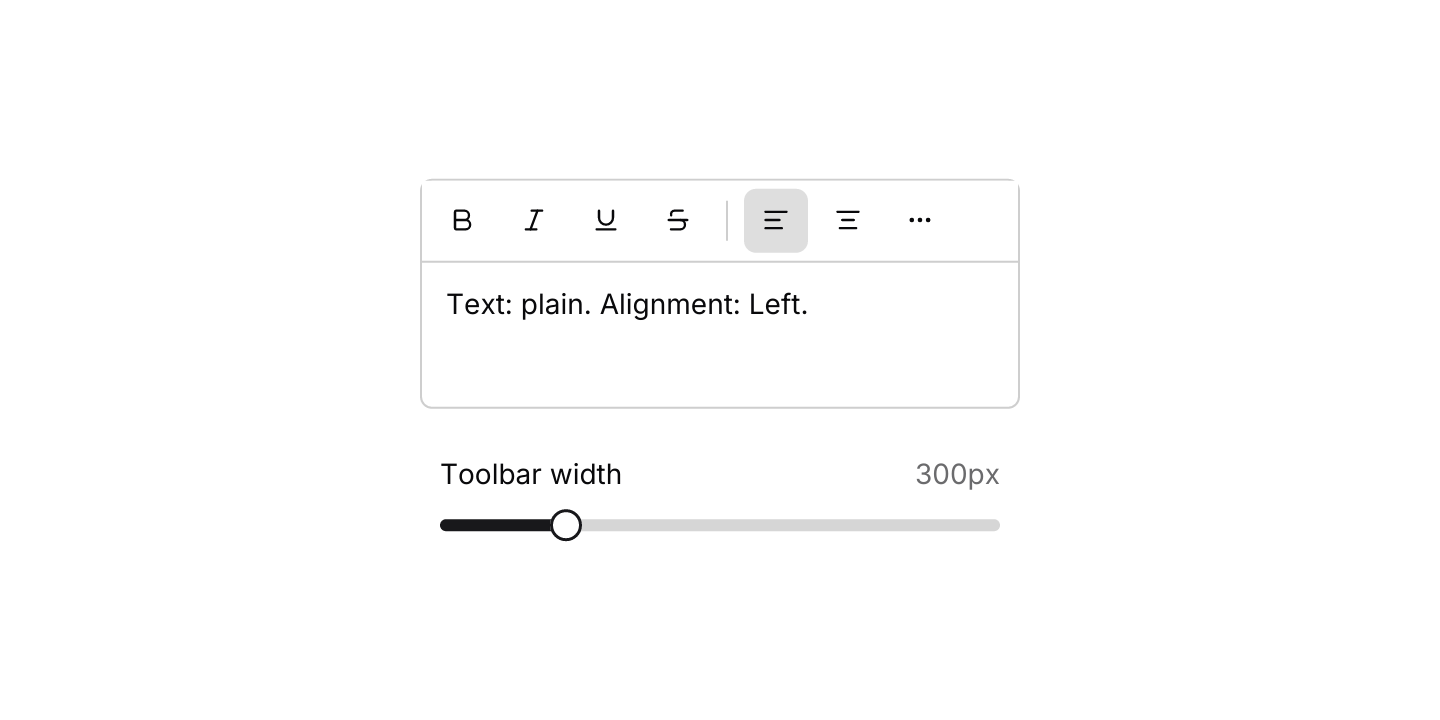
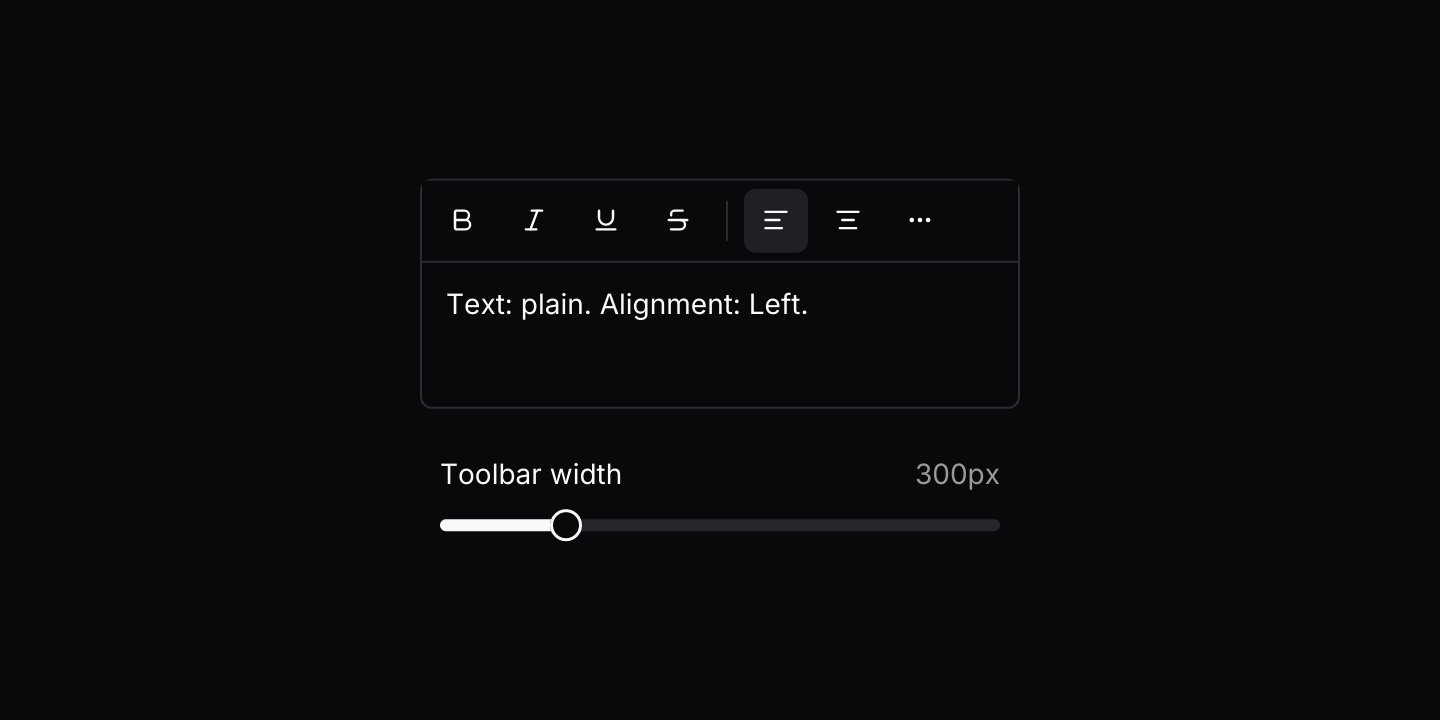 ToolbarA compact strip of icon buttons that moves whatever does not fit into a More menu.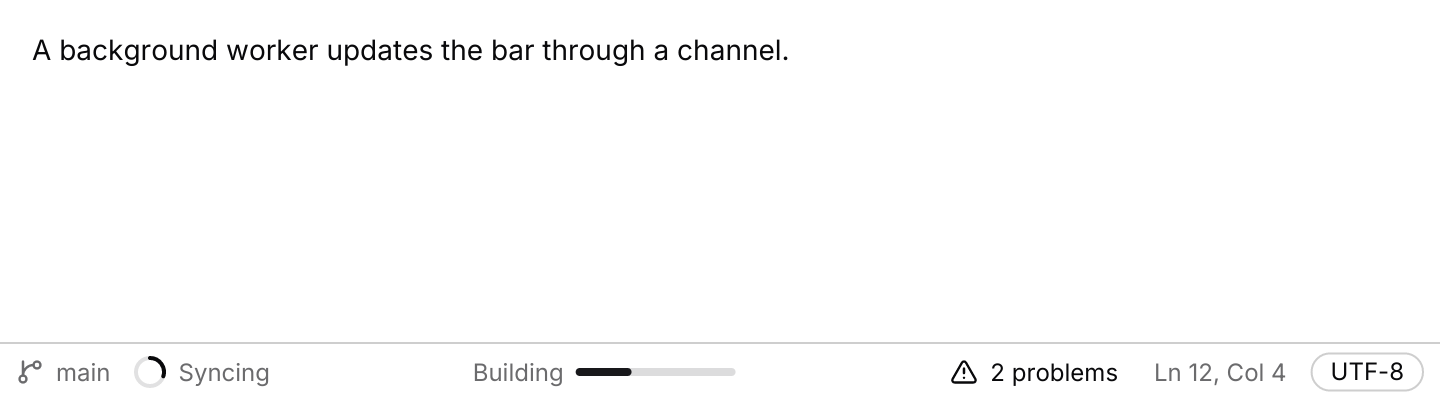
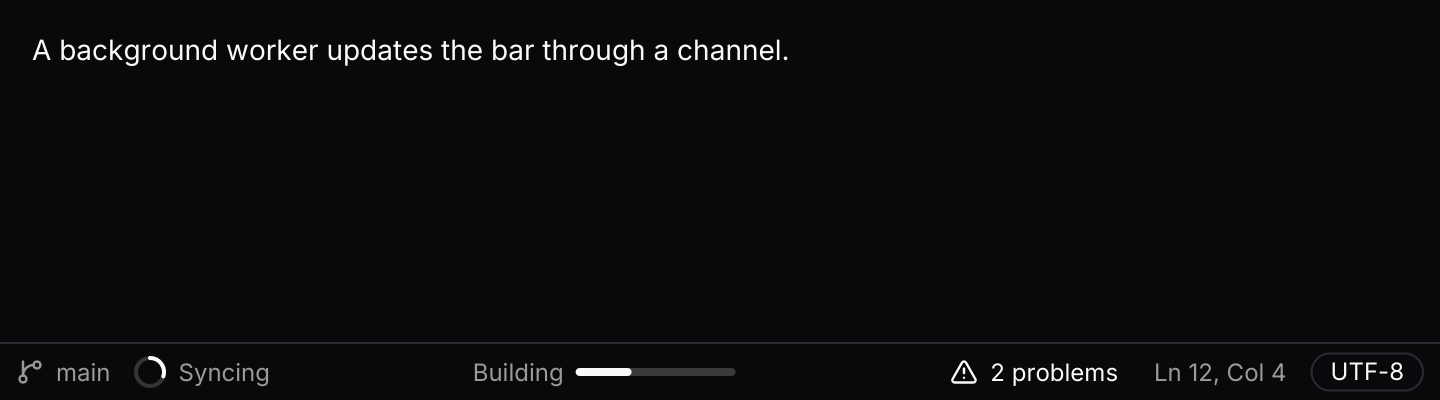 Status barA thin bar along the bottom of a window, fed with status from background work.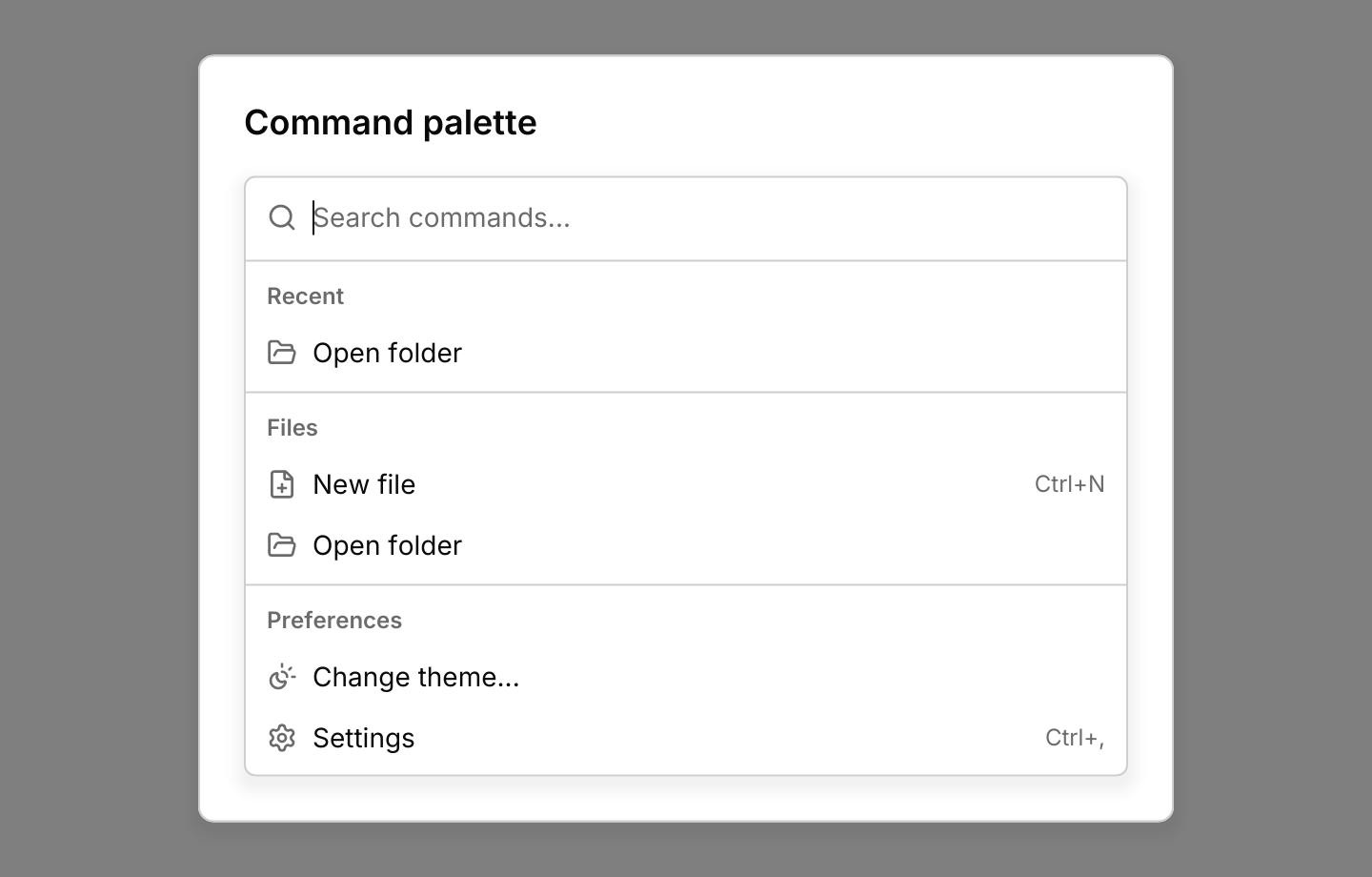
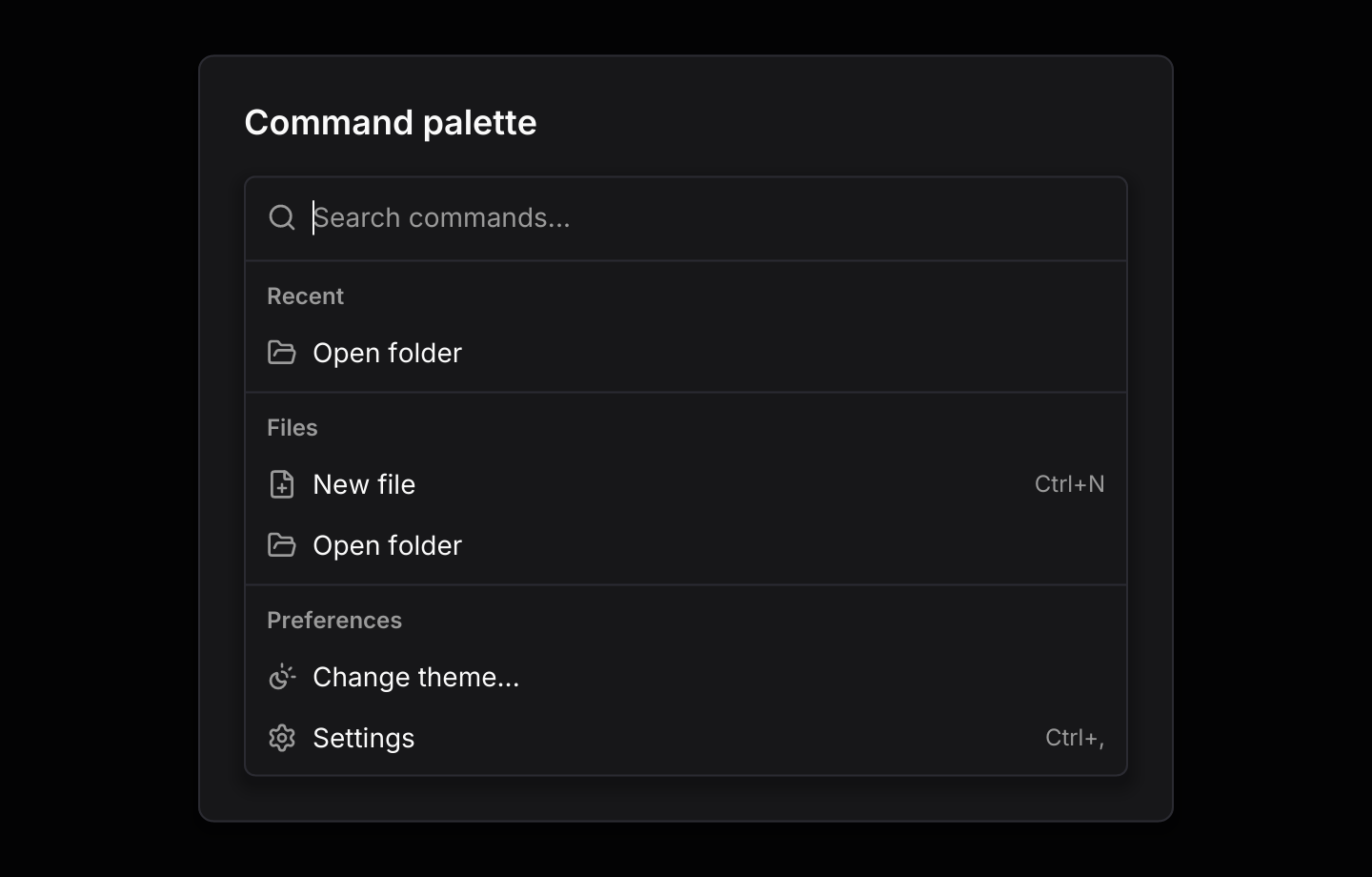 Command paletteThe app-wide launcher, opened with Ctrl+K, with recent commands and nested pages.