Forms
Textarea
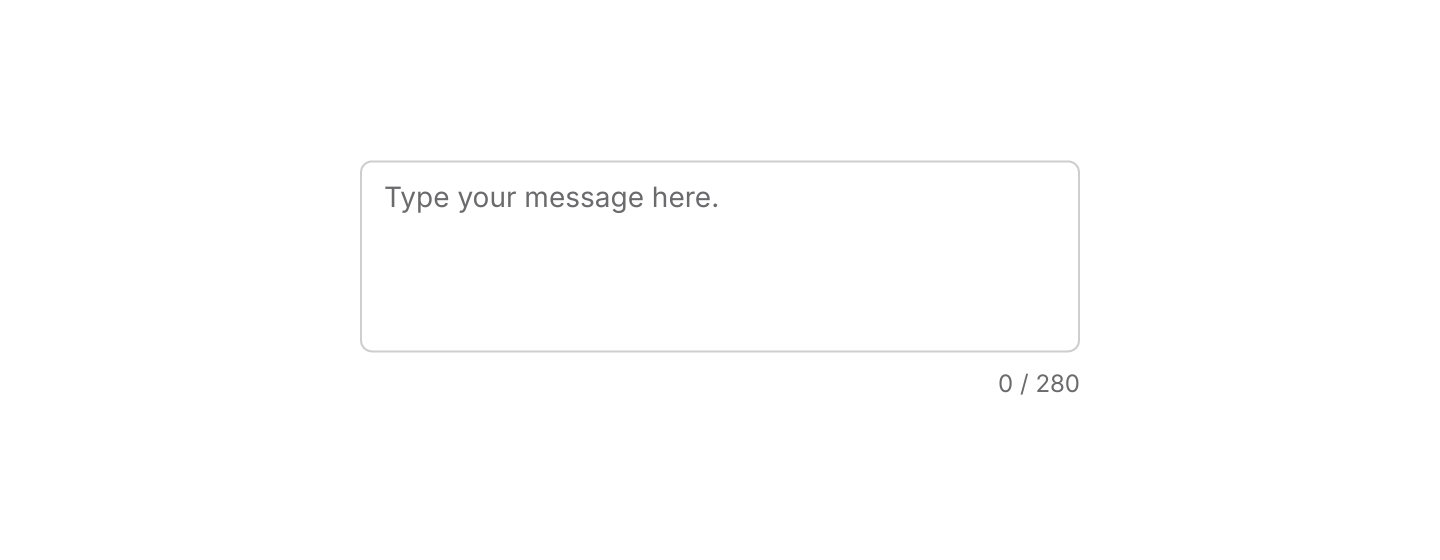
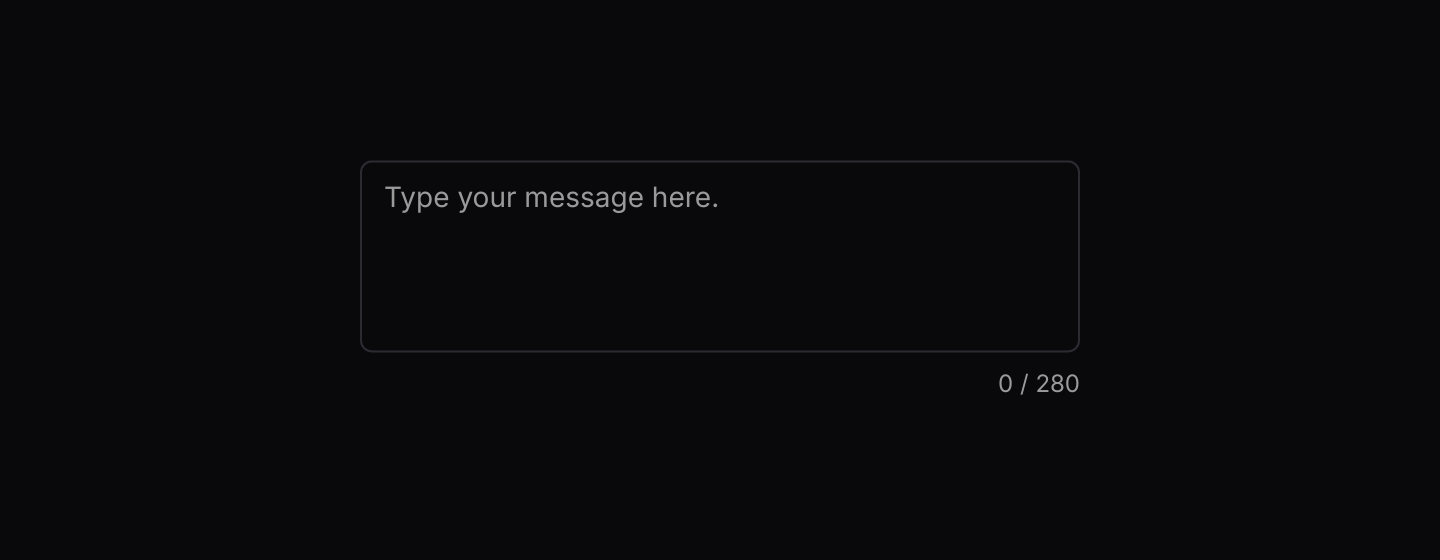
Multi-line text editing that matches the look of Input.
Static preview
use iced::widget::text_editor::{Action, Content};
use iced::widget::{column, text};
use iced::{Alignment, Element, Length};
use iced_cube::textarea;
use iced_cube::theme::{Tokens, text_size};

const LIMIT: usize = 280;

#[derive(Debug, Clone)]
pub enum Message {
    Edit(Action),
}

#[derive(Debug, Default)]
pub struct Example {
    content: Content,
}

impl Example {
    pub fn update(&mut self, message: Message) {
        let Message::Edit(action) = message;
        self.content.perform(action);
    }

    pub fn view(&self) -> Element<'_, Message> {
        let count = self.content.text().trim_end_matches('\n').chars().count();

        column![
            textarea(&self.content)
                .placeholder("Type your message here.")
                .invalid(count > LIMIT)
                .on_action(Message::Edit),
            text(format!("{count} / {LIMIT}"))
                .size(text_size::XS)
                .style(|theme| text::Style {
                    color: Some(Tokens::of(theme).muted_foreground),
                }),
        ]
        .spacing(8)
        .align_x(Alignment::End)
        .width(Length::Fixed(360.0))
        .into()
    }
}Usage
The textarea wraps iced’s text editor, so your app owns the text_editor::Content and applies every Action it receives. This keeps undo, validation and limits in your own update, as the character count example shows.
Read the text back with content.text(). Wrap the textarea in field to give it a label and helper text.
Examples
Fixed height and disabled
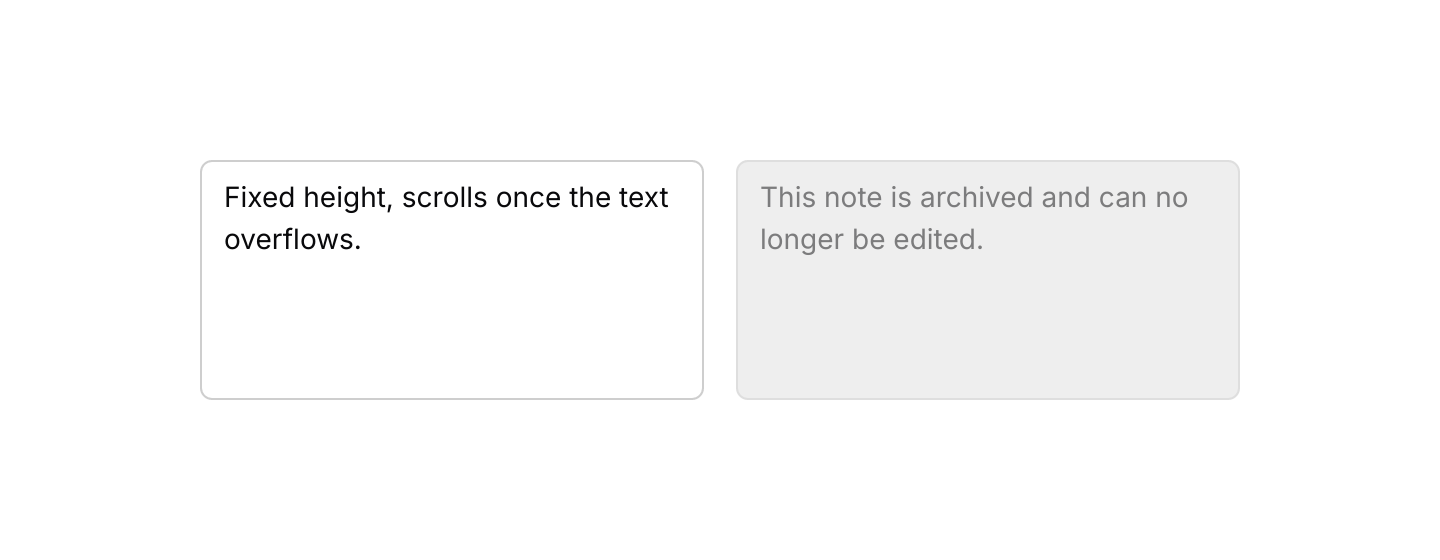
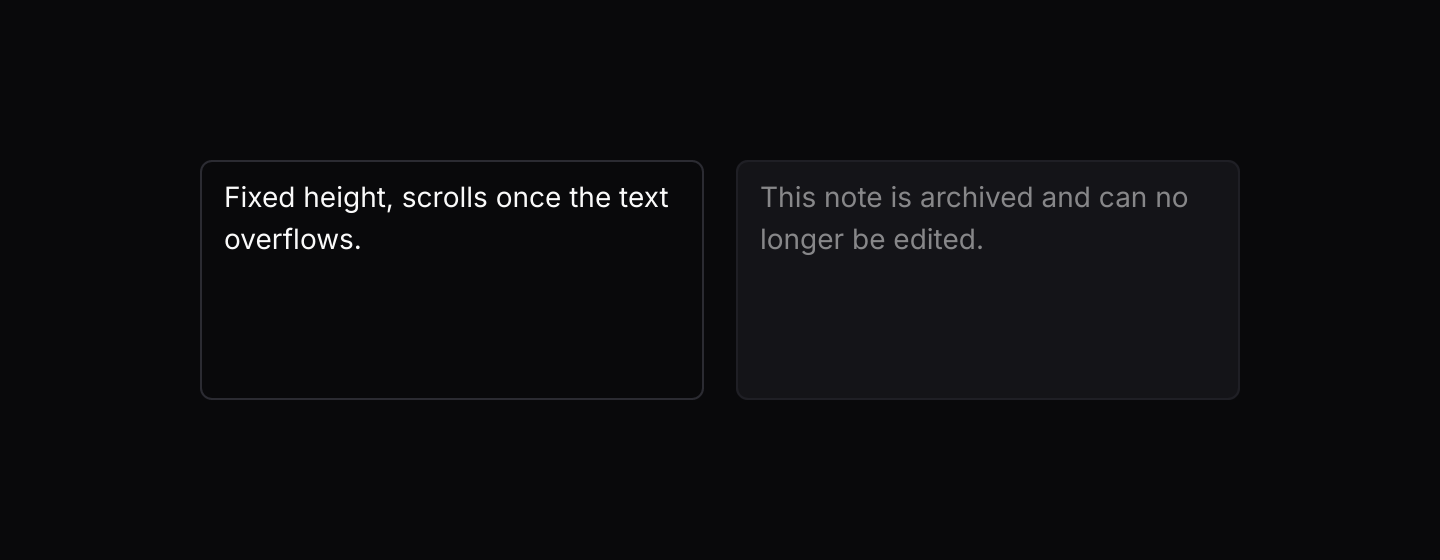
A fixed-height textarea next to one without on_action, which is disabled.
Static preview
use iced::widget::row;
use iced::widget::text_editor::{Action, Content};
use iced::{Element, Length};
use iced_cube::textarea;

#[derive(Debug, Clone)]
pub enum Message {
    Edit(Action),
}

#[derive(Debug)]
pub struct Example {
    draft: Content,
    archived: Content,
}

impl Default for Example {
    fn default() -> Self {
        Self {
            draft: Content::with_text("Fixed height, scrolls once the text overflows."),
            archived: Content::with_text("This note is archived and can no longer be edited."),
        }
    }
}

impl Example {
    pub fn update(&mut self, message: Message) {
        let Message::Edit(action) = message;
        self.draft.perform(action);
    }

    pub fn view(&self) -> Element<'_, Message> {
        row![
            textarea(&self.draft).height(120).on_action(Message::Edit),
            textarea(&self.archived).height(120),
        ]
        .spacing(16)
        .width(Length::Fixed(520.0))
        .into()
    }
}API
| Item | Description |
|---|---|
textarea(&content) | Creates a textarea editing a text_editor::Content owned by your app. It renders disabled until it has on_action. |
.on_action(fn) / .on_action_maybe(option) | Sets the message built from each edit action. Apply it with content.perform(action) in update. None disables the textarea. |
.placeholder(text) | Text shown while the content is empty. |
.height(length) | Sets the height. By default the textarea starts about three lines tall and grows with its content. A fixed height scrolls once the text overflows. |
.min_height(pixels) | Sets the starting height used while the height is Shrink. Defaults to 80. |
.invalid(bool) | Draws a destructive border. |
.id(id) / .width(length) | Sets the widget id and overrides the width. Textareas fill the available width by default. |
Keyboard
| Keys | Behaviour |
|---|---|
| Enter | Inserts a new line. |
| Escape | Removes focus from the textarea. |
| Arrow keys, Home, End, Page Up, Page Down | Moves the cursor. Hold Shift to select. |