Feedback
Progress
A determinate progress bar with an optional label and percentage.
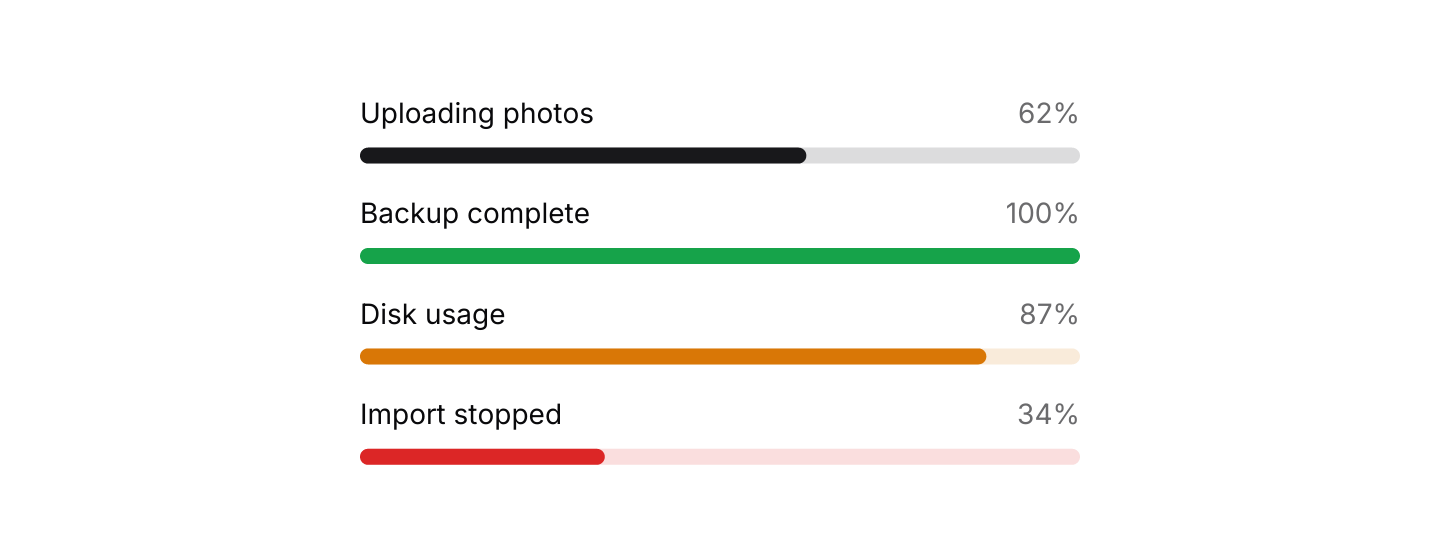
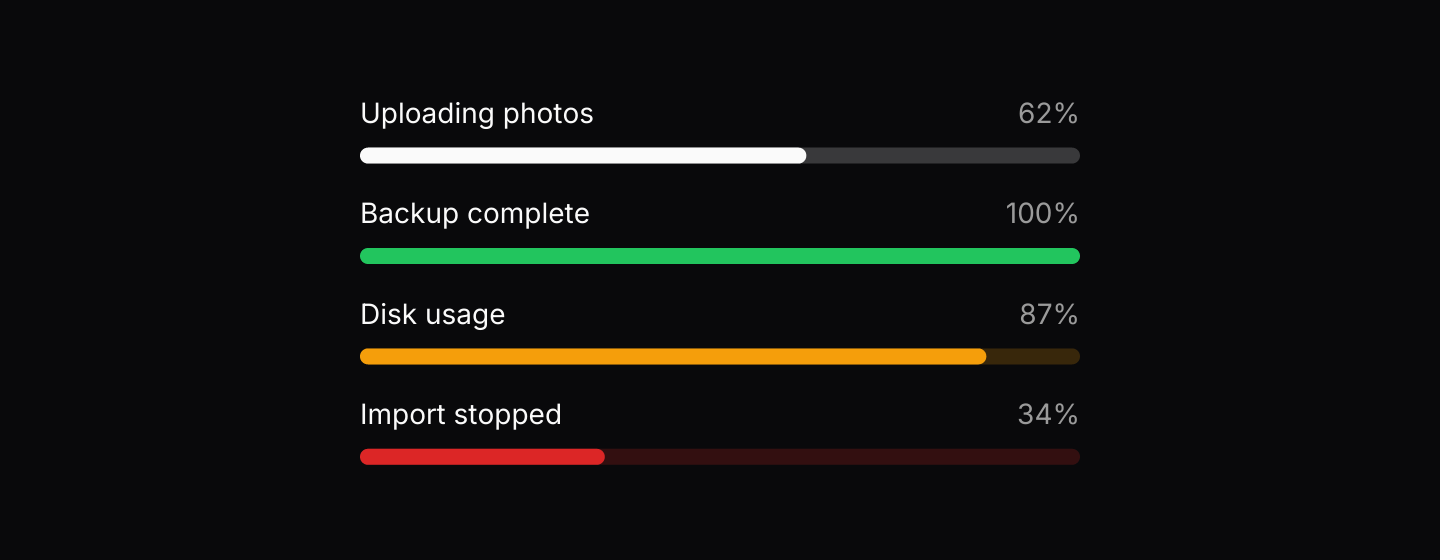
Static preview
use iced::Element;
use iced::widget::column;
use iced_cube::feedback::progress::Variant;
use iced_cube::progress;

#[derive(Debug, Clone)]
pub enum Message {}

#[derive(Debug, Default)]
pub struct Example;

impl Example {
    pub fn update(&mut self, _message: Message) {}

    pub fn view(&self) -> Element<'_, Message> {
        column![
            progress(0.62)
                .label("Uploading photos")
                .show_percentage(true),
            progress(1.0)
                .variant(Variant::Success)
                .label("Backup complete")
                .show_percentage(true),
            progress(0.87)
                .variant(Variant::Warning)
                .label("Disk usage")
                .show_percentage(true),
            progress(0.34)
                .variant(Variant::Destructive)
                .label("Import stopped")
                .show_percentage(true),
        ]
        .spacing(16)
        .width(360)
        .into()
    }
}Usage
Use a progress bar when you know how much work is left. When you do not, show a spinner instead.
The bar is stateless: keep the value in your app and pass it in on every view. The clamp and percentage helpers in the module are there if you need the same maths elsewhere.
Examples
Sizes
Small, medium and large bars.
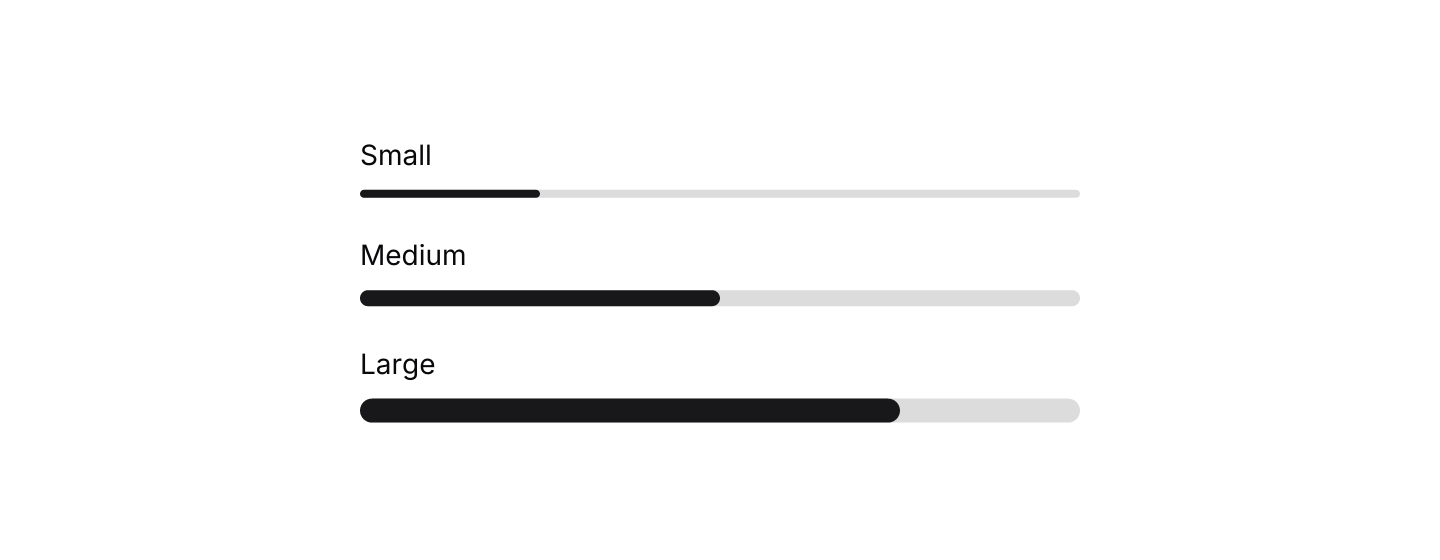
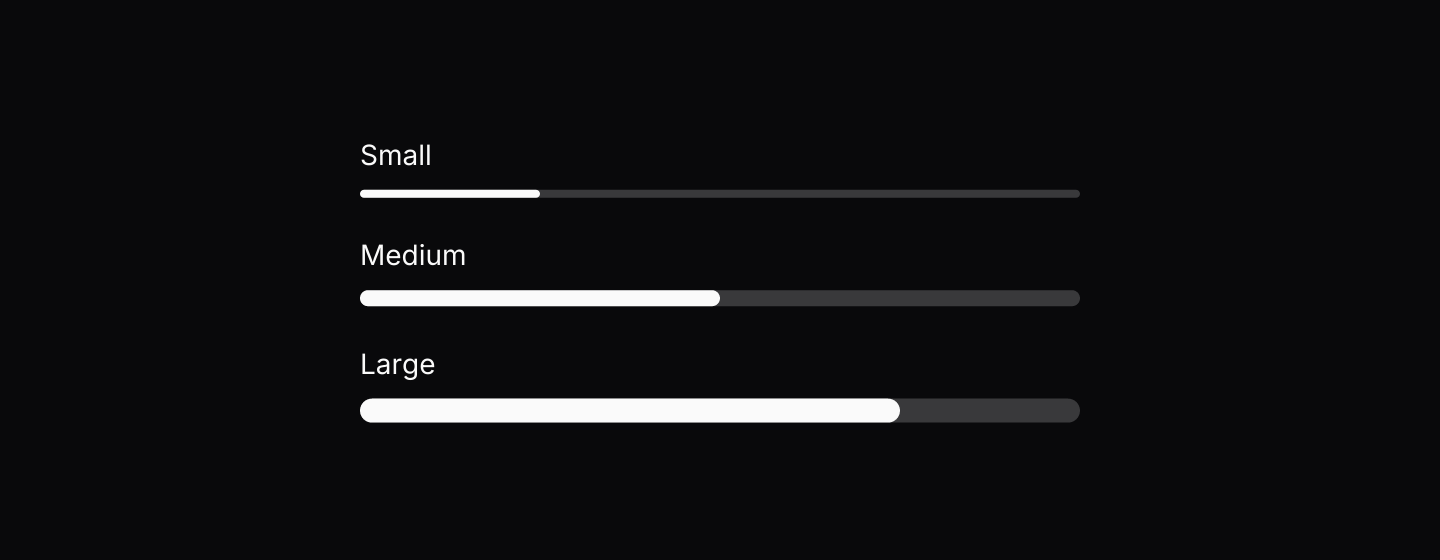
Static preview
use iced::Element;
use iced::widget::column;
use iced_cube::feedback::progress::Size;
use iced_cube::progress;

#[derive(Debug, Clone)]
pub enum Message {}

#[derive(Debug, Default)]
pub struct Example;

impl Example {
    pub fn update(&mut self, _message: Message) {}

    pub fn view(&self) -> Element<'_, Message> {
        column![
            progress(0.25).size(Size::Sm).label("Small"),
            progress(0.5).size(Size::Md).label("Medium"),
            progress(0.75).size(Size::Lg).label("Large"),
        ]
        .spacing(20)
        .width(360)
        .into()
    }
}Interactive
The bar follows a value held in app state.
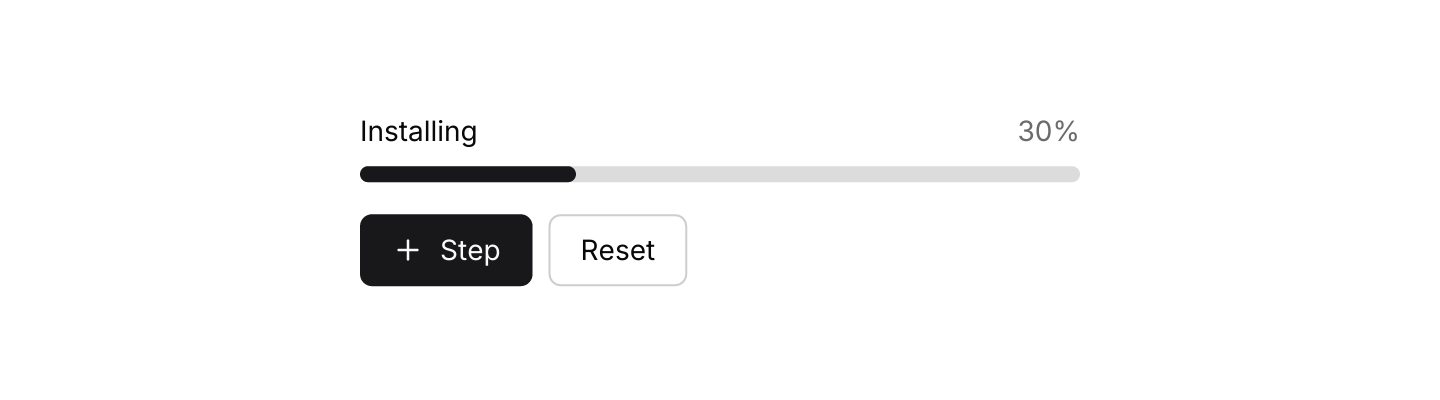

Static preview
use iced::Element;
use iced::widget::{column, row};
use iced_cube::primitives::button::Variant;
use iced_cube::{button, lucide, progress};

const STEPS: u8 = 10;

#[derive(Debug, Clone)]
pub enum Message {
    Step,
    Reset,
}

#[derive(Debug)]
pub struct Example {
    step: u8,
}

impl Default for Example {
    fn default() -> Self {
        Self { step: 3 }
    }
}

impl Example {
    pub fn update(&mut self, message: Message) {
        match message {
            Message::Step => self.step = (self.step + 1).min(STEPS),
            Message::Reset => self.step = 0,
        }
    }

    pub fn view(&self) -> Element<'_, Message> {
        let done = self.step == STEPS;

        column![
            progress(f32::from(self.step) / f32::from(STEPS))
                .label(if done { "Done" } else { "Installing" })
                .show_percentage(true),
            row![
                button("Step")
                    .icon(lucide!(Plus))
                    .on_press_maybe((!done).then_some(Message::Step)),
                button("Reset")
                    .variant(Variant::Outline)
                    .on_press(Message::Reset),
            ]
            .spacing(8),
        ]
        .spacing(16)
        .width(360)
        .into()
    }
}API
| Item | Description |
|---|---|
progress(value) | Creates a bar from a value between 0.0 and 1.0. Values outside that range are clamped, and NaN counts as 0.0. |
.label(text) | Shows a caption above the bar. |
.show_percentage(bool) | Shows the rounded percentage above the bar, on the right. |
.variant(Variant) | Default, Success, Warning or Destructive. Defaults to Default. |
.size(Size) | Sm, Md or Lg thickness. Defaults to Md. |
.width(length) | Overrides the width. Bars fill the available width by default. |