Layout
Stack
Vertical and horizontal stacks that take their spacing from the theme's scale.
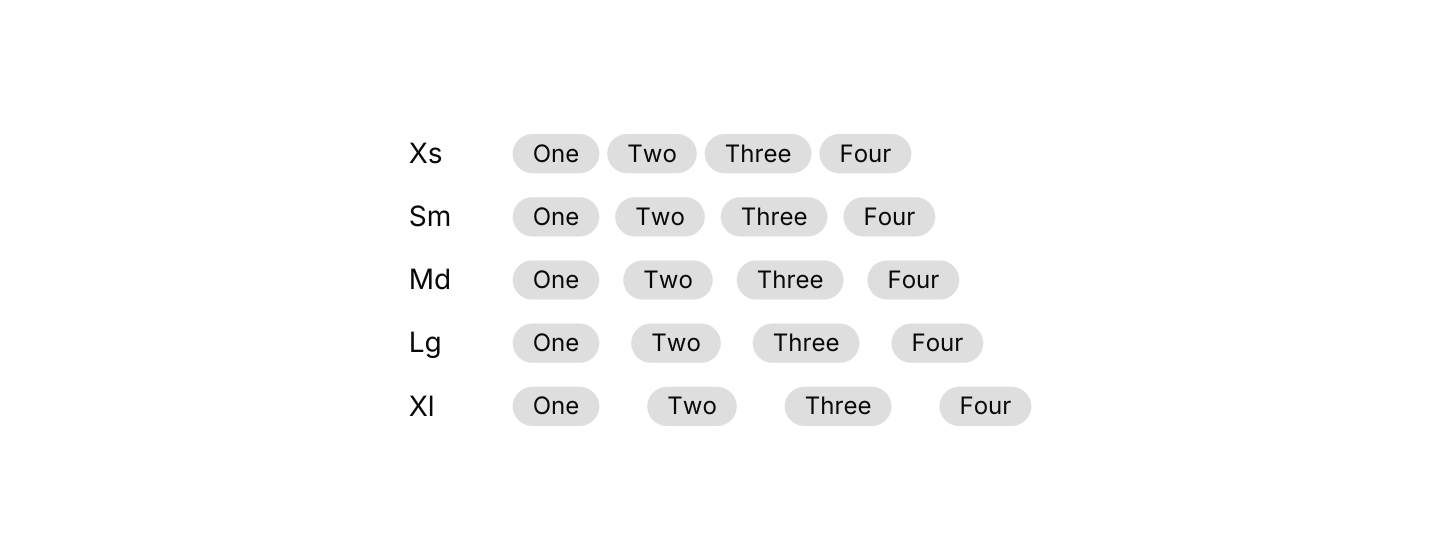
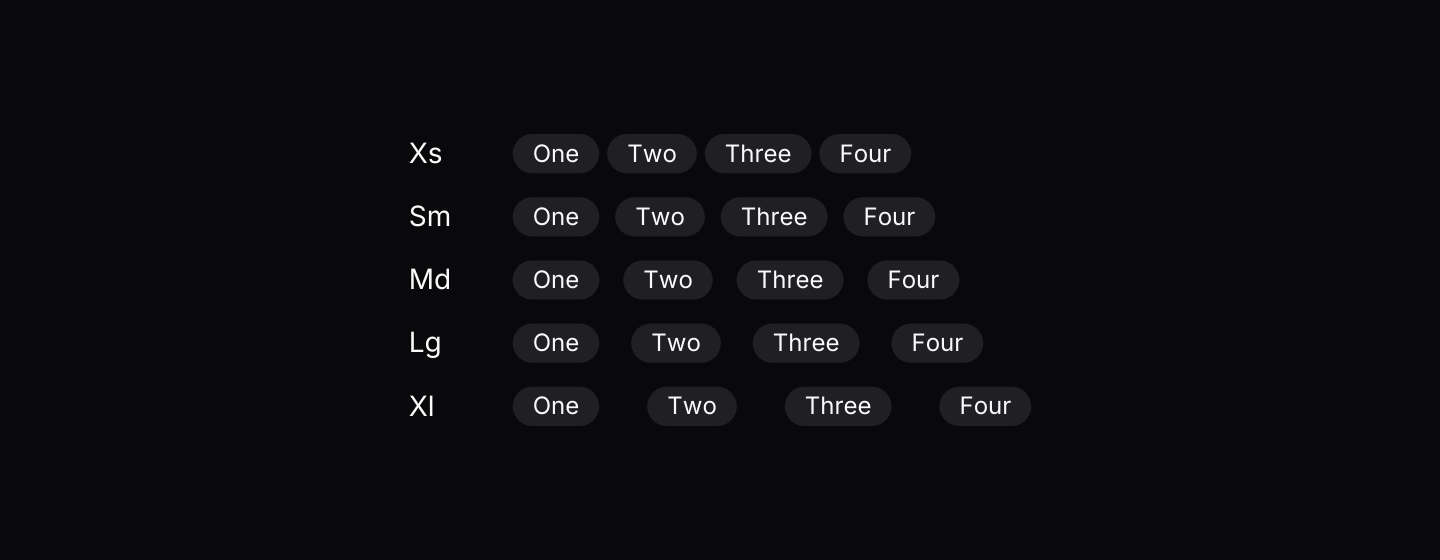
Static preview
use iced::widget::text;
use iced::{Alignment, Element};
use iced_cube::feedback::badge::Variant;
use iced_cube::layout::stack::Gap;
use iced_cube::{badge, hstack, vstack};

#[derive(Debug, Clone)]
pub enum Message {}

#[derive(Debug, Default)]
pub struct Example;

impl Example {
    pub fn update(&mut self, _message: Message) {}

    pub fn view(&self) -> Element<'_, Message> {
        let rows = [Gap::Xs, Gap::Sm, Gap::Md, Gap::Lg, Gap::Xl].map(|gap| {
            let items = ["One", "Two", "Three", "Four"]
                .map(|label| badge(label).variant(Variant::Secondary).into());

            hstack([
                text(format!("{gap:?}")).size(14).width(40).into(),
                hstack(items).gap(gap).wrap().into(),
            ])
            .align(Alignment::Center)
            .into()
        });

        vstack(rows).gap(Gap::Md).into()
    }
}Usage
Stacks are a thin layer over iced’s column and row. The only difference is that spacing comes from a fixed scale, which keeps gaps consistent across a whole app.
Reach for a plain column or row whenever you need something the stacks do not expose.
Examples
Alignment
Children aligned to the start, centre or end.
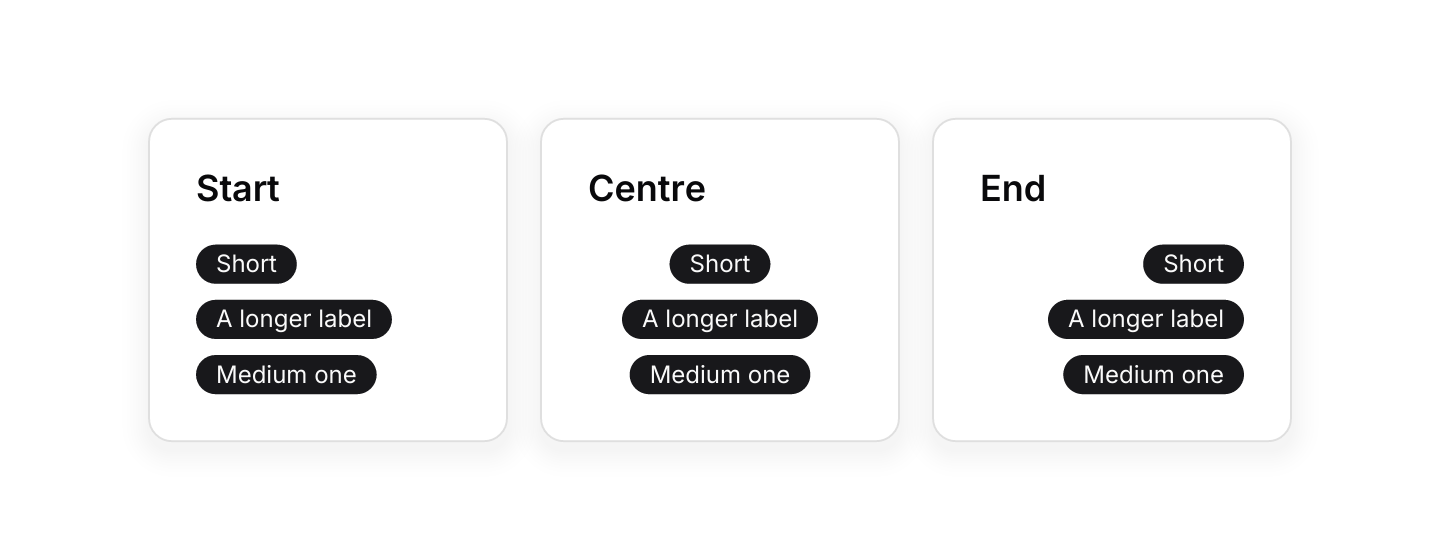
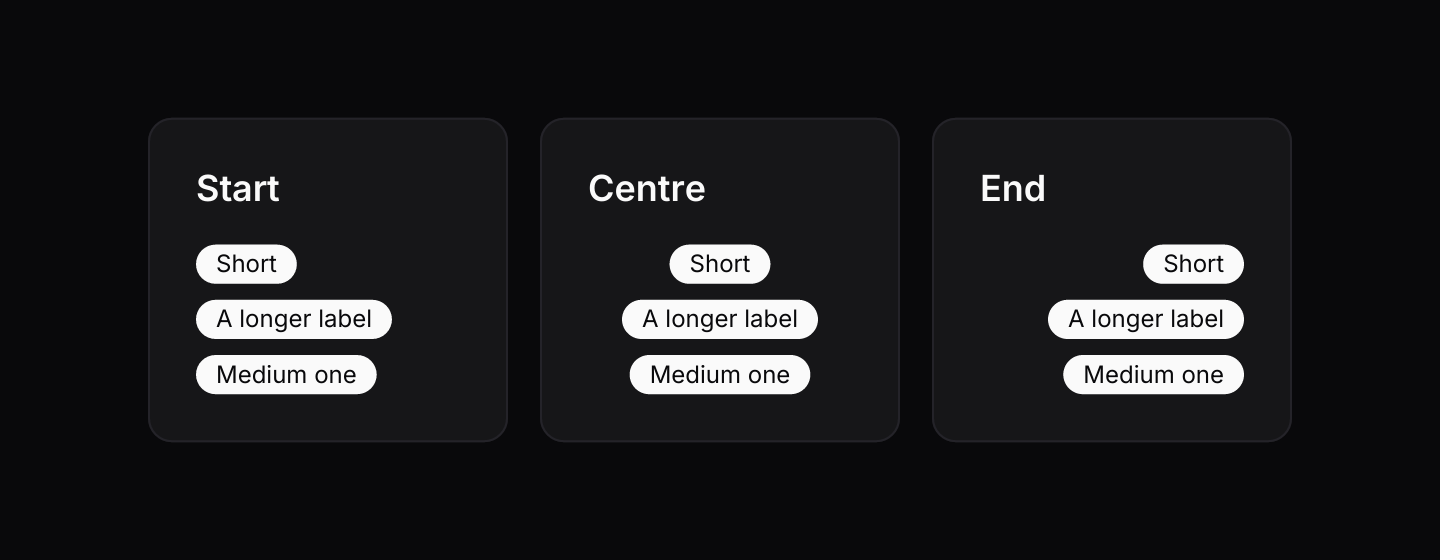
Static preview
use iced::{Alignment, Element, Length};
use iced_cube::layout::stack::Gap;
use iced_cube::{badge, card, hstack, vstack};

#[derive(Debug, Clone)]
pub enum Message {}

#[derive(Debug, Default)]
pub struct Example;

impl Example {
    pub fn update(&mut self, _message: Message) {}

    pub fn view(&self) -> Element<'_, Message> {
        let panel = |title: &'static str, align: Alignment| -> Element<'_, Message> {
            card()
                .title(title)
                .body(
                    vstack([
                        badge("Short").into(),
                        badge("A longer label").into(),
                        badge("Medium one").into(),
                    ])
                    .gap(Gap::Sm)
                    .align(align)
                    .width(Length::Fill),
                )
                .width(180)
                .into()
        };

        hstack([
            panel("Start", Alignment::Start),
            panel("Centre", Alignment::Center),
            panel("End", Alignment::End),
        ])
        .gap(Gap::Lg)
        .wrap()
        .into()
    }
}Wrapping
A horizontal stack that flows onto new lines.
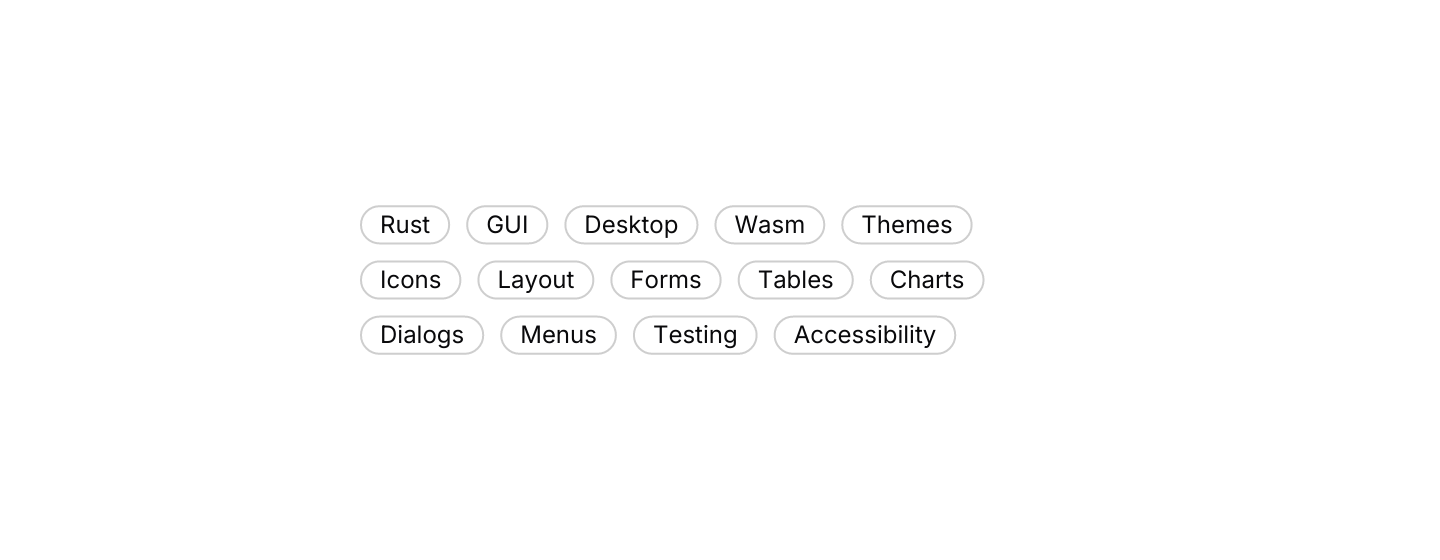
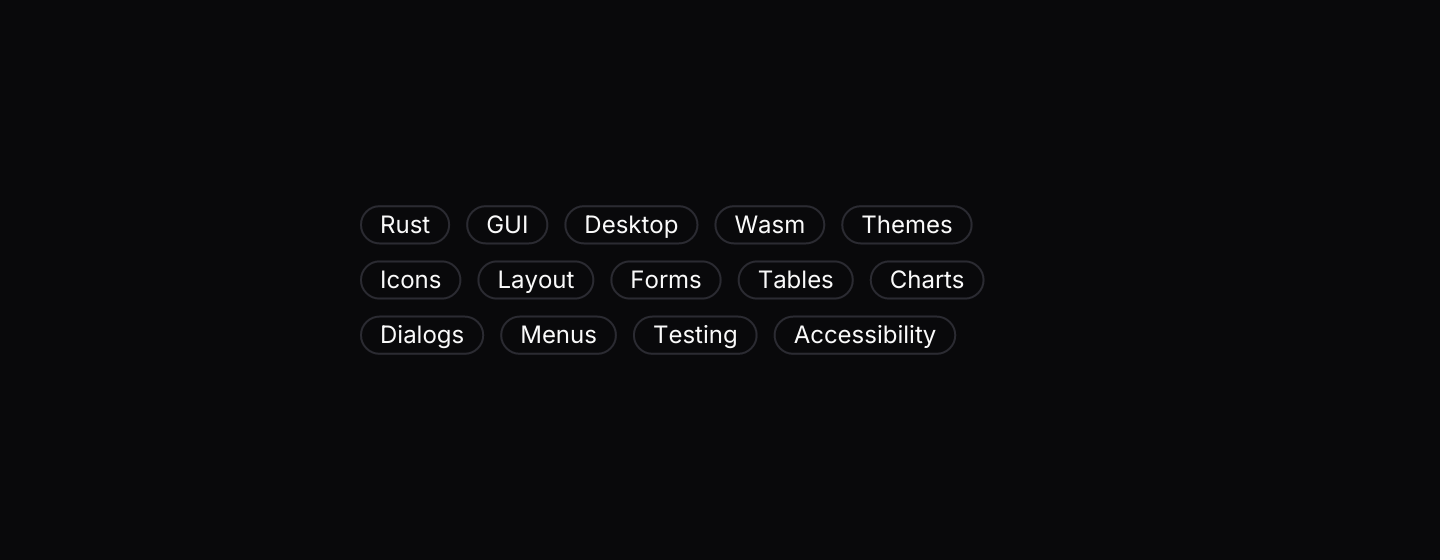
Static preview
use iced::Element;
use iced_cube::feedback::badge::Variant;
use iced_cube::layout::stack::Gap;
use iced_cube::{badge, hstack};

#[derive(Debug, Clone)]
pub enum Message {}

#[derive(Debug, Default)]
pub struct Example;

const TOPICS: [&str; 14] = [
    "Rust",
    "GUI",
    "Desktop",
    "Wasm",
    "Themes",
    "Icons",
    "Layout",
    "Forms",
    "Tables",
    "Charts",
    "Dialogs",
    "Menus",
    "Testing",
    "Accessibility",
];

impl Example {
    pub fn update(&mut self, _message: Message) {}

    pub fn view(&self) -> Element<'_, Message> {
        hstack(TOPICS.map(|topic| badge(topic).variant(Variant::Outline).into()))
            .gap(Gap::Sm)
            .wrap()
            .width(360)
            .into()
    }
}API
| Item | Description |
|---|---|
vstack(children) / hstack(children) | Stacks elements top to bottom or left to right. |
.push(element) | Adds a child at the end. |
.gap(Gap) | None, Xs, Sm, Md, Lg or Xl. Defaults to Md. |
.align(Alignment) | Aligns children across the stack: horizontally in a vstack, vertically in an hstack. |
.wrap() | Moves children onto a new line when they run out of room. |
.padding(padding) / .width(length) / .height(length) | Sizing, as on any iced column or row. Without a width or height the stack follows its children: it shrinks to fit, or fills when a child fills. |
Gap:: | The gap in pixels: 0, 4, 8, 12, 16 or 24. |
.len() / .is_empty() | How many children the stack has. |