Feedback
Alert
An inline callout with a title, description and icon.
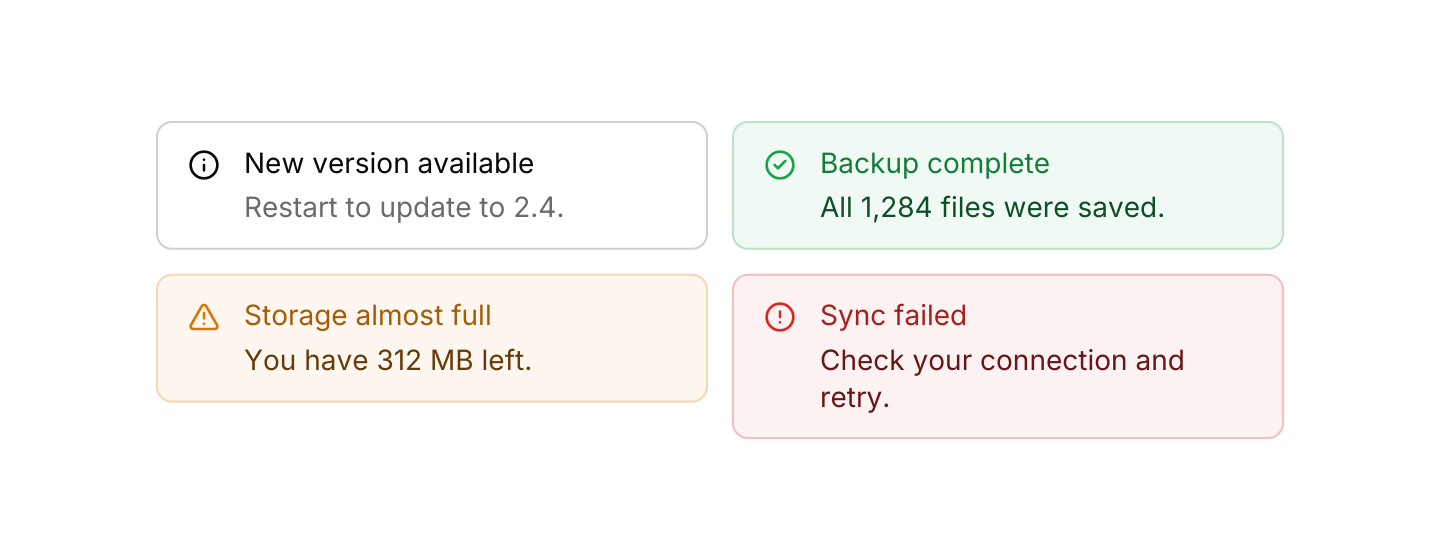
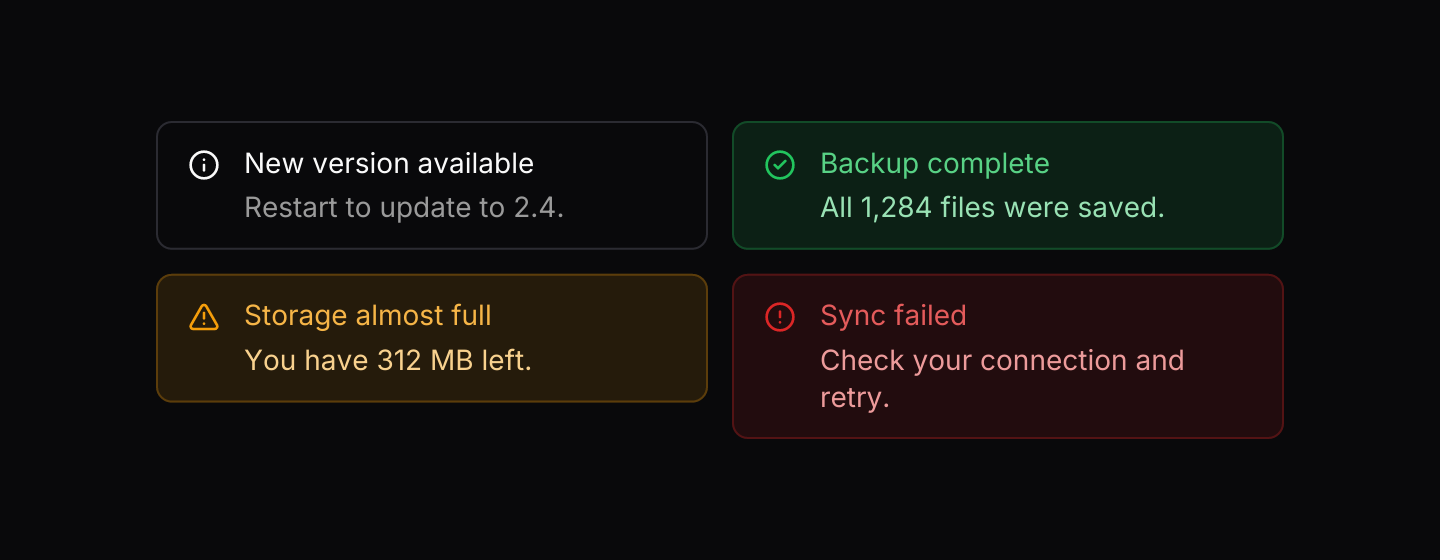
Static preview
use iced::Element;
use iced::widget::row;
use iced_cube::alert;
use iced_cube::feedback::alert::Variant;
#[derive(Debug, Clone)]
pub enum Message {}
#[derive(Debug, Default)]
pub struct Example;
const ALERTS: [(&str, &str, Variant); 4] = [
(
"New version available",
"Restart to update to 2.4.",
Variant::Info,
),
(
"Backup complete",
"All 1,284 files were saved.",
Variant::Success,
),
(
"Storage almost full",
"You have 312 MB left.",
Variant::Warning,
),
(
"Sync failed",
"Check your connection and retry.",
Variant::Destructive,
),
];
impl Example {
pub fn update(&mut self, _message: Message) {}
pub fn view(&self) -> Element<'_, Message> {
row(ALERTS.map(|(title, description, variant)| {
alert(title)
.description(description)
.variant(variant)
.width(276)
.into()
}))
.spacing(12)
.wrap()
.into()
}
}Usage
Alerts sit in the flow of the page and stay until the content around them changes. Use them for messages that relate to what is on screen, such as a failed sync or a setting that needs attention.
Each variant has a default icon: info, a tick, a warning triangle and an exclamation mark. Status variants tint their background and border with the matching theme colour, while Info stays neutral.
Examples
Custom icon
Any Lucide icon in place of the variant's default.
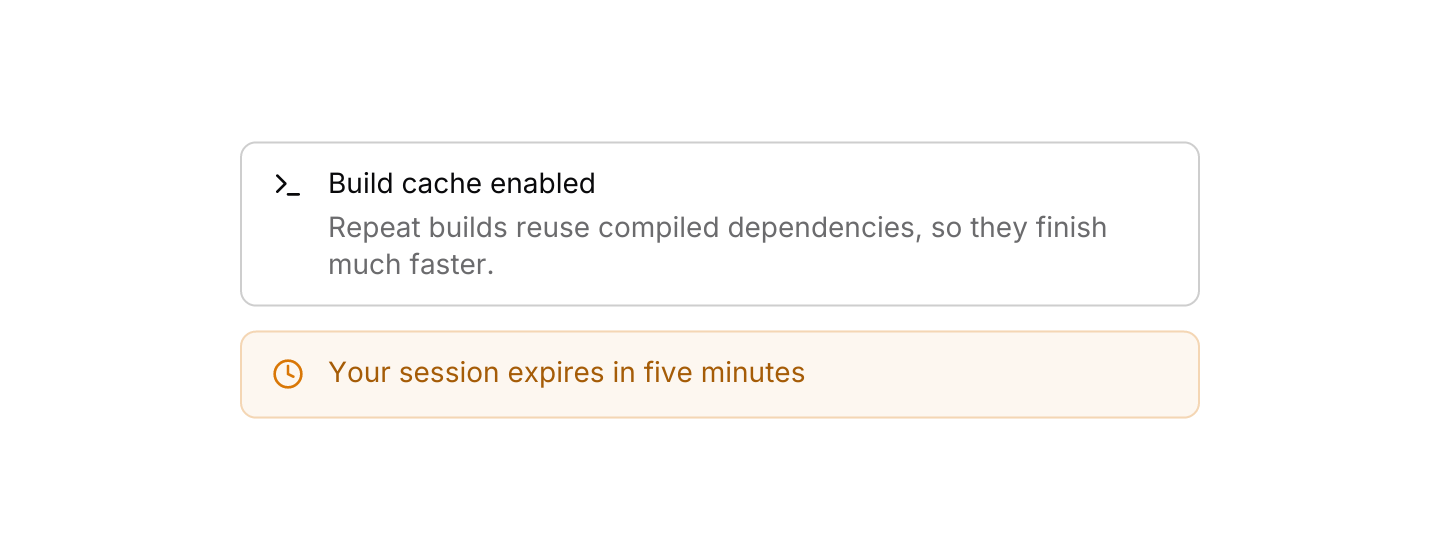
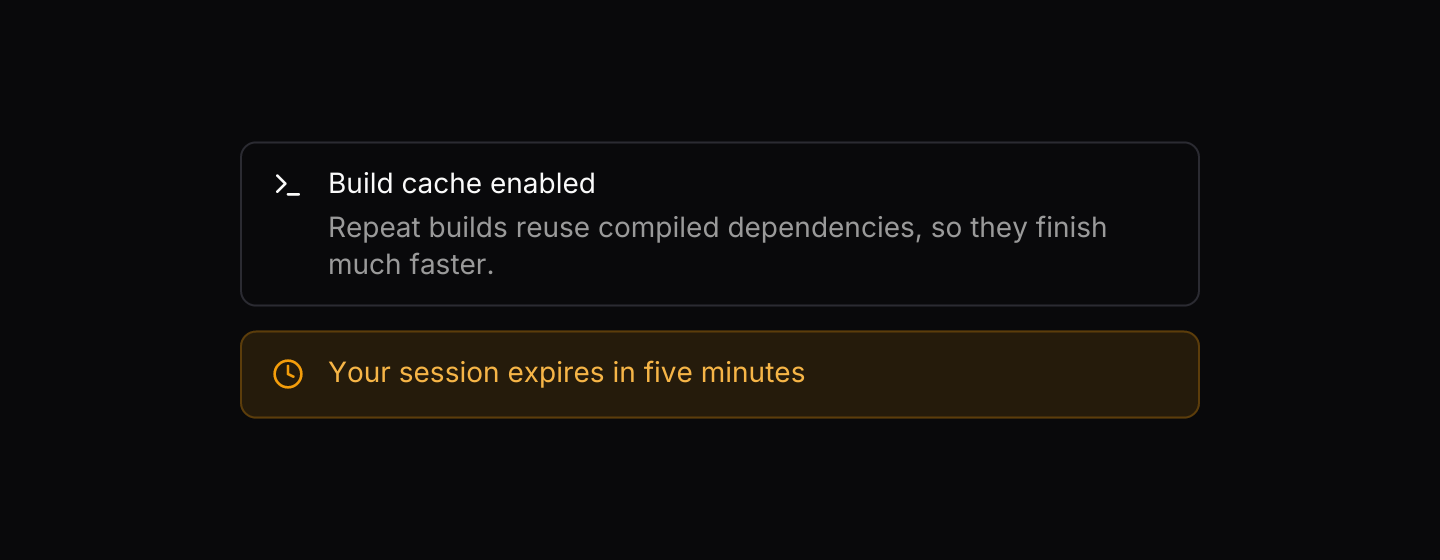
Static preview
use iced::Element;
use iced::widget::column;
use iced_cube::feedback::alert::Variant;
use iced_cube::{alert, lucide};

#[derive(Debug, Clone)]
pub enum Message {}

#[derive(Debug, Default)]
pub struct Example;

impl Example {
    pub fn update(&mut self, _message: Message) {}

    pub fn view(&self) -> Element<'_, Message> {
        column![
            alert("Build cache enabled")
                .description(
                    "Repeat builds reuse compiled dependencies, so they finish much faster."
                )
                .icon(lucide!(Terminal)),
            alert("Your session expires in five minutes")
                .icon(lucide!(Clock))
                .variant(Variant::Warning),
        ]
        .spacing(12)
        .width(480)
        .into()
    }
}API
| Item | Description |
|---|---|
alert(title) | Creates an alert with a title. It fills the available width. |
.description(text) | Adds supporting text under the title. |
.variant(Variant) | Info, Success, Warning or Destructive. Defaults to Info. |
.icon(glyph) | Replaces the variant's default icon with any Lucide icon. |
.width(length) | Overrides the width. |