Layout
Resizable panel
Two or more panels in a row or column, separated by handles that resize them.
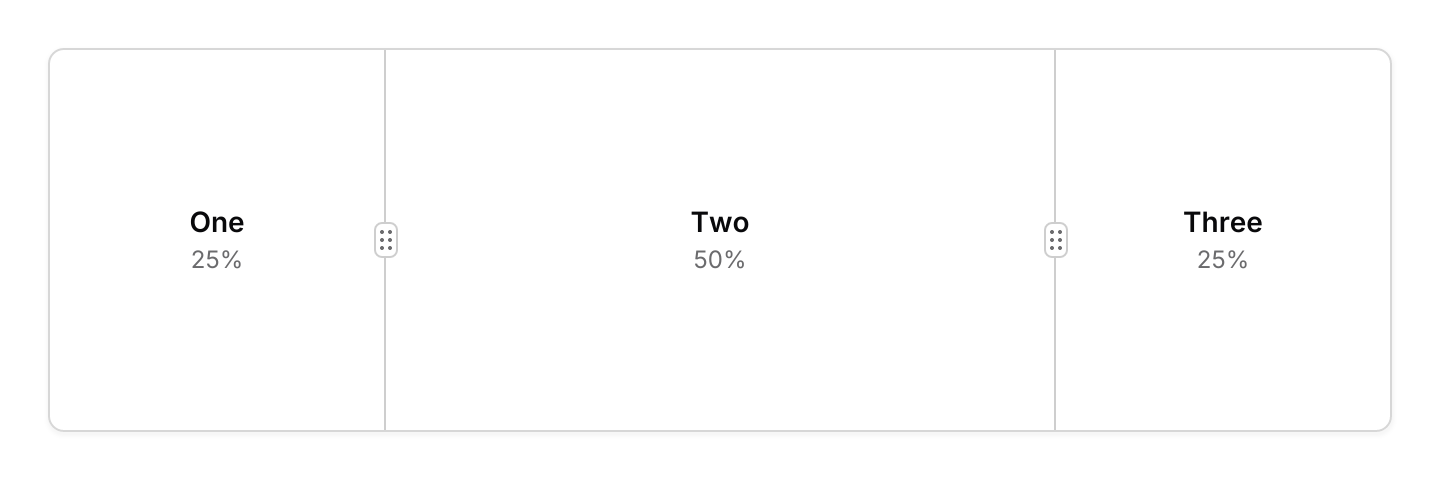
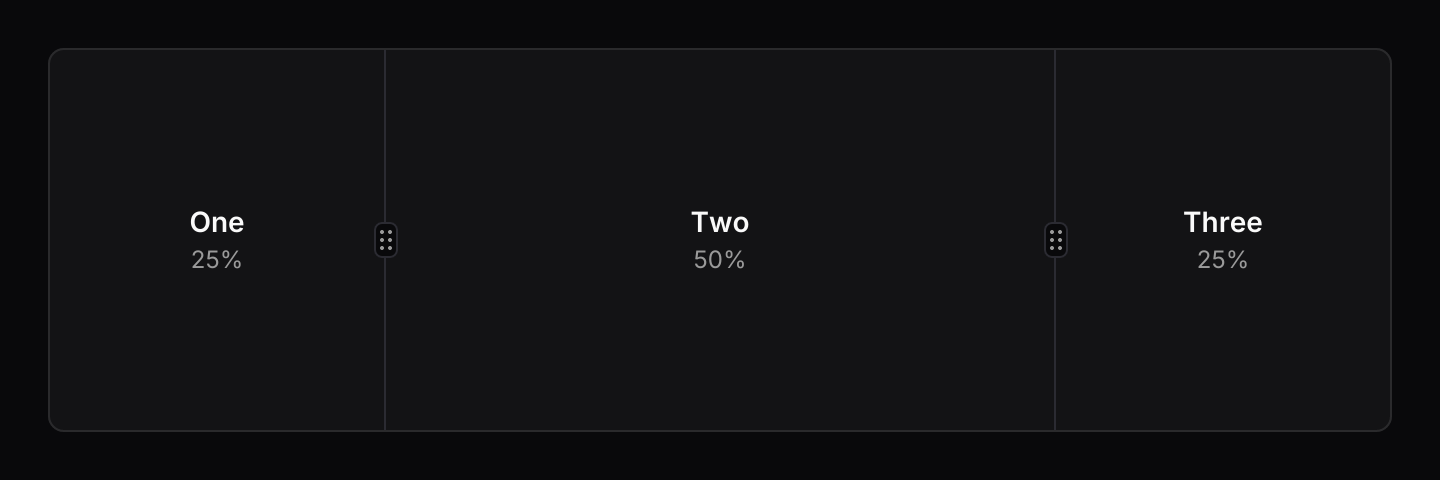
use iced::widget::{column, container, text};
use iced::{Alignment, Element, Length};
use iced_cube::layout::card;
use iced_cube::layout::resizable_panel::{Event, Extent, State, panel, resizable_panel};
use iced_cube::theme::{Tokens, semibold, text_size};

#[derive(Debug, Clone)]
pub enum Message {
    Panels(Event),
}

#[derive(Debug)]
pub struct Example {
    panels: State,
}

impl Default for Example {
    fn default() -> Self {
        Self {
            panels: State::new([
                panel(Extent::Fraction(0.25)).min(Extent::Pixels(64.0)),
                panel(Extent::Fraction(0.5)).min(Extent::Pixels(64.0)),
                panel(Extent::Fraction(0.25)).min(Extent::Pixels(64.0)),
            ]),
        }
    }
}

impl Example {
    pub fn update(&mut self, message: Message) {
        let Message::Panels(event) = message;
        let _ = self.panels.update(event);
    }

    pub fn view(&self) -> Element<'_, Message> {
        let sizes = self.panels.sizes();
        let panes = ["One", "Two", "Three"]
            .into_iter()
            .enumerate()
            .map(|(index, name)| {
                let share = sizes.get(index).copied().unwrap_or_default();
                pane(name, format!("{:.0}%", share * 100.0))
            });

        container(
            resizable_panel(&self.panels, panes)
                .grip(true)
                .on_event(Message::Panels),
        )
        .padding(1)
        .height(200)
        .style(|theme| card::style(&Tokens::of(theme)))
        .into()
    }
}

fn pane<'a>(name: &'a str, share: String) -> Element<'a, Message> {
    container(
        column![
            text(name).size(text_size::SM).font(semibold()),
            text(share).size(text_size::XS).style(|theme| text::Style {
                color: Some(Tokens::of(theme).muted_foreground),
            }),
        ]
        .spacing(2)
        .align_x(Alignment::Center),
    )
    .center(Length::Fill)
    .into()
}Usage
The app owns the sizes. They live in State as fractions of the space the panels share, so saving state.sizes() and passing it back to with_sizes restores the layout at any window size. Pixel limits are applied against the current size every time the group is laid out.
Dragging a handle moves the panels on either side of it. When the panel that is shrinking reaches its minimum, the panels beyond it shrink too. A collapsible panel snaps shut once it is dragged below its threshold and snaps open again, at its minimum, once it is dragged back past it. Event::Toggle collapses a panel or brings it back to the size it had before.
The group sends Event::Measure when its size changes, followed by the drag events. Pass them all to state.update.
Keyboard focus
iced 0.14 has no general focus model, but widgets can take part in its focus operations. Each handle is focusable: pressing it focuses it, just as a text field is focused, and iced::widget::operation::focus(id) or focus_next() reach it too. While a handle has focus the group resolves its own keymap and captures the keys it uses, so no subscription is needed. Escape or a press anywhere else takes the focus away.
Small screens
When the minimums do not fit, collapsible panels collapse, starting with the last one, and if that is not enough every panel shrinks in proportion. For a row that would be too cramped on a phone, .stack_below(480.0) turns it into a column below that width, keeping the same shares.
Examples
Vertical
A header and content stacked in a column.
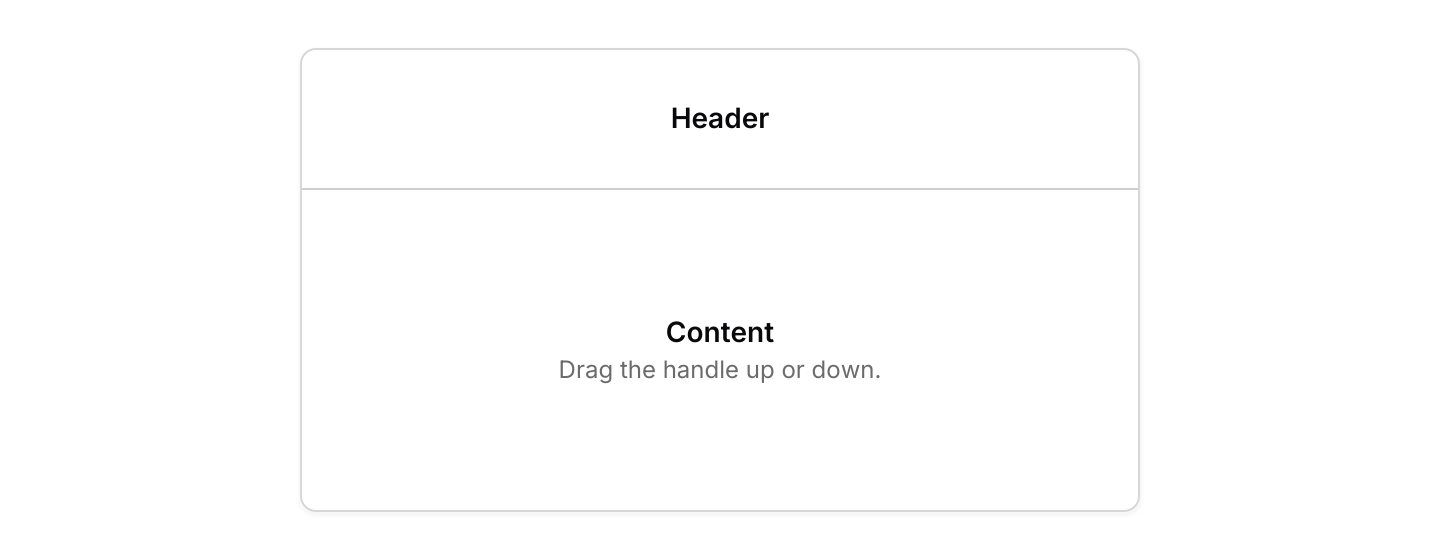

use iced::widget::{column, container, text};
use iced::{Element, Length};
use iced_cube::layout::card;
use iced_cube::layout::resizable_panel::{Axis, Event, Extent, State, panel, resizable_panel};
use iced_cube::theme::{Tokens, semibold, text_size};

#[derive(Debug, Clone)]
pub enum Message {
    Panels(Event),
}

#[derive(Debug)]
pub struct Example {
    panels: State,
}

impl Default for Example {
    fn default() -> Self {
        Self {
            panels: State::new([
                panel(Extent::Fraction(0.3)).min(Extent::Pixels(48.0)),
                panel(Extent::Fraction(0.7)).min(Extent::Pixels(64.0)),
            ]),
        }
    }
}

impl Example {
    pub fn update(&mut self, message: Message) {
        let Message::Panels(event) = message;
        let _ = self.panels.update(event);
    }

    pub fn view(&self) -> Element<'_, Message> {
        let header =
            container(text("Header").size(text_size::SM).font(semibold())).center(Length::Fill);
        let body = container(
            column![
                text("Content").size(text_size::SM).font(semibold()),
                text("Drag the handle up or down.")
                    .size(text_size::XS)
                    .style(|theme| text::Style {
                        color: Some(Tokens::of(theme).muted_foreground),
                    }),
            ]
            .spacing(2)
            .align_x(iced::Alignment::Center),
        )
        .center(Length::Fill);

        container(
            resizable_panel(&self.panels, [header.into(), body.into()])
                .axis(Axis::Vertical)
                .on_event(Message::Panels),
        )
        .padding(1)
        .width(Length::Fill)
        .max_width(420)
        .height(240)
        .style(|theme| card::style(&Tokens::of(theme)))
        .into()
    }
}Nested
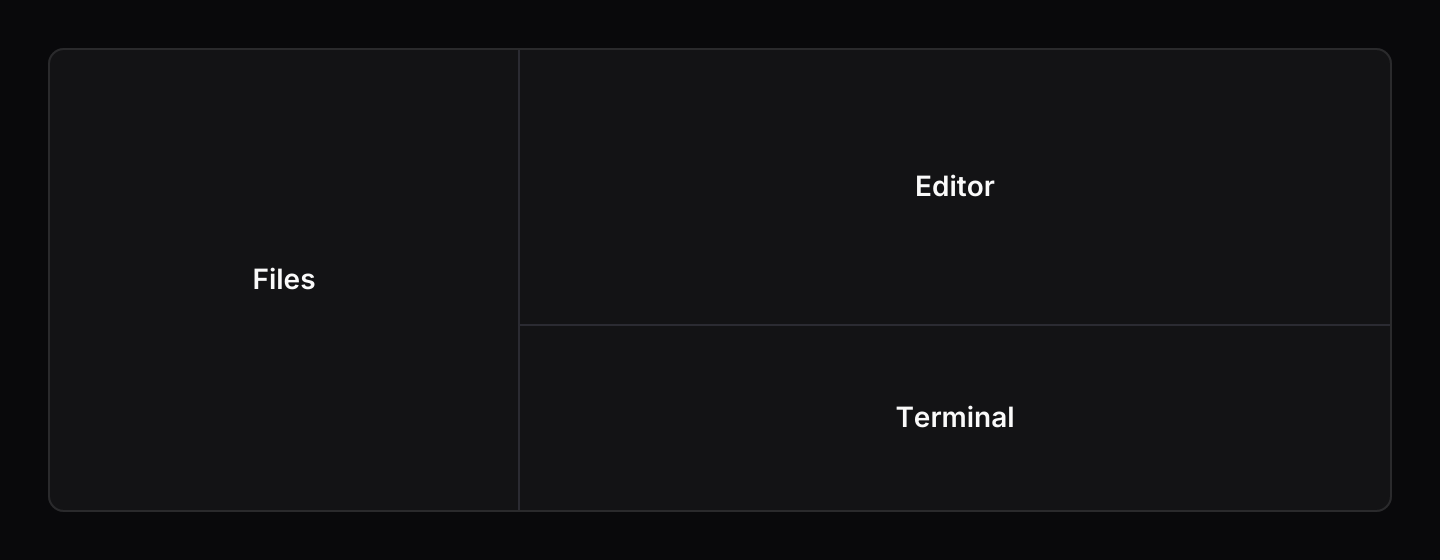
A column of two panels inside a row. Below 480 pixels the row stacks into a column.
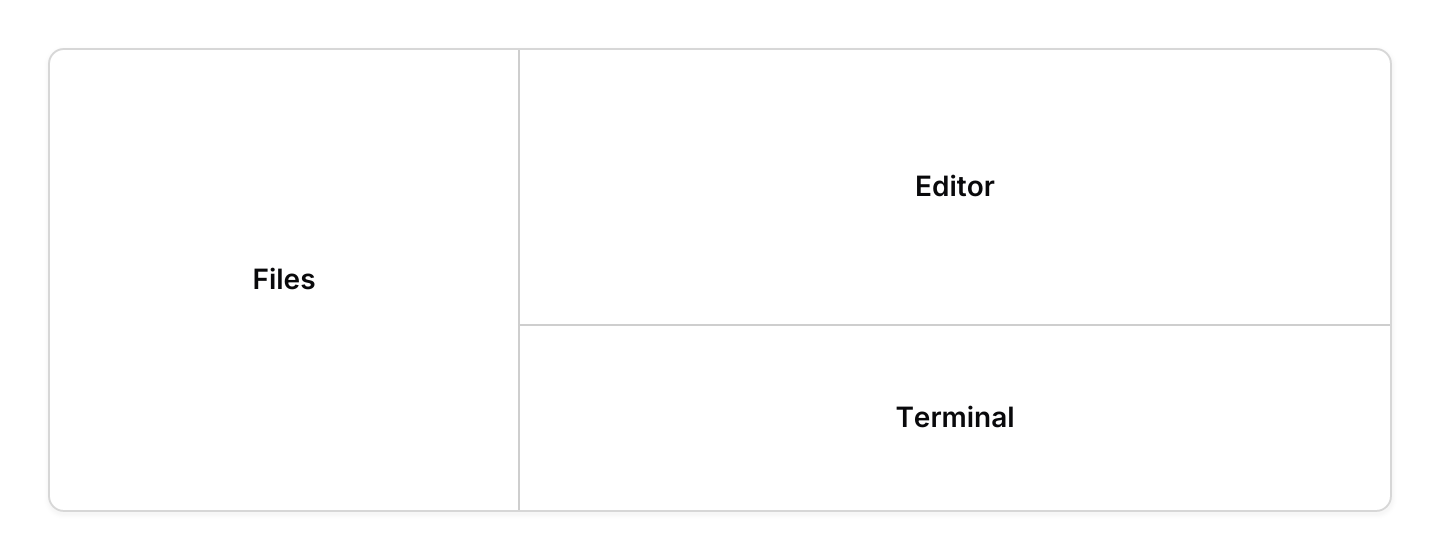
use iced::widget::{container, text};
use iced::{Element, Length};
use iced_cube::layout::card;
use iced_cube::layout::resizable_panel::{Axis, Event, Extent, State, panel, resizable_panel};
use iced_cube::theme::{Tokens, semibold, text_size};

#[derive(Debug, Clone)]
pub enum Message {
    Outer(Event),
    Inner(Event),
}

#[derive(Debug)]
pub struct Example {
    outer: State,
    inner: State,
}

impl Default for Example {
    fn default() -> Self {
        Self {
            outer: State::new([
                panel(Extent::Fraction(0.35)).min(Extent::Pixels(96.0)),
                panel(Extent::Fraction(0.65)).min(Extent::Pixels(160.0)),
            ]),
            inner: State::new([
                panel(Extent::Fraction(0.6)).min(Extent::Pixels(40.0)),
                panel(Extent::Fraction(0.4)).min(Extent::Pixels(40.0)),
            ]),
        }
    }
}

impl Example {
    pub fn update(&mut self, message: Message) {
        let _ = match message {
            Message::Outer(event) => self.outer.update(event),
            Message::Inner(event) => self.inner.update(event),
        };
    }

    pub fn view(&self) -> Element<'_, Message> {
        let editor = resizable_panel(&self.inner, [pane("Editor"), pane("Terminal")])
            .axis(Axis::Vertical)
            .on_event(Message::Inner);

        container(
            resizable_panel(&self.outer, [pane("Files"), editor.into()])
                .stack_below(480.0)
                .on_event(Message::Outer),
        )
        .padding(1)
        .height(240)
        .style(|theme| card::style(&Tokens::of(theme)))
        .into()
    }
}

fn pane(name: &str) -> Element<'_, Message> {
    container(text(name).size(text_size::SM).font(semibold()))
        .center(Length::Fill)
        .into()
}Collapsible with limits
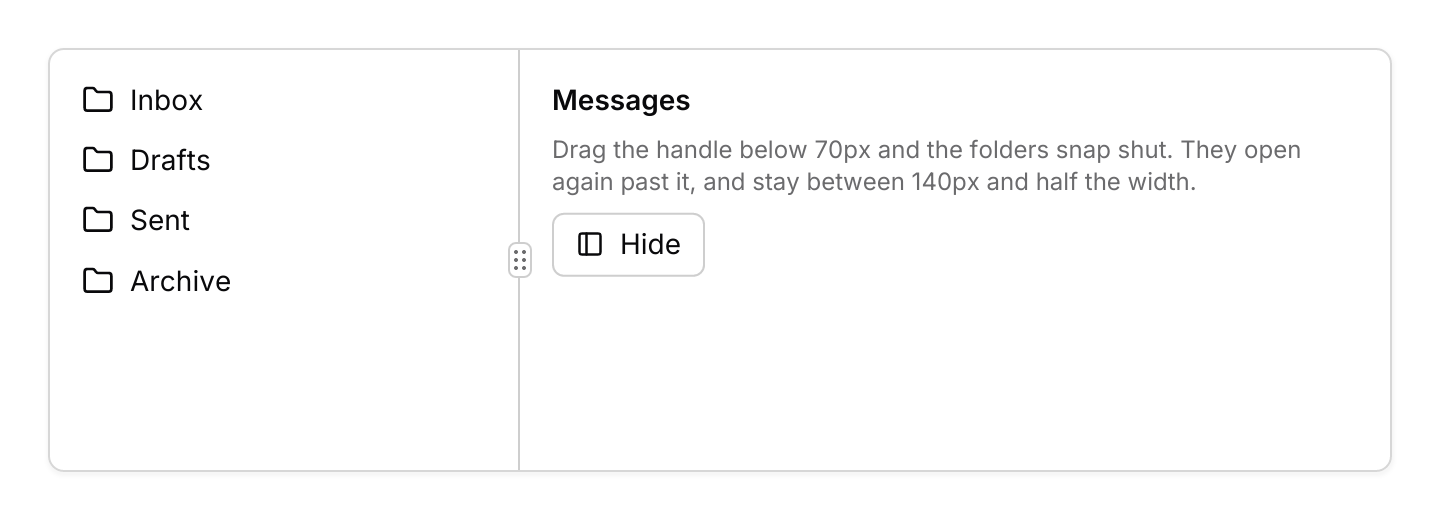
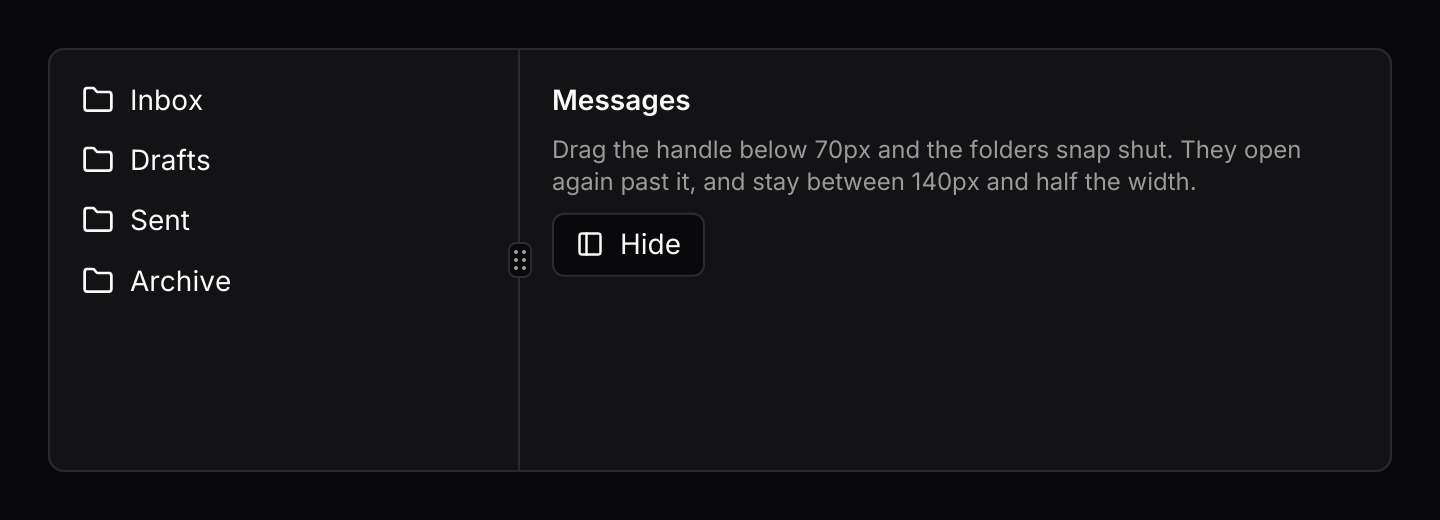
A folder list between 140 pixels and half the width that snaps shut below its threshold, with a button that toggles it.
use iced::widget::{column, container, row, text};
use iced::{Alignment, Element, Length};
use iced_cube::layout::card;
use iced_cube::layout::resizable_panel::{Event, Extent, State, panel, resizable_panel};
use iced_cube::primitives::button::{Size, Variant};
use iced_cube::theme::{Tokens, semibold, text_size};
use iced_cube::{button, icon, lucide};

const FOLDERS: [&str; 4] = ["Inbox", "Drafts", "Sent", "Archive"];

#[derive(Debug, Clone)]
pub enum Message {
    Panels(Event),
    Toggle,
}

#[derive(Debug)]
pub struct Example {
    panels: State,
}

impl Default for Example {
    fn default() -> Self {
        Self {
            panels: State::new([
                panel(Extent::Fraction(0.35))
                    .min(Extent::Pixels(140.0))
                    .max(Extent::Fraction(0.5))
                    .collapsible(true),
                panel(Extent::Fraction(0.65)).min(Extent::Pixels(120.0)),
            ]),
        }
    }
}

impl Example {
    pub fn update(&mut self, message: Message) {
        let event = match message {
            Message::Panels(event) => event,
            Message::Toggle => Event::Toggle(0),
        };
        let _ = self.panels.update(event);
    }

    pub fn view(&self) -> Element<'_, Message> {
        let folders = column(FOLDERS.map(|name| {
            row![
                icon::icon(lucide!(Folder), 16.0),
                text(name).size(text_size::SM),
            ]
            .spacing(8)
            .align_y(Alignment::Center)
            .into()
        }))
        .spacing(12)
        .padding(16);

        let collapsed = self.panels.is_collapsed(0);
        let label = if collapsed { "Show" } else { "Hide" };
        let content = container(
            column![
                text("Messages").size(text_size::SM).font(semibold()),
                text("Drag the handle below 70px and the folders snap shut. They open again past it, and stay between 140px and half the width.")
                    .size(text_size::XS)
                    .style(|theme| text::Style {
                        color: Some(Tokens::of(theme).muted_foreground),
                    }),
                button(label)
                    .icon(lucide!(PanelLeft))
                    .variant(Variant::Outline)
                    .size(Size::Sm)
                    .on_press(Message::Toggle),
            ]
            .spacing(8),
        )
        .padding(16)
        .width(Length::Fill)
        .height(Length::Fill);

        container(
            resizable_panel(&self.panels, [folders.into(), content.into()])
                .grip(true)
                .on_event(Message::Panels),
        )
        .padding(1)
        .height(220)
        .style(|theme| card::style(&Tokens::of(theme)))
        .into()
    }
}Keyboard shortcuts
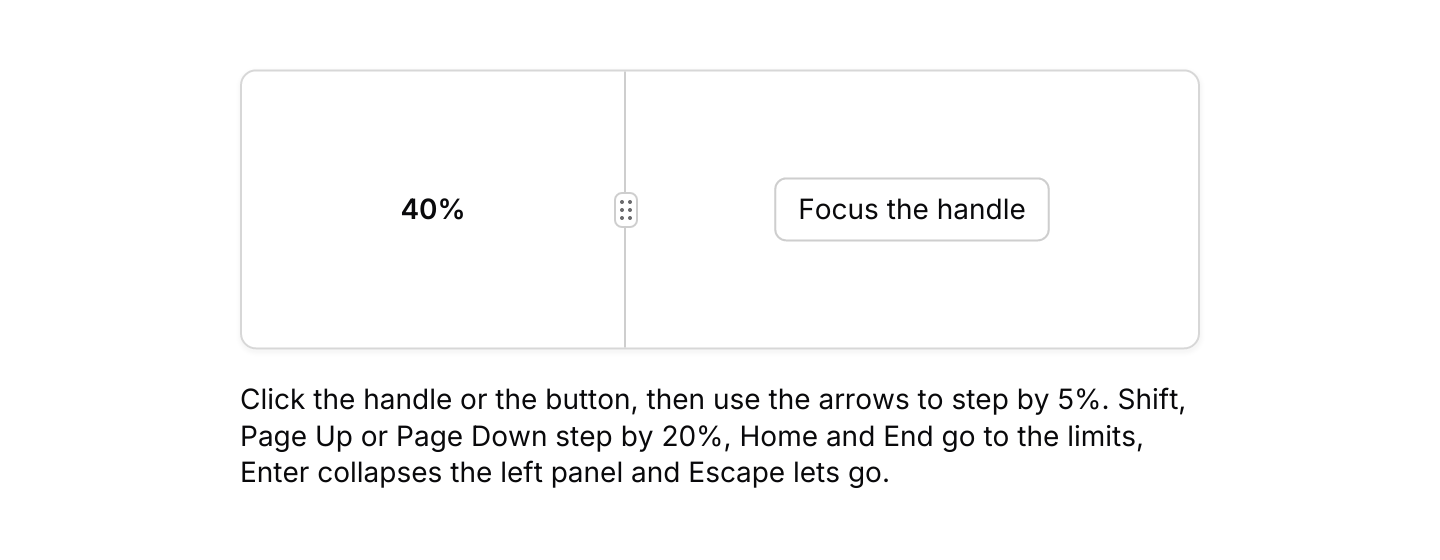
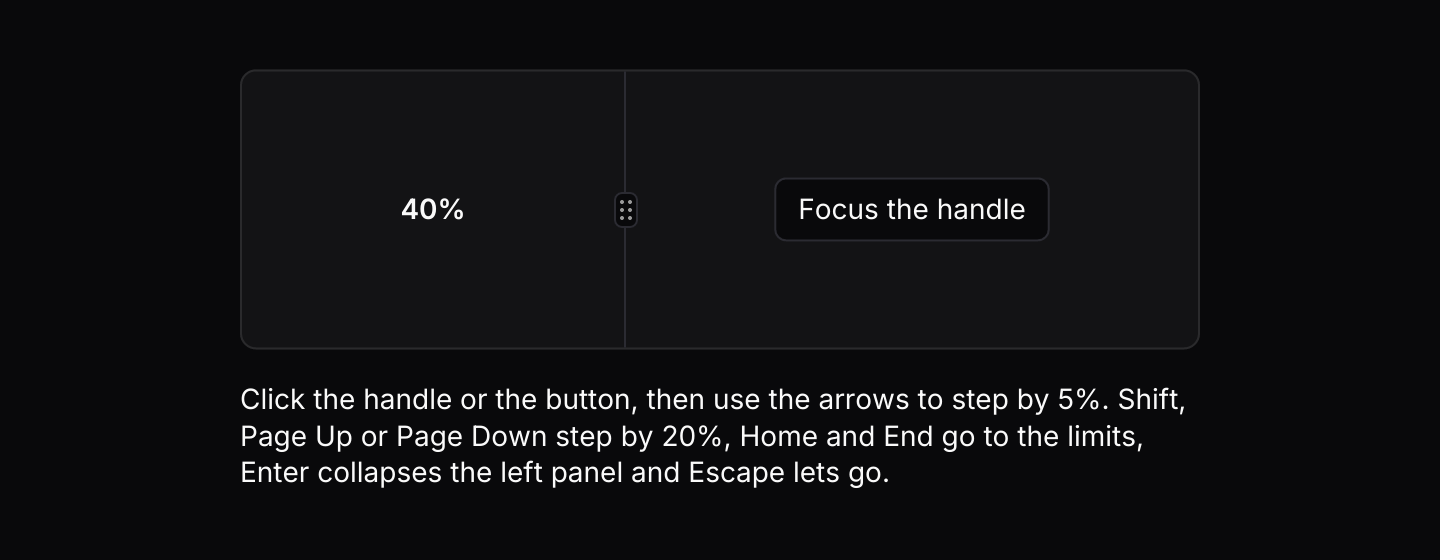
A focused handle resolves the default keymap, with Page Up and Page Down added. A press focuses the handle, and so does widget::operation::focus with its id.
use iced::keyboard::key::Named;
use iced::widget::{self, column, container, text};
use iced::{Element, Length, Task};
use iced_cube::button;
use iced_cube::keys::{Chord, Keymap};
use iced_cube::layout::card;
use iced_cube::layout::resizable_panel::{
    self, Action, Event, Extent, State, panel, resizable_panel,
};
use iced_cube::primitives::button::{Size, Variant};
use iced_cube::theme::{Tokens, semibold, text_size};

const HANDLE: widget::Id = widget::Id::new("keyboard-handle");

#[derive(Debug, Clone)]
pub enum Message {
    Panels(Event),
    FocusHandle,
}

#[derive(Debug)]
pub struct Example {
    panels: State,
    keymap: Keymap<Action>,
}

impl Default for Example {
    fn default() -> Self {
        Self {
            panels: State::new([
                panel(Extent::Fraction(0.4))
                    .min(Extent::Pixels(80.0))
                    .collapsible(true),
                panel(Extent::Fraction(0.6)).min(Extent::Pixels(120.0)),
            ]),
            keymap: resizable_panel::default_keymap()
                .bind(Chord::named(Named::PageUp), Action::DecreaseMore)
                .bind(Chord::named(Named::PageDown), Action::IncreaseMore),
        }
    }
}

impl Example {
    pub fn update(&mut self, message: Message) -> Task<Message> {
        match message {
            Message::Panels(event) => {
                let _ = self.panels.update(event);
                Task::none()
            }
            Message::FocusHandle => widget::operation::focus(HANDLE),
        }
    }

    pub fn view(&self) -> Element<'_, Message> {
        let share = self.panels.sizes().first().copied().unwrap_or_default();
        let left = container(
            text(format!("{:.0}%", share * 100.0))
                .size(text_size::SM)
                .font(semibold()),
        )
        .center(Length::Fill);
        let right = container(
            button("Focus the handle")
                .variant(Variant::Outline)
                .size(Size::Sm)
                .on_press(Message::FocusHandle),
        )
        .center(Length::Fill);

        column![
            container(
                resizable_panel(&self.panels, [left.into(), right.into()])
                    .id(HANDLE)
                    .grip(true)
                    .keymap(self.keymap.clone())
                    .on_event(Message::Panels),
            )
            .padding(1)
            .height(140)
            .style(|theme| card::style(&Tokens::of(theme))),
            text("Click the handle or the button, then use the arrows to step by 5%. Shift, Page Up or Page Down step by 20%, Home and End go to the limits, Enter collapses the left panel and Escape lets go.")
                .size(text_size::SM),
        ]
        .spacing(16)
        .width(Length::Fill)
        .max_width(480)
        .into()
    }
}API
| Item | Description |
|---|---|
panel(Extent) | One panel's constraints, starting at a default size given as Extent::Fraction or Extent::Pixels. |
.min(Extent) / .max(Extent) | The smallest and largest the panel may get. The maximum is never below the minimum. |
.collapsible(bool) / .collapsed_size(Extent) / .collapse_below(Extent) | Lets the panel snap shut. It collapses to its collapsed size, 0 by default, when dragged below the threshold, which defaults to halfway between that size and the minimum. |
.collapsed(bool) | Starts a collapsible panel collapsed. |
State:: | Holds the panels and their sizes. Sizes are worked out when the group first measures itself. |
.with_sizes(sizes) / state.set_sizes(sizes) | Restores saved sizes. They are scaled to add up to 1 and fitted to the limits. |
.step(Extent) / .large_step(Extent) | How far the arrow keys and Shift with an arrow move a handle. Default 5% and 20%. |
state.update(Event) | Applies a drag, a keyboard step, Collapse, Expand, Toggle or Reset. Returns Output::Resized, Collapsed(i) or Expanded(i) when something changed. |
state.sizes() | Each panel's share of the space, adding up to 1, ready to save. |
state.resolve(total) / state.is_collapsed(i) / state.dragging() | The sizes in pixels for a length, whether a panel is collapsed, and the handle being dragged. |
resizable_panel(&state, panes) | Lays out one element per panel with handles between them. The handles do nothing until .on_event is set. |
.axis(Axis) | Horizontal for a row, the default, or Vertical for a column. |
.stack_below(width) | Turns a horizontal group into a column while it is narrower than the given width. |
.grip(bool) | Draws a grip on each handle. |
.id(id) | Gives the first handle an id, so widget::operation::focus can focus it. |
.keymap(Keymap<Action>) / resizable_panel:: | The shortcuts a focused handle resolves. Bind, unbind or clear chords to change them. |
action.event(&state, handle) | The Event an Action sends for a handle, for apps that route keys themselves. |
resizable_panel:: | The pure size maths the state uses, for tests or custom layouts. |
Keyboard
Default shortcuts. Every one can be changed or removed with a keymap; see Keyboard shortcuts.
| Keys | Action |
|---|---|
| ArrowLeft or ArrowUp | Decrease Moves the focused handle one step towards the start. |
| ArrowRight or ArrowDown | Increase Moves the focused handle one step towards the end. |
| Shift+ArrowLeft or Shift+ArrowUp | DecreaseMore Moves the focused handle a large step towards the start. |
| Shift+ArrowRight or Shift+ArrowDown | IncreaseMore Moves the focused handle a large step towards the end. |
| Home | Min Shrinks the panel before the handle to its minimum. |
| End | Max Grows the panel before the handle to its maximum. |
| Enter | Toggle Collapses or expands the collapsible panel next to the handle. |
| Escape | Release Takes the focus away from the handle. |