Overlays
Dropdown menu
A menu of actions that opens from a button, with check marks, radio choices and submenus.
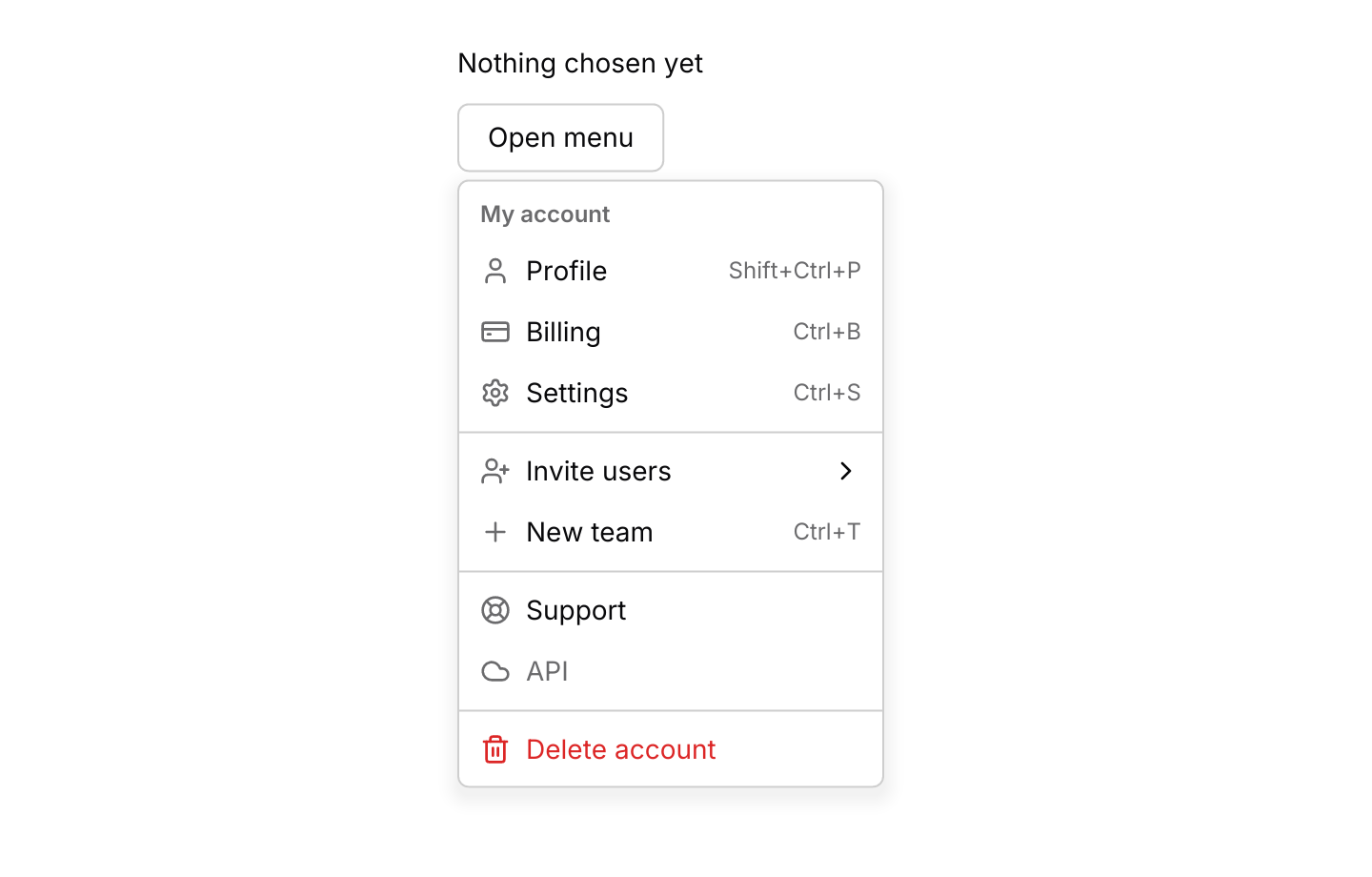
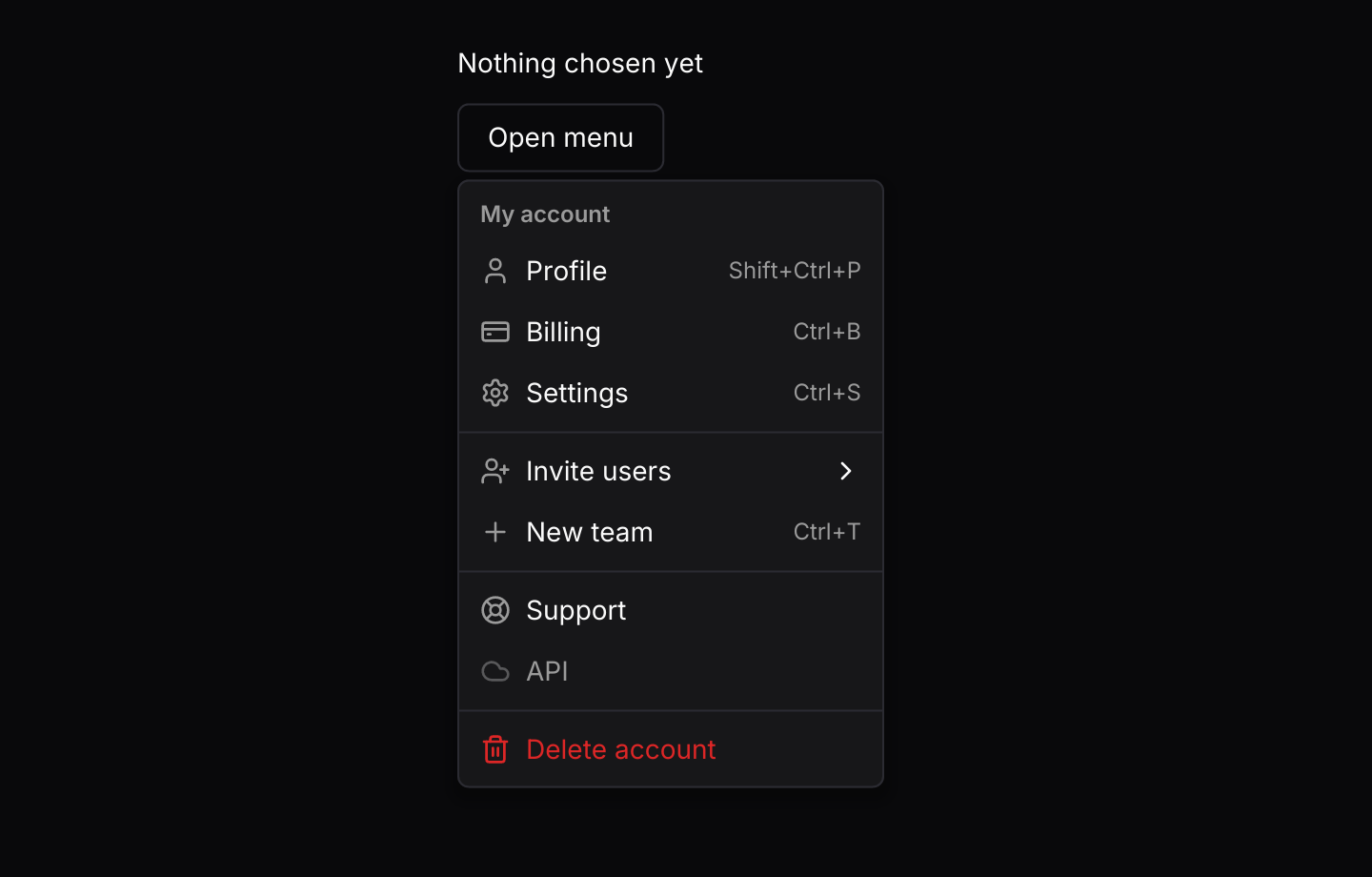
Usage
The app owns a dropdown_menu::State and routes its events into it. When update returns an Output, the menu has already closed and updated its own check marks, so the app only acts on the choice. Read checkbox and radio values back with state.is_checked(id), or keep your own copy and call set_checked when it changes elsewhere.
The trigger is any element you pass in, usually a button whose message carries Event::Toggle. Escape and a click outside send Event::Close through on_event, and Escape inside a submenu closes just that submenu. The click that closes the menu goes no further, so a menu inside a dialog closes without closing the dialog too. Clicks inside the menu never reach the widgets underneath it, and a tooltip on the trigger stays hidden while the menu is open.
Moving the pointer over an item highlights it, and the keyboard moves the same highlight. The open menu handles its own keys before anything else sees them, so it needs no subscription. A closed menu claims no keys at all, so the arrow keys, Enter and Space stay free for the rest of your app. To open a menu from the keyboard, bind a chord to Action::Open and route presses from keys::subscription() through state.key_event, as the keyboard example does. The keyboard guide explains how keys reach each layer.
The menu opens on the side you ask for, or the opposite side when only that one has room for all of it. When neither does, it takes the roomier side and scrolls, so it never covers its trigger. A submenu opens beside its item, flipping to the other side near the edge of the window. On a screen too narrow for either, it drops below or above the item instead, so the item’s label stays visible.
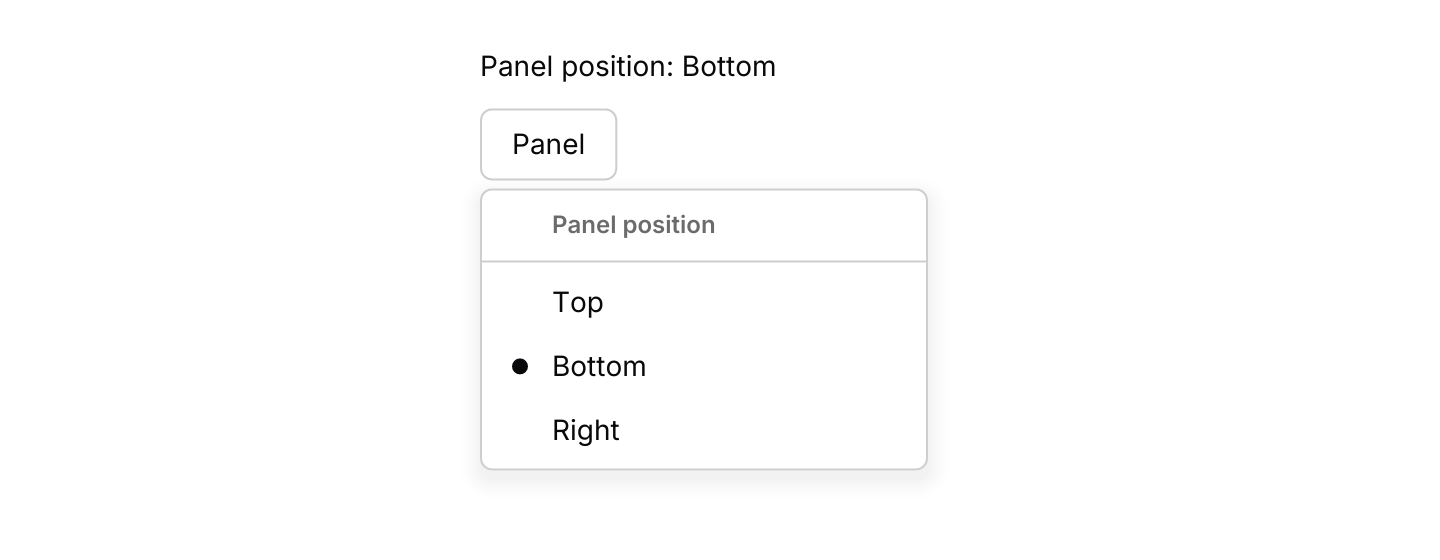
When any item in a menu has an icon, a check mark or a radio dot, every row gets one leading slot, so all the labels start at the same place. A checked item shows its mark in that slot, and any other item shows its icon there, or leaves it empty.
Shortcut hints are only labels. Bind the keys themselves in your own keymap. The context menu uses the same entries and rows, opened with a right-click.
Examples
Checkbox items
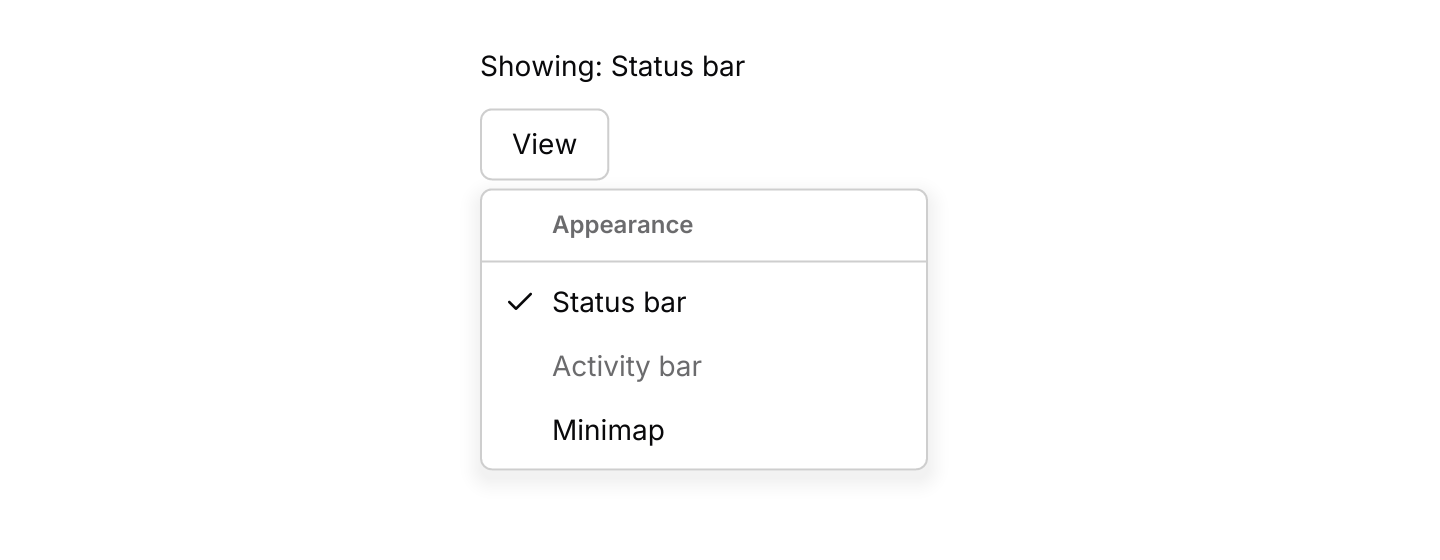
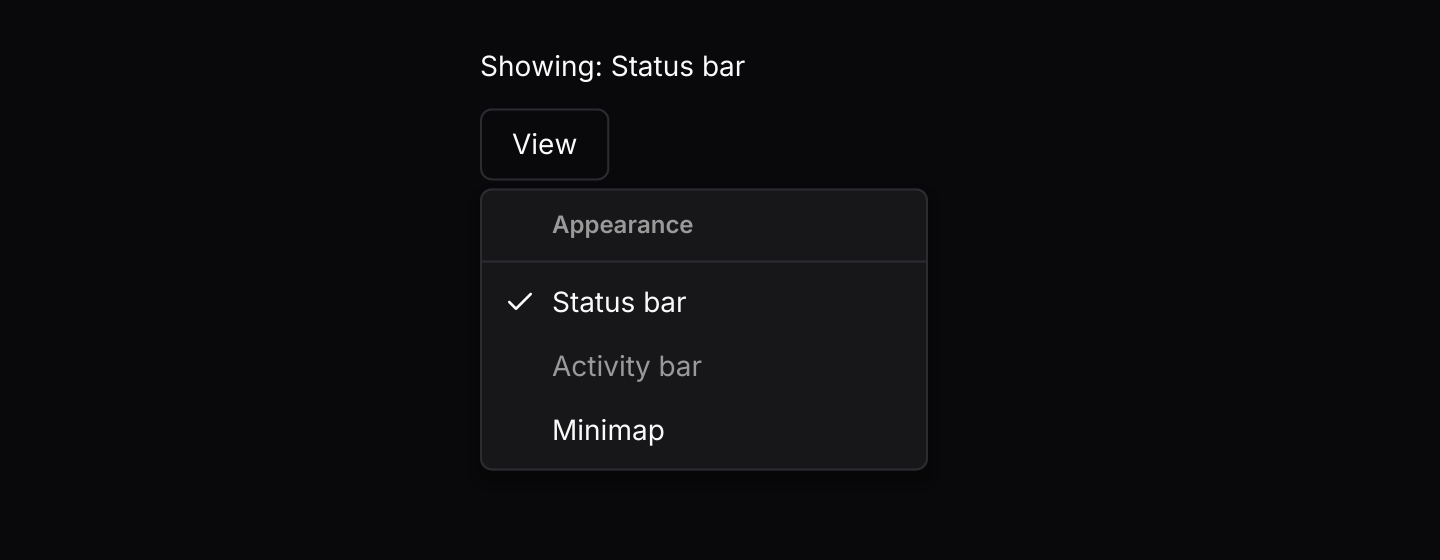
Items that toggle a check mark, one of them disabled.
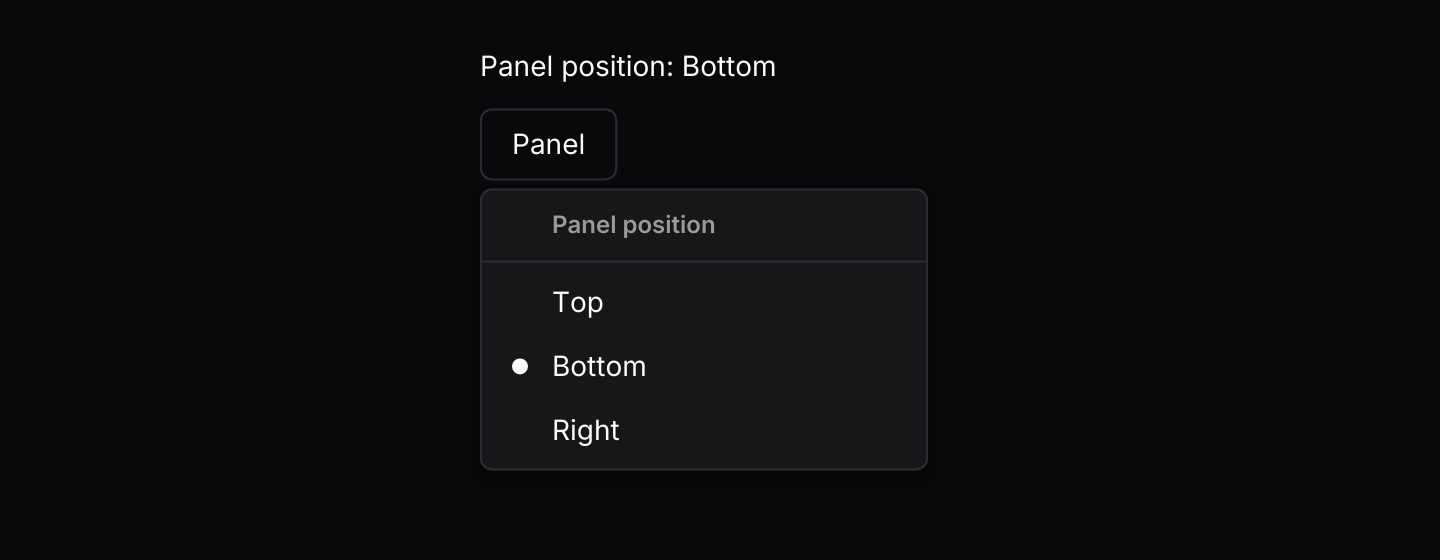
Radio items
A group of items where choosing one unchecks the others.
Submenu
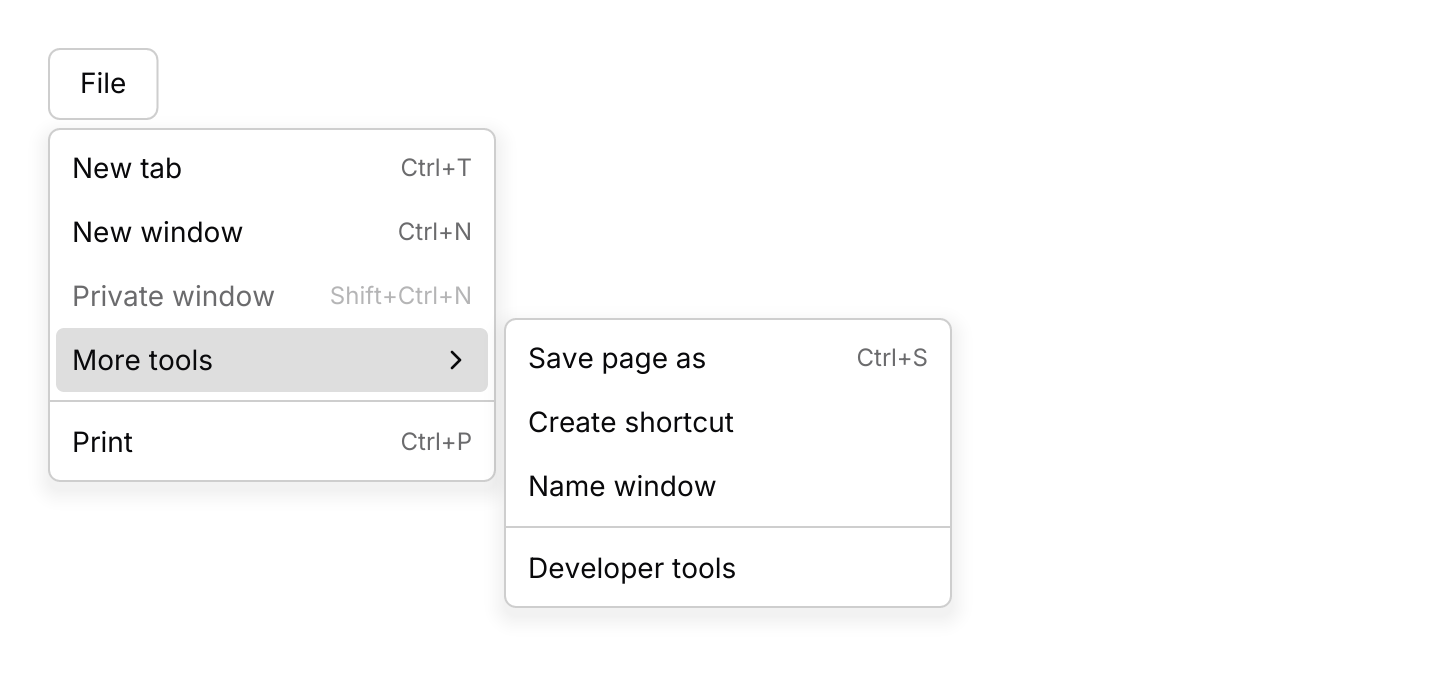
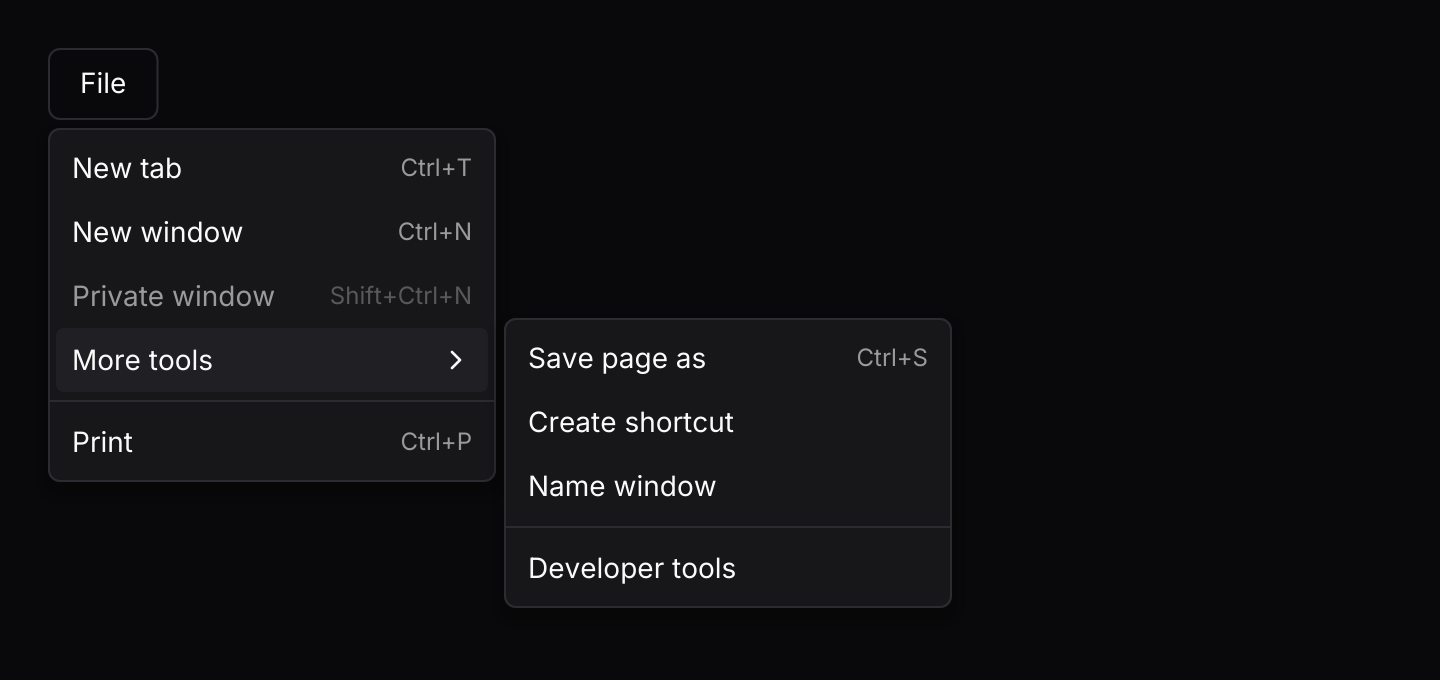
A nested menu that opens beside its item, on hover or with the right arrow key.
Keyboard shortcuts
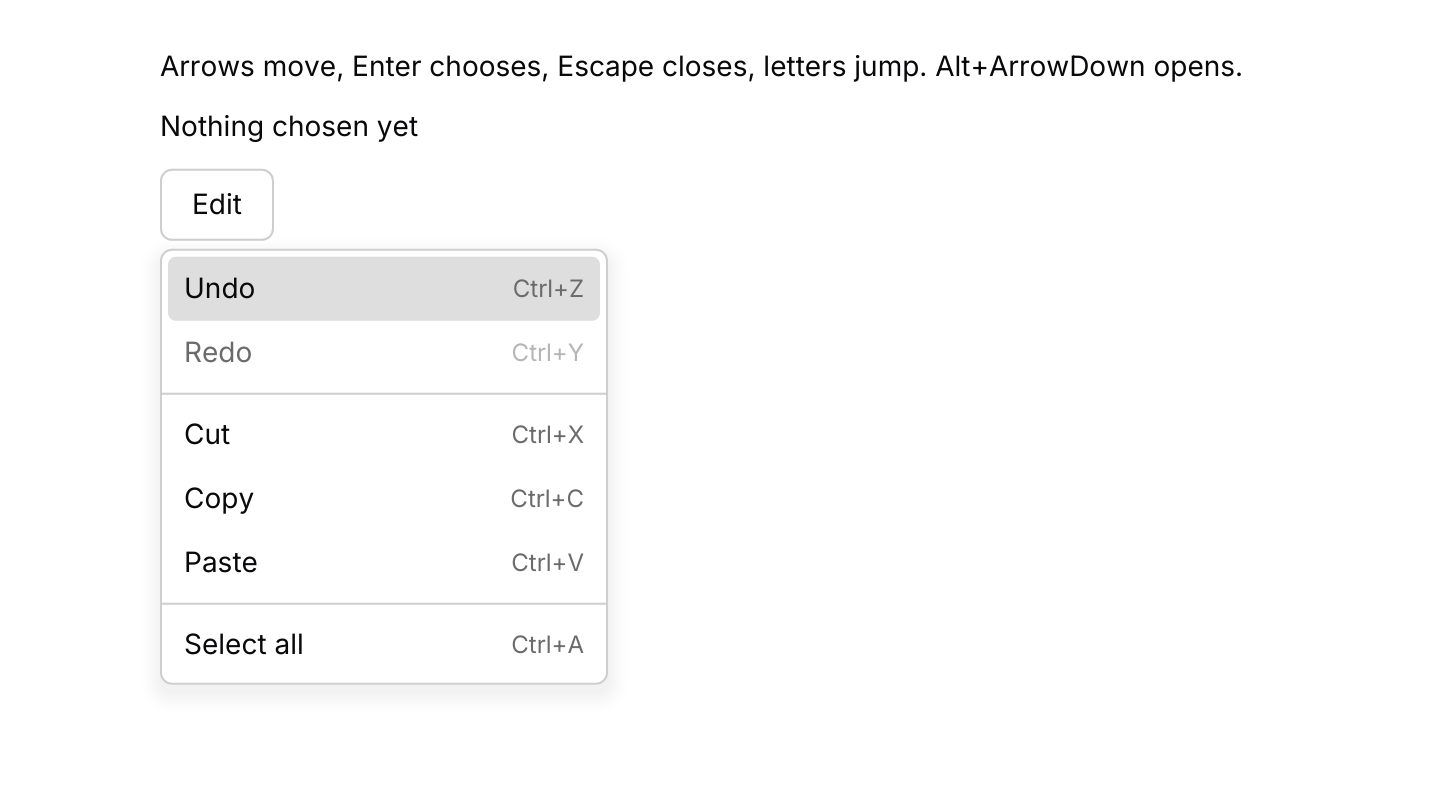
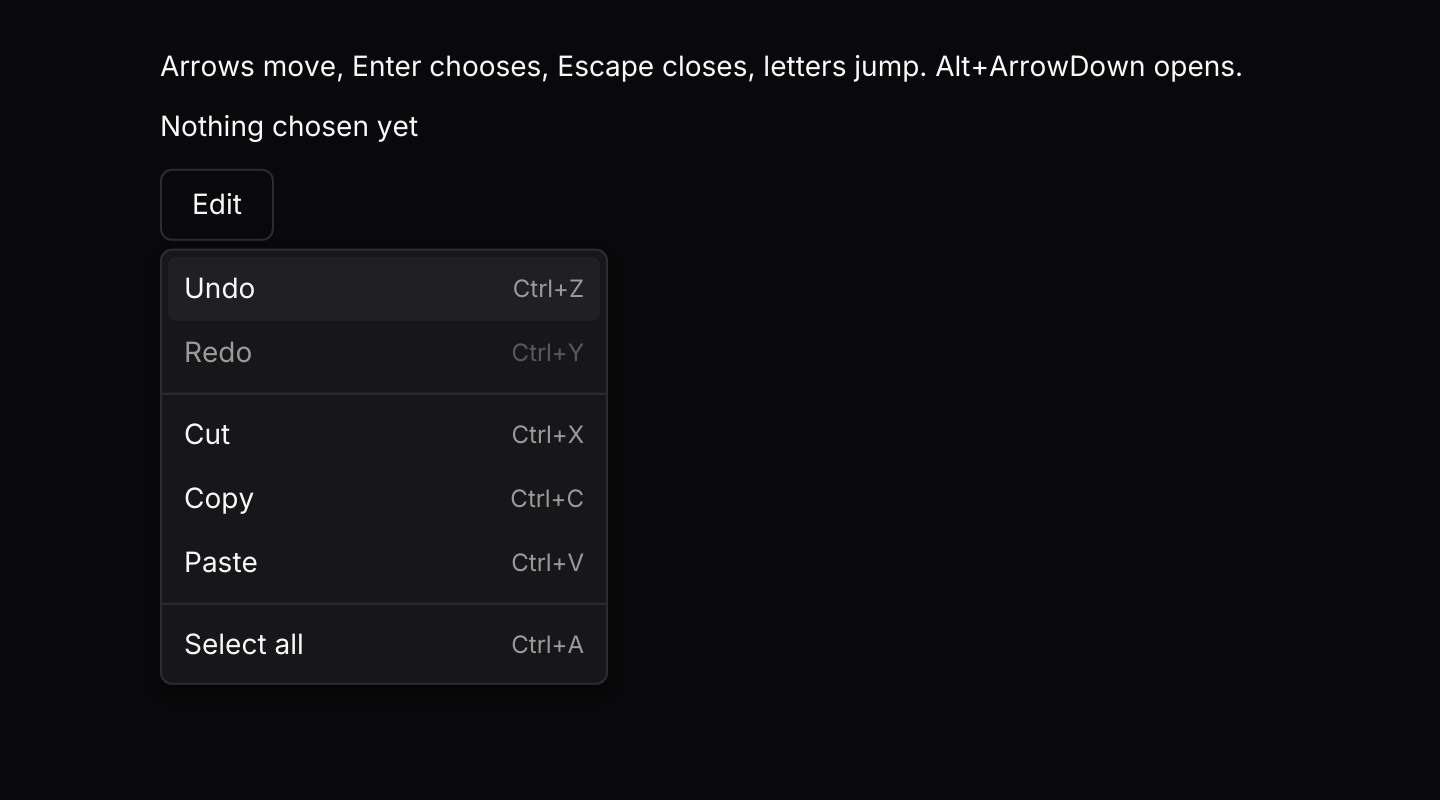
The open menu resolves its own keys through the keymap, with typeahead for letters. The app binds Alt+ArrowDown to open it.
In a dialog
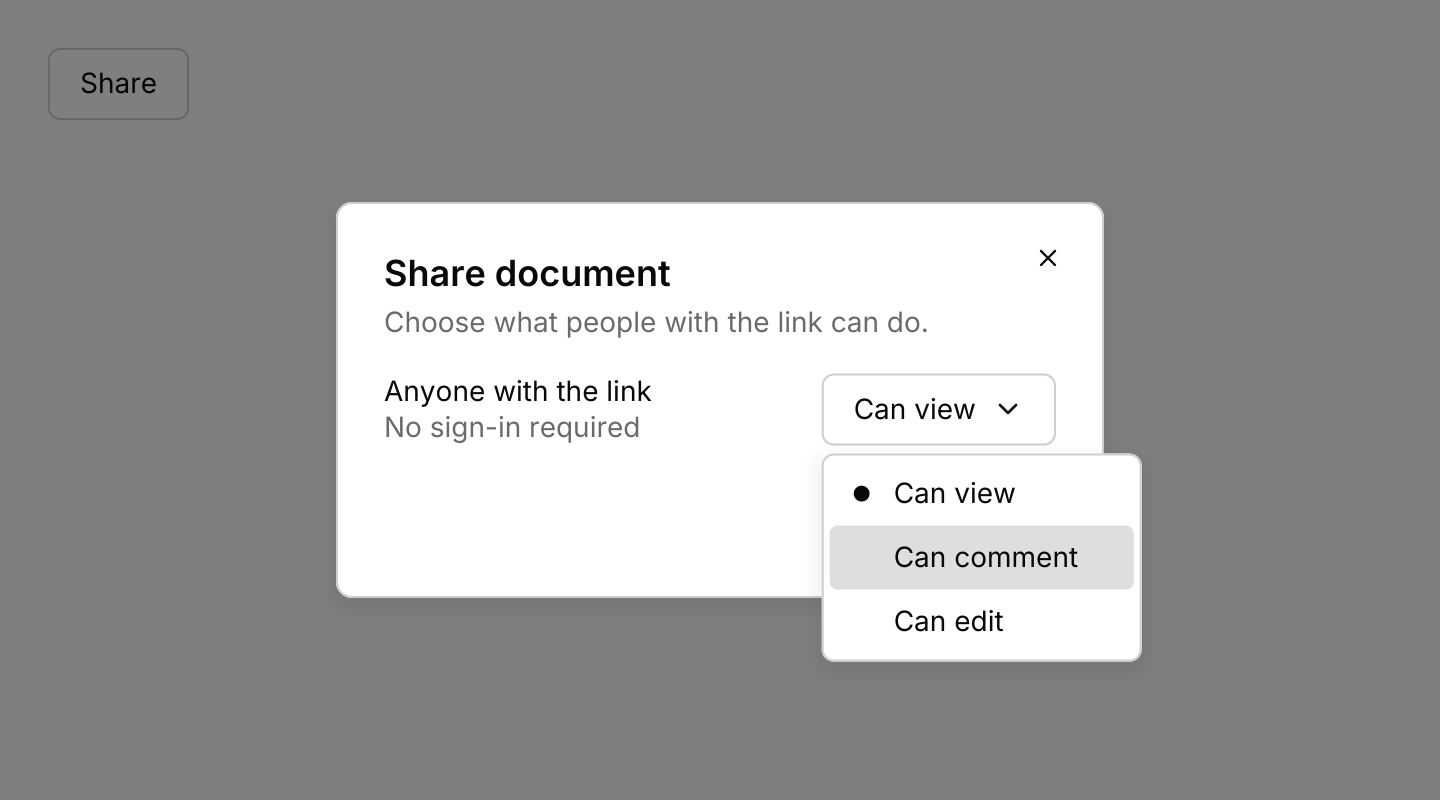
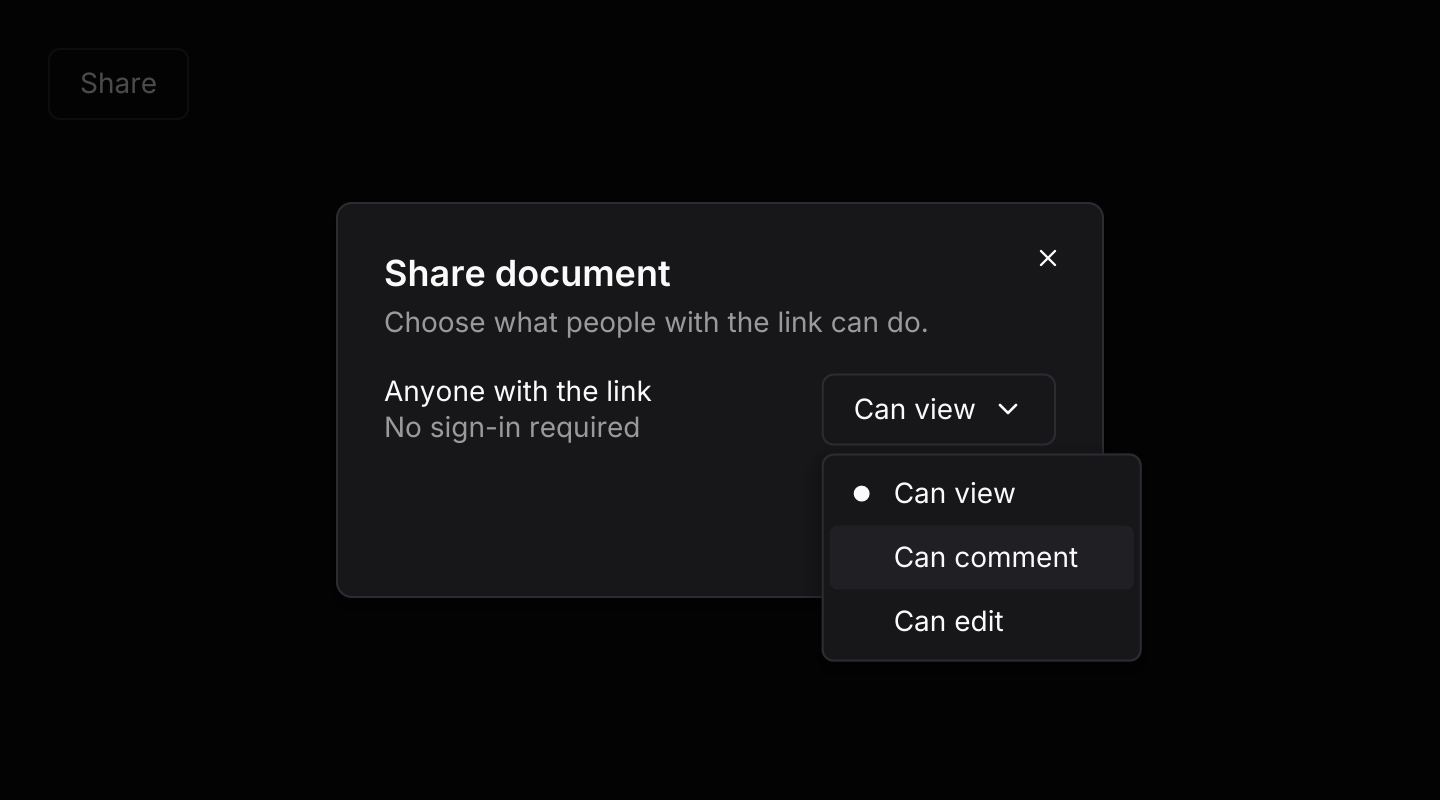
A menu inside a dialog. A click outside or Escape closes only the menu; the next one closes the dialog.
API
| Item | Description |
|---|---|
State:: | Holds the entries, closed. Item ids must be unique, including those in submenus. |
item(id, label) | An action. Add .icon(glyph), .shortcut("Ctrl+S"), .disabled(true) or .destructive(true). |
checkbox_item(id, label, checked) | An item with a check mark that toggles when chosen. |
radio_item(id, label, checked) | One choice among the radio items next to it. Choosing it unchecks the rest of that run. |
submenu(id, label, entries) | Opens a nested menu to its right, on hover, click, Enter or the right arrow key. |
group_label(text) / separator() | A heading for the items below it, and a line between groups. |
state.update(Event) | Handles Open, Close, Toggle, Highlight, Next, Previous, First, Last, OpenSubmenu, CloseSubmenu, Activate, ActivateHighlighted and Typeahead. Returns Output::Activated, Toggled or Selected when an item is chosen, and closes the menu. |
state.is_open() / state.highlighted() / state.depth() | Whether the menu is open, the highlighted item's id, and how many menus are open including submenus. |
state.item(id) / state.is_checked(id) | An item by id, and whether a checkbox or radio item is checked. |
state.set_checked(id, bool) / state.set_disabled(id, bool) | Changes an item from your own state, for example when a setting changes elsewhere. |
dropdown_menu(&state, trigger) | Renders the trigger with the menu below it while it is open. Items render disabled until .on_event is set. |
.on_event(f) | Maps menu events to your message. The trigger sends Event::Toggle itself. |
.side(Side) / .align(Align) / .gap(f32) | Where the menu opens. Defaults to below the trigger, lined up with its left edge. |
.width(f32) | Width of the menu and its submenus. Defaults to 224. |
.keymap(keymap) | Replaces the default keymap the open menu resolves its keys with. Unbinding Escape there stops Escape closing the menu. |
overlay:: | The colours of a row when idle, highlighted or disabled, shared by every menu and list, for reuse in custom menus. |
dropdown_menu:: | The default shortcuts as a Keymap<Action>. Bind, unbind or clear chords to change them. Open has no default chord. |
state.key_event(&keymap, &key) | Resolves a key press through the keymap and, while the menu is open, turns letters and digits into typeahead. Route presses from keys::subscription through it to open a closed menu with a chord bound to Action::Open. |
action.event(&state) | Turns a resolved Action into the Event to pass to state.update, or None when it does nothing. Only Open works while the menu is closed. |
Keyboard
Default shortcuts. Every one can be changed or removed with a keymap; see Keyboard shortcuts.
| Keys | Action |
|---|---|
| ArrowDown | Next Highlights the next enabled item, wrapping. |
| ArrowUp | Previous Highlights the previous enabled item, wrapping. |
| Home | First Highlights the first enabled item. |
| End | Last Highlights the last enabled item. |
| Enter or Space | Activate Chooses the highlighted item or opens its submenu. |
| Escape | Close Closes the innermost submenu, or the menu. |
| ArrowRight | OpenSubmenu Opens the highlighted submenu. |
| ArrowLeft | CloseSubmenu Closes the innermost submenu. |