Forms
Switch
Turns a setting on or off with immediate effect.
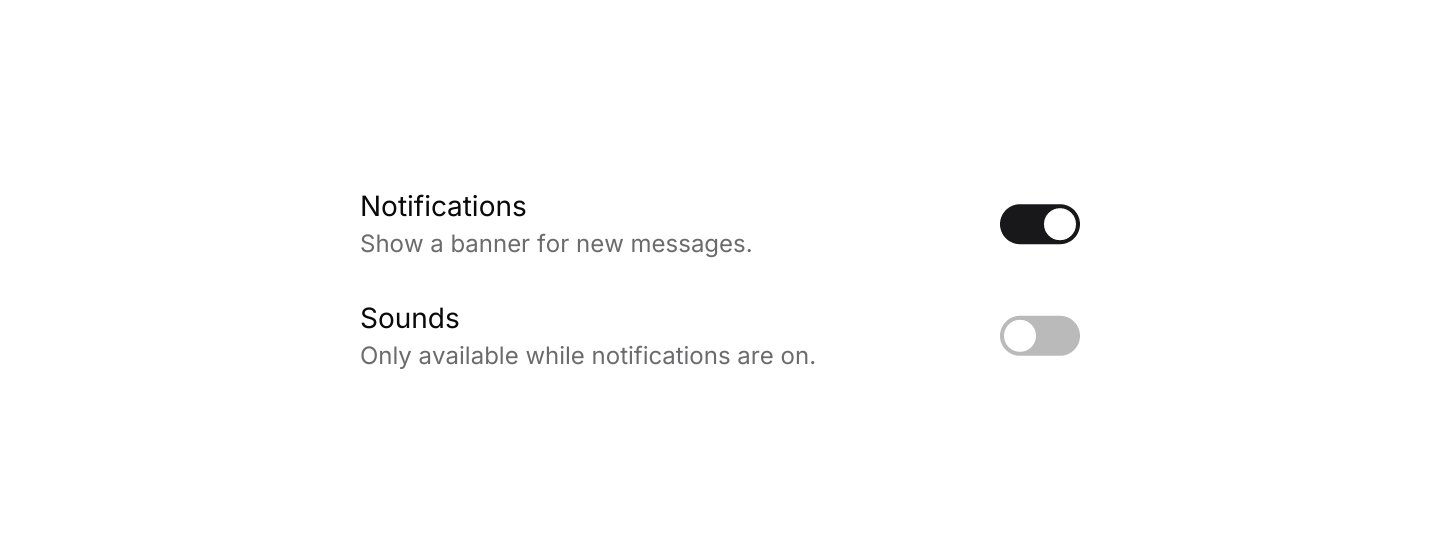
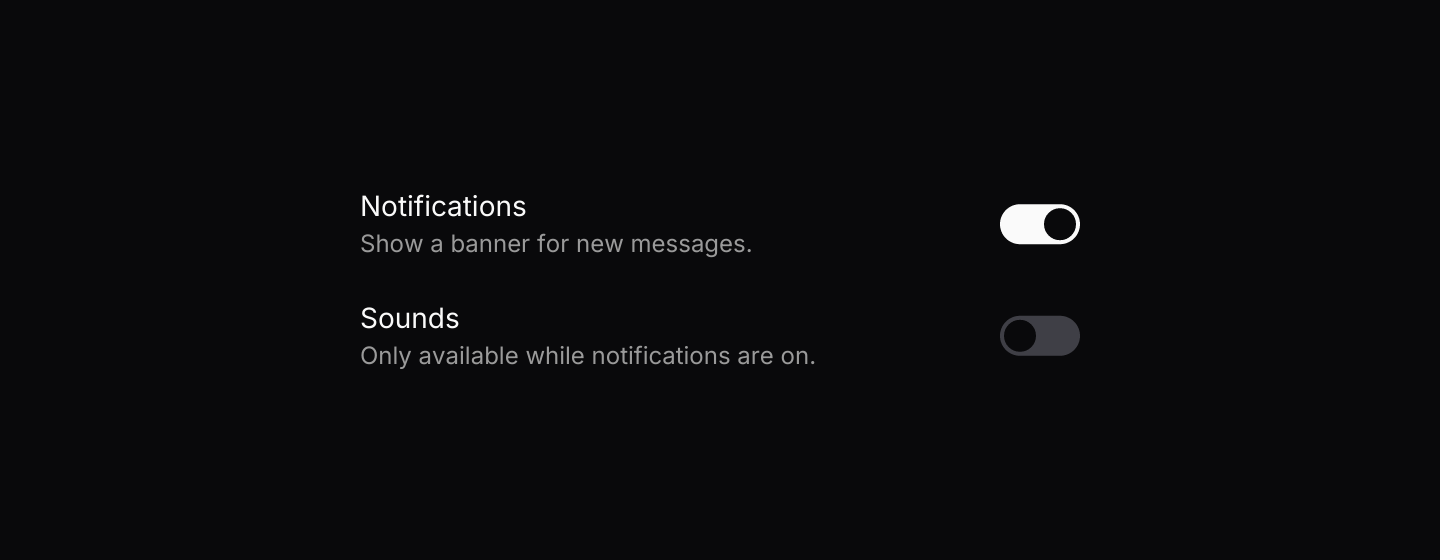
Static preview
use iced::widget::{column, row, space, text};
use iced::{Alignment, Element, Length, Theme};
use iced_cube::primitives::{Switch, switch};
use iced_cube::theme::Tokens;

#[derive(Debug, Clone)]
pub enum Message {
    Notifications(bool),
    Sounds(bool),
}

#[derive(Debug)]
pub struct Example {
    notifications: bool,
    sounds: bool,
}

impl Default for Example {
    fn default() -> Self {
        Self {
            notifications: true,
            sounds: false,
        }
    }
}

impl Example {
    pub fn update(&mut self, message: Message) {
        match message {
            Message::Notifications(on) => self.notifications = on,
            Message::Sounds(on) => self.sounds = on,
        }
    }

    pub fn view(&self) -> Element<'_, Message> {
        let sounds_enabled = self.notifications.then_some(Message::Sounds);

        column![
            setting(
                "Notifications",
                "Show a banner for new messages.",
                switch(self.notifications).on_toggle(Message::Notifications),
            ),
            setting(
                "Sounds",
                "Only available while notifications are on.",
                switch(self.sounds).on_toggle_maybe(sounds_enabled),
            ),
        ]
        .spacing(20)
        .width(360)
        .into()
    }
}

fn setting<'a>(
    title: &'a str,
    detail: &'a str,
    control: Switch<'a, Message>,
) -> Element<'a, Message> {
    let detail = text(detail).size(12).style(|theme: &Theme| text::Style {
        color: Some(Tokens::of(theme).muted_foreground),
    });

    row![
        column![text(title).size(14), detail].spacing(2),
        space().width(Length::Fill),
        control,
    ]
    .align_y(Alignment::Center)
    .into()
}Usage
Use a switch for settings that apply as soon as they change, such as turning notifications on. For choices that wait for a submit button, use a checkbox.
In a settings list, pass the switch without a label and put the title and description in your own layout, as the settings example does.
Examples
Default
A labelled switch bound to a bool.


Static preview
use iced::Element;
use iced_cube::primitives::switch;

#[derive(Debug, Clone)]
pub enum Message {
    AirplaneMode(bool),
}

#[derive(Debug, Default)]
pub struct Example {
    airplane_mode: bool,
}

impl Example {
    pub fn update(&mut self, message: Message) {
        let Message::AirplaneMode(on) = message;
        self.airplane_mode = on;
    }

    pub fn view(&self) -> Element<'_, Message> {
        switch(self.airplane_mode)
            .label("Airplane mode")
            .on_toggle(Message::AirplaneMode)
            .into()
    }
}States
On and off, enabled and disabled.


Static preview
use iced::Element;
use iced::widget::{column, row};
use iced_cube::primitives::switch;

#[derive(Debug, Clone)]
pub enum Message {
    Toggled,
}

#[derive(Debug, Default)]
pub struct Example;

impl Example {
    pub fn update(&mut self, _message: Message) {}

    pub fn view(&self) -> Element<'_, Message> {
        let enabled = column![
            switch(false).label("Off").on_toggle(|_| Message::Toggled),
            switch(true).label("On").on_toggle(|_| Message::Toggled),
        ]
        .spacing(16);

        let disabled = column![
            switch(false).label("Disabled off"),
            switch(true).label("Disabled on"),
        ]
        .spacing(16);

        row![enabled, disabled].spacing(48).into()
    }
}API
| Item | Description |
|---|---|
switch(is_on) | Creates a switch. It renders disabled until it has a message. |
.label(text) | Adds a label after the switch. Clicking the label toggles the switch too. |
.on_toggle(f) / .on_toggle_maybe(option) | Sets the message for a click. The closure gets the new value. None disables the switch. |
switch:: | The default shortcuts as a Keymap<Action>, for apps that track a current switch. |
Action:: | The value a click would send. Pass it to your on_toggle message. |
Keyboard
Default shortcuts. Every one can be changed or removed with a keymap; see Keyboard shortcuts.
| Keys | Action |
|---|---|
| Space | Toggle Turns the current switch on or off. |