Layout
Split pane
Two views, a start and an end, with one handle between them and a ratio that says how the space is shared.
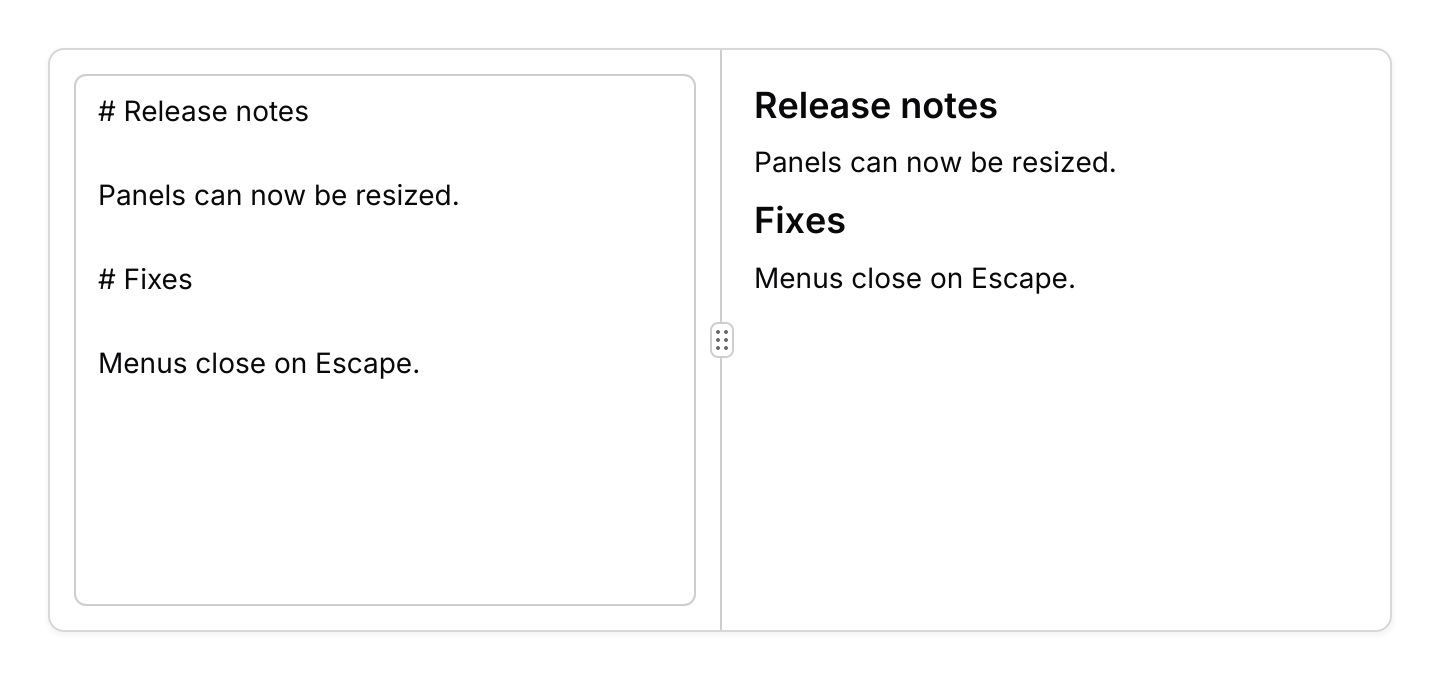
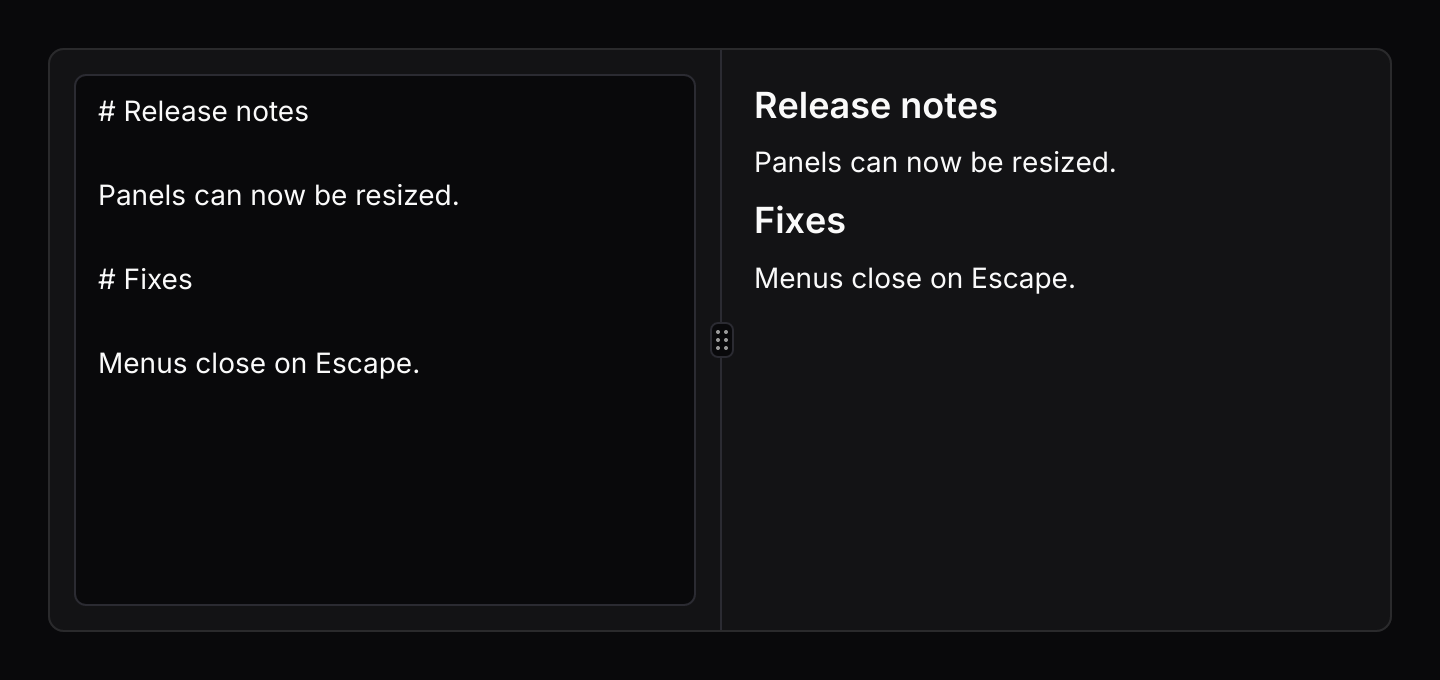
use iced::widget::text_editor::{Action, Content};
use iced::widget::{column, container, text};
use iced::{Element, Length};
use iced_cube::layout::card;
use iced_cube::layout::split_pane::{Event, Extent, State, split_pane};
use iced_cube::theme::{Tokens, semibold, text_size};
use iced_cube::{scroll_area, textarea};

const DRAFT: &str =
    "# Release notes\n\nPanels can now be resized.\n\n# Fixes\n\nMenus close on Escape.";

#[derive(Debug, Clone)]
pub enum Message {
    Edit(Action),
    Split(Event),
}

#[derive(Debug)]
pub struct Example {
    content: Content,
    split: State,
}

impl Default for Example {
    fn default() -> Self {
        Self {
            content: Content::with_text(DRAFT),
            split: State::new(0.5).min(Extent::Pixels(120.0), Extent::Pixels(120.0)),
        }
    }
}

impl Example {
    pub fn update(&mut self, message: Message) {
        match message {
            Message::Edit(action) => self.content.perform(action),
            Message::Split(event) => {
                let _ = self.split.update(event);
            }
        }
    }

    pub fn view(&self) -> Element<'_, Message> {
        let editor = container(
            textarea(&self.content)
                .height(Length::Fill)
                .on_action(Message::Edit),
        )
        .padding(12);

        let preview = self
            .content
            .lines()
            .filter(|line| !line.text.trim().is_empty())
            .map(|line| match line.text.strip_prefix("# ") {
                Some(heading) => text(heading.to_owned())
                    .size(text_size::LG)
                    .font(semibold())
                    .into(),
                None => text(line.text.to_string()).size(text_size::SM).into(),
            });
        let preview = scroll_area(column(preview).spacing(8).padding(16).width(Length::Fill))
            .width(Length::Fill)
            .height(Length::Fill);

        container(
            split_pane(&self.split, editor, preview)
                .stack_below(480.0)
                .on_event(Message::Split),
        )
        .padding(1)
        .height(300)
        .style(|theme| card::style(&Tokens::of(theme)))
        .into()
    }
}Usage
A split pane is a resizable panel group with exactly two panels, so it is a thin wrapper rather than a widget of its own. The state wraps the group’s state and adds the ratio, and the view is the same widget. Dragging, keyboard resizing, collapsing and stacking on small screens all behave exactly as they do for resizable panels, and the events, keymap and actions are the same types.
Use a split pane when there are two views and the ratio is all you need to keep. For three or more panels, or for a sidebar with a pixel width beside a flexible page, use a resizable panel.
Examples
Vertical
A query above its results, each with a minimum height.
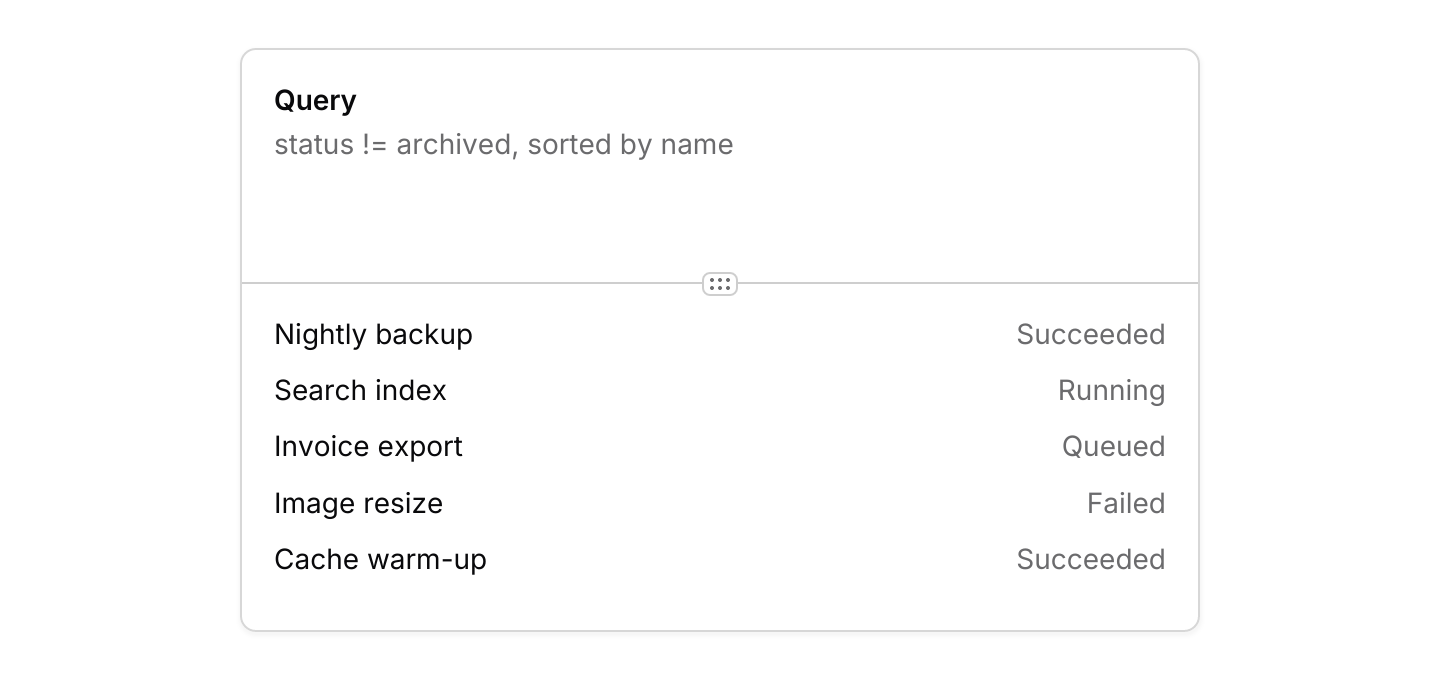
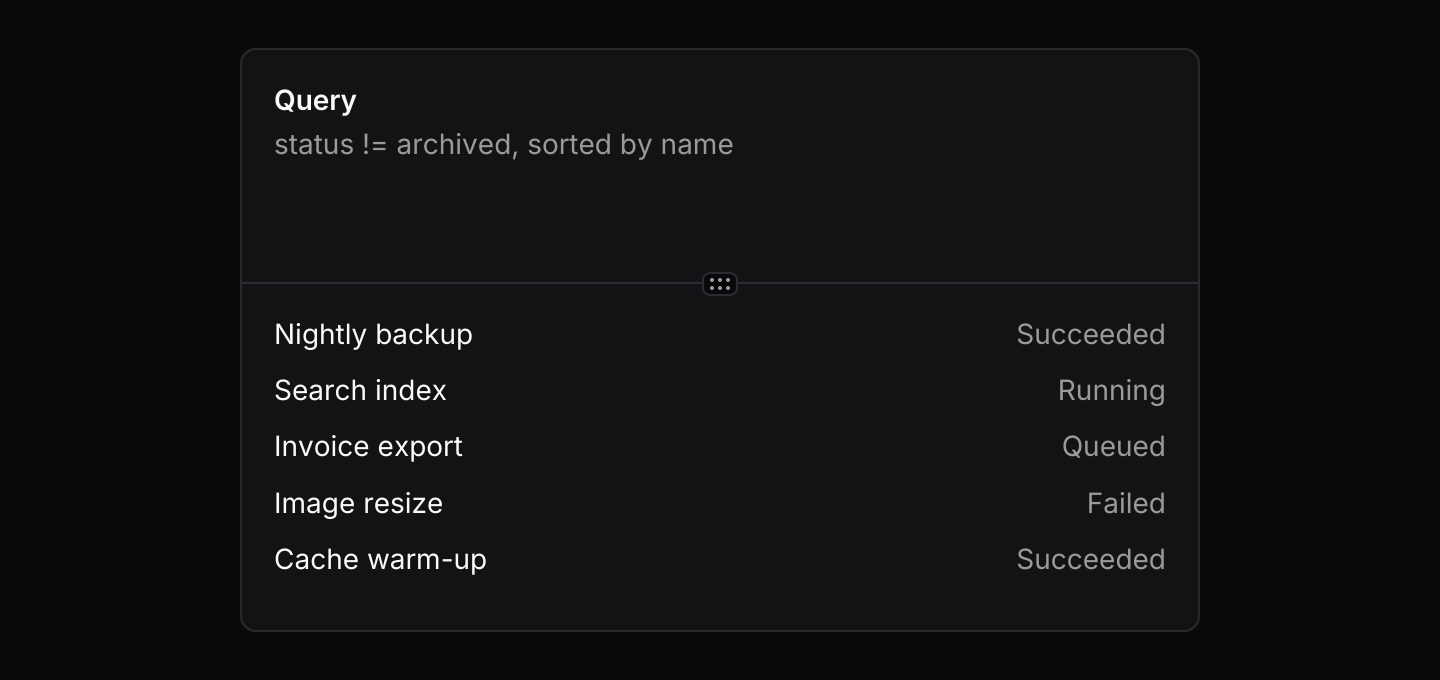
use iced::widget::{column, container, row, text};
use iced::{Element, Length};
use iced_cube::layout::card;
use iced_cube::layout::split_pane::{Axis, Event, Extent, State, split_pane};
use iced_cube::scroll_area;
use iced_cube::theme::{Tokens, semibold, text_size};

const RESULTS: [(&str, &str); 5] = [
    ("Nightly backup", "Succeeded"),
    ("Search index", "Running"),
    ("Invoice export", "Queued"),
    ("Image resize", "Failed"),
    ("Cache warm-up", "Succeeded"),
];

#[derive(Debug, Clone)]
pub enum Message {
    Split(Event),
}

#[derive(Debug)]
pub struct Example {
    split: State,
}

impl Default for Example {
    fn default() -> Self {
        Self {
            split: State::new(0.4).min(Extent::Pixels(56.0), Extent::Pixels(72.0)),
        }
    }
}

impl Example {
    pub fn update(&mut self, message: Message) {
        let Message::Split(event) = message;
        let _ = self.split.update(event);
    }

    pub fn view(&self) -> Element<'_, Message> {
        let query = container(
            column![
                text("Query").size(text_size::SM).font(semibold()),
                text("status != archived, sorted by name")
                    .size(text_size::SM)
                    .style(muted),
            ]
            .spacing(4),
        )
        .padding(16)
        .width(Length::Fill);

        let rows = RESULTS.map(|(name, status)| {
            row![
                text(name).size(text_size::SM).width(Length::Fill),
                text(status).size(text_size::SM).style(muted),
            ]
            .into()
        });
        let results = scroll_area(column(rows).spacing(10).padding(16))
            .width(Length::Fill)
            .height(Length::Fill);

        container(
            split_pane(&self.split, query, results)
                .axis(Axis::Vertical)
                .on_event(Message::Split),
        )
        .padding(1)
        .width(Length::Fill)
        .max_width(480)
        .height(300)
        .style(|theme| card::style(&Tokens::of(theme)))
        .into()
    }
}

fn muted(theme: &iced::Theme) -> text::Style {
    text::Style {
        color: Some(Tokens::of(theme).muted_foreground),
    }
}API
| Item | Description |
|---|---|
State:: | A split with the start view taking the given share, from 0.0 to 1.0. Out of range values are clamped. State::default() is an even split. |
.min(start, end) / .max(start, end) | The smallest and largest each view may get, as Extent::Fraction or Extent::Pixels. |
.collapsible(start, end) | Lets either view snap shut when dragged below its threshold. |
State:: | Builds the split from two resizable panel settings, for anything the shortcuts above do not cover. |
.with_ratio(ratio) / state.set_ratio(ratio) | Restores a saved ratio, fitted to the limits. |
state.ratio() | The start view's share, ready to save. |
state.update(Event) | Applies the events the view sends. Returns Output::Resized, Collapsed or Expanded. |
state.is_start_collapsed() / state.is_end_collapsed() | Whether either view is collapsed. |
split_pane(&state, start, end) | Shows the two views with a handle between them. The handle does nothing until .on_event is set. |
.axis(Axis) / .stack_below(width) | Side by side by default, or stacked with Axis::Vertical. stack_below stacks a horizontal split on narrow screens. |
.grip(bool) | Shows a grip on the handle. On by default. |
.id(id) / .keymap(Keymap<Action>) | The handle's id for focusing it, and the shortcuts it resolves while focused. |
Keyboard
Default shortcuts. Every one can be changed or removed with a keymap; see Keyboard shortcuts.
| Keys | Action |
|---|---|
| ArrowLeft or ArrowUp | Decrease Moves the focused handle one step towards the start. |
| ArrowRight or ArrowDown | Increase Moves the focused handle one step towards the end. |
| Shift+ArrowLeft or Shift+ArrowUp | DecreaseMore Moves the focused handle a large step towards the start. |
| Shift+ArrowRight or Shift+ArrowDown | IncreaseMore Moves the focused handle a large step towards the end. |
| Home | Min Shrinks the panel before the handle to its minimum. |
| End | Max Grows the panel before the handle to its maximum. |
| Enter | Toggle Collapses or expands the collapsible panel next to the handle. |
| Escape | Release Takes the focus away from the handle. |