Forms
Combobox
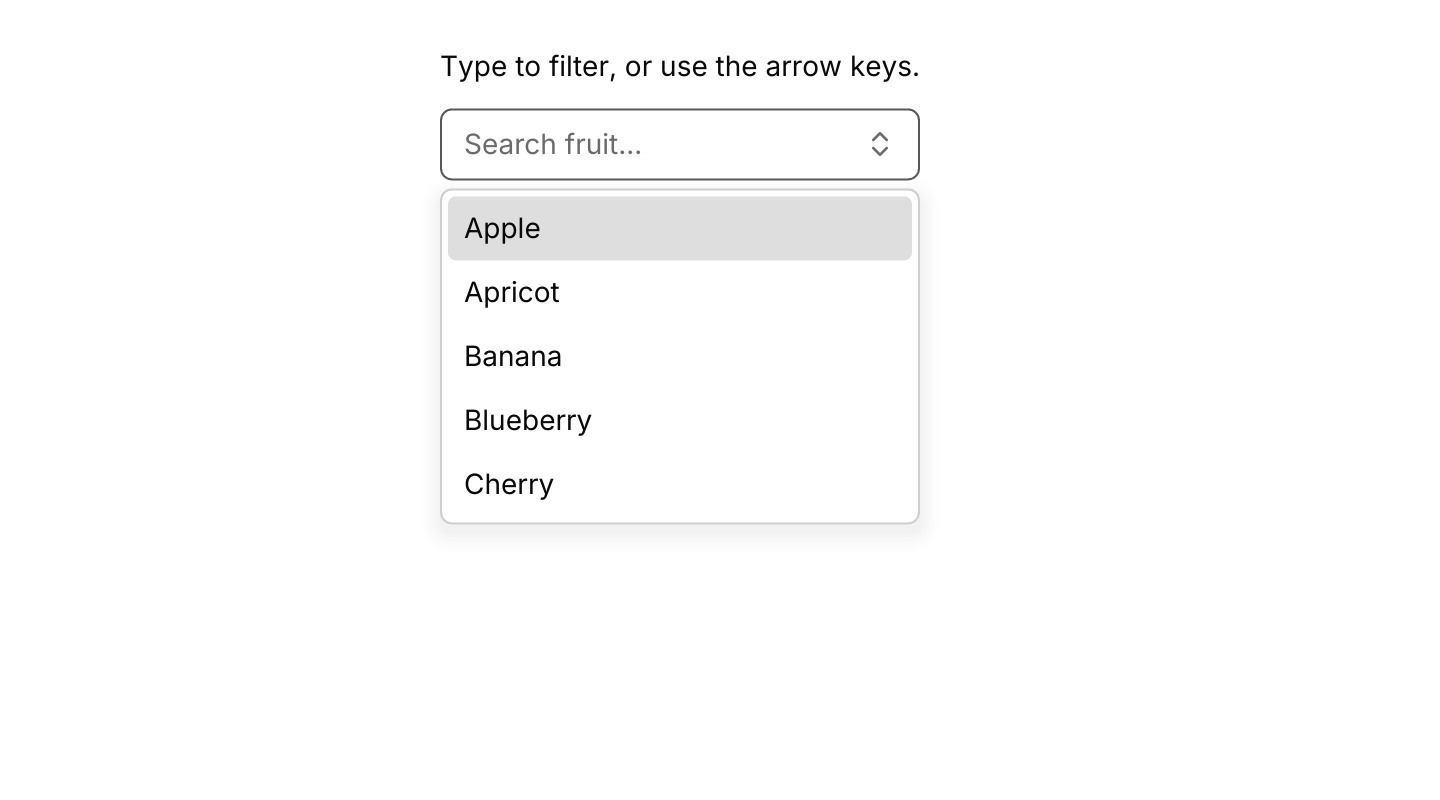
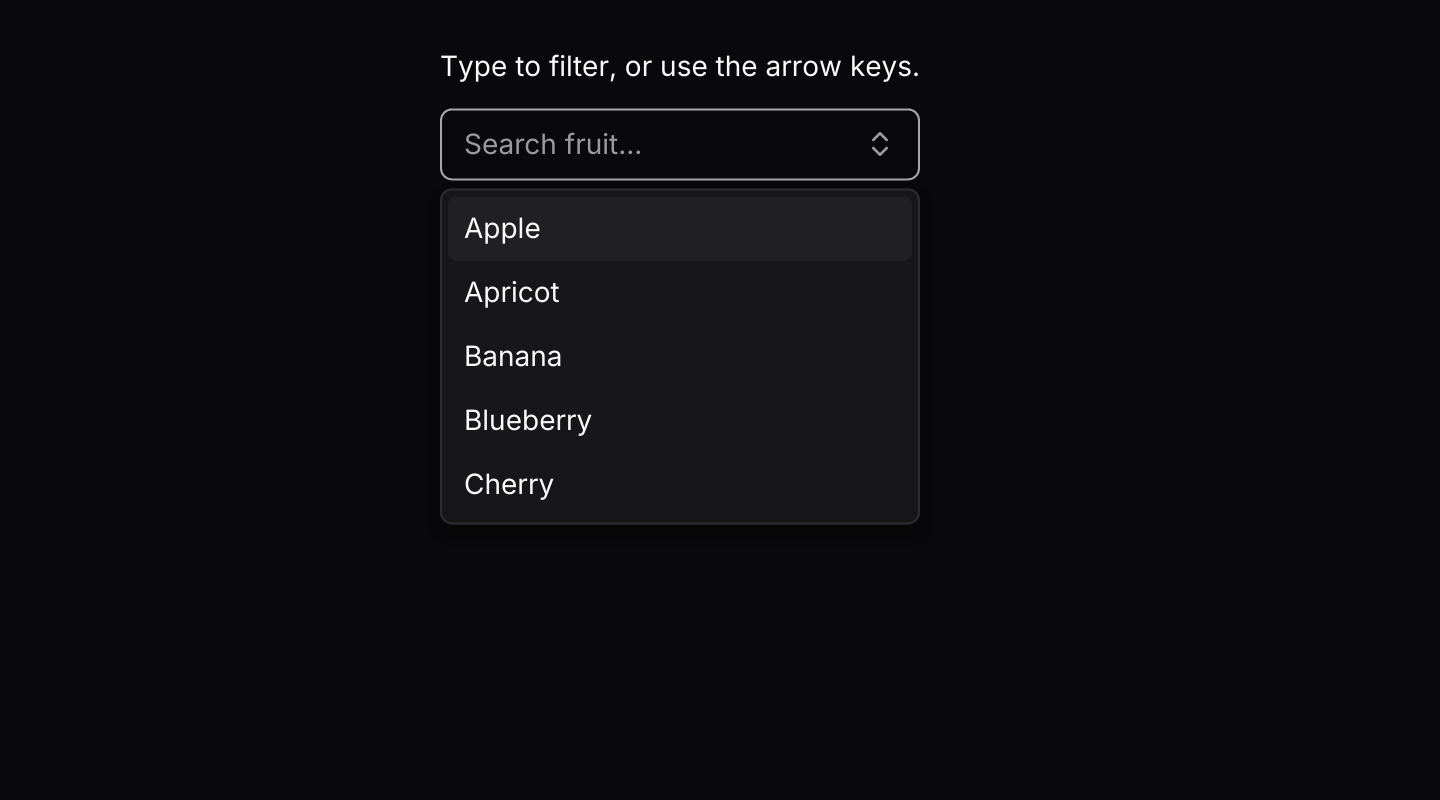
A text field with suggestions that filter as you type.
use iced::widget::{column, text};
use iced::{Element, Length};
use iced_cube::forms::combobox::{self, Event, State, combobox};

const FRUITS: &[&str] = &[
    "Apple",
    "Apricot",
    "Banana",
    "Blueberry",
    "Cherry",
    "Grape",
    "Lemon",
    "Mango",
    "Orange",
    "Pear",
];

#[derive(Debug, Clone)]
pub enum Message {
    Fruit(combobox::Event),
}

#[derive(Debug)]
pub struct Example {
    fruit: State<&'static str>,
}

impl Default for Example {
    fn default() -> Self {
        let mut fruit = State::new(FRUITS.iter().copied()).with_visible_rows(5);
        let _ = fruit.update(Event::Open);
        Self { fruit }
    }
}

impl Example {
    pub fn update(&mut self, message: Message) {
        let Message::Fruit(event) = message;
        let _ = self.fruit.update(event);
    }

    pub fn view(&self) -> Element<'_, Message> {
        let chosen = match self.fruit.selected() {
            Some(fruit) => format!("Chosen: {fruit}"),
            None => "Type to filter, or use the arrow keys.".to_owned(),
        };

        column![
            text(chosen).size(14),
            combobox(&self.fruit)
                .placeholder("Search fruit...")
                .on_event(Message::Fruit),
        ]
        .spacing(12)
        .width(Length::Fixed(280.0))
        .height(Length::Fill)
        .into()
    }
}Usage
Use a combobox when the list is long enough that people would rather type than scroll, such as timezones or countries. For a handful of options, a select is simpler.
The app owns a combobox::State and passes every event to update. Clicking the field or pressing the down arrow opens the list; typing filters it. The selected value shows in the field while the list is closed, with the caret at its end, and as the placeholder while you type. In a field with an error, set .invalid(true) so the border matches the message, as the field example does. The list is as wide as the field, draws its rows like every other menu and list, and stays inside the window.
The combobox handles its own keys while its field has focus or its list is open, so there is no need to subscribe to key presses. Inside a dialog or popover, Escape closes the list first and leaves the dialog or popover open. The list closes when the field loses focus or when you click elsewhere; that click goes no further and the field gives up focus. Long lists show a window of rows that follows the highlight and scrolls with the mouse wheel.
Examples
Empty results
A message in the list when nothing matches the query.


use iced::widget::container;
use iced::{Element, Length};
use iced_cube::forms::combobox::{self, Event, State, combobox};

const LANGUAGES: &[&str] = &["English", "French", "German", "Italian", "Spanish", "Welsh"];

#[derive(Debug, Clone)]
pub enum Message {
    Language(combobox::Event),
}

#[derive(Debug)]
pub struct Example {
    language: State<&'static str>,
}

impl Default for Example {
    fn default() -> Self {
        let mut language = State::new(LANGUAGES.iter().copied());
        let _ = language.update(Event::Input("Klingon".to_owned()));
        Self { language }
    }
}

impl Example {
    pub fn update(&mut self, message: Message) {
        let Message::Language(event) = message;
        let _ = self.language.update(event);
    }

    pub fn view(&self) -> Element<'_, Message> {
        container(
            combobox(&self.language)
                .placeholder("Search languages...")
                .empty("No language found.")
                .width(280)
                .on_event(Message::Language),
        )
        .height(Length::Fill)
        .into()
    }
}In a field
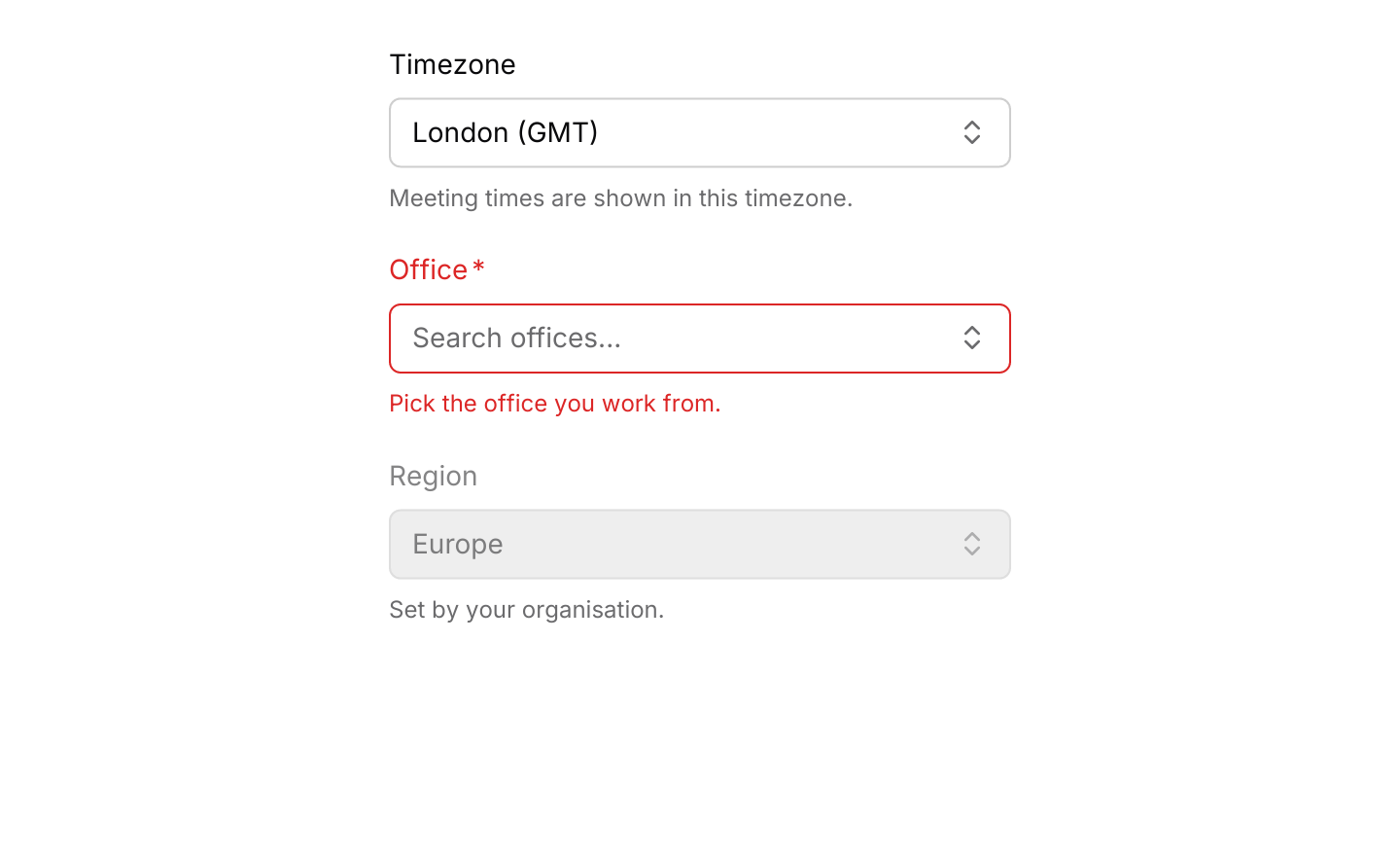
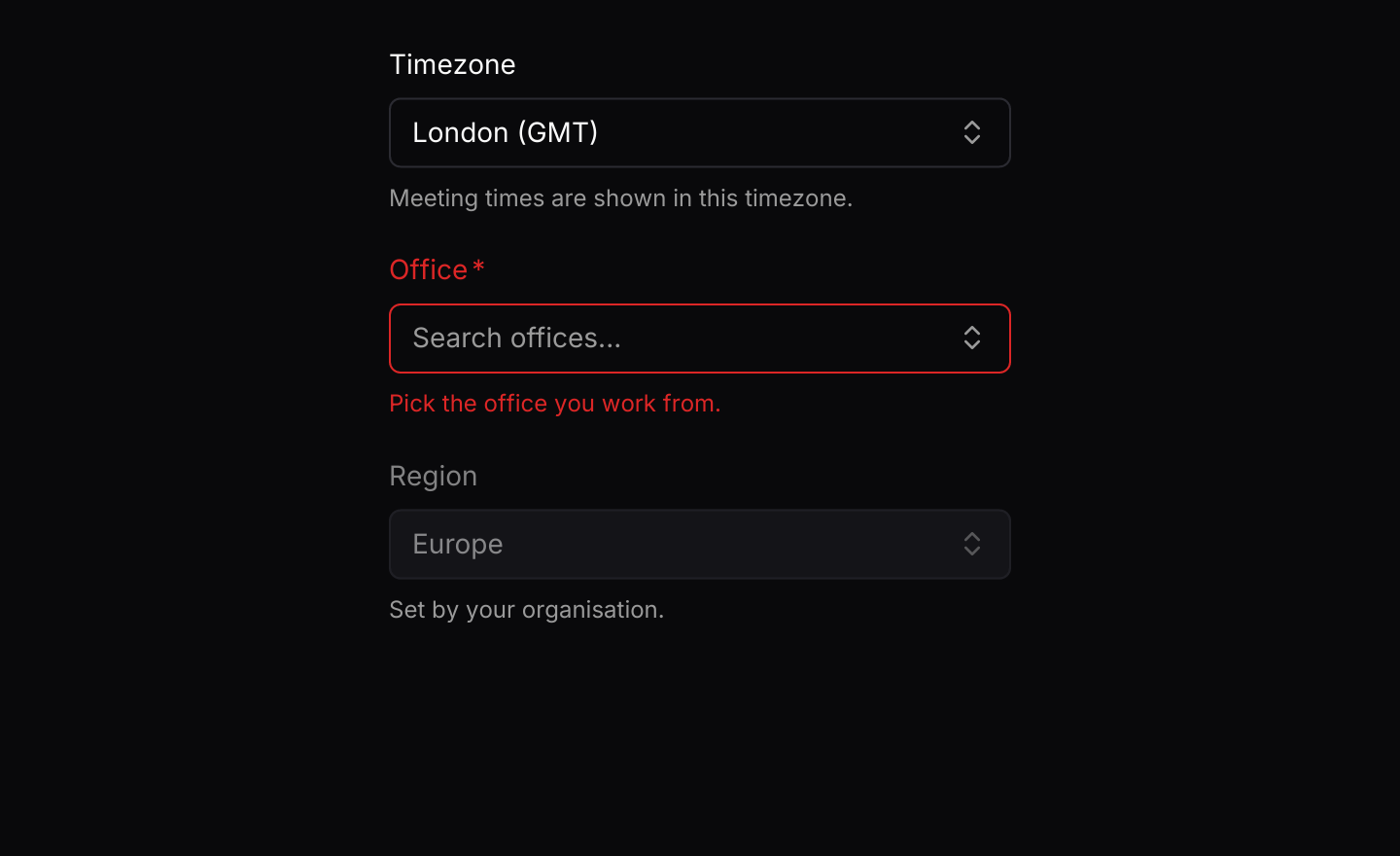
A labelled combobox showing its selected value, a required one marked invalid until something is picked, and a disabled one.
use iced::widget::column;
use iced::{Element, Length};
use iced_cube::field;
use iced_cube::forms::combobox::{self, State, combobox};

const TIMEZONES: &[&str] = &[
    "Auckland (NZST)",
    "Berlin (CET)",
    "Chicago (CST)",
    "Dubai (GST)",
    "Honolulu (HST)",
    "London (GMT)",
    "Los Angeles (PST)",
    "Mumbai (IST)",
    "New York (EST)",
    "Paris (CET)",
    "Singapore (SGT)",
    "Sydney (AEST)",
    "Tokyo (JST)",
];

const OFFICES: &[&str] = &["Edinburgh", "Leeds", "London", "Manchester"];

#[derive(Debug, Clone)]
pub enum Message {
    Timezone(combobox::Event),
    Office(combobox::Event),
}

#[derive(Debug)]
pub struct Example {
    timezone: State<&'static str>,
    office: State<&'static str>,
    region: State<&'static str>,
}

impl Default for Example {
    fn default() -> Self {
        Self {
            timezone: State::new(TIMEZONES.iter().copied()).with_selected(&"London (GMT)"),
            office: State::new(OFFICES.iter().copied()),
            region: State::new(["Europe"]).with_selected(&"Europe"),
        }
    }
}

impl Example {
    pub fn update(&mut self, message: Message) {
        match message {
            Message::Timezone(event) => {
                let _ = self.timezone.update(event);
            }
            Message::Office(event) => {
                let _ = self.office.update(event);
            }
        }
    }

    pub fn view(&self) -> Element<'_, Message> {
        // A required value that is still missing shows as invalid.
        let office_error = self
            .office
            .selected()
            .is_none()
            .then_some("Pick the office you work from.");

        column![
            field(
                "Timezone",
                combobox(&self.timezone)
                    .placeholder("Search timezones...")
                    .empty("No timezone found.")
                    .width(Length::Fill)
                    .on_event(Message::Timezone),
            )
            .description("Meeting times are shown in this timezone."),
            field(
                "Office",
                combobox(&self.office)
                    .placeholder("Search offices...")
                    .width(Length::Fill)
                    .invalid(office_error.is_some())
                    .on_event(Message::Office),
            )
            .required(true)
            .error_maybe(office_error),
            field("Region", combobox(&self.region).width(Length::Fill))
                .description("Set by your organisation.")
                .disabled(true),
        ]
        .spacing(20)
        .width(Length::Fixed(320.0))
        .height(Length::Fill)
        .into()
    }
}Keyboard shortcuts
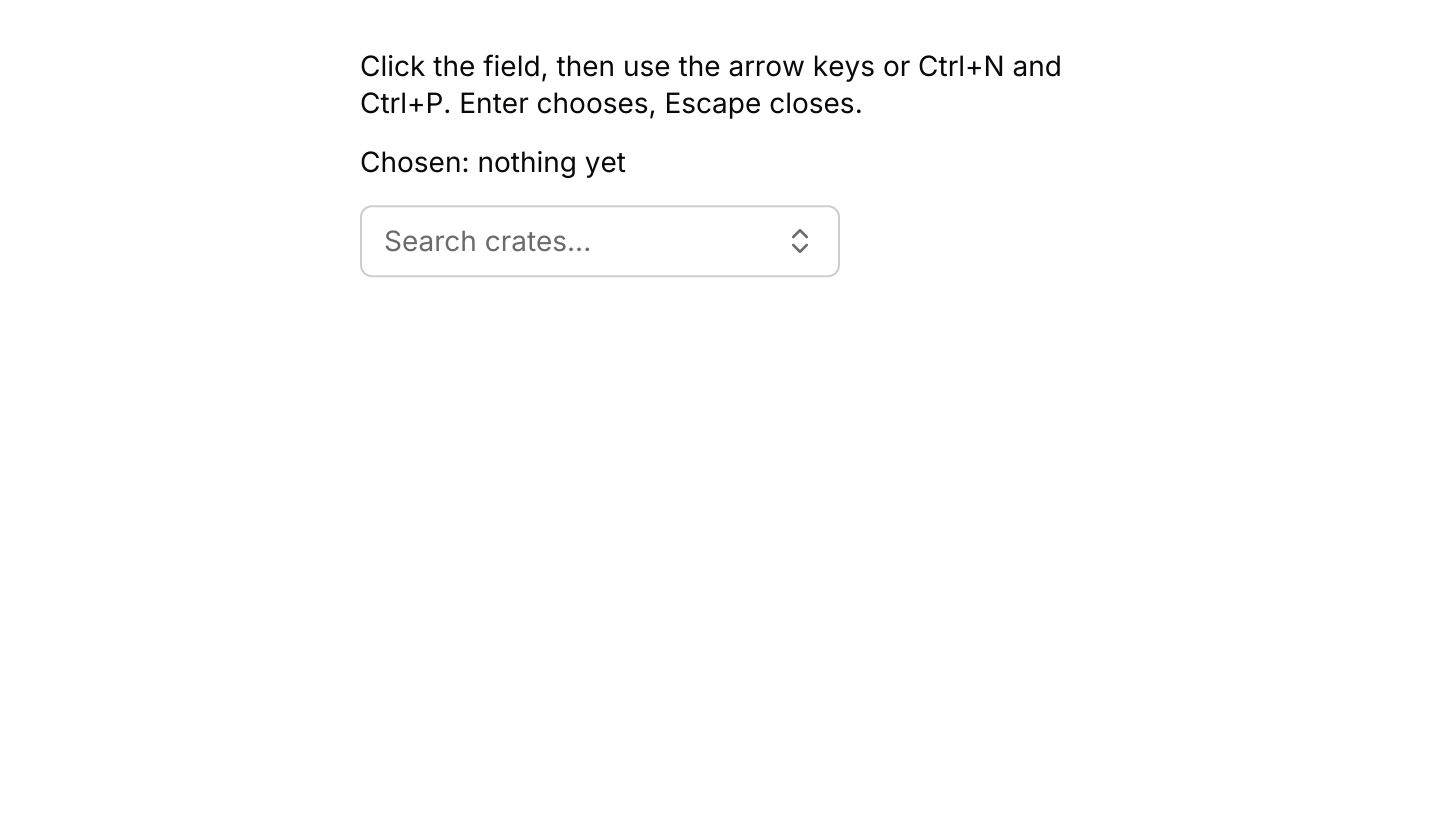
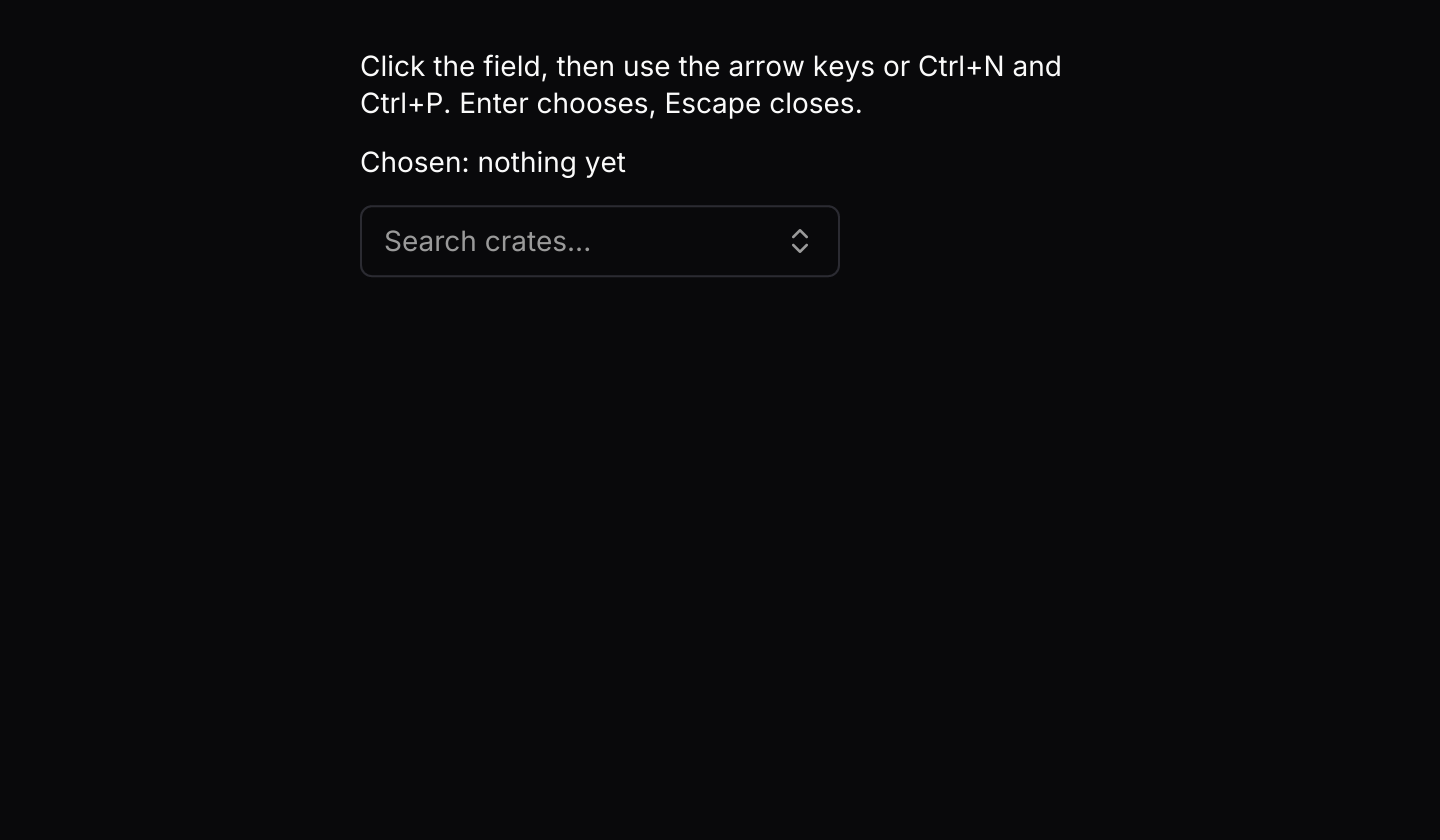
The default keymap with Ctrl+N and Ctrl+P added. The combobox handles its keys itself while it has focus.
use iced::widget::{column, text};
use iced::{Element, Length};
use iced_cube::forms::combobox::{self, Action, State, combobox};
use iced_cube::keys::{Chord, Keymap};

const FRAMEWORKS: &[&str] = &[
    "Actix", "Axum", "Bevy", "Dioxus", "Iced", "Leptos", "Rocket", "Tauri", "Yew",
];

#[derive(Debug, Clone)]
pub enum Message {
    Framework(combobox::Event),
}

#[derive(Debug)]
pub struct Example {
    framework: State<&'static str>,
    keymap: Keymap<Action>,
}

impl Default for Example {
    fn default() -> Self {
        let keymap = combobox::default_keymap()
            .bind(Chord::character('n').ctrl(), Action::Next)
            .bind(Chord::character('p').ctrl(), Action::Previous);

        Self {
            framework: State::new(FRAMEWORKS.iter().copied()).with_visible_rows(5),
            keymap,
        }
    }
}

impl Example {
    pub fn update(&mut self, message: Message) {
        let Message::Framework(event) = message;
        let _ = self.framework.update(event);
    }

    pub fn view(&self) -> Element<'_, Message> {
        let chosen = self.framework.selected().copied().unwrap_or("nothing yet");

        column![
            text("Click the field, then use the arrow keys or Ctrl+N and Ctrl+P. Enter chooses, Escape closes.")
                .size(14),
            text(format!("Chosen: {chosen}")).size(14),
            combobox(&self.framework)
                .placeholder("Search crates...")
                .keymap(self.keymap.clone())
                .on_event(Message::Framework),
        ]
        .spacing(12)
        .width(Length::Fixed(360.0))
        .height(Length::Fill)
        .into()
    }
}API
| Item | Description |
|---|---|
State:: | Holds the options, labelled with their Display text. The list starts closed with nothing selected. |
.with_selected(&value) / .with_visible_rows(n) | Starts with a value selected, and sets how many suggestions show at once (six by default). |
state.update(Event) | Input(query), Open, Close, Next, Previous, ActivateHighlighted, Highlight(index), Activate(index) or Scroll(rows). Returns the value when one is chosen. |
state.selected() / state.query() / state.is_open() | The chosen value, the text typed so far and whether the list is showing. |
state.matches() / state.highlighted() | The options that contain the query, ignoring case, in their original order, and the highlighted one. |
combobox(&state) | Renders the field and, while open, the floating list. It renders disabled until .on_event is set. |
.on_event(f) | Maps combobox events to your message, such as Message::Fruit. |
.placeholder(text) / .empty(text) | Text shown in the empty field, and in the list when nothing matches. The empty text defaults to "No results found." |
.width(length) / .size(Size) / .id(id) | Overrides the width (240 pixels by default), takes the input sizes Sm, Md (the default) or Lg, and sets the text field's widget id. |
.invalid(bool) | Draws the field with the destructive border, as input does, for example when a required value is missing. |
.keymap(keymap) | Replaces the default keymap. The combobox resolves its own key presses while its field has focus or its list is open. |
combobox:: | The default shortcuts as a Keymap<Action>. Bind, unbind or clear chords to change them. |
action.event(&state) | Turns an Action into the Event it sends, or None when it would do nothing, for apps that route keys themselves. |
Keyboard
Default shortcuts. Every one can be changed or removed with a keymap; see Keyboard shortcuts.
| Keys | Action |
|---|---|
| ArrowDown | Next Highlights the next suggestion, opening the list if it is closed. |
| ArrowUp | Previous Highlights the previous suggestion, opening the list if it is closed. |
| Enter | Activate Chooses the highlighted suggestion and closes the list. |
| Escape | Close Closes the list and clears the query. |