Overlays
Context menu
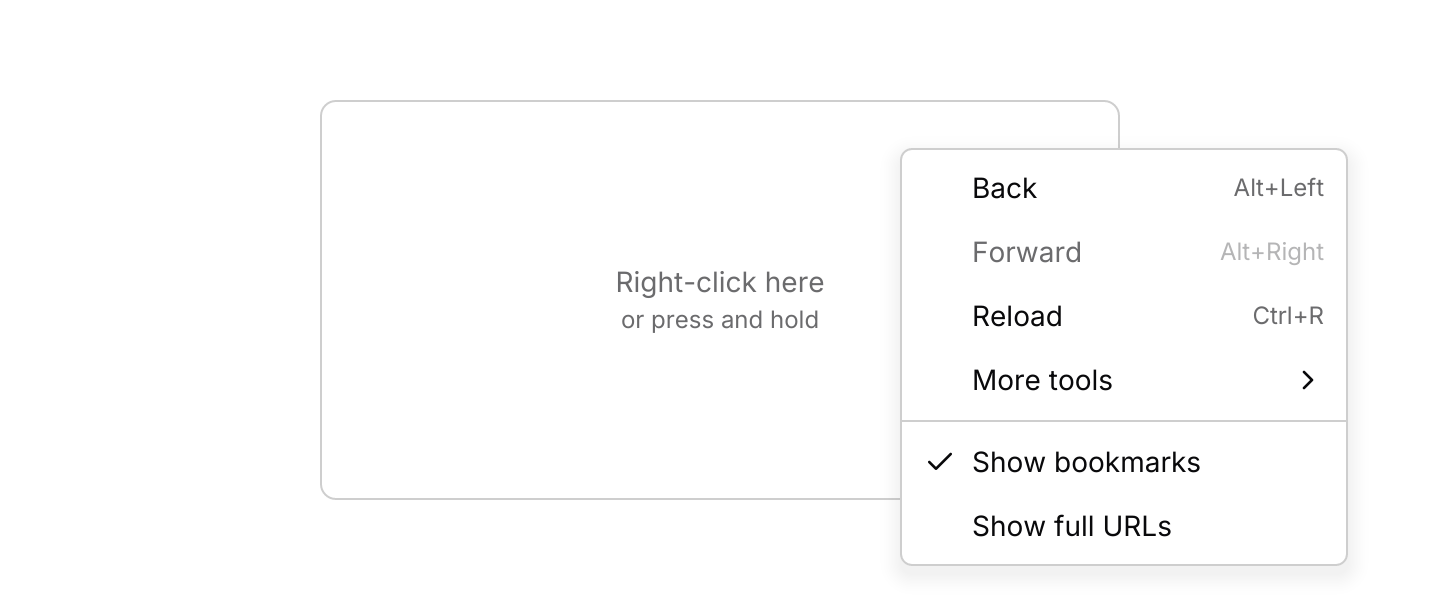
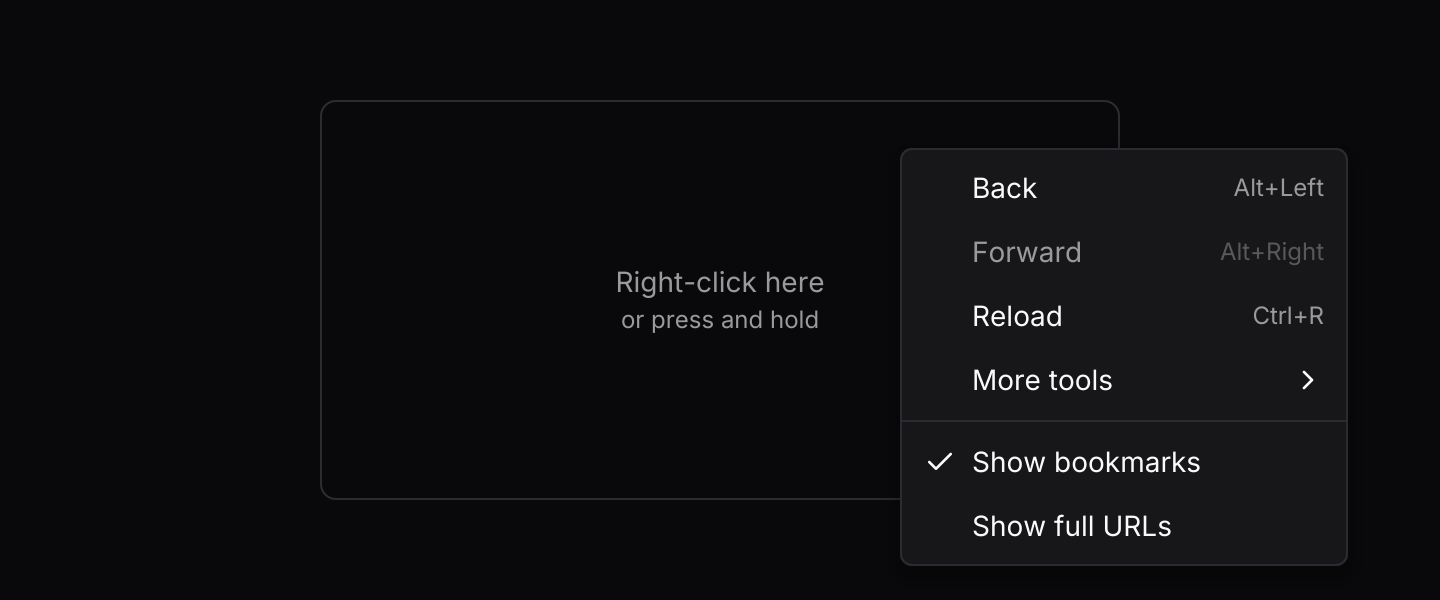
A menu that opens at the pointer when you right-click an area, or at the finger on a long press.
Usage
A context menu offers actions for whatever is under the pointer: a file in a list, a selection in an editor, a node on a canvas. It shares its entries, rows and navigation with the dropdown menu, so everything on that page applies here too.
A right-click inside the area opens the menu with its top left corner at the pointer. It flips up or to the left near the edges of the window, opening on whichever side has room for the whole menu. Only when neither side has room does it take the roomier one and scroll. Right-clicking somewhere else in the area moves the menu there, and a left-click anywhere outside the menu closes it. Clicks inside the menu never reach the area underneath.
Touch screens have no right-click, so holding a finger still on the area for half a second opens the menu at the finger instead. Moving the finger more than a few pixels first counts as a scroll and cancels it, and lifting early is an ordinary tap. The lift that ends a long press does not reach the content, so a button in a row is not pressed as the menu opens. A long press is easy to miss, so in a list on a narrow screen consider a visible button that opens the same menu, as the demo’s job list does.
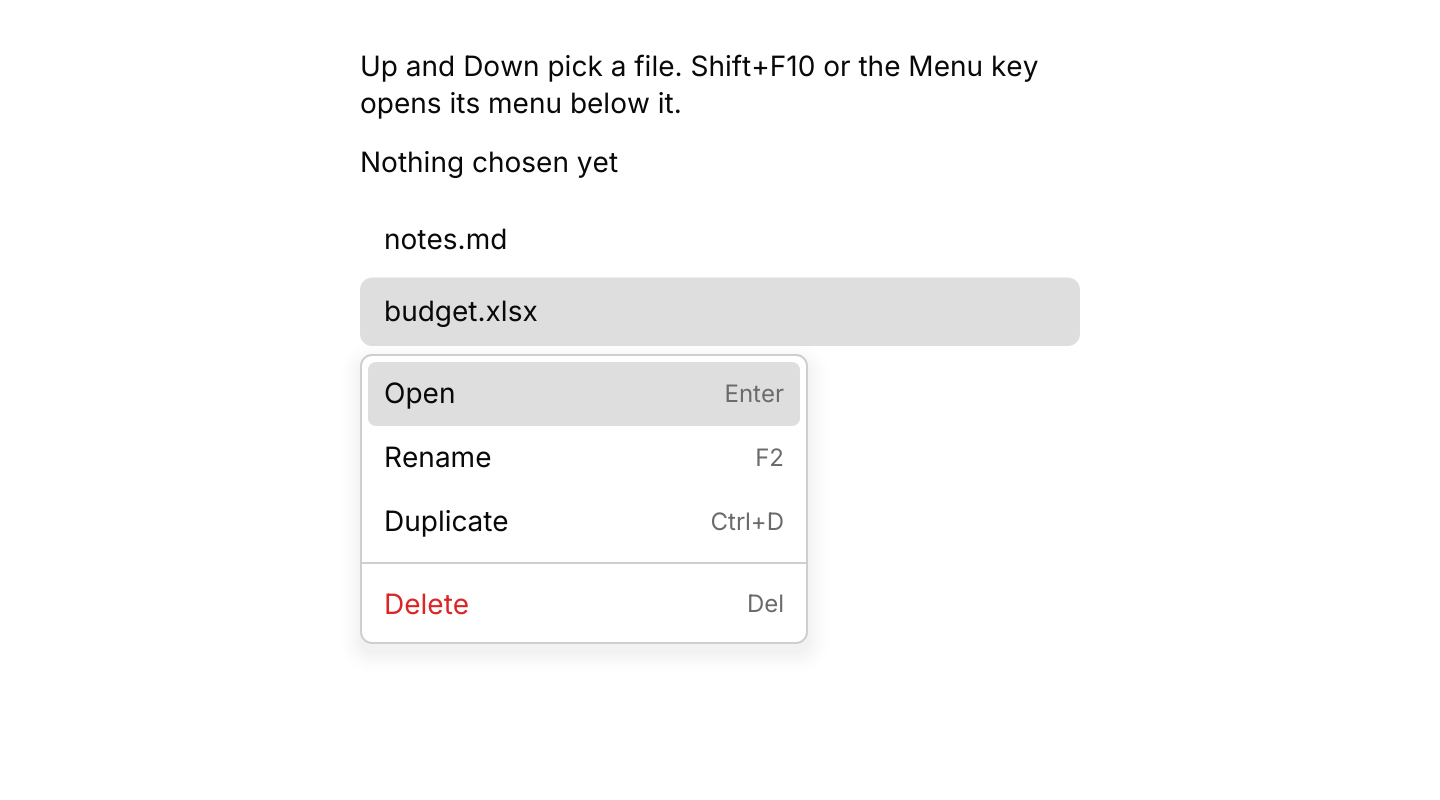
Keyboard users open it with Shift+F10 or the Menu key, as in desktop apps: route presses from keys::subscription() through state.key_event, as the second example does. The menu then opens just below the area, lined up with its start so it never covers the area’s label, with its first item highlighted. It handles the arrow keys, Enter and Escape itself until it closes. While it is closed, only the opening chords do anything, so a context menu shares the keyboard with the rest of your app.
For a list, keep one State<Id, Key> for every row rather than one per row. Wrap each row with keyed(&state, row_key, row), and the open events tell you which row they came from. Before an open event reaches update, you can enable or check items for that row. After an item is chosen, state.target() still holds the row, so you know what to act on. Pass the focused row as the target of key_event, so Shift+F10 opens the menu below it.
Examples
One menu for every row
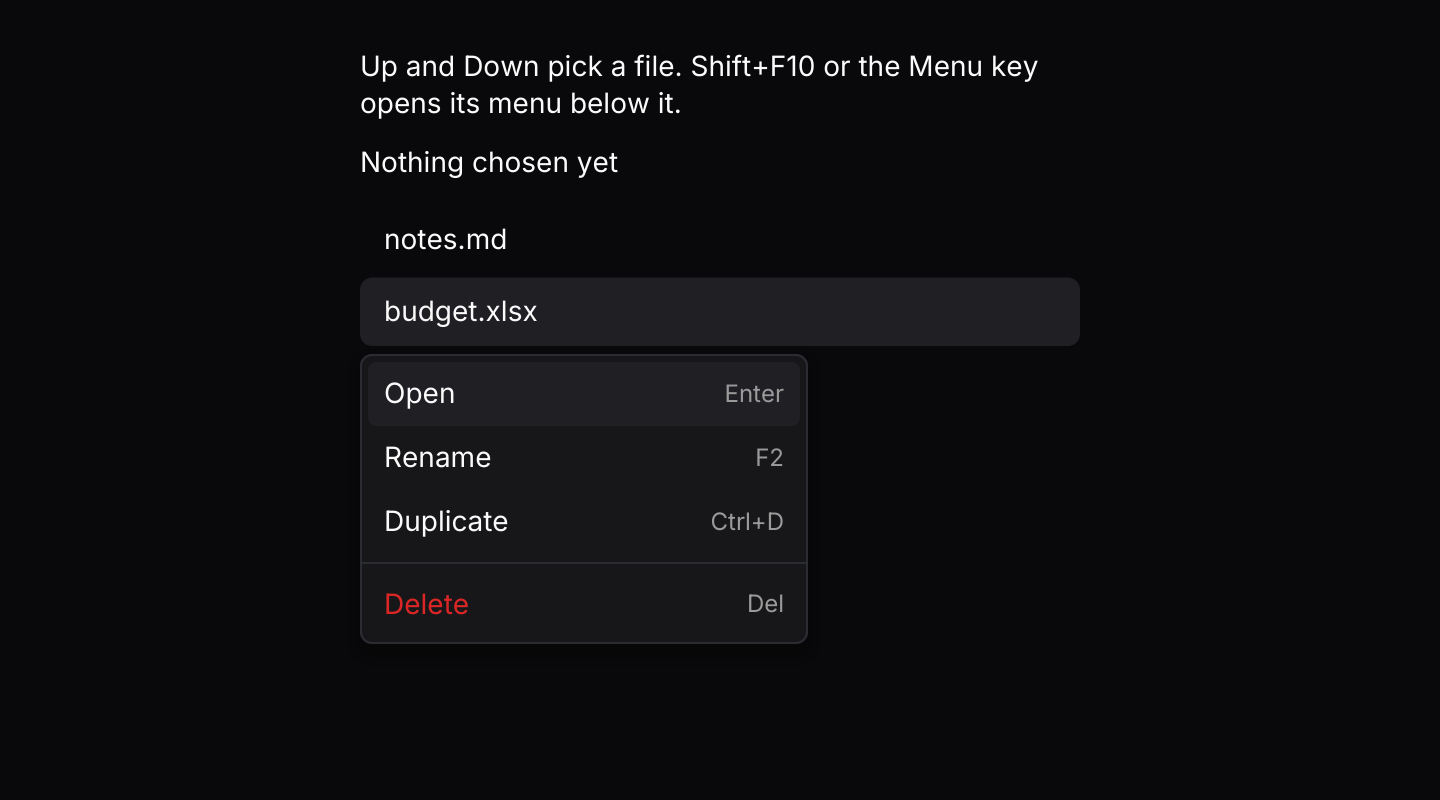
A file list shares one menu. Up and Down pick a file, and Shift+F10 or the Menu key opens its menu below it.
API
| Item | Description |
|---|---|
State:: | Holds the entries, closed. Build them with the dropdown menu's item, checkbox_item, radio_item, submenu, group_label and separator. State<Id> serves one area; State<Id, Key> serves many areas told apart by Key. |
state.update(Event) | Open(key, point) opens at a right-click or long press on the area key, OpenFromKeyboard(key) opens below that area on the first item, and Menu(event) navigates as a dropdown menu does. Returns the dropdown menu's Output when an item is chosen. The key is () for a single area. |
state.is_open() / state.is_open_on(&key) / state.target() | Whether the menu is open, whether it is open on one area, and the area it last opened on, which stays set after it closes so you know which row a chosen item belongs to. |
state.position() / state.menu() | Where a right-click opened the menu relative to the area, or None when it opened from the keyboard, and the underlying dropdown menu state. |
state.is_checked(id) / state.set_checked(id, bool) / state.set_disabled(id, bool) | Reads and changes items, as on a dropdown menu. |
context_menu(&state, content) | Makes the content an area that opens the menu on a right-click or a long press. Neither does anything until .on_event is set. |
LONG_PRESS / LONG_PRESS_SLOP | How long a finger rests on the area before the menu opens (500 ms), and how far it may drift meanwhile (10 logical pixels). |
keyed(&state, key, content) | Makes the content one of many areas sharing one menu, such as a row in a list. The menu shows on it only while open on key, and its open events carry key. |
.on_event(f) | Maps context menu events to your message. |
.width(f32) | Width of the menu and its submenus. Defaults to 224. |
.keymap(keymap) | Replaces the default keymap the open menu resolves its keys with. |
context_menu:: | The dropdown menu's shortcuts plus Open. Bind, unbind or clear chords to change them. |
state.key_event(&keymap, &key, target) | Resolves a key press through the keymap and, while the menu is open, turns letters and digits into typeahead. The opening chord opens the menu on target, such as the focused row, or () for a single area. |
action.event(&state, target) | Turns a resolved Action into the Event to pass to state.update. Open only works while the menu is closed, and the others only while it is open. |
Keyboard
Default shortcuts. Every one can be changed or removed with a keymap; see Keyboard shortcuts.
| Keys | Action |
|---|---|
| Shift+F10 or Menu | Open Opens the menu below the area, on its first item. |
| ArrowDown | Next Highlights the next enabled item, wrapping. |
| ArrowUp | Previous Highlights the previous enabled item, wrapping. |
| Home | First Highlights the first enabled item. |
| End | Last Highlights the last enabled item. |
| Enter or Space | Activate Chooses the highlighted item or opens its submenu. |
| Escape | Close Closes the innermost submenu, or the menu. |
| ArrowRight | OpenSubmenu Opens the highlighted submenu. |
| ArrowLeft | CloseSubmenu Closes the innermost submenu. |