Layout
Card
Groups related content on a raised surface, with an optional header and footer.
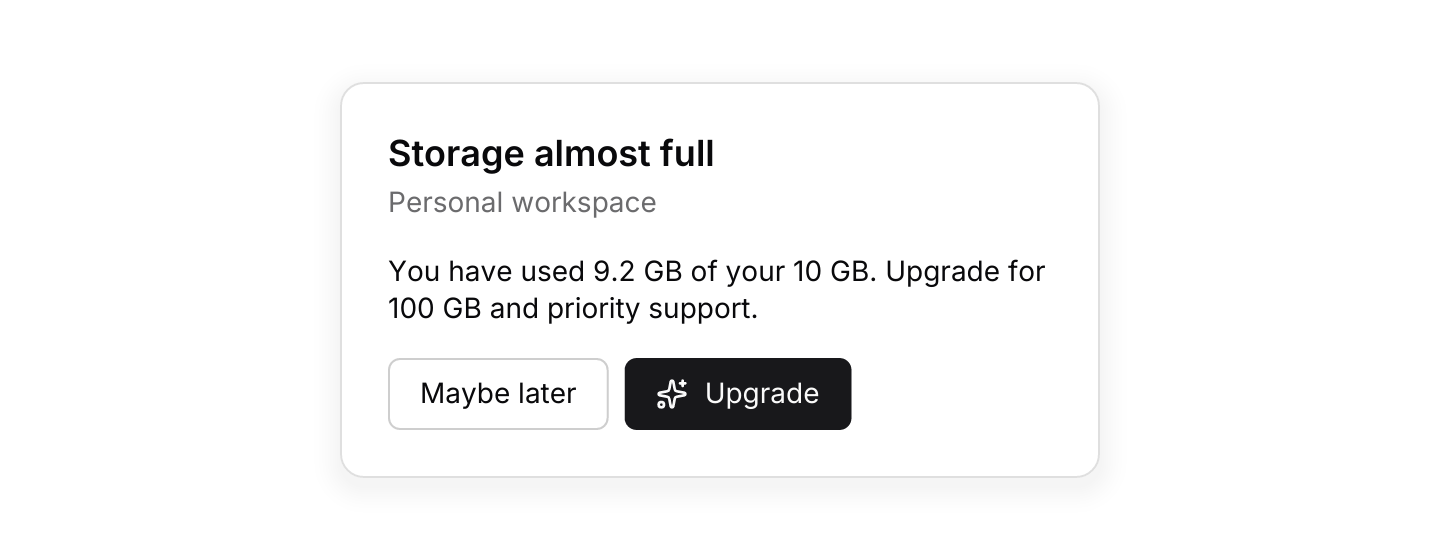
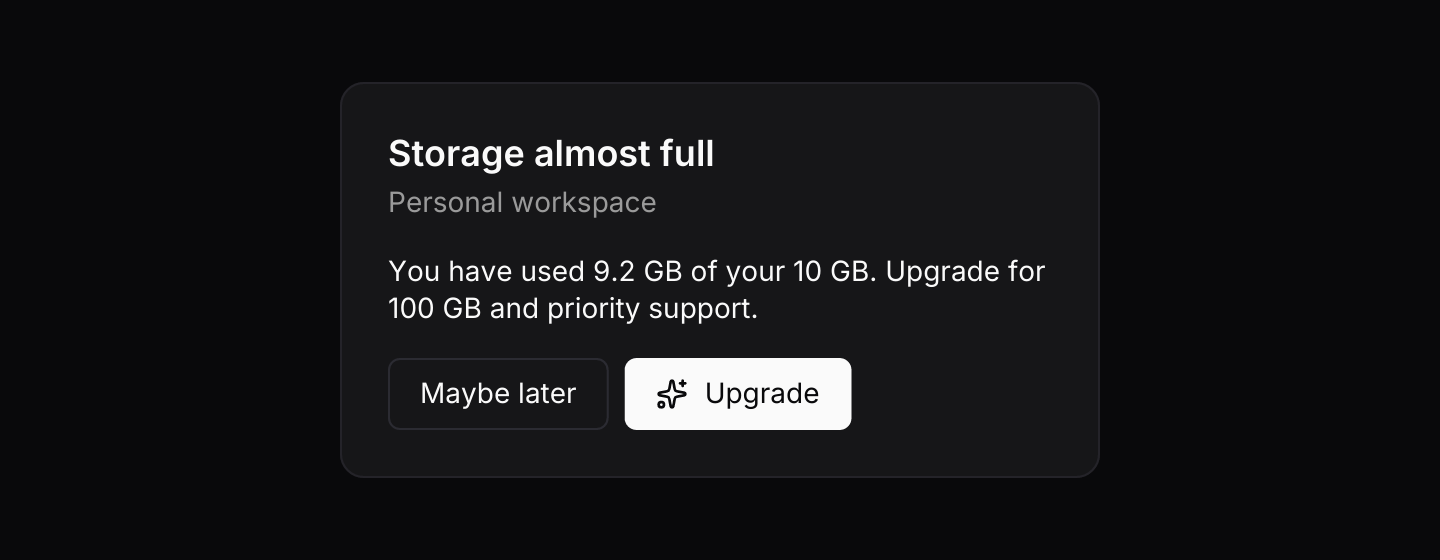
use iced::widget::{row, text};
use iced::{Element, Length};
use iced_cube::card;
use iced_cube::primitives::button::Variant;
use iced_cube::{button, lucide};

#[derive(Debug, Clone)]
pub enum Message {
    Later,
    Upgrade,
}

#[derive(Debug, Default)]
pub struct Example {
    upgraded: bool,
}

impl Example {
    pub fn update(&mut self, message: Message) {
        match message {
            Message::Later => self.upgraded = false,
            Message::Upgrade => self.upgraded = true,
        }
    }

    pub fn view(&self) -> Element<'_, Message> {
        let body = if self.upgraded {
            "You are on the Pro plan. Thanks for your support."
        } else {
            "You have used 9.2 GB of your 10 GB. Upgrade for 100 GB and priority support."
        };

        card()
            .title("Storage almost full")
            .description("Personal workspace")
            .body(text(body).size(14).width(Length::Fill))
            .footer(
                row![
                    button("Maybe later")
                        .variant(Variant::Outline)
                        .on_press(Message::Later),
                    button("Upgrade")
                        .icon(lucide!(Sparkles))
                        .on_press_maybe((!self.upgraded).then_some(Message::Upgrade)),
                ]
                .spacing(8),
            )
            .width(380)
            .into()
    }
}Usage
A card is a container with a soft border, rounded corners and consistent padding. A broad, faint shadow separates it from the page; in dark themes the surface is also a shade lighter so it still reads as raised.
The footer takes any element, so you decide how actions are laid out. Buttons inside a card work exactly as they do anywhere else. A link button has no padding at its sides, so a “View all” link in the footer lines up with the body above it.
The body fills the card when it contains something that fills, such as a row with a spacer. A vstack or hstack follows its children the way an iced column does, so a stat card whose header row pushes an icon to the right needs no extra width settings. Give the card itself a width, or put it in a layout that sizes it, since a card on its own shrinks to fit.
Examples
Stat cards
Cards sharing a row, each with a figure and a badge.
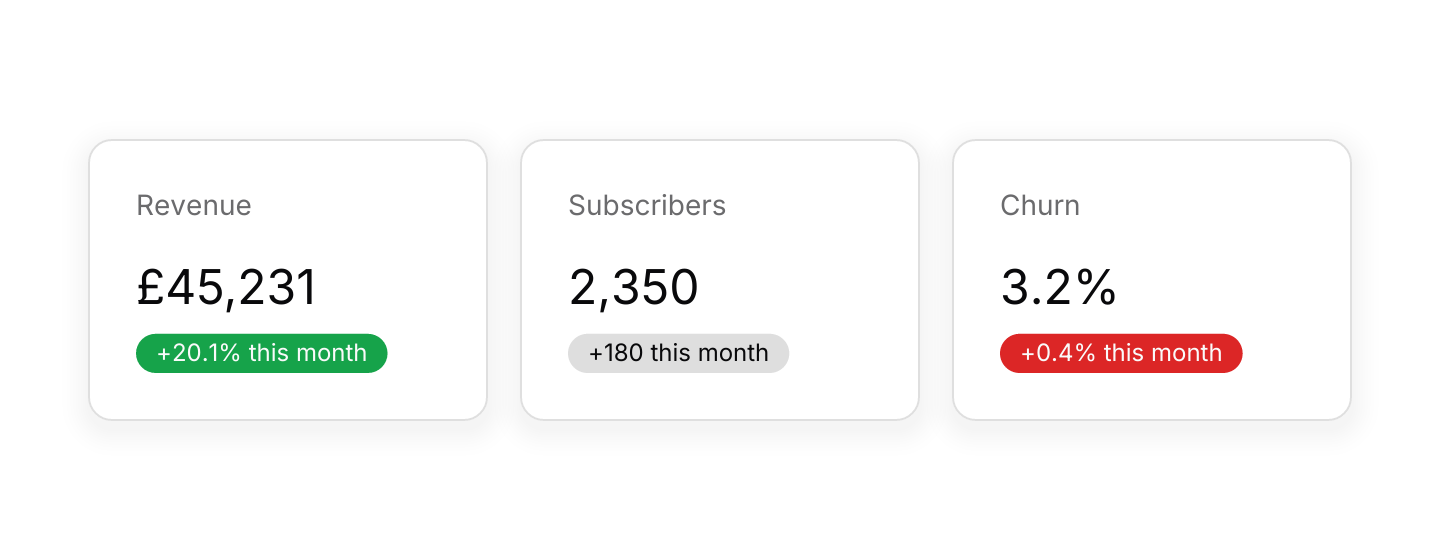
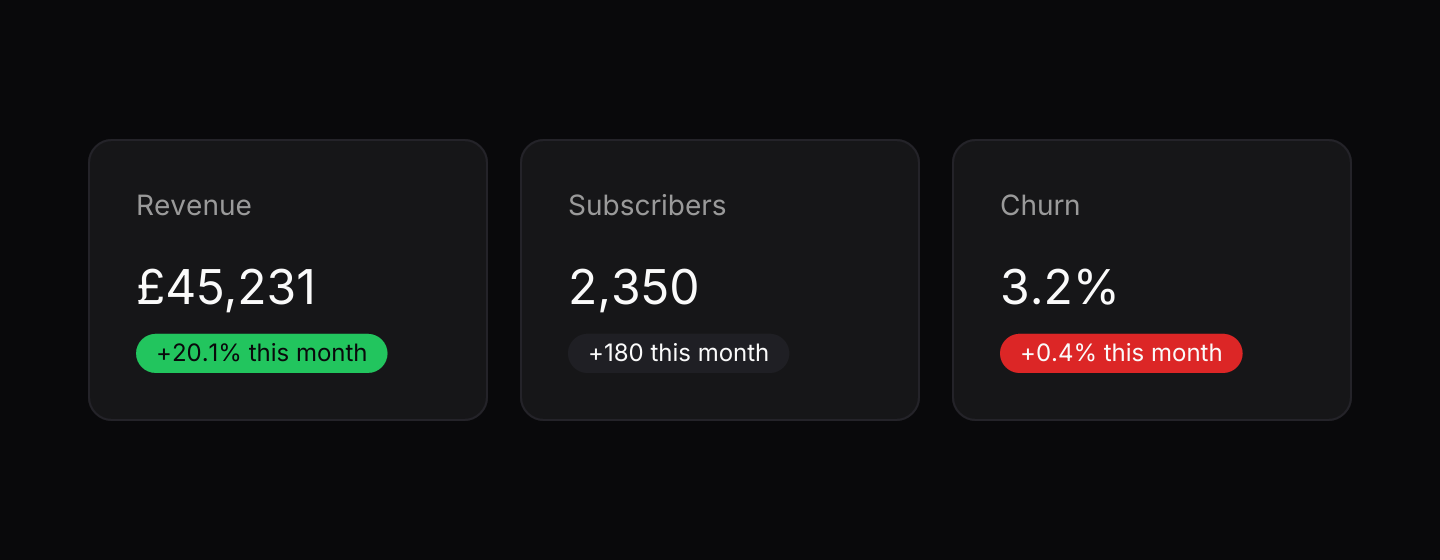
use iced::Element;
use iced::widget::{column, row, text};
use iced_cube::feedback::badge::Variant;
use iced_cube::{badge, card};

#[derive(Debug, Clone)]
pub enum Message {}

#[derive(Debug, Default)]
pub struct Example;

const STATS: [(&str, &str, &str, Variant); 3] = [
    ("Revenue", "£45,231", "+20.1%", Variant::Success),
    ("Subscribers", "2,350", "+180", Variant::Secondary),
    ("Churn", "3.2%", "+0.4%", Variant::Destructive),
];

impl Example {
    pub fn update(&mut self, _message: Message) {}

    pub fn view(&self) -> Element<'_, Message> {
        row(STATS.map(|(label, value, change, variant)| {
            card()
                .description(label)
                .body(
                    column![
                        text(value).size(24),
                        badge(format!("{change} this month")).variant(variant),
                    ]
                    .spacing(8),
                )
                .width(200)
                .into()
        }))
        .spacing(16)
        .wrap()
        .into()
    }
}API
| Item | Description |
|---|---|
card() | Creates an empty card. Every section is optional. |
.title(text) / .description(text) | Sets the header: a heading and a muted line under it. |
.body(element) | Sets the main content. |
.footer(element) | Sets the content under the body, usually a row of buttons. |
.width(length) | Overrides the width. Cards shrink to fit by default. |