Forms
Field and label
Puts a label above any form control, with helper text or an error message below it.
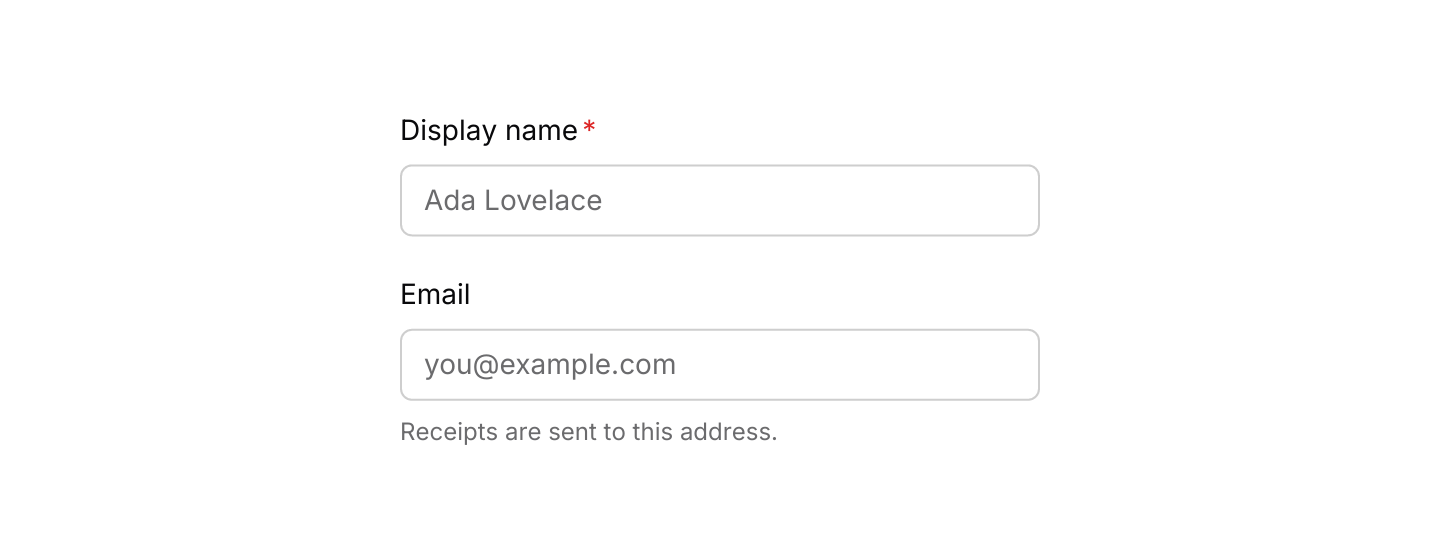
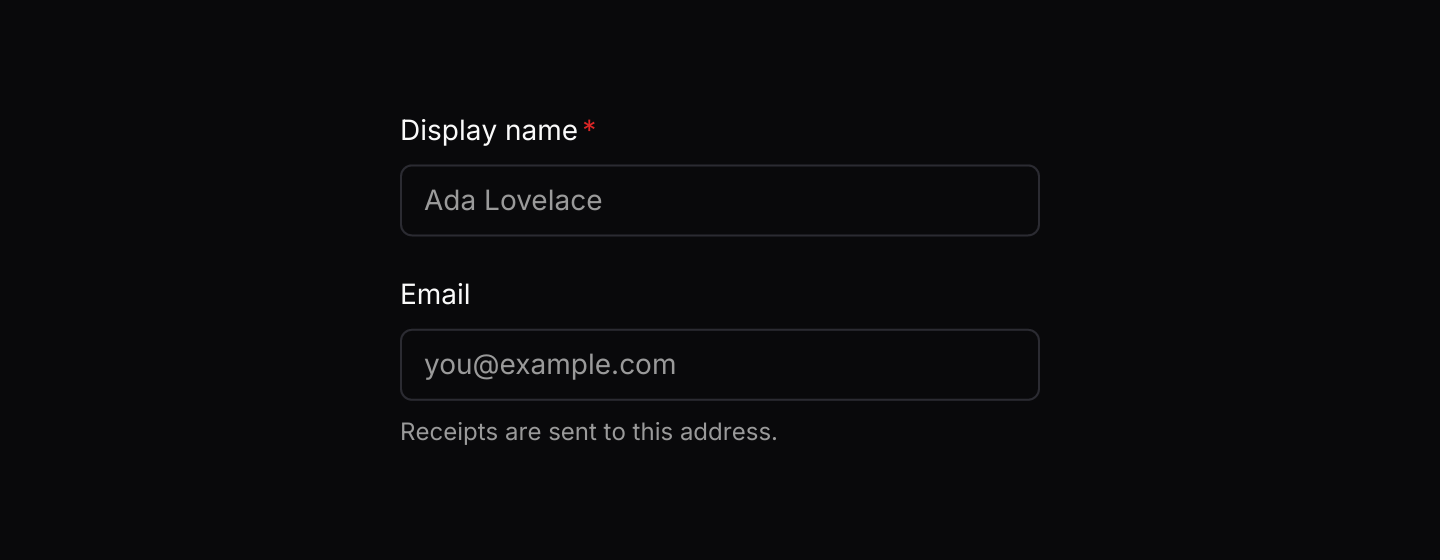
Static preview
use iced::widget::column;
use iced::{Element, Length};
use iced_cube::{field, input};

#[derive(Debug, Clone)]
pub enum Message {
    NameChanged(String),
    EmailChanged(String),
}

#[derive(Debug, Default)]
pub struct Example {
    name: String,
    email: String,
}

impl Example {
    pub fn update(&mut self, message: Message) {
        match message {
            Message::NameChanged(name) => self.name = name,
            Message::EmailChanged(email) => self.email = email,
        }
    }

    pub fn view(&self) -> Element<'_, Message> {
        column![
            field(
                "Display name",
                input("Ada Lovelace", &self.name).on_input(Message::NameChanged),
            )
            .required(true),
            field(
                "Email",
                input("you@example.com", &self.email).on_input(Message::EmailChanged),
            )
            .description("Receipts are sent to this address."),
        ]
        .spacing(20)
        .width(Length::Fixed(320.0))
        .into()
    }
}Usage
Use field for every form control so labels, descriptions and errors line up the same way across your app. The control keeps its own messages; field only lays it out.
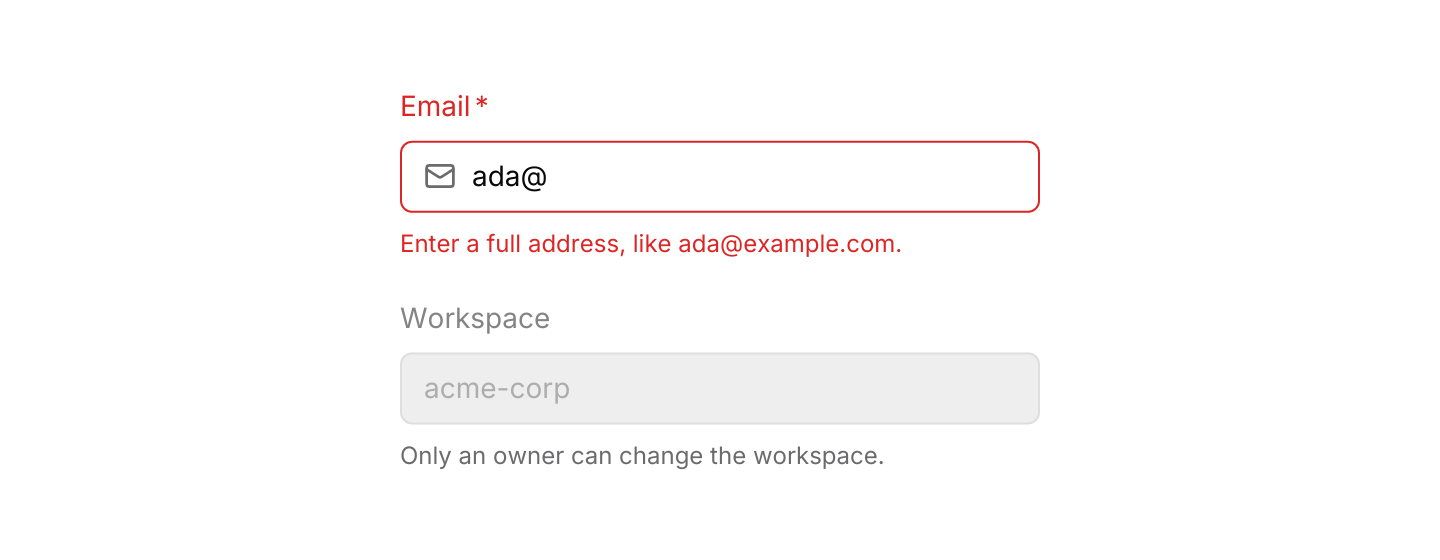
When a field has an error, also mark the control itself as invalid (for example input(...).invalid(true)) so its border matches the message.
Clicking a label does not focus its control, and iced does not yet expose labels to screen readers, so keep label text short and visible next to the control it names.
Examples
Validation
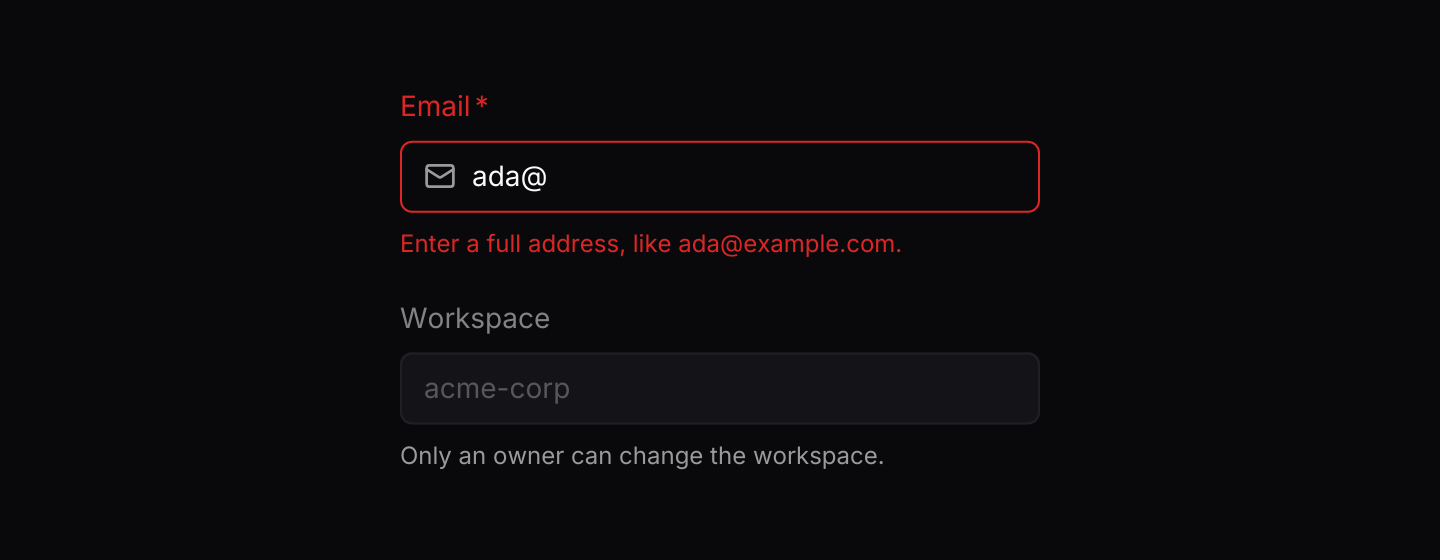
An error message below the control turns the label destructive.
Static preview
use iced::widget::column;
use iced::{Element, Length};
use iced_cube::{field, input, lucide};

#[derive(Debug, Clone)]
pub enum Message {
    EmailChanged(String),
}

#[derive(Debug)]
pub struct Example {
    email: String,
}

impl Default for Example {
    fn default() -> Self {
        Self {
            email: "ada@".into(),
        }
    }
}

impl Example {
    pub fn update(&mut self, message: Message) {
        let Message::EmailChanged(email) = message;
        self.email = email;
    }

    pub fn view(&self) -> Element<'_, Message> {
        let error = email_error(&self.email);

        column![
            field(
                "Email",
                input("you@example.com", &self.email)
                    .icon(lucide!(Mail))
                    .invalid(error.is_some())
                    .on_input(Message::EmailChanged),
            )
            .required(true)
            .error_maybe(error),
            field("Workspace", input("acme-corp", ""))
                .description("Only an owner can change the workspace.")
                .disabled(true),
        ]
        .spacing(20)
        .width(Length::Fixed(320.0))
        .into()
    }
}

fn email_error(email: &str) -> Option<&'static str> {
    let Some((user, domain)) = email.split_once('@') else {
        return Some("An email address needs an @.");
    };
    if user.is_empty() || !domain.contains('.') {
        return Some("Enter a full address, like ada@example.com.");
    }
    None
}API
| Item | Description |
|---|---|
field(label, control) | Stacks a label above any control, such as an input, textarea or select. |
.description(text) | Adds muted helper text below the control. |
.error(text) / .error_maybe(option) | Shows an error below the control and colours the label to match. None clears it. |
.required(bool) | Adds a required marker after the label. |
.disabled(bool) | Mutes the label to match a disabled control. |
.width(length) | Overrides the width of the whole field. Fields fill the available width by default. |
label(text) | A standalone label, with .required(bool), .disabled(bool), .invalid(bool) and .state(State). |
State | Normal, Disabled or Invalid. Sets the label's colour. |