Forms
Select
Chooses one value from a dropdown list.
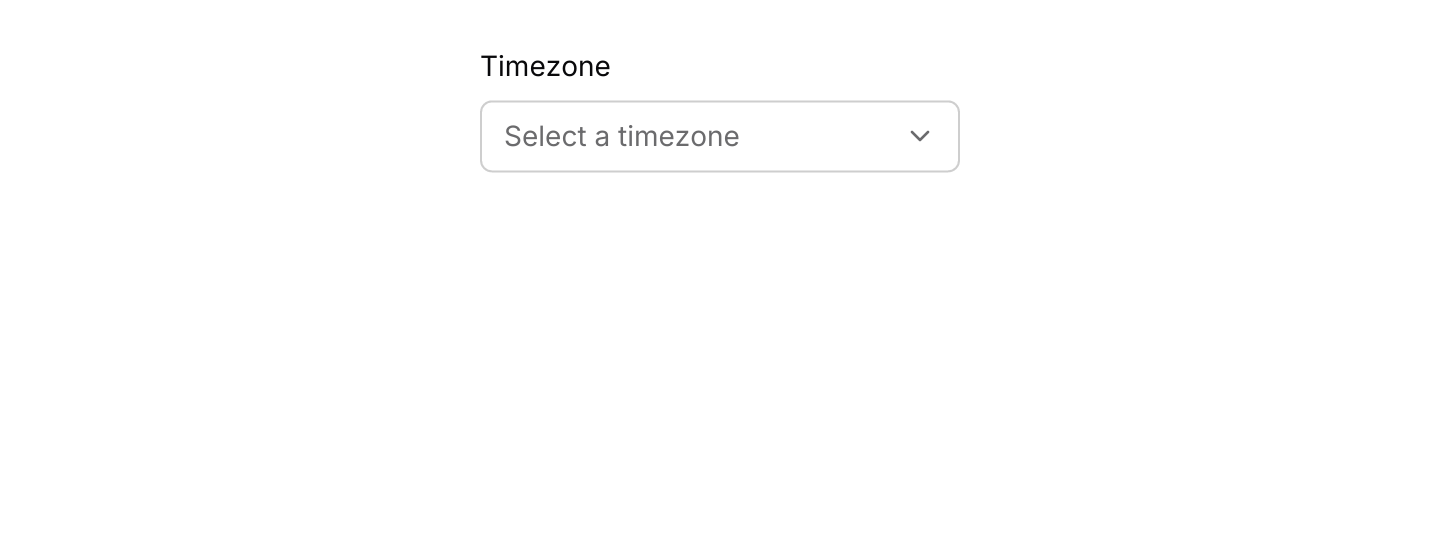
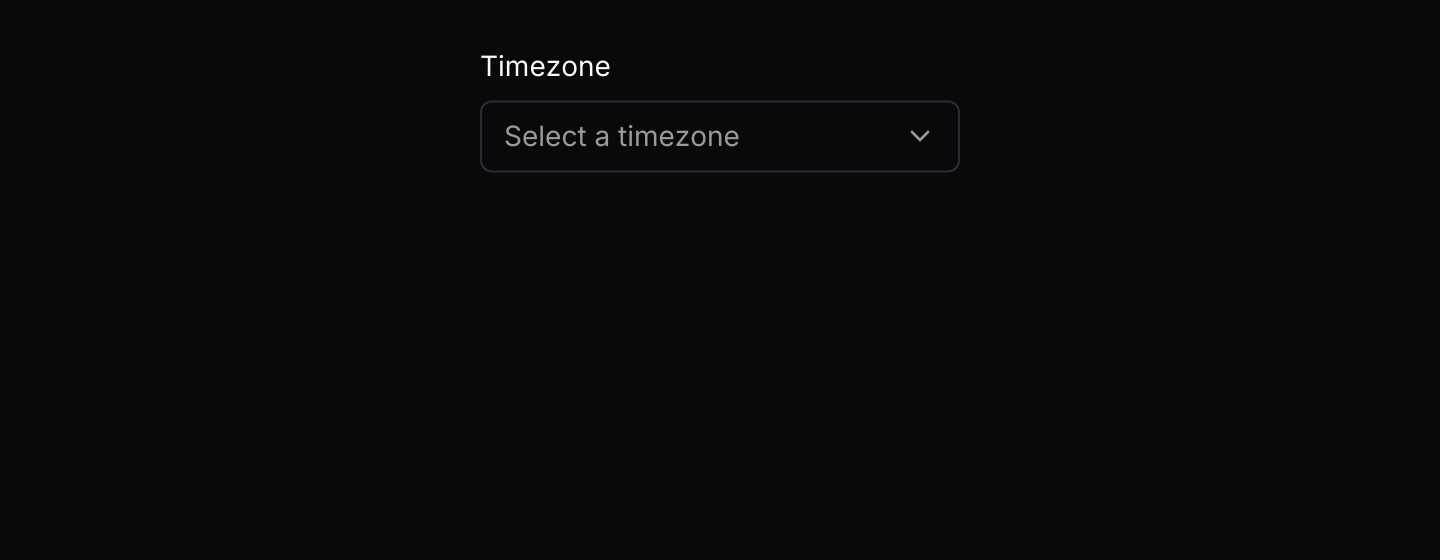
Static preview
use iced::widget::{column, text};
use iced::{Element, Length};
use iced_cube::forms::select;

const TIMEZONES: &[&str] = &[
    "London (GMT)",
    "Paris (CET)",
    "New York (EST)",
    "Tokyo (JST)",
];

#[derive(Debug, Clone)]
pub enum Message {
    Selected(&'static str),
}

#[derive(Debug, Default)]
pub struct Example {
    timezone: Option<&'static str>,
}

impl Example {
    pub fn update(&mut self, message: Message) {
        let Message::Selected(timezone) = message;
        self.timezone = Some(timezone);
    }

    pub fn view(&self) -> Element<'_, Message> {
        column![
            text("Timezone").size(14),
            select(TIMEZONES, self.timezone)
                .placeholder("Select a timezone")
                .width(240)
                .on_select(Message::Selected),
        ]
        .spacing(8)
        .height(Length::Fill)
        .into()
    }
}Usage
Use a select when there are too many options to show as radios, or when space is tight. The list opens below the field, as wide as it, with a check mark on the selected option, and looks like every other menu and list. It closes when an option is chosen, on Escape, or when you click elsewhere; that click goes no further.
Options can be borrowed, such as a const slice, so the list is not copied on every view.
Examples
States
Enum options, with enabled and disabled selects.
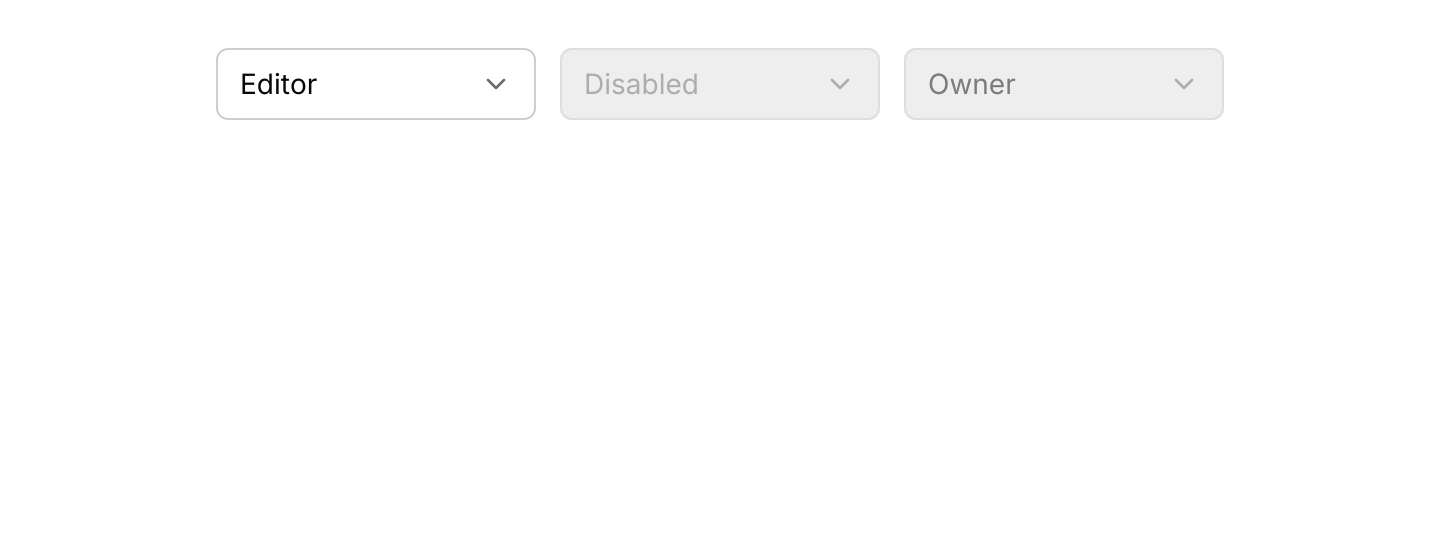
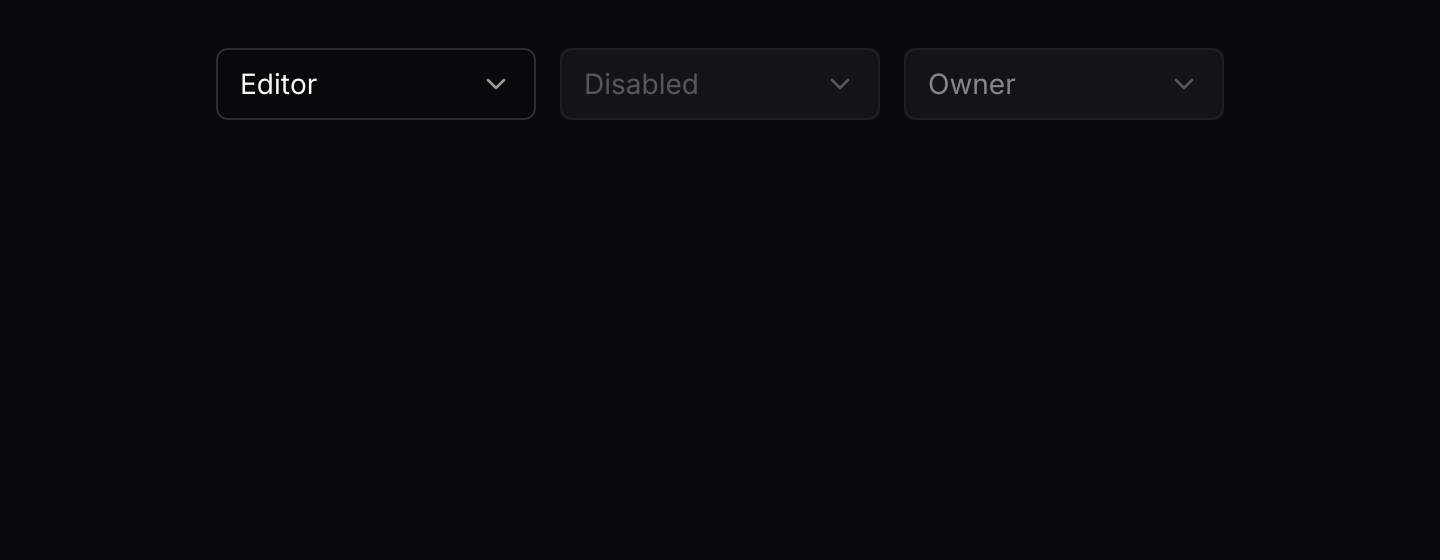
Static preview
use std::fmt;

use iced::widget::{container, row};
use iced::{Element, Length};
use iced_cube::forms::select;

#[derive(Debug, Clone, Copy, PartialEq, Eq)]
pub enum Role {
    Viewer,
    Editor,
    Owner,
}

impl Role {
    const ALL: [Role; 3] = [Role::Viewer, Role::Editor, Role::Owner];
}

impl fmt::Display for Role {
    fn fmt(&self, f: &mut fmt::Formatter<'_>) -> fmt::Result {
        f.write_str(match self {
            Role::Viewer => "Viewer",
            Role::Editor => "Editor",
            Role::Owner => "Owner",
        })
    }
}

#[derive(Debug, Clone)]
pub enum Message {
    Selected(Role),
}

#[derive(Debug)]
pub struct Example {
    role: Role,
}

impl Default for Example {
    fn default() -> Self {
        Self { role: Role::Editor }
    }
}

impl Example {
    pub fn update(&mut self, message: Message) {
        let Message::Selected(role) = message;
        self.role = role;
    }

    pub fn view(&self) -> Element<'_, Message> {
        container(
            row![
                select(&Role::ALL[..], Some(self.role))
                    .width(160)
                    .on_select(Message::Selected),
                select(&Role::ALL[..], None)
                    .placeholder("Disabled")
                    .width(160),
                select(&Role::ALL[..], Some(Role::Owner)).width(160),
            ]
            .spacing(12)
            .wrap(),
        )
        .height(Length::Fill)
        .into()
    }
}API
| Item | Description |
|---|---|
select(options, selected) | Creates a select over a slice or Vec of options, labelled with their Display text. It renders disabled until it has a message. |
.on_select(f) / .on_select_maybe(option) | Sets the message emitted with the chosen option. None disables the select. |
.placeholder(text) | Text shown while nothing is selected. |
.width(length) | Overrides the width. Defaults to 200 pixels. |
select:: | The default shortcuts as a Keymap<Action>. Bind, unbind or clear chords to change them. |
action.apply(&options, selected) | The option a resolved Action (Next or Previous) selects, or None at either end. Send it through your on_select message. |
Keyboard
Default shortcuts. Every one can be changed or removed with a keymap; see Keyboard shortcuts.
| Keys | Action |
|---|---|
| ArrowDown | Next Selects the next option, stopping at the last. |
| ArrowUp | Previous Selects the previous option, stopping at the first. |