Layout
Scroll area
A scrollable region with a thin, rounded scrollbar that follows the theme.
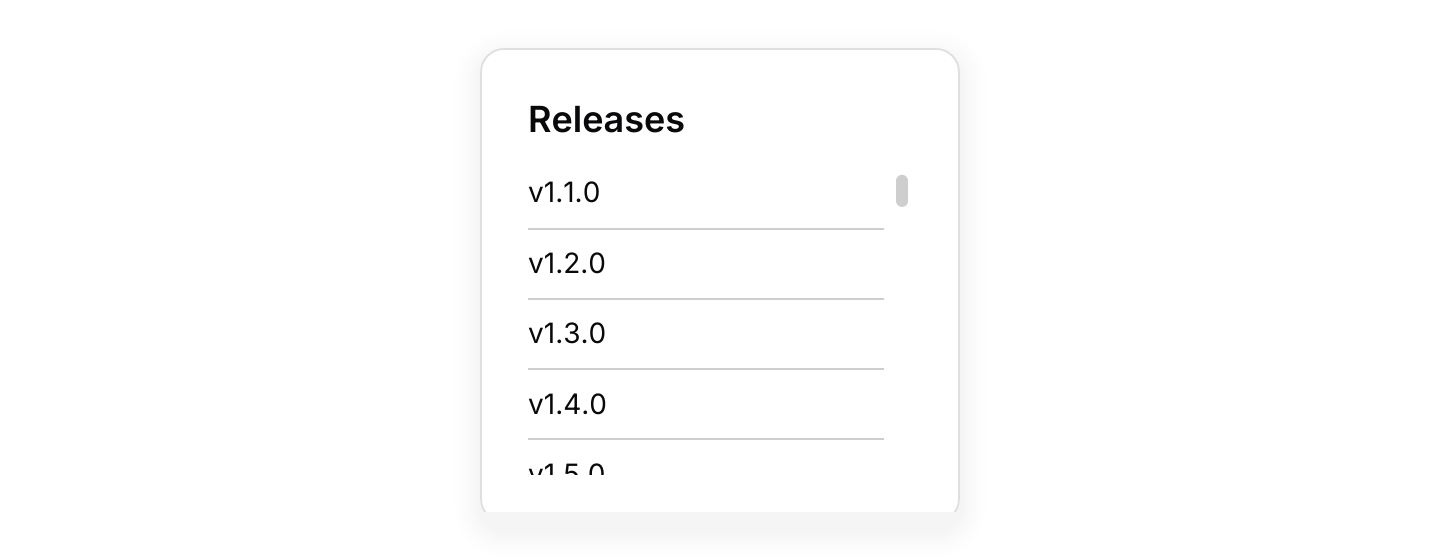

Static preview
use iced::widget::{column, rule, text};
use iced::{Element, Length};
use iced_cube::{card, scroll_area};

#[derive(Debug, Clone)]
pub enum Message {}

#[derive(Debug, Default)]
pub struct Example;

impl Example {
    pub fn update(&mut self, _message: Message) {}

    pub fn view(&self) -> Element<'_, Message> {
        let tags = column((1..=40).flat_map(|i| {
            [
                text(format!("v1.{i}.0")).size(14).into(),
                rule::horizontal(1).into(),
            ]
        }))
        .spacing(8)
        .width(Length::Fill);

        card()
            .title("Releases")
            .body(scroll_area(tags).height(150).width(Length::Fill))
            .width(240)
            .into()
    }
}Usage
A scroll area only scrolls when its content is larger than the space it is given, so set a height for vertical scrolling and a width for horizontal scrolling.
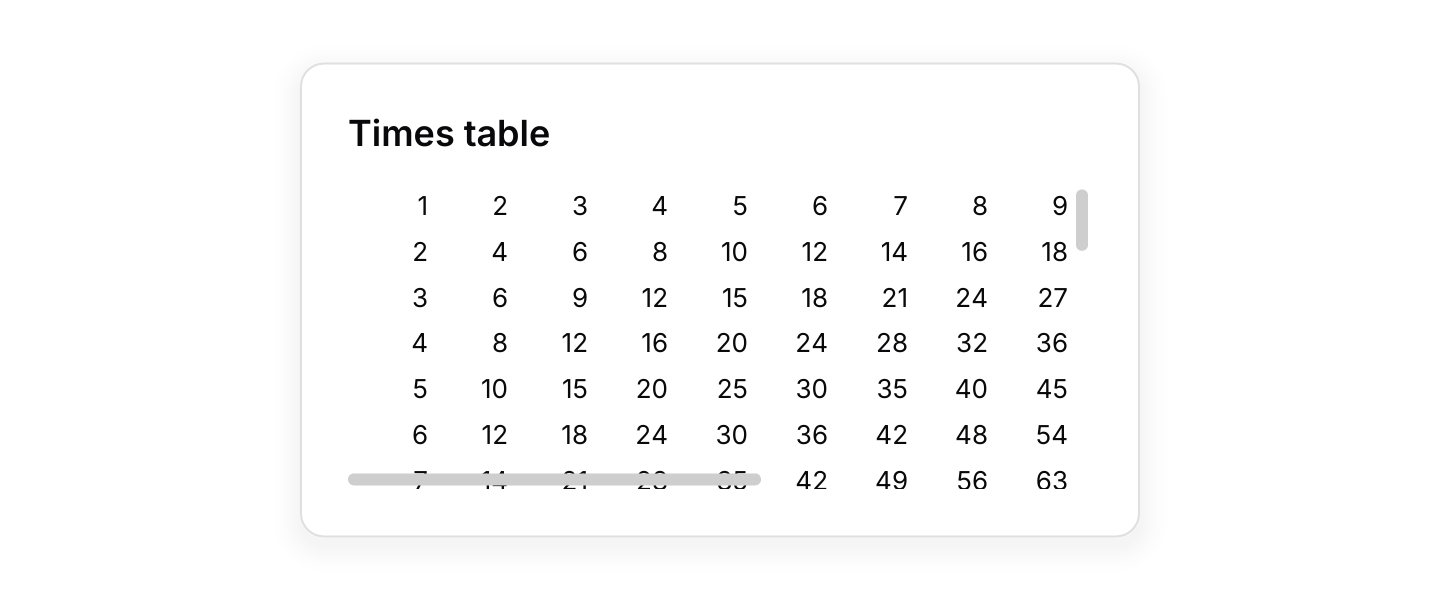
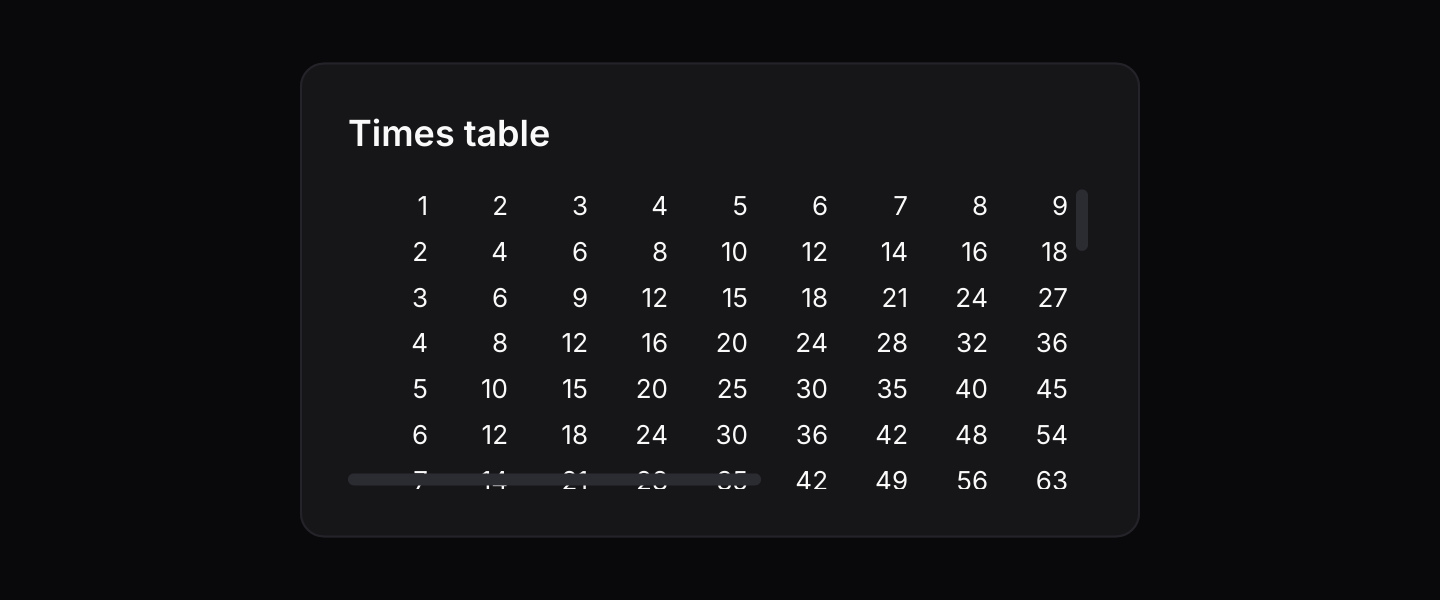
In a single direction the scrollbar sits beside the content and never covers it. When scrolling both ways the two scrollbars float over the right and bottom edges, so leave a little padding there.
The mouse wheel, trackpad and dragging the scrollbar all work as usual.
Examples
Horizontal
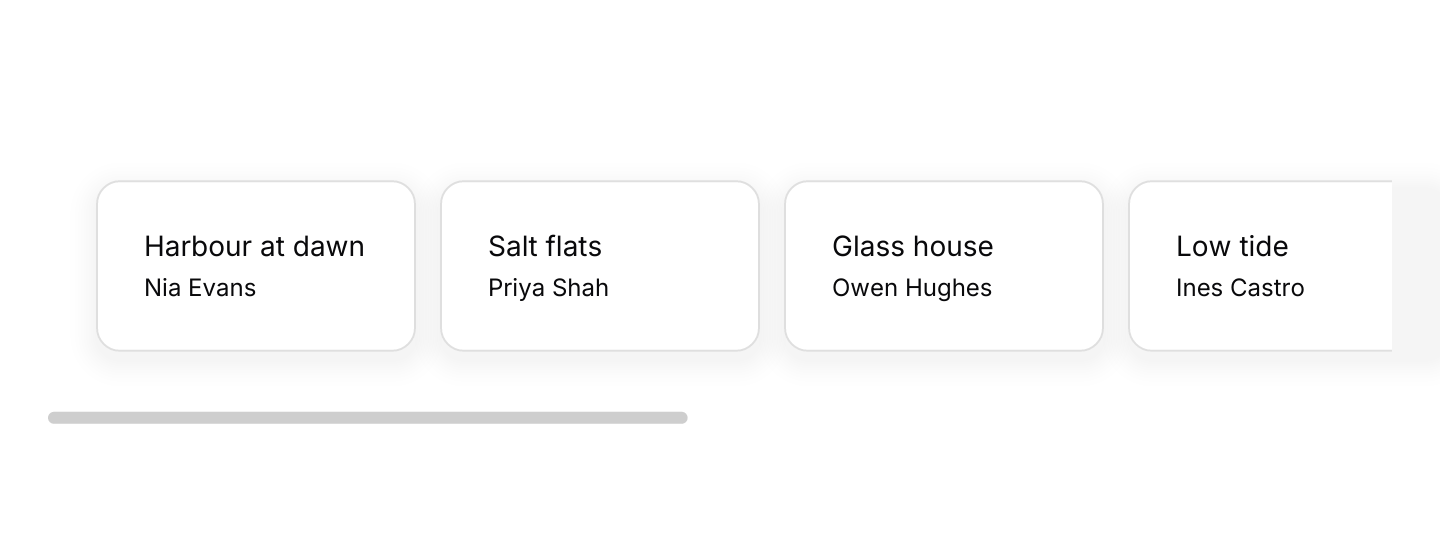
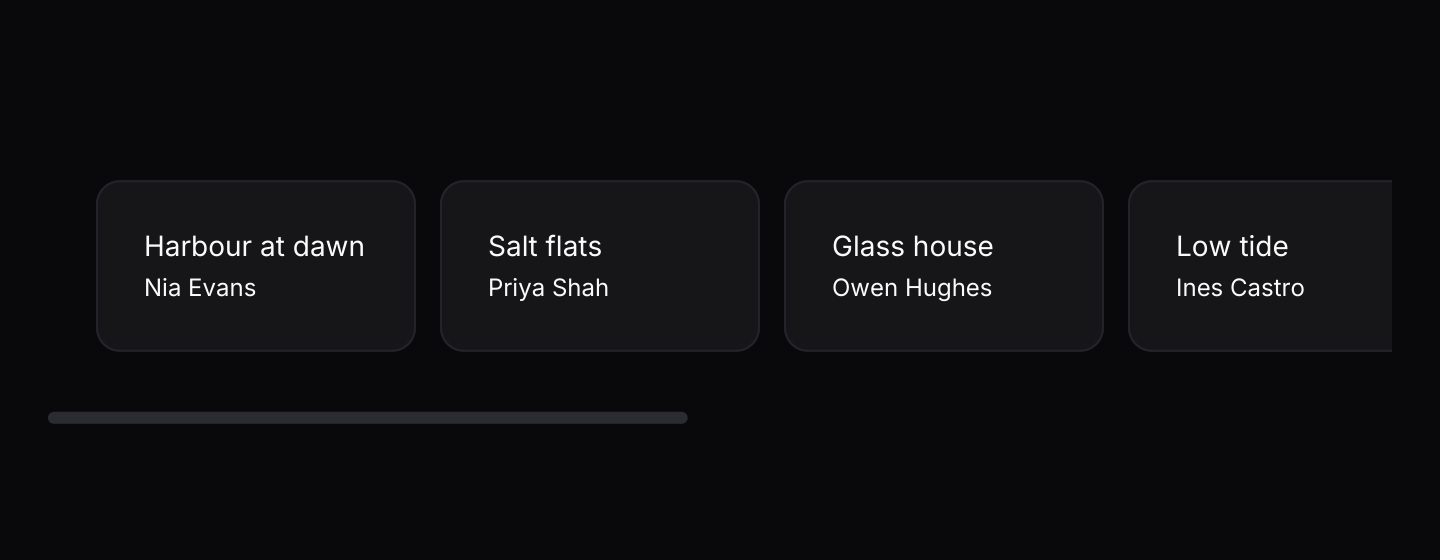
A row of cards wider than its container.
Static preview
use iced::widget::{column, row, text};
use iced::{Element, Length};
use iced_cube::primitives::scroll_area::Direction;
use iced_cube::{card, scroll_area};

#[derive(Debug, Clone)]
pub enum Message {}

#[derive(Debug, Default)]
pub struct Example;

const ARTWORKS: [(&str, &str); 8] = [
    ("Harbour at dawn", "Nia Evans"),
    ("Salt flats", "Priya Shah"),
    ("Glass house", "Owen Hughes"),
    ("Low tide", "Ines Castro"),
    ("Night market", "Kenji Sato"),
    ("First snow", "Mari Lund"),
    ("Orchard", "Ada Okafor"),
    ("Quarry", "Luca Moretti"),
];

impl Example {
    pub fn update(&mut self, _message: Message) {}

    pub fn view(&self) -> Element<'_, Message> {
        let items = row(ARTWORKS.map(|(title, artist)| {
            card()
                .body(column![text(title).size(14), text(artist).size(12)].spacing(4))
                .width(160)
                .into()
        }))
        .spacing(12)
        .padding(24);

        scroll_area(items)
            .direction(Direction::Horizontal)
            .width(Length::Fill)
            .into()
    }
}Both directions
A grid that overflows both ways.
Static preview
use iced::widget::{column, row, text};
use iced::{Alignment, Element, Length, Padding};
use iced_cube::primitives::scroll_area::Direction;
use iced_cube::{card, scroll_area};

#[derive(Debug, Clone)]
pub enum Message {}

#[derive(Debug, Default)]
pub struct Example;

impl Example {
    pub fn update(&mut self, _message: Message) {}

    pub fn view(&self) -> Element<'_, Message> {
        let grid = column((1..=30).map(|y| {
            row((1..=16).map(|x| {
                text(x * y)
                    .size(13)
                    .width(40)
                    .align_x(Alignment::End)
                    .into()
            }))
            .into()
        }))
        .spacing(6)
        // Room for the scrollbars, which float over the edges.
        .padding(Padding::ZERO.right(12).bottom(12));

        card()
            .title("Times table")
            .body(
                scroll_area(grid)
                    .direction(Direction::Both)
                    .width(Length::Fill)
                    .height(150),
            )
            .width(420)
            .into()
    }
}API
| Item | Description |
|---|---|
scroll_area(content) | Wraps content in a vertically scrolling area. |
.direction(Direction) | Vertical, Horizontal or Both. Defaults to Vertical. |
.width(length) / .height(length) | Sets the size of the visible region. Give the scrolling axis a fixed or fill length. |
.id(id) | Sets the widget id, so the area can be scrolled with iced's scrolling tasks. |