Forms
Input
A single line of editable text, with an optional icon, password masking and an invalid state.
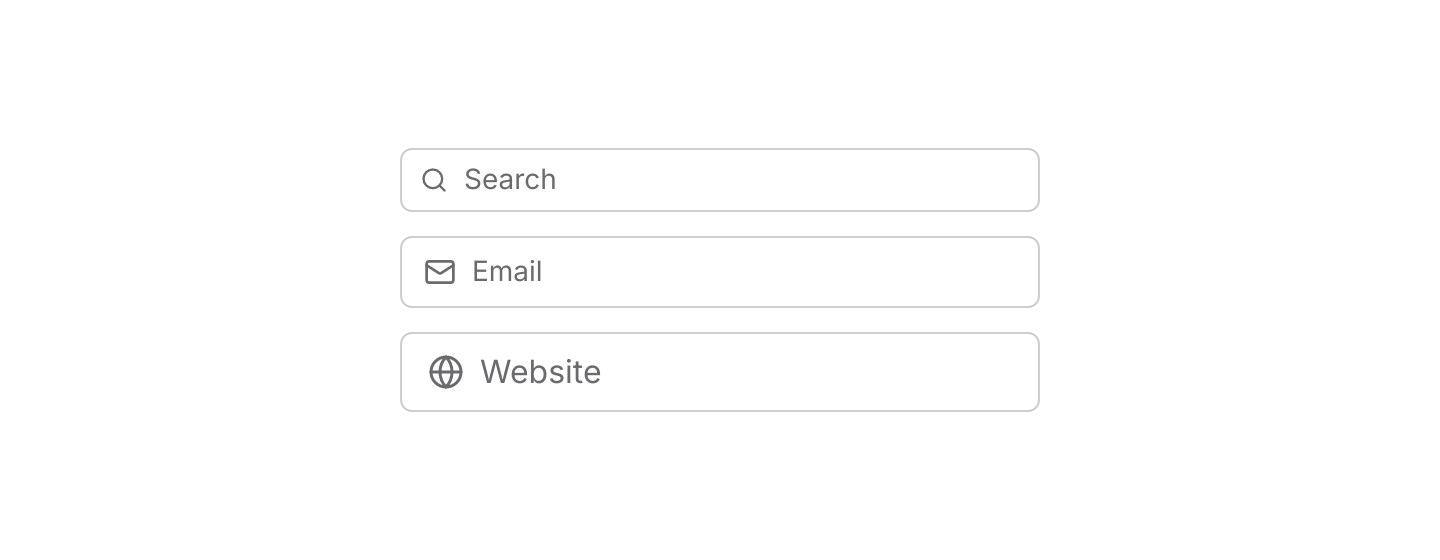
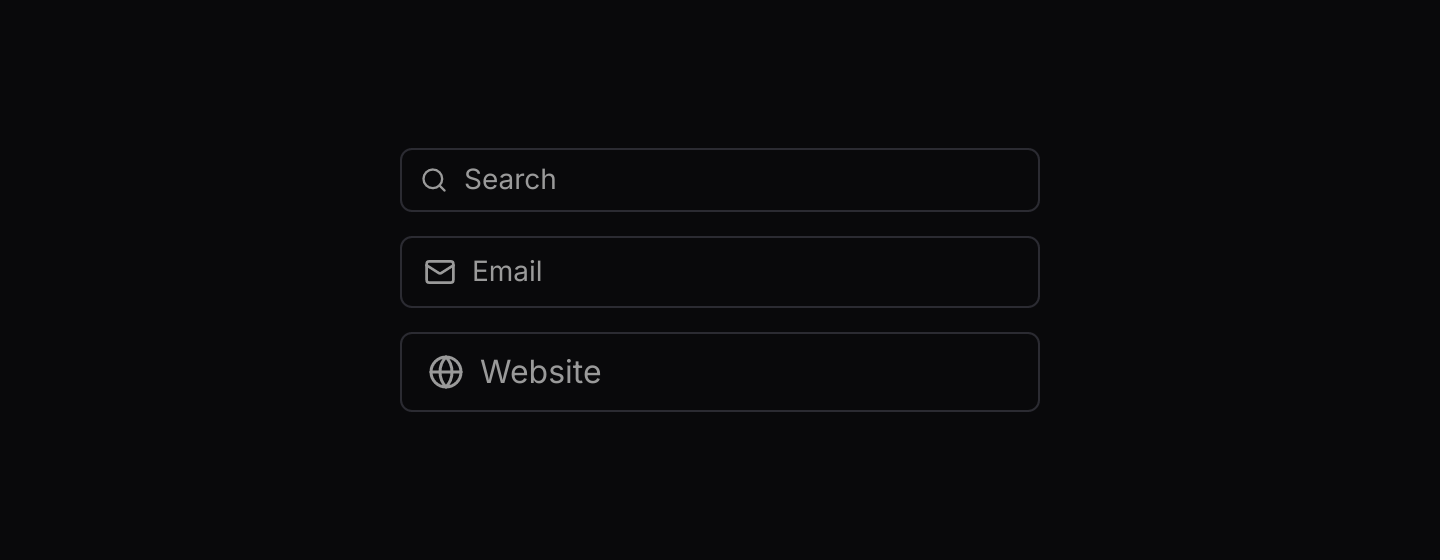
use iced::widget::column;
use iced::{Element, Length};
use iced_cube::primitives::input::Size;
use iced_cube::{input, lucide};

#[derive(Debug, Clone)]
pub enum Message {
    Search(String),
    Email(String),
    Website(String),
}

#[derive(Debug, Default)]
pub struct Example {
    search: String,
    email: String,
    website: String,
}

impl Example {
    pub fn update(&mut self, message: Message) {
        match message {
            Message::Search(value) => self.search = value,
            Message::Email(value) => self.email = value,
            Message::Website(value) => self.website = value,
        }
    }

    pub fn view(&self) -> Element<'_, Message> {
        column![
            input("Search", &self.search)
                .icon(lucide!(Search))
                .size(Size::Sm)
                .on_input(Message::Search),
            input("Email", &self.email)
                .icon(lucide!(Mail))
                .on_input(Message::Email),
            input("Website", &self.website)
                .icon(lucide!(Globe))
                .size(Size::Lg)
                .on_input(Message::Website),
        ]
        .spacing(12)
        .width(Length::Fixed(320.0))
        .into()
    }
}Usage
Inputs are controlled: the app stores the value, passes it to input and updates it from the on_input message. Leave out on_input to show a read-only value in the disabled style.
To name an input, wrap it in field, which adds a label, a description and an error message. Set .invalid(true) on the input when the field has an error so the border matches.
Clicking an input focuses it. iced does not move focus on Tab by itself: listen for Tab in a keyboard subscription and return iced::widget::operation::focus_next(), or give the input an .id(...) and return iced::widget::operation::focus(id) from update.
Examples
Default
A controlled input that submits on Enter.


use iced::widget::{column, text};
use iced::{Element, Length};
use iced_cube::input;
use iced_cube::theme::{Tokens, text_size};

#[derive(Debug, Clone)]
pub enum Message {
    NameChanged(String),
    Submit,
}

#[derive(Debug, Default)]
pub struct Example {
    name: String,
    greeting: Option<String>,
}

impl Example {
    pub fn update(&mut self, message: Message) {
        match message {
            Message::NameChanged(name) => self.name = name,
            Message::Submit => self.greeting = Some(format!("Hello, {}!", self.name.trim())),
        }
    }

    pub fn view(&self) -> Element<'_, Message> {
        let hint = self.greeting.as_deref().unwrap_or("Press Enter to submit.");

        column![
            input("Your name", &self.name)
                .on_input(Message::NameChanged)
                .on_submit(Message::Submit),
            text(hint).size(text_size::SM).style(|theme| text::Style {
                color: Some(Tokens::of(theme).muted_foreground),
            }),
        ]
        .spacing(12)
        .width(Length::Fixed(320.0))
        .into()
    }
}Password
A secure input with a button that reveals the value.


use iced::widget::row;
use iced::{Alignment, Element, Length};
use iced_cube::primitives::icon_button::Variant;
use iced_cube::{icon_button, input, lucide};

#[derive(Debug, Clone)]
pub enum Message {
    PasswordChanged(String),
    ToggleVisibility,
}

#[derive(Debug, Default)]
pub struct Example {
    password: String,
    visible: bool,
}

impl Example {
    pub fn update(&mut self, message: Message) {
        match message {
            Message::PasswordChanged(password) => self.password = password,
            Message::ToggleVisibility => self.visible = !self.visible,
        }
    }

    pub fn view(&self) -> Element<'_, Message> {
        let toggle = if self.visible {
            lucide!(EyeOff)
        } else {
            lucide!(Eye)
        };

        row![
            input("Password", &self.password)
                .icon(lucide!(LockKeyhole))
                .secure(!self.visible)
                .on_input(Message::PasswordChanged),
            icon_button(toggle)
                .variant(Variant::Outline)
                .on_press(Message::ToggleVisibility),
        ]
        .spacing(8)
        .align_y(Alignment::Center)
        .width(Length::Fixed(320.0))
        .into()
    }
}Invalid and disabled
An invalid value draws a destructive border. An input without on_input is disabled.


use iced::widget::column;
use iced::{Element, Length};
use iced_cube::{input, lucide};

#[derive(Debug, Clone)]
pub enum Message {
    UsernameChanged(String),
}

#[derive(Debug)]
pub struct Example {
    username: String,
}

impl Default for Example {
    fn default() -> Self {
        Self {
            username: "ada lovelace".into(),
        }
    }
}

impl Example {
    pub fn update(&mut self, message: Message) {
        let Message::UsernameChanged(username) = message;
        self.username = username;
    }

    pub fn view(&self) -> Element<'_, Message> {
        let invalid = self.username.contains(char::is_whitespace);

        column![
            input("Username", &self.username)
                .icon(lucide!(AtSign))
                .invalid(invalid)
                .on_input(Message::UsernameChanged),
            input("Workspace", "acme-corp").icon(lucide!(Building)),
        ]
        .spacing(12)
        .width(Length::Fixed(320.0))
        .into()
    }
}API
| Item | Description |
|---|---|
input(placeholder, value) | Creates a text input showing value, with the placeholder while it is empty. It renders disabled until it has on_input. |
.on_input(fn) / .on_input_maybe(option) | Sets the message built from the new value on every edit. None disables the input. |
.on_submit(message) / .on_submit_maybe(option) | Sets the message emitted when Enter is pressed. A disabled input never submits. |
.icon(glyph) | Adds a Lucide icon at the start of the input. |
.secure(bool) | Masks the value, for passwords and other secrets. |
.invalid(bool) | Draws a destructive border. Pair it with an error message from field. |
.size(Size) | Sm, Md or Lg (32, 36 and 40 pixels tall). Defaults to Md. |
.id(id) / .width(length) | Sets the widget id, used to focus the input from a task or find it in tests, and overrides the width. Inputs fill the available width by default. |
Keyboard
| Keys | Behaviour |
|---|---|
| Enter | Emits the on_submit message. |
| Escape | Removes focus from the input. |
| Home / End | Moves the cursor to the start or end of the value. |
| Shift + Arrow | Extends the selection. |