Forms
Checkbox
Turns an option on or off, with an indeterminate state for mixed selections.
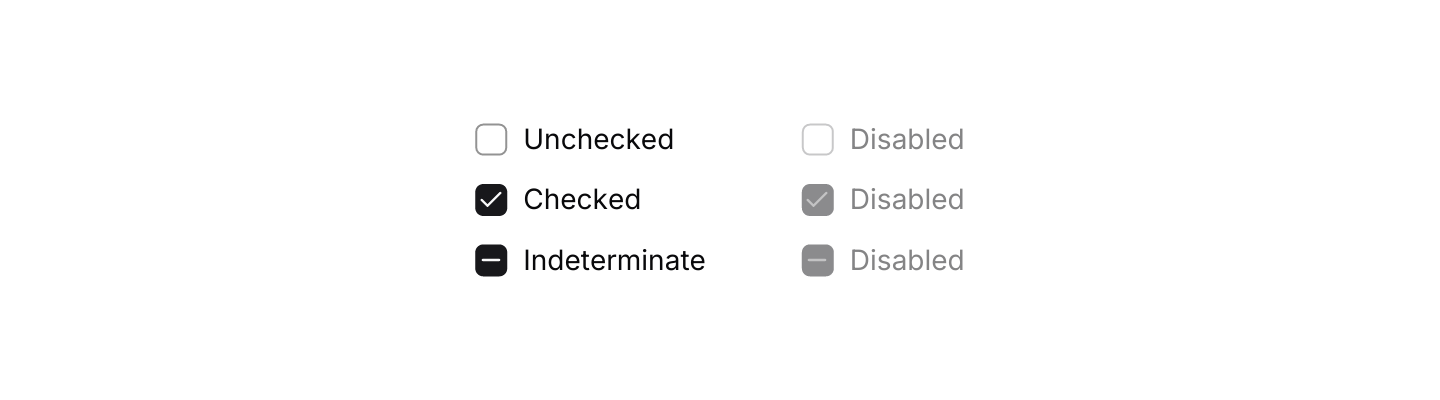

Static preview
use iced::Element;
use iced::widget::{column, row};
use iced_cube::primitives::checkbox;
use iced_cube::primitives::checkbox::CheckState;

#[derive(Debug, Clone)]
pub enum Message {
    Toggled,
}

#[derive(Debug, Default)]
pub struct Example;

impl Example {
    pub fn update(&mut self, _message: Message) {}

    pub fn view(&self) -> Element<'_, Message> {
        let enabled = column![
            checkbox(CheckState::Unchecked)
                .label("Unchecked")
                .on_toggle(|_| Message::Toggled),
            checkbox(CheckState::Checked)
                .label("Checked")
                .on_toggle(|_| Message::Toggled),
            checkbox(CheckState::Indeterminate)
                .label("Indeterminate")
                .on_toggle(|_| Message::Toggled),
        ]
        .spacing(12);

        let disabled = column![
            checkbox(CheckState::Unchecked).label("Disabled"),
            checkbox(CheckState::Checked).label("Disabled"),
            checkbox(CheckState::Indeterminate).label("Disabled"),
        ]
        .spacing(12);

        row![enabled, disabled].spacing(48).into()
    }
}Usage
Use a checkbox for independent options that take effect when a form is submitted. For a setting that applies straight away, a switch reads better.
The indeterminate state is for a parent box whose children are partly selected. The app works out the parent’s state from its children, as the select-all example shows, and a click on an indeterminate box always checks it.
Examples
Default
A labelled checkbox bound to a bool.
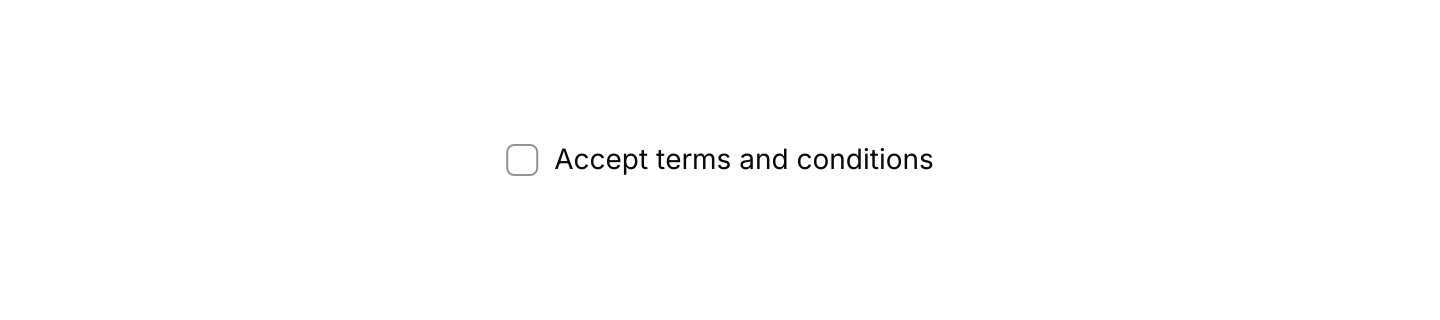

Static preview
use iced::Element;
use iced_cube::primitives::checkbox;

#[derive(Debug, Clone)]
pub enum Message {
    Accept(bool),
}

#[derive(Debug, Default)]
pub struct Example {
    accepted: bool,
}

impl Example {
    pub fn update(&mut self, message: Message) {
        let Message::Accept(accepted) = message;
        self.accepted = accepted;
    }

    pub fn view(&self) -> Element<'_, Message> {
        checkbox(self.accepted)
            .label("Accept terms and conditions")
            .on_toggle(Message::Accept)
            .into()
    }
}Select all
A parent checkbox that turns indeterminate for a mixed selection.
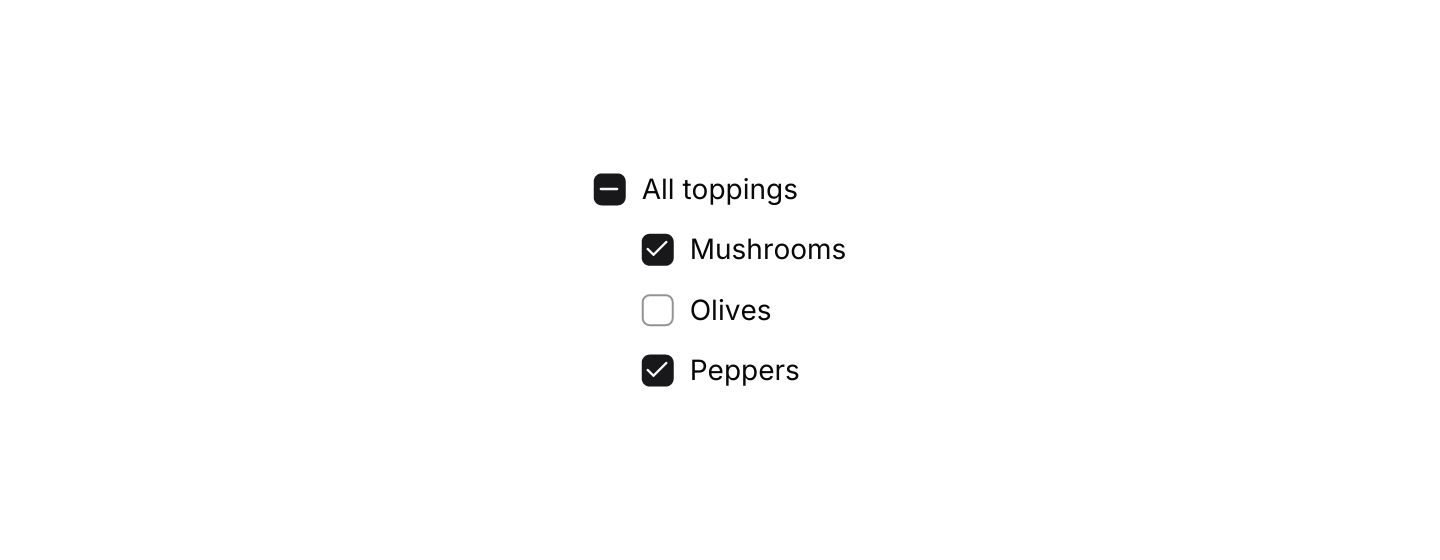

Static preview
use iced::widget::{column, container};
use iced::{Element, padding};
use iced_cube::primitives::checkbox;
use iced_cube::primitives::checkbox::CheckState;

const TOPPINGS: [&str; 3] = ["Mushrooms", "Olives", "Peppers"];

#[derive(Debug, Clone)]
pub enum Message {
    All(bool),
    Topping(usize, bool),
}

#[derive(Debug)]
pub struct Example {
    chosen: [bool; 3],
}

impl Default for Example {
    fn default() -> Self {
        Self {
            chosen: [true, false, true],
        }
    }
}

impl Example {
    pub fn update(&mut self, message: Message) {
        match message {
            Message::All(checked) => self.chosen = [checked; 3],
            Message::Topping(index, checked) => self.chosen[index] = checked,
        }
    }

    fn all(&self) -> CheckState {
        match self.chosen.iter().filter(|chosen| **chosen).count() {
            0 => CheckState::Unchecked,
            n if n == self.chosen.len() => CheckState::Checked,
            _ => CheckState::Indeterminate,
        }
    }

    pub fn view(&self) -> Element<'_, Message> {
        let toppings = column(TOPPINGS.iter().enumerate().map(|(index, name)| {
            checkbox(self.chosen[index])
                .label(*name)
                .on_toggle(move |checked| Message::Topping(index, checked))
                .into()
        }))
        .spacing(12);

        column![
            checkbox(self.all())
                .label("All toppings")
                .on_toggle(Message::All),
            container(toppings).padding(padding::left(24)),
        ]
        .spacing(12)
        .into()
    }
}API
| Item | Description |
|---|---|
checkbox(state) | Creates a checkbox from a bool or a CheckState. It renders disabled until it has a message. |
.label(text) | Adds a label after the box. Clicking the label toggles the checkbox too. |
.on_toggle(f) / .on_toggle_maybe(option) | Sets the message for a click. The closure gets the new checked value, so an indeterminate box reports true. None disables the checkbox. |
CheckState | Unchecked, Checked or Indeterminate. toggled() gives the state after a click. |
checkbox:: | The default shortcuts as a Keymap<Action>, for apps that track a current checkbox. |
Action:: | The checked value a click would send. Pass it to your on_toggle message. |
Keyboard
Default shortcuts. Every one can be changed or removed with a keymap; see Keyboard shortcuts.
| Keys | Action |
|---|---|
| Space | Toggle Checks or unchecks the current checkbox. An indeterminate box becomes checked. |